Poster Prints From Your Photos: Sizes, Paper and Framing
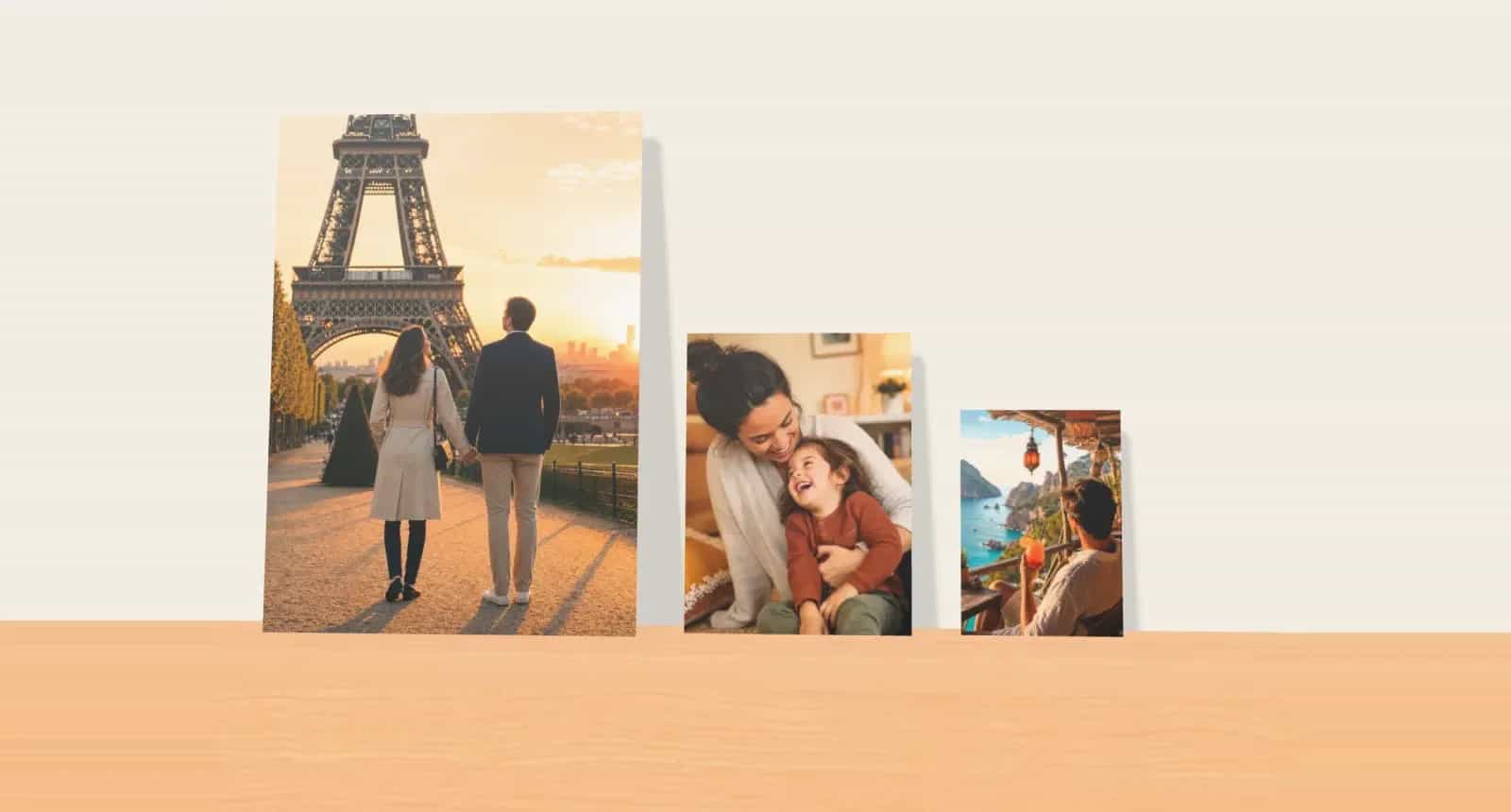
A poster is the most flexible way to get a photo onto your wall. It’s light, it costs less than canvas or a framed print, and you can frame it, clip it or pin it. You can also replace it next year without feeling bad.
Flexibility comes with a catch, though: posters get looked at from closer up than canvas does, and they usually end up in a frame you bought separately. So the size you choose and the sharpness of your photo matter more. Here’s how to get poster prints from your photos right the first time.
Start With the Frame, If You Have One
If you already own a frame, or you’ve seen one you like, start there. Measure the opening rather than the outside of the frame, then choose a poster in the same size.
Photo9 posters come in the standard sizes most frames are made for, in portrait and landscape:
Size | Dimensions | Good for |
|---|---|---|
A4 | 21 × 29.7 cm | Desks, shelves and groups of small prints |
A3 | 29.7 × 42 cm | Bedrooms, hallways and kitchens |
A2 | 42 × 59.4 cm | A single piece above a desk or a chest of drawers |
50 × 70 cm | 50 × 70 cm | A common frame size, and a good single piece |
A1 | 59.4 × 84.1 cm | A real statement in a living room |
A0 | 84.1 × 118.9 cm | A very large wall |
There are also many sizes in between, from 13 × 18 cm up, including squares. The page shows every size and price for your country.
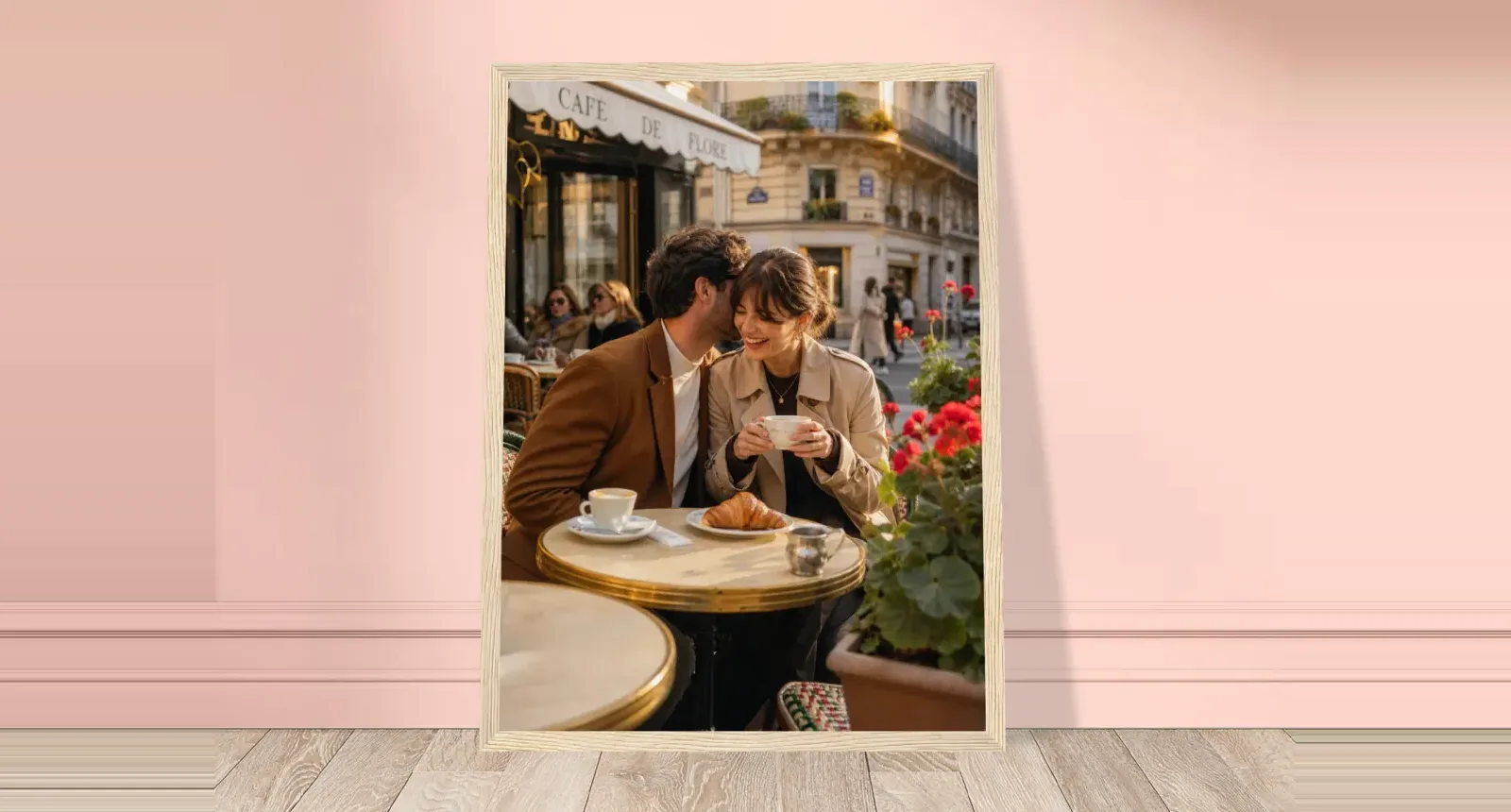
Note that posters arrive unframed. If you’d rather skip the frame shopping, a framed poster arrives ready to hang.
Make Sure the Photo Fits the Shape
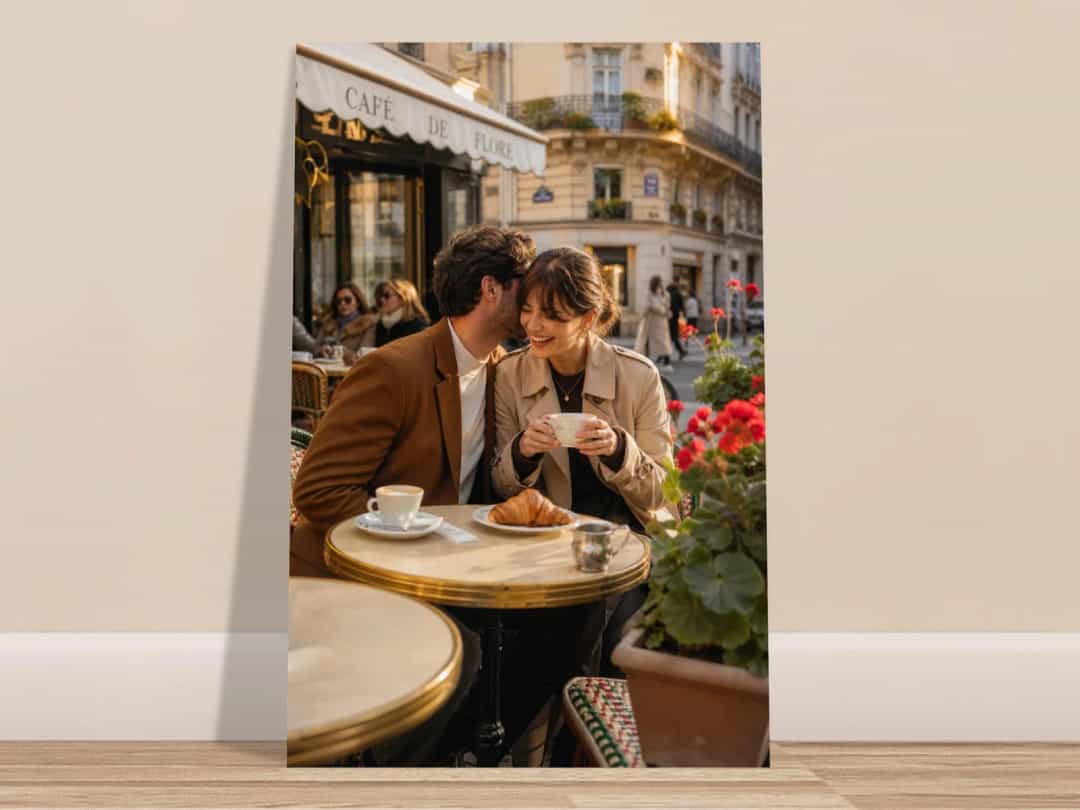
Most frames and paper sizes don’t match the shape of a phone photo. A1, A2, A3 and A4 are all slightly narrower than the 3:4 shape of a typical phone picture, so you’ll lose a little from the sides when you print upright.
This matters when people are close to the edge. Before you order:
Check the crop: drag the photo around in the editor until nothing important is cut.
Choose the shape first: an upright photo belongs on an upright poster. Cropping a wide photo to fit an upright poster costs you most of the scene.
Allow for the frame: a frame’s rim usually covers a few millimetres around the edge, so keep faces and words a little further in.
Will Your Photo Be Sharp Enough?
People stand closer to a poster than to a canvas, so sharpness shows more. A useful rule of thumb is about 200 pixels per inch for anything you’ll see up close, and a little less for large posters viewed from a distance.
Poster size | About 200 pixels per inch | Is a phone photo enough? |
|---|---|---|
A4 | 1,650 × 2,350 pixels | Yes, easily |
A3 | 2,350 × 3,300 pixels | Yes, at full size |
A2 | 3,300 × 4,700 pixels | Usually, as a 12-megapixel photo gets you close |
A1 | 4,700 × 6,600 pixels | Fine from a few steps away; soft if you stand very close |
Three things reduce your photo’s quality more than people expect:
Pictures saved from messaging apps or social media, which are often small copies
Zooming in on your phone when taking the picture, or cropping heavily afterwards
Low-light photos, which show their grain and blur more when printed large
The editor warns you if a photo is too small for its printed size. For getting the original files off your phone, see these tips on printing photos from a phone.
What Can You Put on a Poster?
A poster has no wrap or thick edge, so the design has few restrictions. That makes it the easiest format for designs with words.
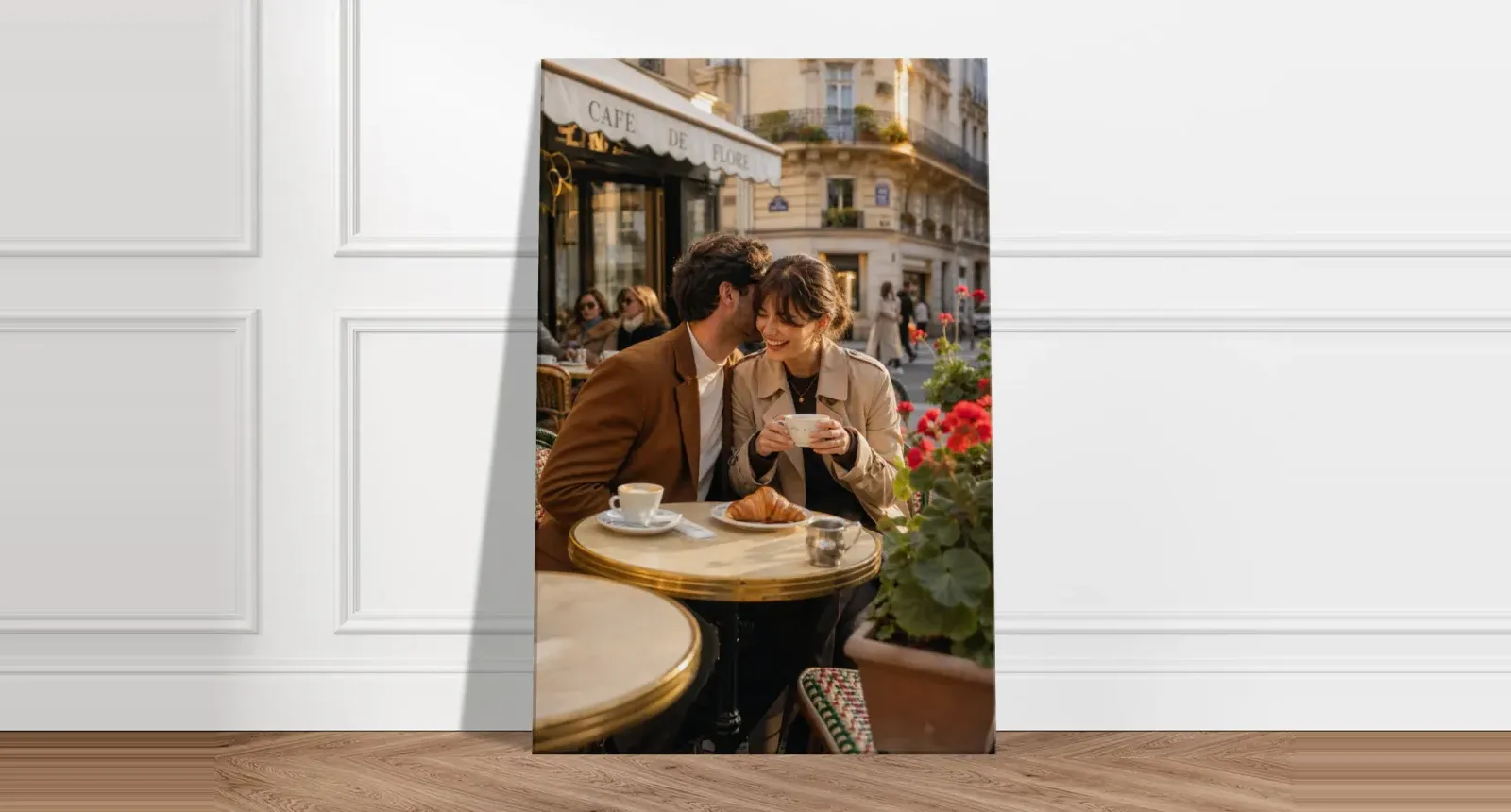
If you’re also considering a thicker wall piece, our guide to canvas prints from your photos explains sizes, crops and wrapped edges.
Design | How to do it well |
|---|---|
A single photo, edge to edge | Choose the sharpest photo you have, with one clear subject |
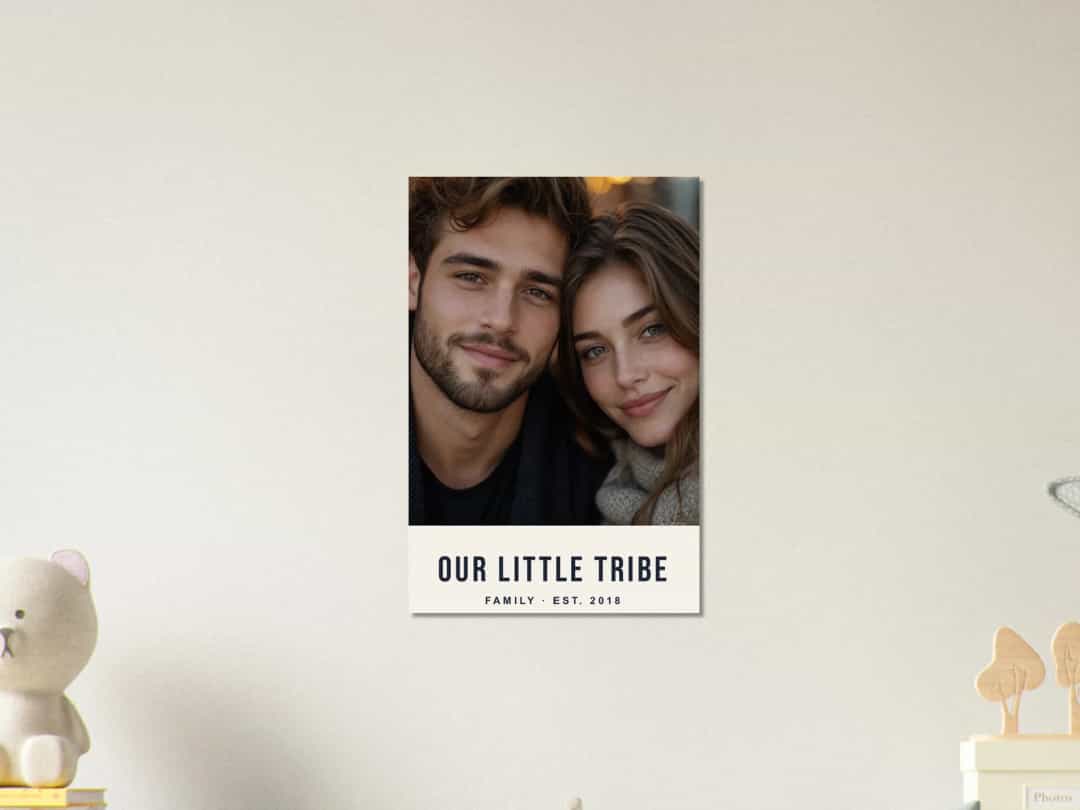
Photo with a name or date | Put the words on a plain band below the photo, so they stay easy to read |
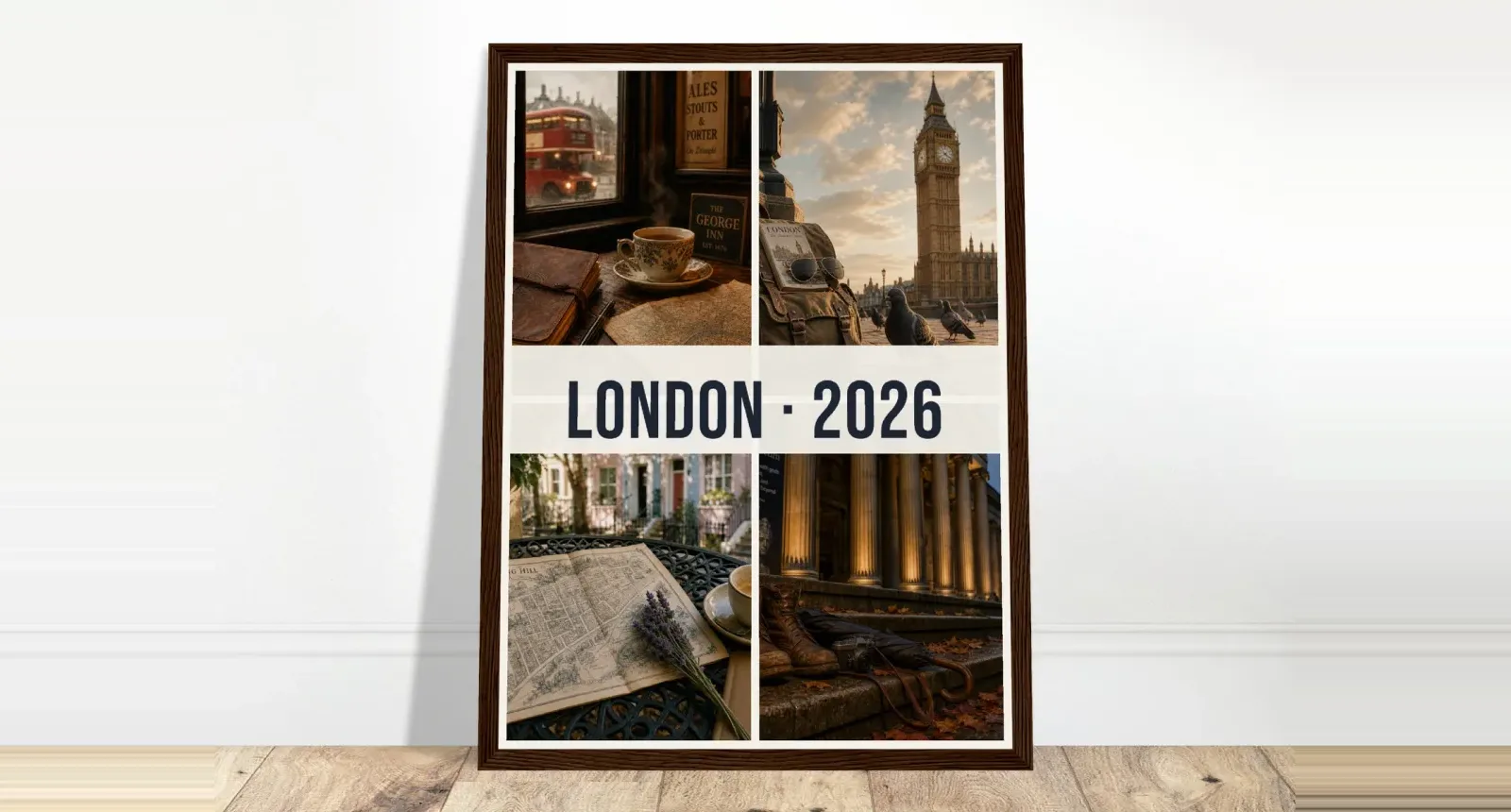
Travel poster | One big photo with the place name in large letters |
Collage | Choose four to six photos with similar colours, with even gaps between them |
Coordinates or a family list | A plain background and large type make this work as a piece of design |
A poster is also a good place for longer words, such as song lyrics or a short quote, as you can read it up close. Keep at least one line large enough to read from across the room.
What Paper Is It?
Photo9 posters are printed on 200 g premium coated paper with a gloss finish, which makes colours and dark areas look deep. Gloss reflects some light, so think about what’s opposite the wall. If there’s a large window, try hanging the poster at an angle to it, or choose a wall that gets less direct light.
Three Ways to Hang a Poster
In a frame: the most finished look. Standard sizes fit frames you can find in most home stores.
On a clip hanger: two strips of wood or metal along the top and bottom. It looks relaxed, and swapping posters takes seconds.
With washi tape or pins: it’s the cheapest option and works well in a child’s room or a student flat, though it can mark the corners.
A group of posters in matching frames also makes an easy gallery wall. Keep the same type of frame and the same gaps between them, and start with a large piece in the centre. For more on placing art around the home, see these personalised photo wall art ideas.
Before You Order
Measure the frame you plan to use.
Check the crop in the final shape, especially near faces.
Read every word, including dates and names.
Check the size on your wall by taping up a sheet of paper or card of the same dimensions.
The delivery time and cost for your country are shown before you pay.
Make Your Poster
Upload your photo, describe the look you’d like, and the AI lays out a design you can change as much as you like. Create your poster print with Photo9 in your browser, with no app to install.
FAQ
How do I print a photo as a poster?
Choose a size that fits your frame or wall, upload your photo, check the crop and add any text. Then check the preview before ordering.
What size should photo posters be?
A3 and A2 are the most common for homes, while A1 makes a real statement. If you already have a frame, choose the size that matches its opening.
What resolution do poster prints need?
About 200 pixels per inch is a good target for a poster you’ll see up close. A 12-megapixel phone photo is enough for A3 and close to enough for A2.
Do poster prints come with a frame?
No, posters are delivered unframed. Standard sizes fit frames from most home stores. If you’d like one ready to hang, you can choose a framed poster.
Can I add text to a custom poster?
Yes. You can add names, dates, quotes or song lyrics. Text is easiest to read on a plain band or a calm part of the photo.