Canvas Prints From Your Photos: Sizes, Crops and Tips
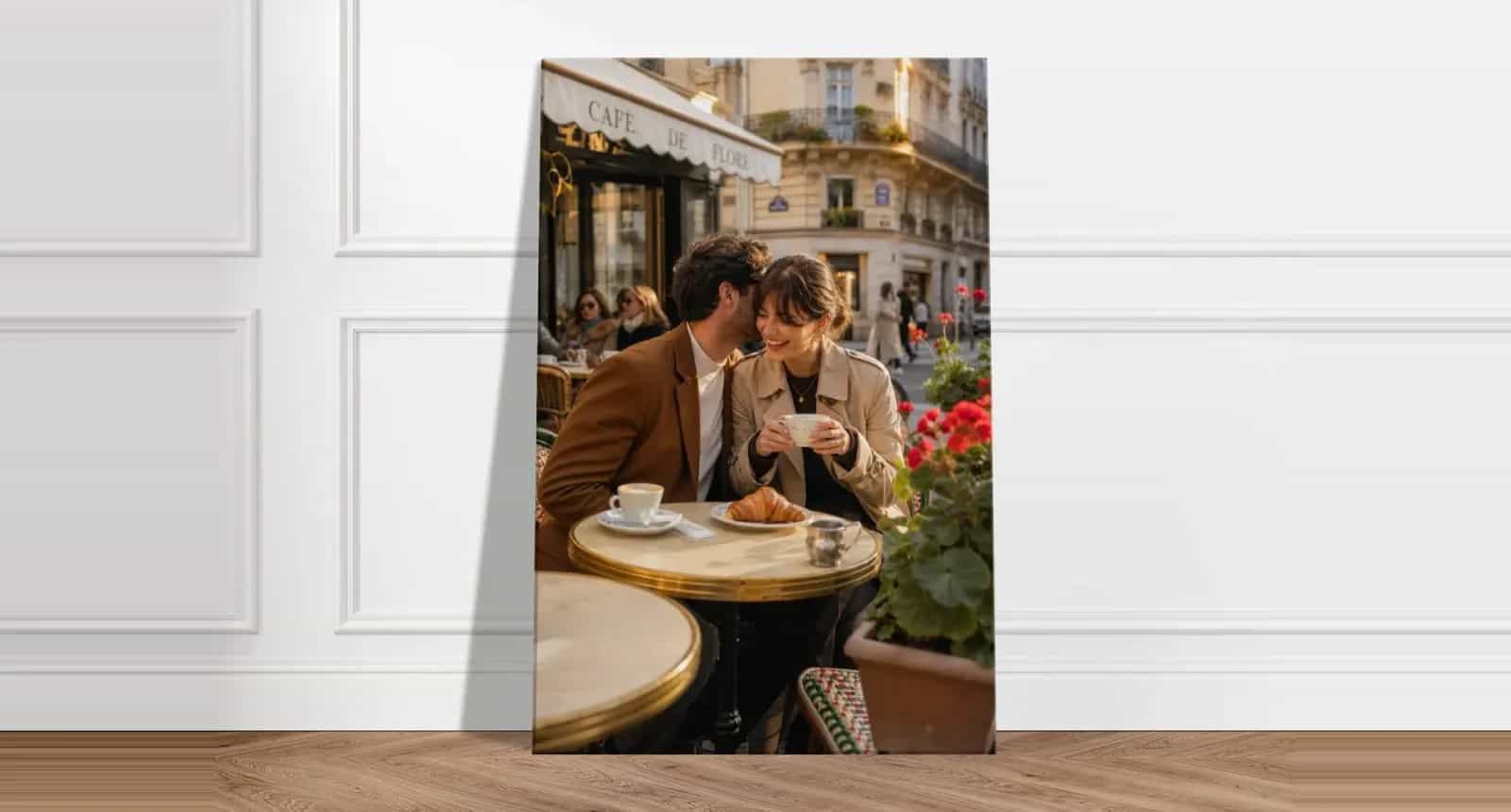
Canvas wall art has a different job from a poster or a framed print. It has no frame and no glass, so the picture runs right to the edge and around the sides, and from across a room it reads as one solid object on the wall. That suits some photos very well and others not at all.
This guide covers what to think about before ordering canvas prints from your photos: how the wrapped edge changes your crop, how to pick a size for your wall, and which photos stay sharp when they get big.
How a Canvas Print Is Made
Your photo is printed on canvas, then stretched over a wooden frame. The image wraps around the sides, so it needs no frame and arrives with hanging hardware attached, ready for the wall. A Photo9 canvas is about 2 cm deep.
That wrap is the detail most people miss. Part of your photo doesn’t sit on the front at all: it turns the corner and ends up on the side.
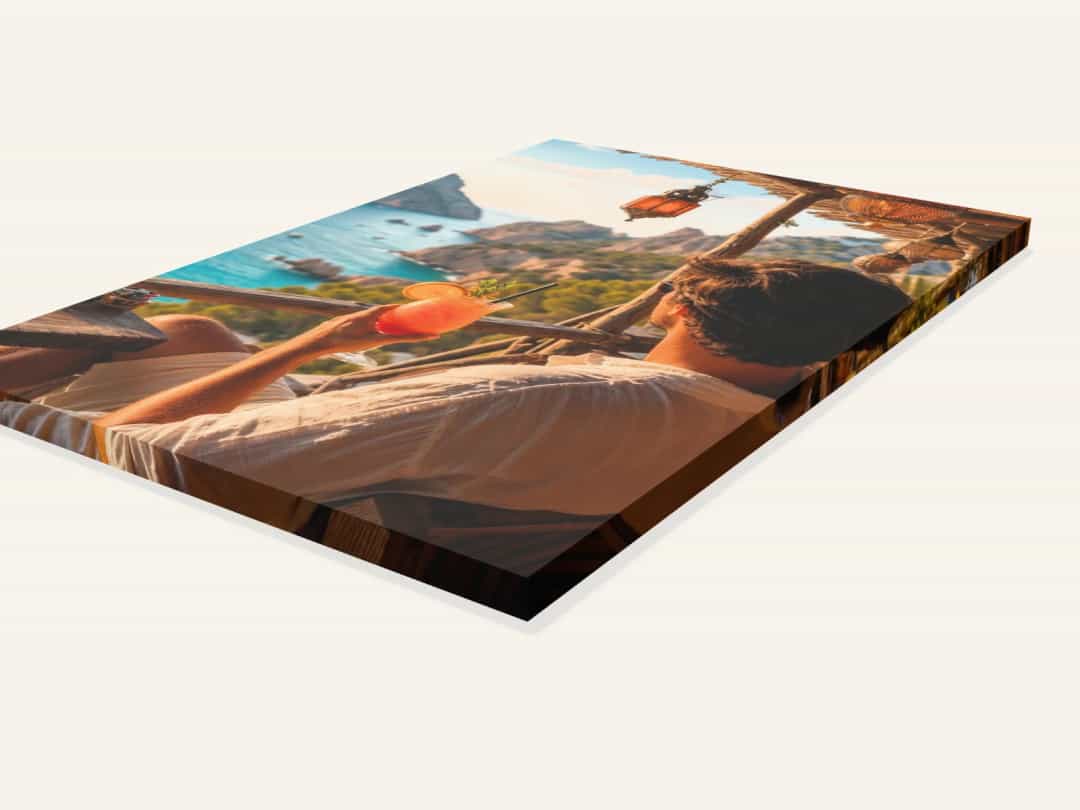
Crop for the Wrap
Anything important needs to stay away from the edges of your design. Here’s how to think about it:
Faces and eyes: keep them well inside the front of the canvas, never close to the edge. A nose turning a corner is the classic canvas mistake.
Text: treat words the same way. Names and dates should sit clearly on the front, with a comfortable margin.
Backgrounds: sky, sea, grass and walls are ideal for the edges, because they look natural when they run around the sides.
Check the design from the side in the 3D preview before ordering. It’s the fastest way to see what ends up on the edge.
Which Size Fits Your Wall?
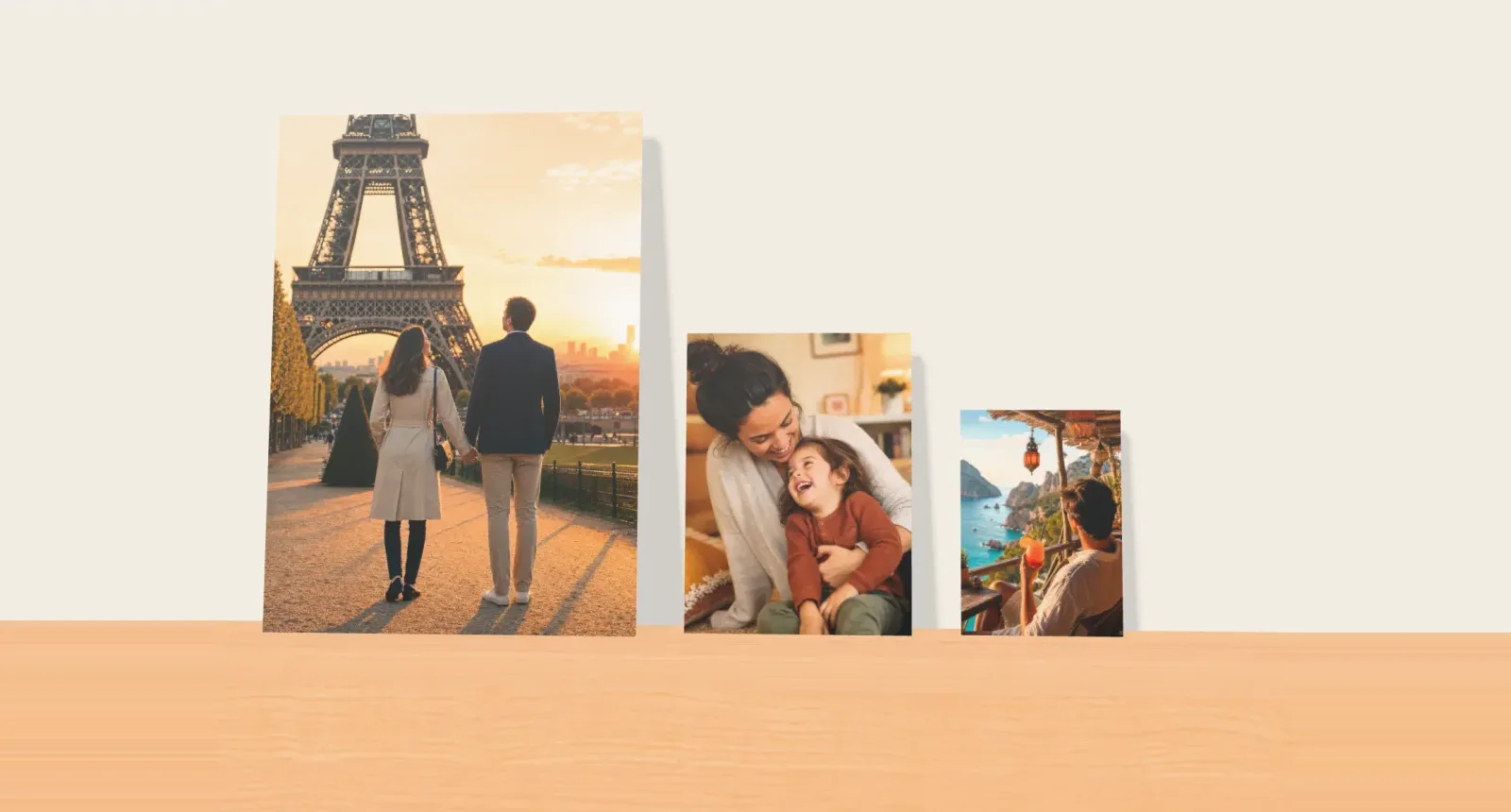
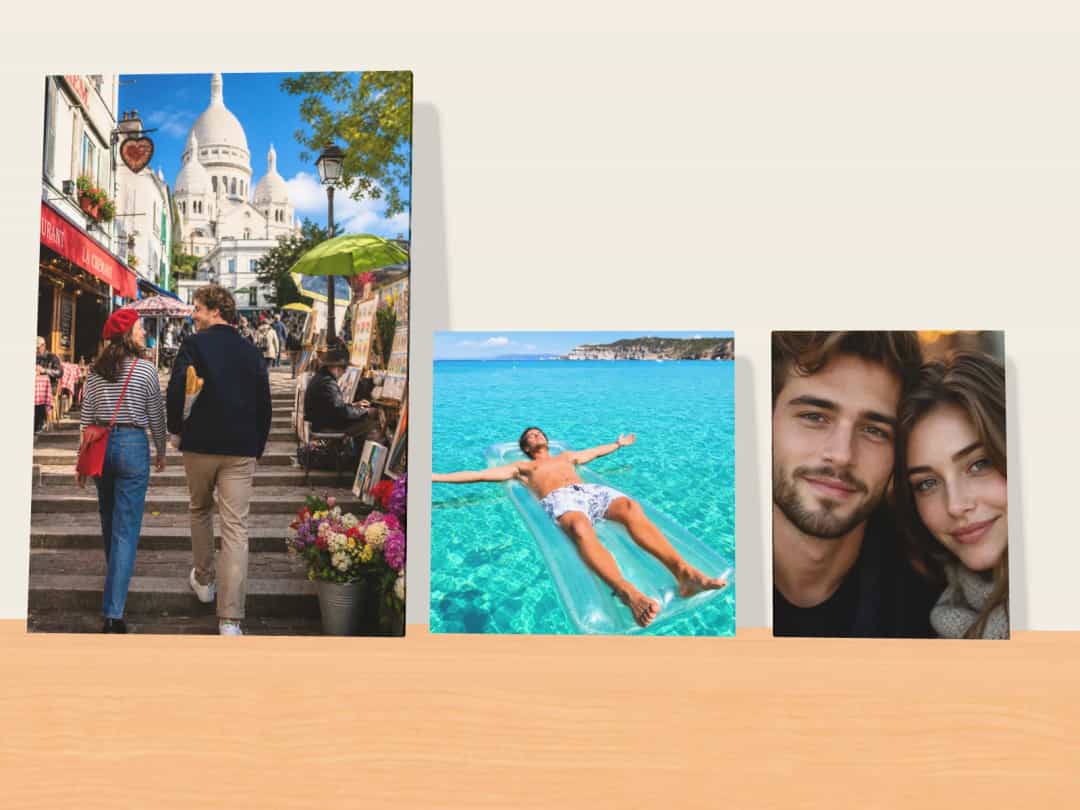
Photo9 canvases range from 20 × 20 cm to 100 × 70 cm, in square, portrait, landscape and long panoramic shapes. Prices for each size are shown when you start your design. To choose:
Where it’s going | Try | Why |
|---|---|---|
Shelf, desk or small gap | 20 × 20 to 30 × 30 cm | Reads as a small object, close up |
Hallway or beside a door | 30 × 45 to 40 × 60 cm | Clear from a few steps away |
Above a bed or a small sofa | 60 × 40 to 75 × 50 cm | Enough presence without crowding |
Above a large sofa or sideboard | 90 × 60 to 100 × 70 cm | A single statement piece |
A long, narrow space | 60 × 20 to 100 × 30 cm | A panorama for a skyline or a beach |
A simple way to test a size is to cut a sheet of paper or cardboard to the dimensions and tape it to the wall for a day. As a rule of thumb, a piece above furniture looks most settled at around two-thirds of the furniture’s width. People also tend to choose too small: a canvas that seemed large on screen can look lost on a real wall.
Which Photos Work Best on Canvas?
Canvas has a slight texture and a soft, painterly feel. It’s kind to some subjects and less kind to others.
Strong choices:
Landscapes, seascapes and skies, with big shapes and calm edges
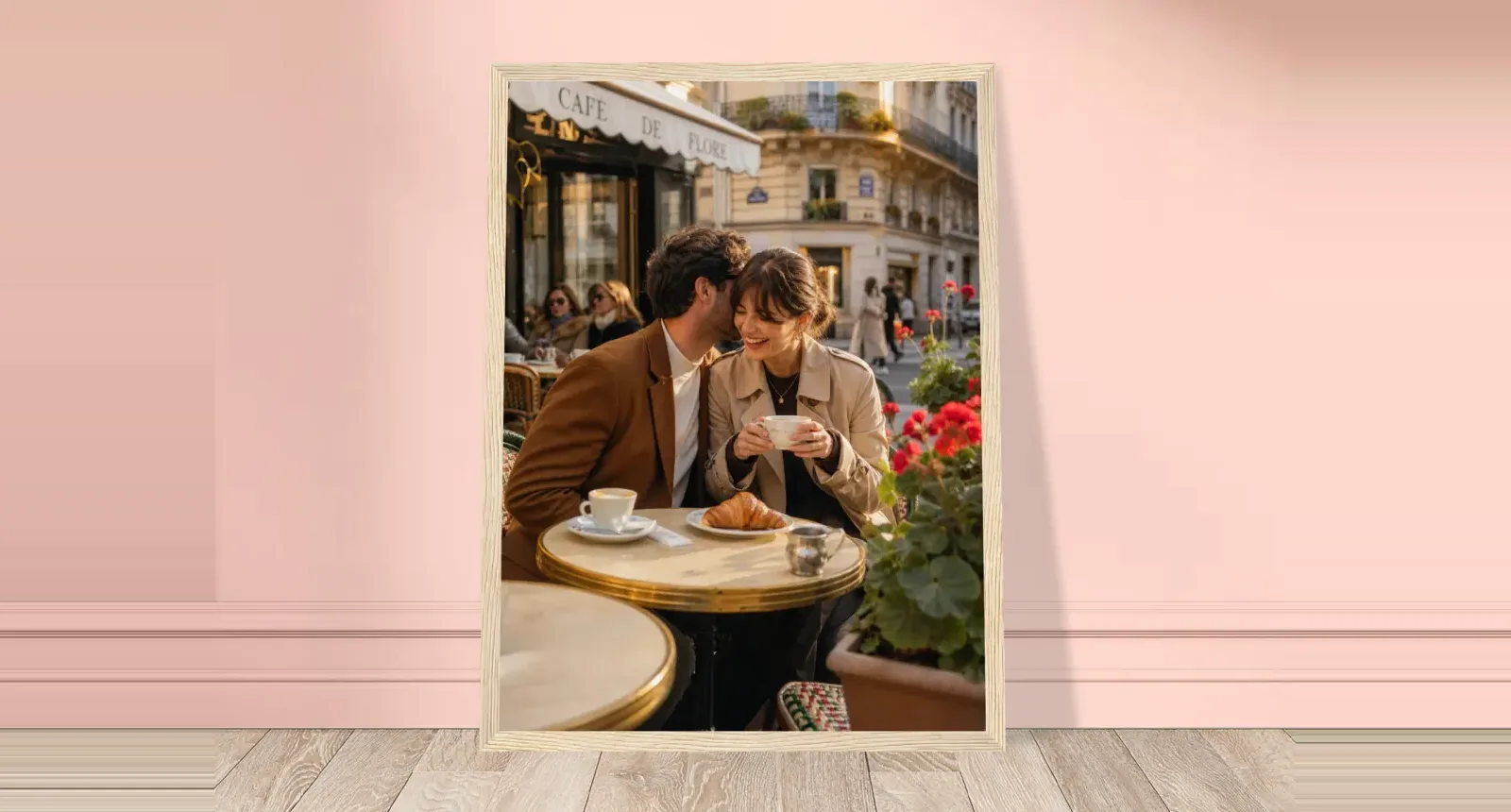
Portraits with one or two people, taken close enough to see expressions
Warm, simple family moments with a clear subject
Weaker choices:
Very fine detail, such as small text or intricate patterns, which the texture softens
Group photos where the people at the ends stand close to the frame, because they’ll end up on the wrap
Dark photos with little contrast, which can look flat on the wall
How large can your photo go?
You view a canvas from further away than a photo in your hand, so it doesn’t need as many pixels per inch as a small print. As a guide, aim for at least 2 megapixels on a small canvas and 10 or more for a large one. A recent phone photo at full size meets that. Problems usually start when a photo has been heavily cropped, or saved from a message or social media.
For tips on getting the full-size files off your phone, see how to print photos from your phone.
One Photo, a Collage, or Words?
A single photo is the classic choice, and usually the strongest. But a canvas can also carry other designs.
Design | Works well for |
|---|---|
One photo, edge to edge | Landscapes, portraits and anything with a clear subject |
Photo with a name or date | Weddings and new babies |
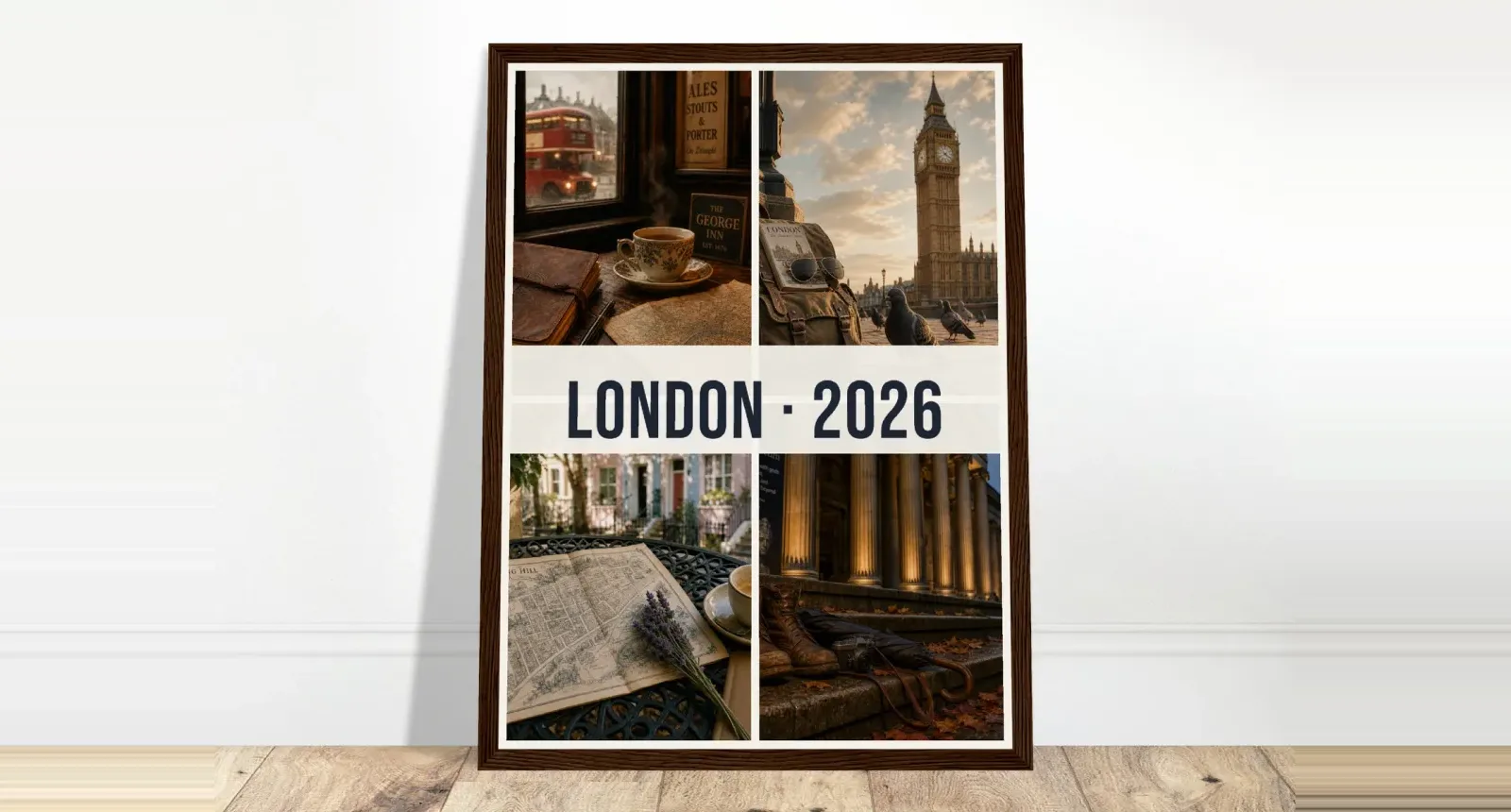
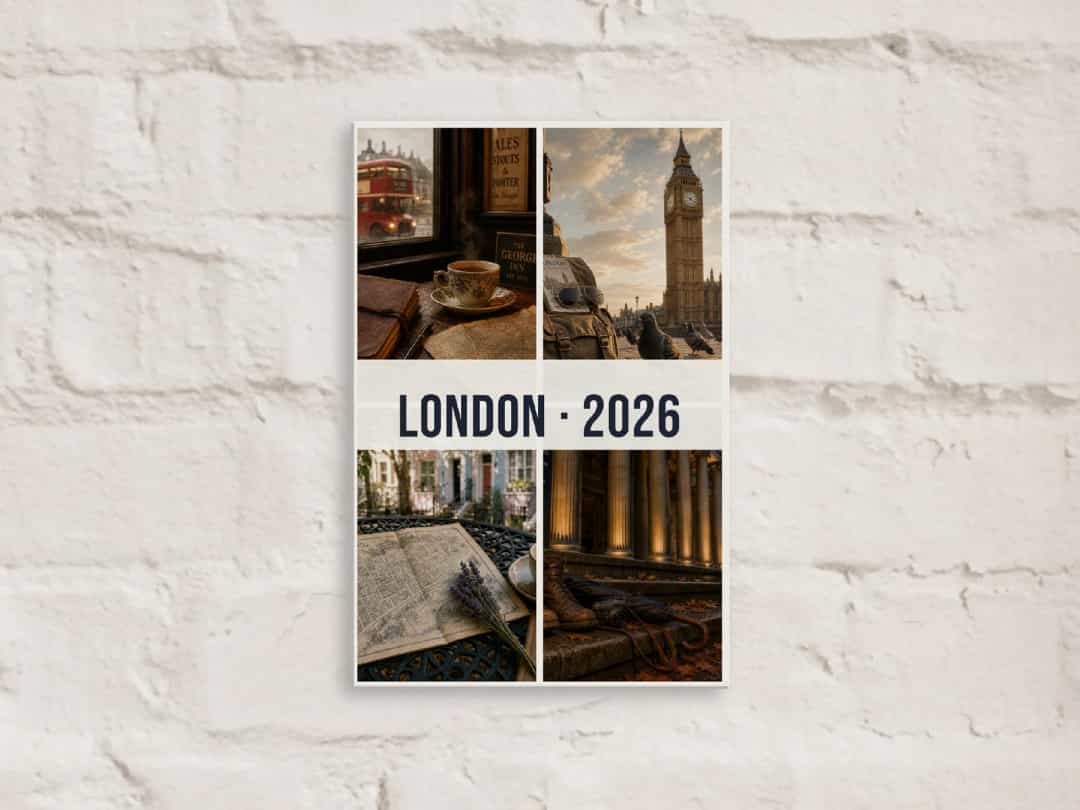
Collage of four photos | A trip or a family year, with space between photos so each one reads |
Words only | A family name list, or a quote you want to live with |
If you’re adding text, leave a calm part of the photo for it, or use a plain band. Keep it short, because words are read from further away on a wall than they are in a book.
Canvas or Something Else?
Canvas isn’t always the right answer. If you want a sharp, clean photo with fine detail, a poster behind glass may suit it better. And if you want the same soft look with a finished edge, a framed canvas adds a solid wood frame around it.
If you’re weighing those options, our guide to framed photo prints compares framed posters and framed canvas.
Option | Finish | Best if you want |
|---|---|---|
Canvas print | Wrapped edges, no frame | A soft, modern look that’s ready to hang |
Framed canvas | Canvas in a floating wood frame | A gallery finish |
Poster print | Paper, delivered unframed | Fine detail at a lower price, and your own frame |
Framed poster | Paper behind plexiglass, in a wood frame | A ready-to-hang classic |
For more room-by-room ideas, these personalised photo wall art ideas can help you decide what goes where.
Hanging Your Canvas
Your canvas arrives with a hanging kit attached to the back, so you only need a nail or a hook on the wall. As a starting point, hang it so its centre is close to eye level, or about a hand’s width or two above furniture. If you’re hanging several together, lay them out on the floor first and keep the gaps between them equal.
Before You Order
Check the edges: turn the design in the 3D preview and look for faces or words near the sides.
Check the size on your wall: use the paper test if you’re unsure.
Check the photo size: the editor warns you if a photo is too small for the print.
Check the crop: a photo often needs moving once it’s in the final shape.
The delivery time and cost for your country are shown before you pay.
Make Your Canvas
Upload your photo, describe what you’d like if you want help with the layout, and pick a size. You can see how the canvas will look from every side before you order. Create your canvas print with Photo9 in your browser, with no app to install.
FAQ
How do I get a canvas print from a photo?
Upload your photo, choose a size and shape, adjust the crop so faces and words stay clear of the edges, and check the 3D preview. The canvas arrives stretched over a wooden frame and ready to hang.
What resolution do I need to print a photo on canvas?
Aim for at least 2 megapixels on a small canvas and 10 or more on a large one. A recent phone photo at full size is usually enough, unless it has been heavily cropped.
What size should custom canvas prints be?
It depends on the wall. Small sizes up to about 30 cm suit shelves and desks, while 60 × 40 cm suits most spaces above a bed. Large sizes up to 100 × 70 cm work above a sofa.
Do canvas prints need a frame?
No. The image wraps around the sides of a wooden frame, so it looks finished without one, and a hanging kit is already attached. If you’d like a frame anyway, you can choose a framed canvas instead.
Can I add text to a photo canvas?
Yes. You can add names, dates or a quote. Keep the words short, on a calm part of the photo, and well away from the edges.