How to Design a Photo T-Shirt or Hoodie With AI and ChatGPT
Designing your own clothing used to mean a template that looked like everyone else’s, or an afternoon with design software. With AI, you can describe the shirt you want and see a layout in seconds. What it still can’t do is choose your size, or know that your brother hates that photo, and those are the decisions that matter most on something people wear.
This guide covers AI t-shirt design in Photo9: how to design photo t-shirts, hoodies and sweatshirts, in our chat or in ChatGPT, and which parts to keep for yourself.
Where AI Helps, and Where It Doesn’t
Job | What the AI does | What you do |
|---|---|---|
Layout | Places your photo and words on the front or back | Choose the photo |
Words | Adds a slogan, a name or a number when you ask | Check the spelling |
Colour and print | Switches the garment colour and the print method | Decide how it should look |
Size | Changes the size you ask for | Measure, and choose the right one |
The assistant works from your photos’ sizes and dates, not from what’s in them. It won’t notice that someone’s eyes are closed, so that check stays with you.
Start in the Photo9 Chat
Open the chat on the site and describe what you want, for example “Make a family t-shirt from my photos”. You can also ask questions first:
“Hoodie, sweatshirt or t-shirt: which should I choose?”
“DTG or DTF: which is better?”
“Which size should I order?”
“Can I print on the back too?”
The chat finds the products and prices for your country and creates the garment. Then you upload your photos, and the AI places them on the front.
Or Start in ChatGPT
If you already use ChatGPT, you can design it there. Open Photo9 in ChatGPT and ask for a t-shirt, hoodie or sweatshirt. A card opens in the chat, where you pick your photos from your device and press the button to create it. Photos you’ve already attached to the chat can’t be used, so add them through the card.
You can then ask for another colour, size or print method, a different layout, or new words for the texts already on the design. You can also ask to see ready-made looks, such as “Show me some looks for my t-shirt”. Photo9 shows your shirt in each one, and the look you choose takes your photos and keeps any words you’ve written. When you’re happy, the card takes you to your browser, where you confirm with a six-digit code. Anything else you’d like to change, and the order itself, happen there. Read how Photo9 works in ChatGPT.
Step 1: Describe the Garment and the Occasion
You’ll get a better first design if you give the main details together:
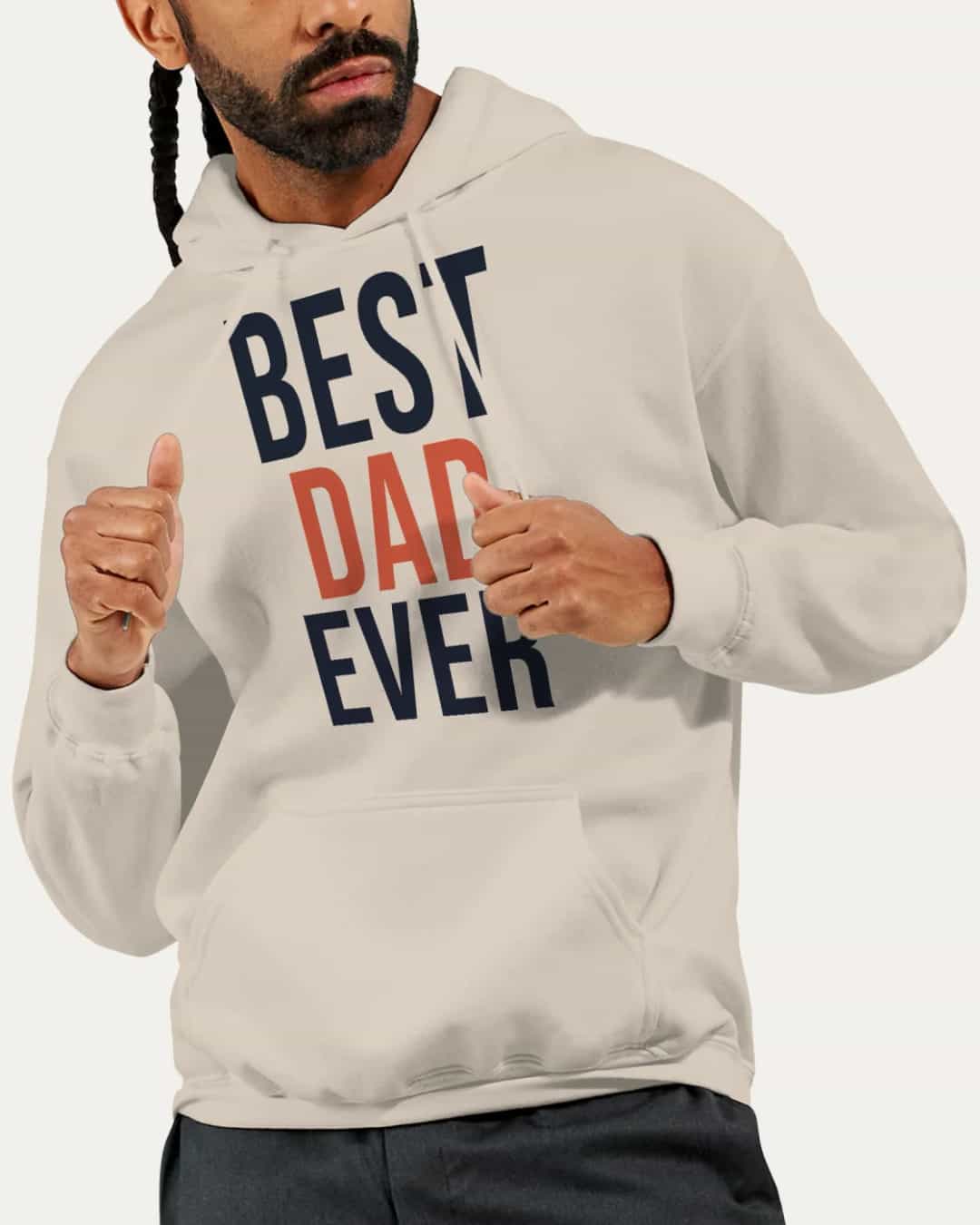
“Make a sand-coloured hoodie for my dad’s 60th, with ’Best Dad Ever’ in big letters on the front.”
The details that help most are:
The garment: t-shirt, hoodie or sweatshirt
The colour: the shirt colour changes how a photo looks on it
The occasion: a birthday, a team, a hen party or a family trip
Front or back: where the main design goes
Step 2: Ask for Words, Not Only Photos
On clothing, big words often work better than a photo, because they can be read from across a room. Try these:
What you want | What to say |
|---|---|
A slogan | “Add a short slogan under the photo” |
A team look | “Add a name and a number to the back” |
A different arrangement | “Show me other layouts for the front” |
A ready-made design | “Show me some looks for my shirt” |
A classic feel | “Make this photo black and white” |
If you’d like the AI to suggest the slogan, give it the facts: “Five short slogans for my dad’s 60th. He loves fishing and bad jokes. No more than four words each.” Then pick one and say it out loud. A slogan on a shirt is worn in public, so make sure the person will be happy wearing it.
Step 3: Pick the Colour and the Print Method
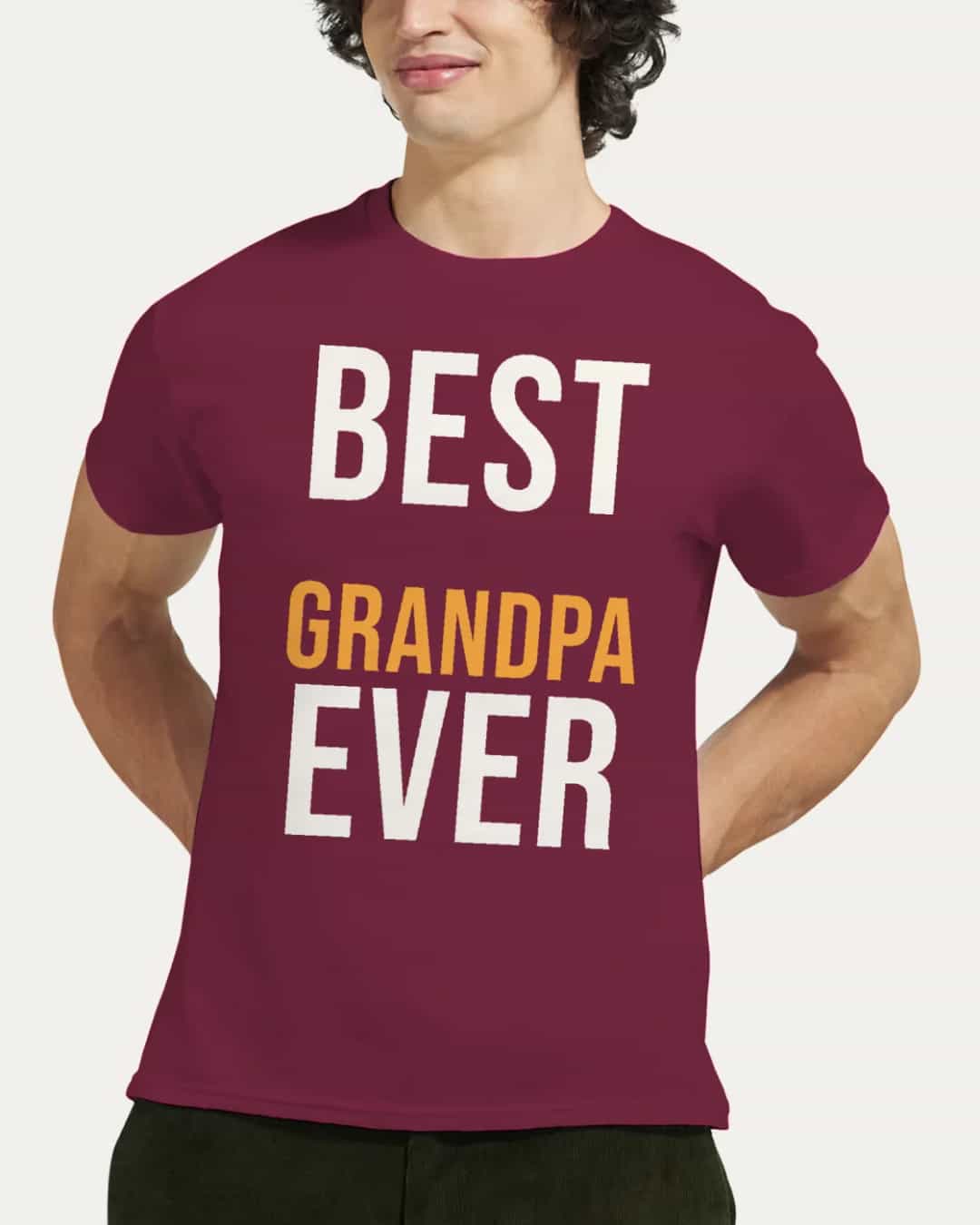
Ask “Which print technique suits my shirt?” and the chat explains the difference. In short, DTG prints the ink into the fabric and suits white and light colours, while DTF presses a thin film onto the shirt and suits dark and heather colours. The editor recommends one for each colour, and you can switch by asking, for example “Use DTF”.
On a dark shirt, a photo looks like a rectangle sitting on top of the fabric. That can look great on purpose, for instance with words in a bright colour, but check it in the preview before you order.
If your design is mostly a photo, our guide to printing your own picture on a shirt helps with image choice, print size and fit.
Step 4: Allow for the Hoodie’s Pocket and Hood
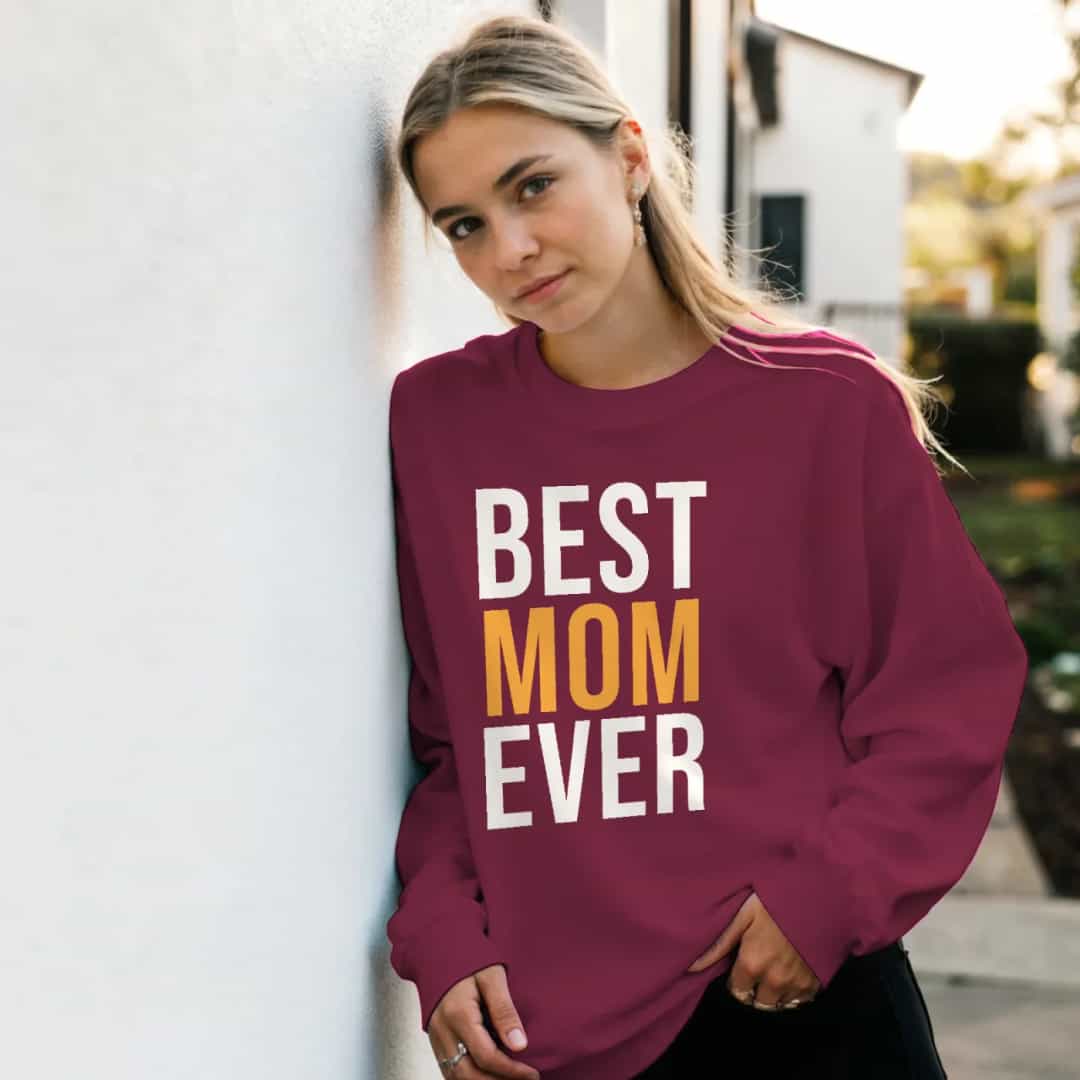
A hoodie has two parts that change the design. The front print sits above the pouch pocket, so it’s a square. On the back, the hood covers the top of the print when it hangs down, and the editor shades that band.
If you ask the AI to “add a name to the back”, check that the name sits below the shaded band, especially after you change the size or the layout. A sweatshirt has no pocket or hood, so both its front and back take an upright print.
The Checks No AI Makes for You
The size: every garment is printed to order, so a wrong size can’t be returned. Measure a garment that fits well and compare it with the size chart. The AI can change the size, but it can’t tell you which one fits.
Spelling: read names, numbers and dates letter by letter, especially on a team order.
Placement: keep faces on the upper chest, not near the stomach or under the arms.
The photo: use the original file. The editor warns you if a photo is too small for its printed size.
The back: the front print is included, a back print is a small extra, and an empty back isn’t printed or charged.
Ideas to Try
Occasion | A prompt to start with |
|---|---|
Family reunion | “A white t-shirt with our group photo and the family name on the back” |
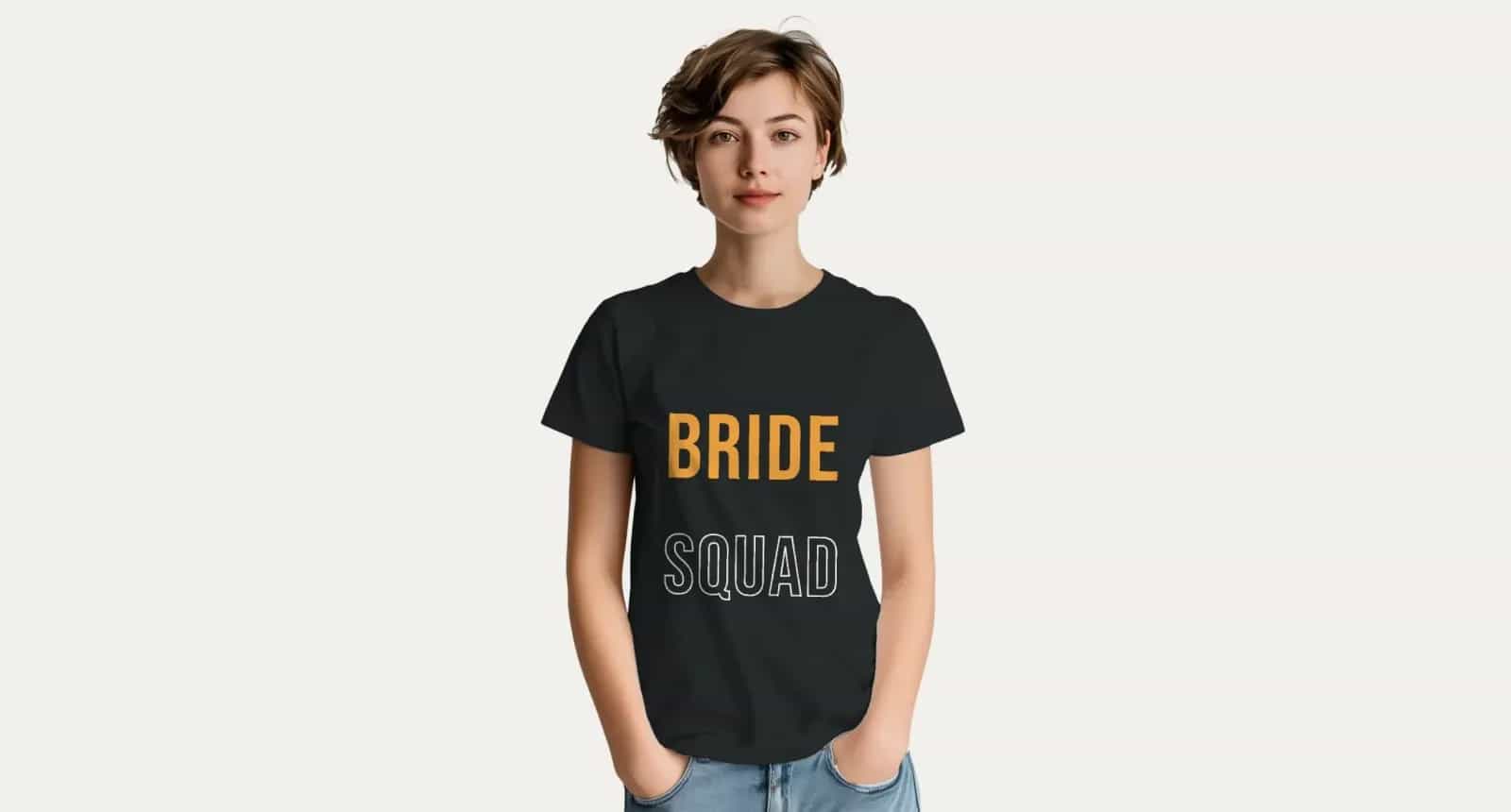
Hen party | “A black t-shirt with Bride Squad on the front and the date on the back” |
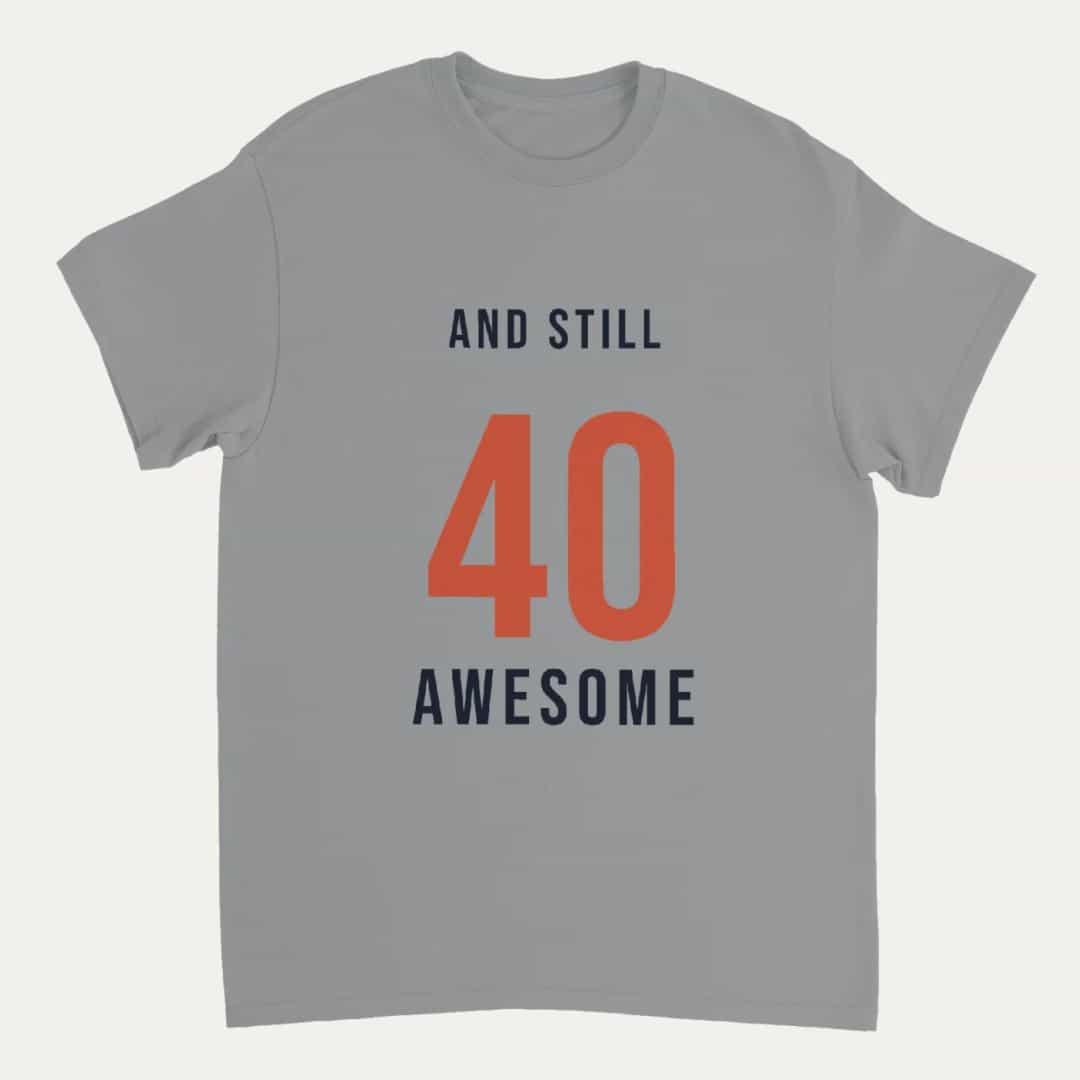
Birthday | “A grey t-shirt that says And still 40 and awesome” |
School leavers | “A hoodie with the class photo on the front and the year on the back” |
Team | “A sweatshirt with our badge on the front and a name and number on the back” |
Each design is printed as you made it, so for a different name on each shirt, make one design per person.
Make Yours
Bring one photo or one line of text, and say who it’s for. The AI does the layout, and you choose the size. Design your photo t-shirt with Photo9, or make a hoodie or a sweatshirt, in your browser with no app to install. Looking for a present? This Father’s Day gift guide and these Christmas photo gifts have more ideas.
FAQ
Can ChatGPT design a t-shirt?
Yes, with Photo9 in ChatGPT. Ask for a t-shirt, hoodie or sweatshirt, add your photos in the card in the chat, and Photo9 makes the design. You can change the colour, size and print method by asking, then order in your browser, and it’s printed and delivered. On its own, ChatGPT can suggest ideas and slogans, but it can’t print them.
How do I design a t-shirt with AI using my own photo?
Upload your photo to Photo9 and say what you want, such as “Add a short slogan under the photo”. The AI places the photo and the words, and you can change anything in the editor. Check the preview and the size chart before you order.
Can AI choose my t-shirt size?
It can change the size when you ask, but it can’t know what fits you. Measure a garment that fits well and compare it with the size chart, because a wrong size can’t be returned.
Can I put a different name on each shirt?
Each design is printed as you made it, so make one design per person for a different name on each shirt.
Is DTG or DTF better for a custom hoodie with a photo?
DTG suits white and light colours and feels soft. DTF suits dark and heather colours and gives vivid colours with crisp edges. The editor recommends one for each colour, and you can choose the other.