Photo T-Shirts: How to Print Your Own Picture on a Shirt
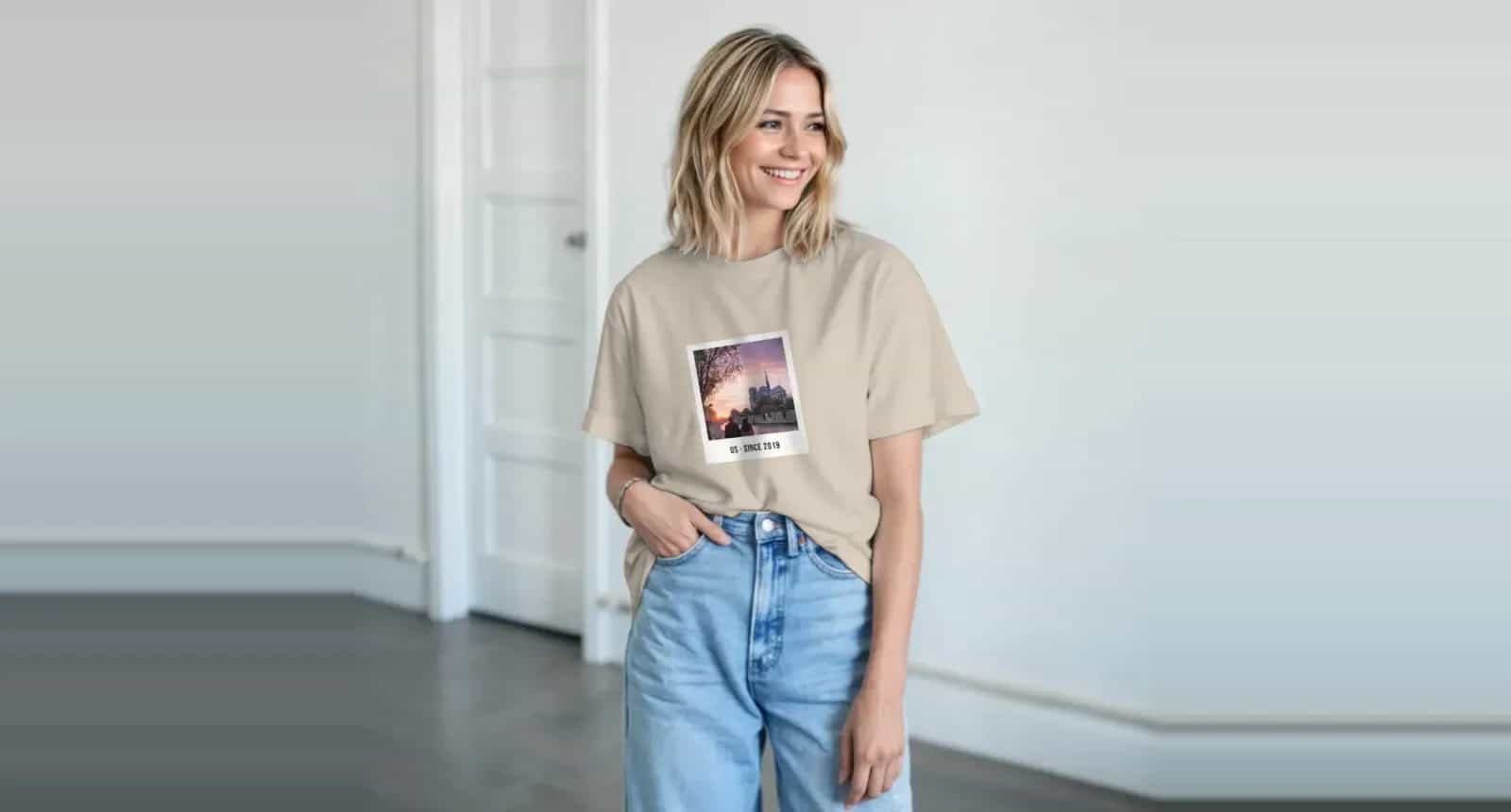
A photo on a t-shirt can look great or look like a sticker someone pressed onto a shirt. With photo t-shirts, the difference rarely comes down to the photo. It comes down to the shirt colour, the print method and the size of the design, and whether those three were chosen with each other in mind.
This guide takes you through those decisions, plus the one that can’t be undone later: the size of the shirt itself.
Start With the Shirt Colour
Most people choose the photo first, but it’s worth deciding on the shirt colour at the same time, because the two have to work together. Photo9 t-shirts come in 27 colours, from white and natural to navy, black, red and heather greys.
Shirt | How photos look | Good for |
|---|---|---|
White or natural | Bright and true to life; pale edges can fade into the shirt | Most photos, family shirts and children’s faces |
Light colours, such as sand or light blue | Soft and warm | Relaxed holiday and couple designs |
Strong colours, such as red or royal | Vivid; the photo has to compete with the shirt | Bold words, or team and event shirts |
Black, navy or dark heather | Rich and striking; a clear rectangle around the photo | Bands, city shots and text-based designs |
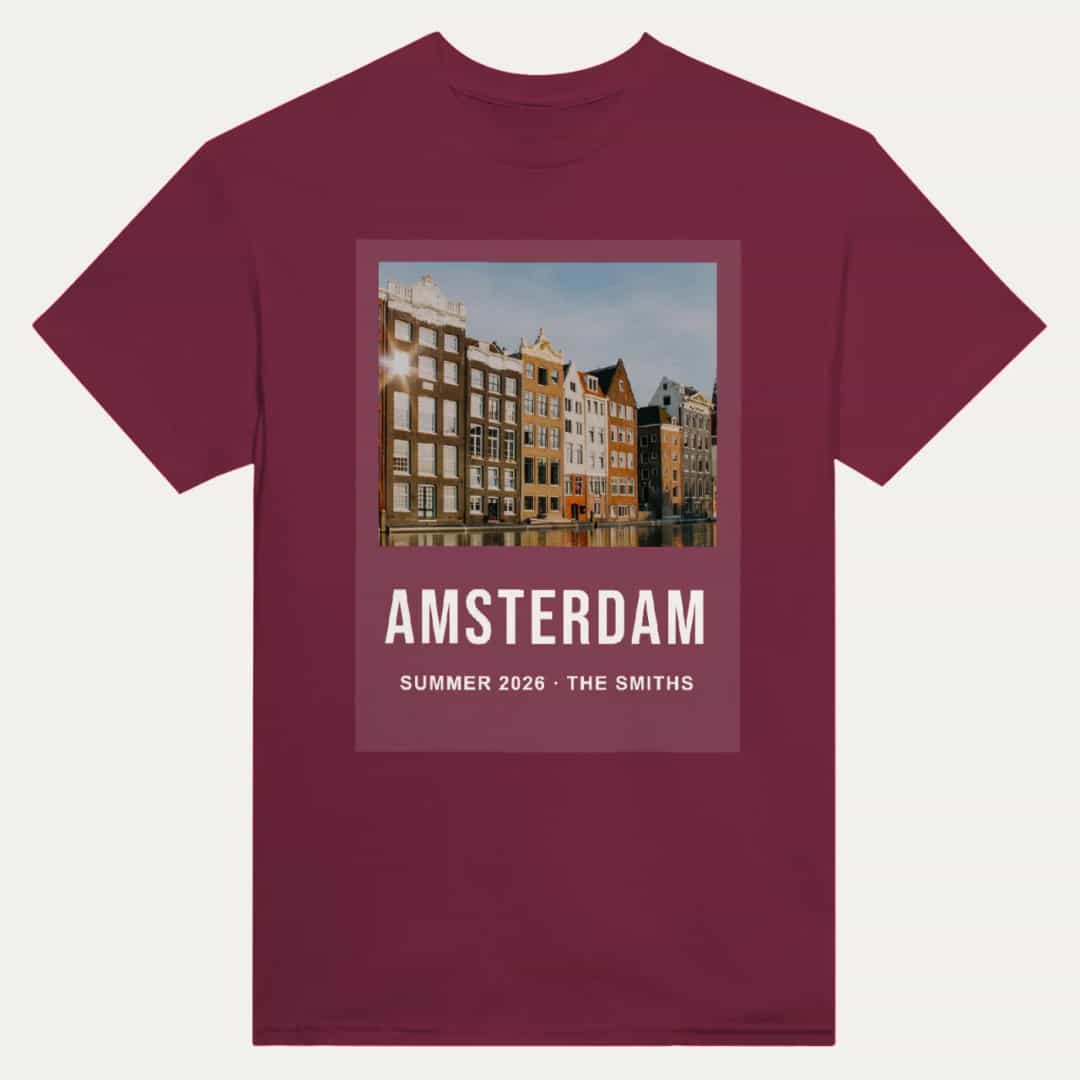
With a photo that has a light or white background, a white shirt lets the edges disappear softly, while a dark shirt makes the picture look like a rectangle sitting on top of it. That can look good on purpose, for instance with a border that resembles a polaroid, but it’s worth being intentional.
DTG or DTF: Which Should You Choose?
We print in two ways. Each suits different shirts, and the editor recommends one for each colour.
Feature | DTG (direct to garment) | DTF (direct to film) |
|---|---|---|
How it works | Prints the ink into the fabric | Presses a thin, smooth film onto the shirt |
How it feels | Soft and breathable | Smooth, with a slight film on top |
How it looks | Natural, with the fabric showing through a little | Vivid colours and crisp edges |
Best on | White and light shirts | Dark and heather shirts |
For most people, the recommendation for the colour you’ve picked will be the right one. You can always choose the other.
How Big Should the Photo Be?
The largest print is 30.5 × 40.6 cm (12 × 16 in), the same on every shirt size. It doesn’t have to be that large, and often it shouldn’t be. On a small shirt, a print at full size fills most of the chest. On a 5XL, the same print looks smaller.
Large (about A3): works for bold words and travel-poster designs.
Medium (about A4 or a little less): the most comfortable size for most photos.
Small, on the chest: a small photo or a name. Try asking the assistant to “make it small on the left chest”.
The print area is upright, in the same shape as an upright phone photo, so those need very little cropping. A wide group photo can still work, but it’ll take up a band across the chest rather than the full print area.
Is your photo sharp enough?
Use the original photo, not a copy from a chat or a screenshot. The editor warns you if a photo is too small for its printed size. A recent phone photo at full size is enough, unless it has been heavily cropped.
Choose a Photo That Works on Fabric
Fabric isn’t paper, and photos on it lose some fine detail, especially with DTG on a textured surface. Photos that work best have:
One clear subject, large in the frame
Good contrast, as low-contrast photos look washed out on cloth
A simple background, or none at all
The print also goes on a body that moves and bends. Faces right on the stomach or under the arms don’t work well, so keep the main subject near the upper chest.
If you’re thinking about a warmer layer, our guide to custom hoodies and sweatshirts with a photo explains how the hood and pocket affect the design.
Add Words, a Name or a Number
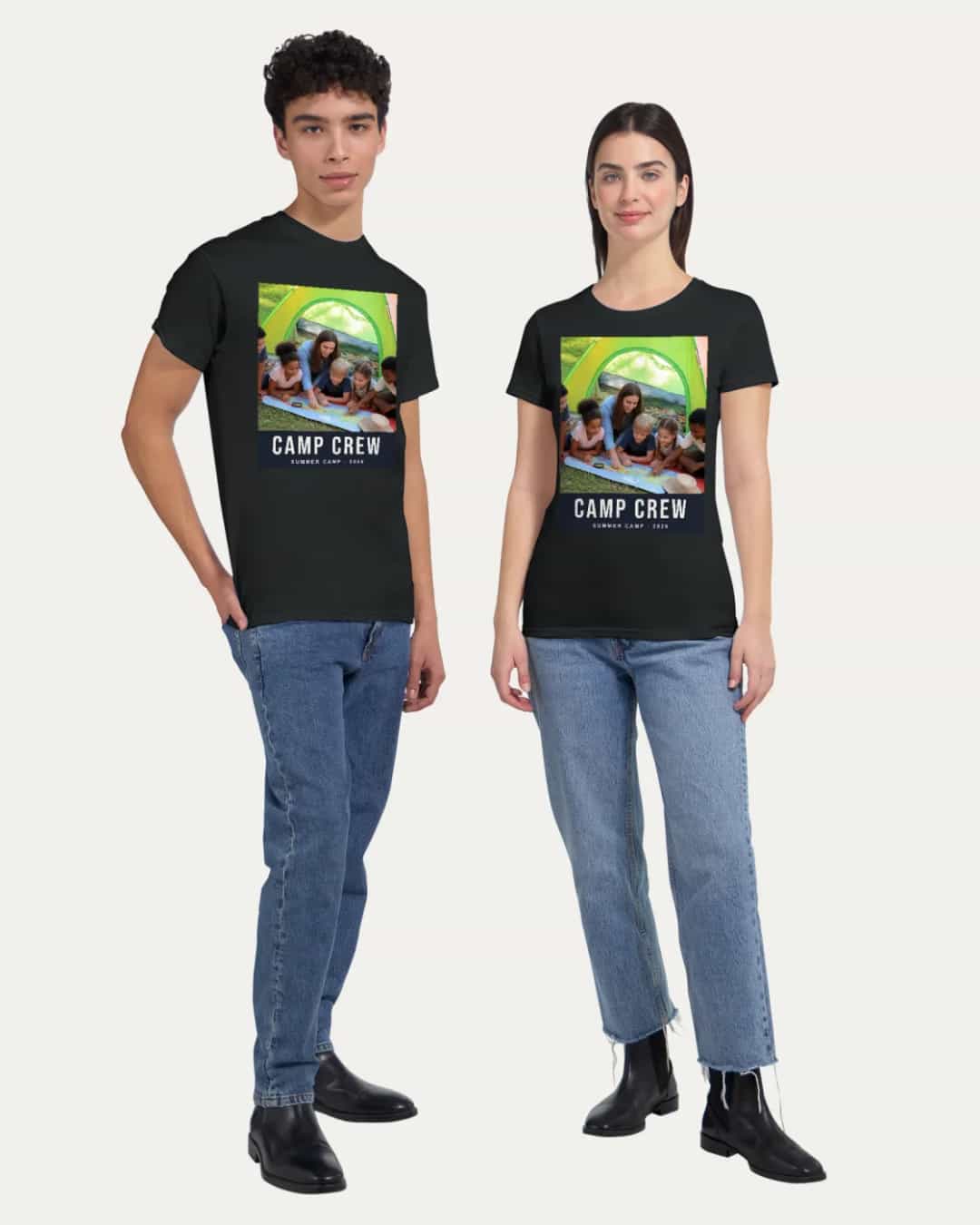
The front print is included. Adding a print to the back costs a small extra, shown in the editor and on the product page. A back-only shirt costs the same as a front-only one, and if you leave the back empty, it isn’t printed or charged.
Some ideas that work well:
Occasion | Front | Back |
|---|---|---|
Family reunion | Group photo with the year | Family name |
Birthday | Photo with “40 and still awesome” | Nothing, or the date |
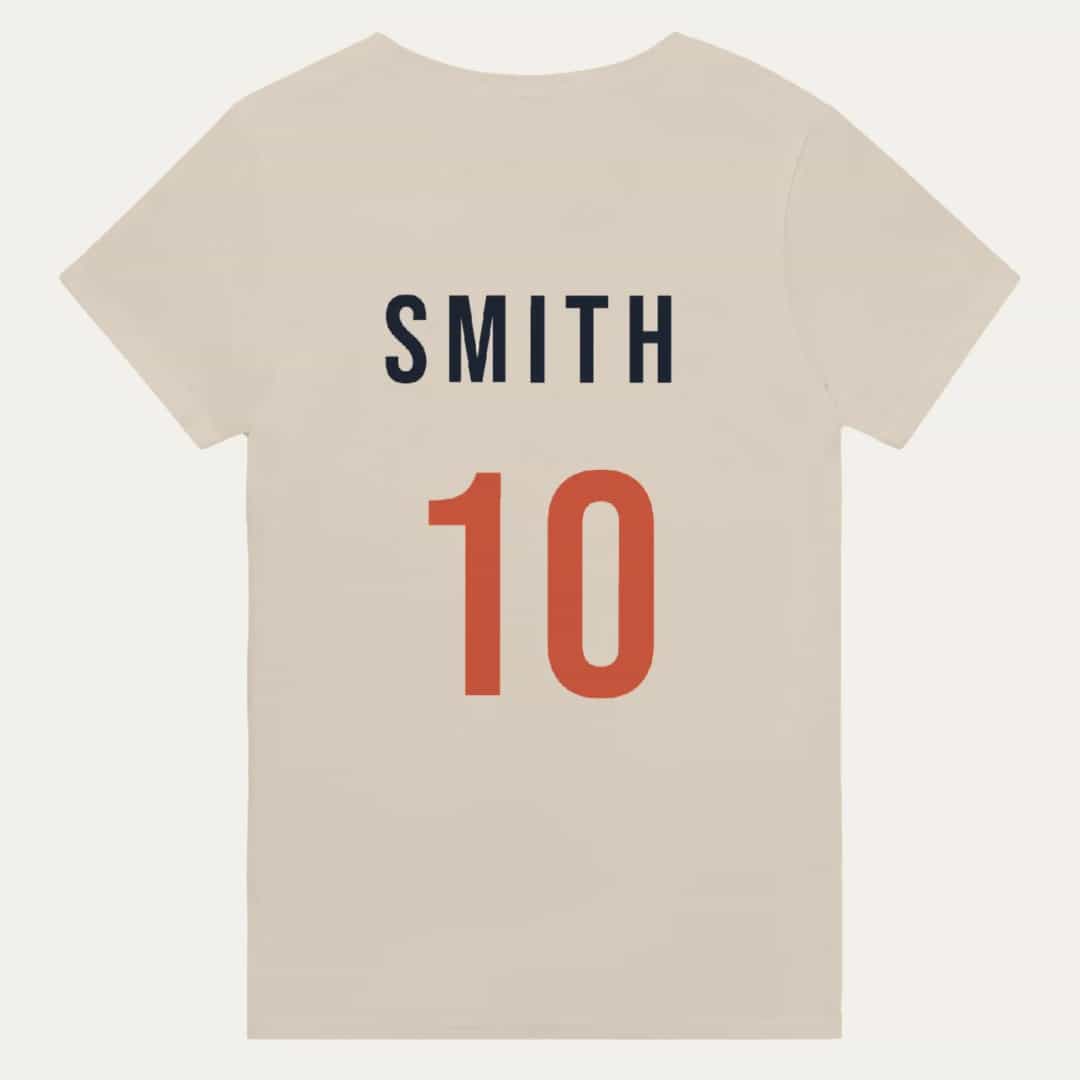
Team or club | Team badge or photo | Name and number |
Hen or stag weekend | Photo of the bride or groom | Name of each person |
Holiday | Place name with one photo | Dates of the trip |
Parent or grandparent | “Best Grandpa Ever” in big letters | Grandchildren’s names |
Large words often work better than a photo on a shirt, because they read from across a room. They suit a Father’s Day gift particularly well. If you’re stuck, ask the assistant to “add a short slogan under the photo”.
Get the Size Right, Because You Can’t Return It
Every shirt is printed just for you, so a wrong size can’t be returned. If something is wrong with the print or the shirt itself, we’ll put it right, but the size is your decision to make.
The shirts are a Gildan 5000, made from thick, soft cotton in a relaxed unisex fit, from S to 5XL. Sport Grey has a little polyester in it, and heathers are a cotton and polyester mix.
To choose the size, do this:
Lay a t-shirt that fits well flat on a table.
Measure its length, and straight across the chest.
Compare those measurements with the size chart on the page or in the editor.
Don’t assume your usual size. A relaxed unisex shirt may fit differently from other shirts you own, particularly if you usually buy women’s cuts. If you’re ordering for a group, collect everyone’s measurements first, as guessing for ten people usually means someone ends up with a shirt they can’t wear.
Washing, So the Print Lasts
Treat it well, and the print can last for years:
Turn it inside out, and wash at 30 °C (cold) with similar colours.
Don’t tumble dry it on a high heat.
Never iron directly on the print. If you need to iron it, iron the reverse side.
Before You Order
Shirt and print method: check the combination in the preview.
Back print: check whether you’ve added one, and that it’s what you wanted.
Sizes: check them against the chart, especially for a group.
Words: read names, numbers and dates carefully.
Placement: check the design isn’t sitting too low on the body.
Each shirt is printed to order by a partner printer near you, usually within a few days, and then shipped. The delivery time for your country is shown at checkout. For a matching present, you could also add a photo mug, and these Christmas photo gift ideas may give you more to work with.
Make Your T-Shirt
Upload a photo and the AI places it on the shirt. Ask for a slogan, a name or a date, and it’s added for you. Create your photo t-shirt with Photo9 in your browser, with no app to install. Colder weather? We also print hoodies and sweatshirts.
FAQ
How do I print a picture on a shirt?
Choose a shirt colour and size, upload your photo and adjust its size and position in the editor. Add any words, choose DTG or DTF printing and check the preview before you order.
What’s the best photo for a custom t-shirt with a photo?
A sharp photo with one clear subject, good contrast and a simple background. Use the original file rather than a copy from a chat.
How big can a photo on a t-shirt be?
Up to 30.5 × 40.6 cm (12 × 16 in), on every size. It doesn’t have to fill the whole area, and a slightly smaller print often looks better.
Can I print on the back of a personalised t-shirt?
Yes. The front print is included, and a back print is a small extra. A back-only shirt costs the same as a front-only one.
Can I return a photo t-shirt in the wrong size?
No, because each shirt is printed just for you. Measure a shirt that fits you well and compare it with the size chart before ordering. If something is wrong with the print or the shirt itself, contact us and we’ll put it right.