Custom Hoodies and Sweatshirts With a Photo: What to Know
A hoodie or sweatshirt gets worn for years, often long after everything else from that trip, team or year has gone. That makes it a good home for a photo, as long as the design takes the garment into account.
They differ from a t-shirt in one big way: a hoodie has a pocket across the front and a hood across the back, and both affect where your design can go. Here’s how to choose between the two, and how to design around those parts.
Hoodie or Sweatshirt?
They’re made from the same warm fabric, a heavy blend of 50% cotton and 50% polyester, brushed soft on the inside. The difference is the shape, and that affects the print.
Feature | Hoodie | Sweatshirt |
|---|---|---|
Style | Pullover with a double-lined hood and a front pouch pocket | Crewneck with ribbed cuffs and waistband |
Garment | Gildan 18500 | Gildan 18000 |
Front print | 30.5 × 30.5 cm (12 × 12 in), a square above the pocket | 30.5 × 40.6 cm (12 × 16 in), upright |
Back print | 30.5 × 40.6 cm, partly under the hood | 30.5 × 40.6 cm |
Colours | About two dozen | About twenty |
Sizes | S to 5XL | S to 5XL |
As a guide, choose the sweatshirt if you want a large photo on the front. Choose the hoodie if the hood and pocket are the point, or if your design works as a square on the chest.
Designing a Hoodie: The Pocket and the Hood
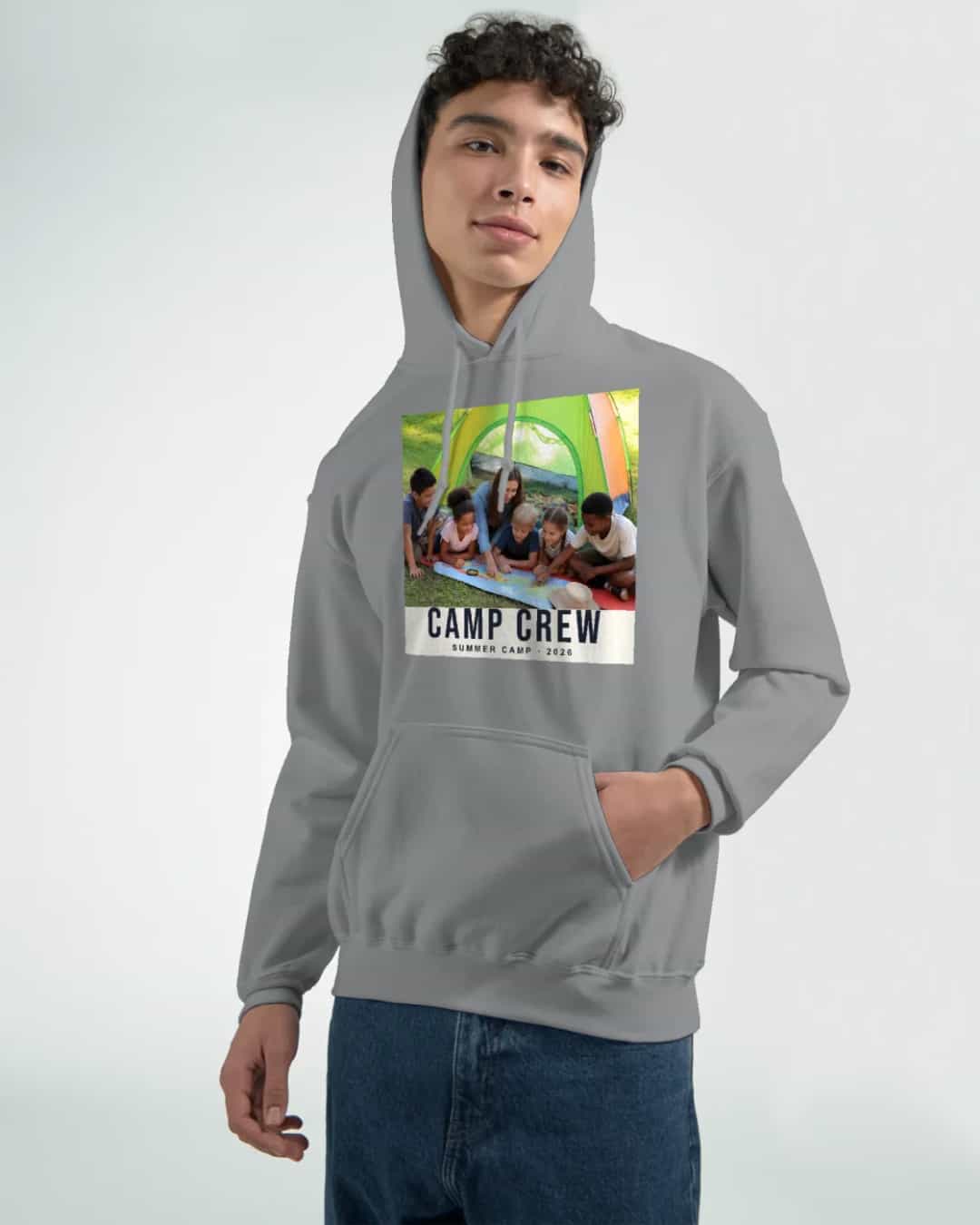
The front is a square
The photo can’t run over the pouch pocket, so the print sits on the chest, above it. The editor shows the front as a square, with the pocket below. An upright phone photo will lose some of its top and bottom, so choose a photo that crops well to a square, or use a close-up of one or two faces.
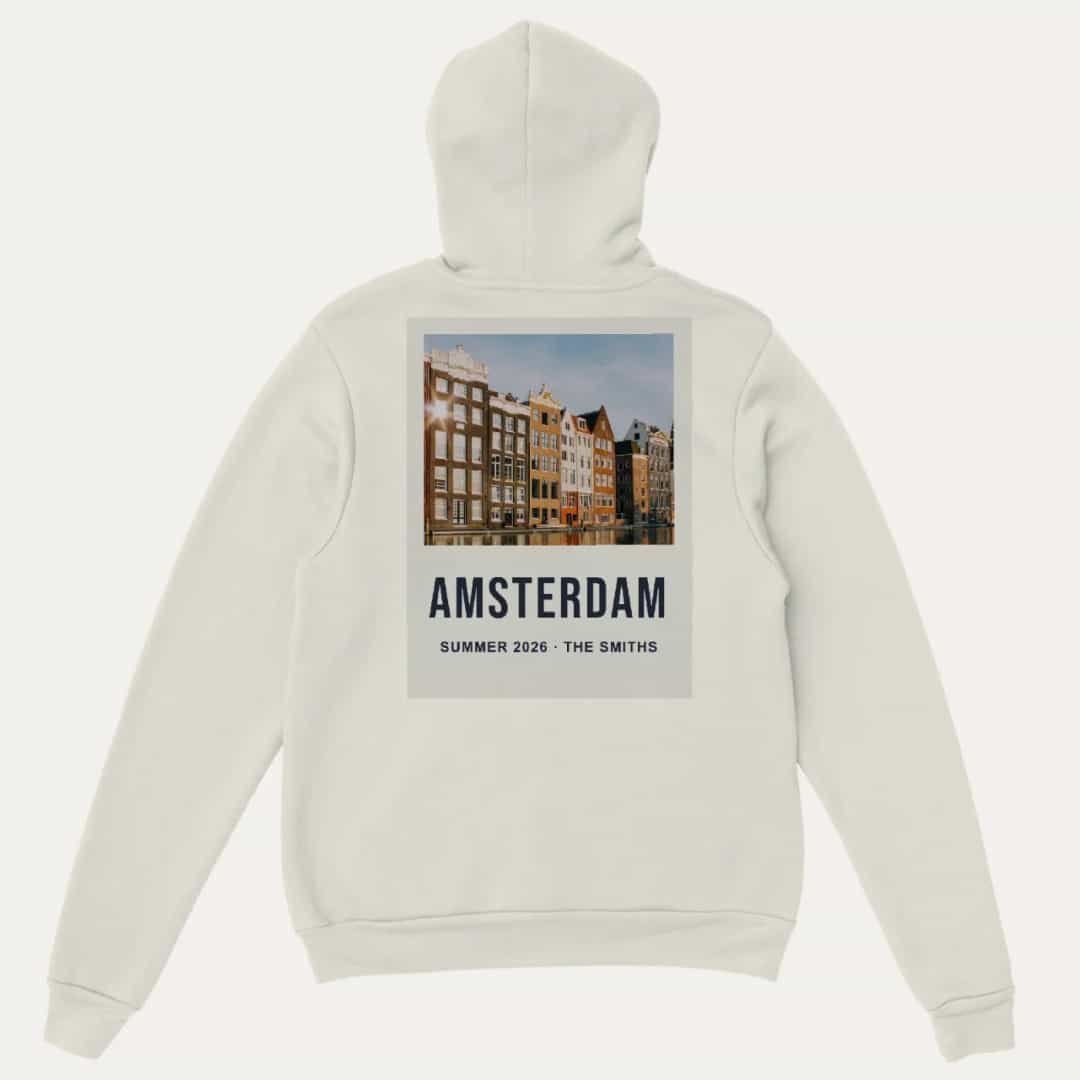
The hood covers the top of the back
When the hood hangs down, its bottom edge covers about 7 cm of the top of the back print at the centre, and less towards the sides. That part still prints, but it’s often hidden, so the editor shades it and places photos just below it.
In practice:
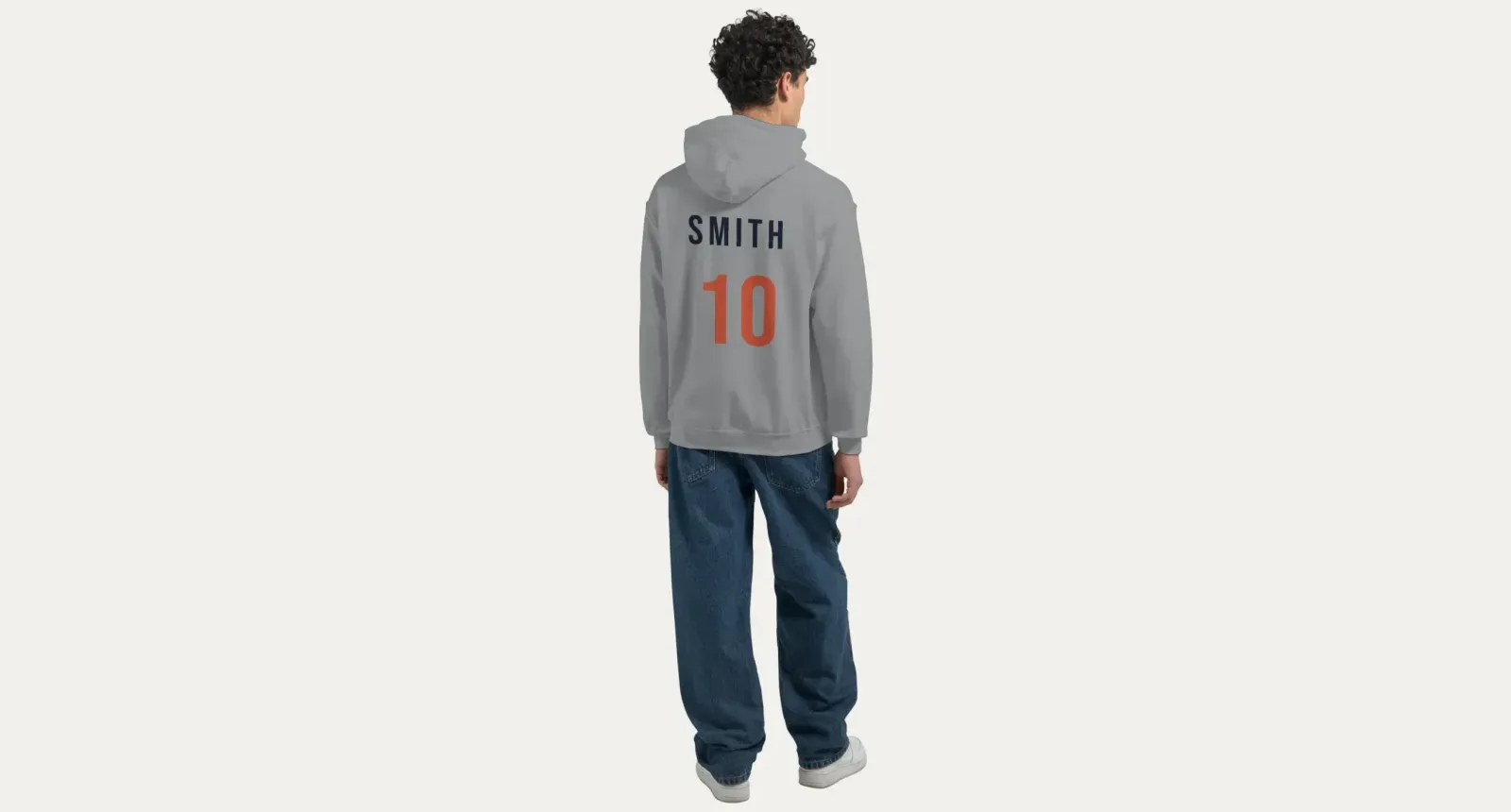
Don’t put names at the very top of the back. “SMITH” in the shaded area will spend most of its life hidden under the hood.
Start the design below the shaded band for anything important.
Consider a back print as the main design. It has more room than the front, so it suits a tall design such as a travel poster.
Designing a Sweatshirt: More Room, Fewer Obstacles
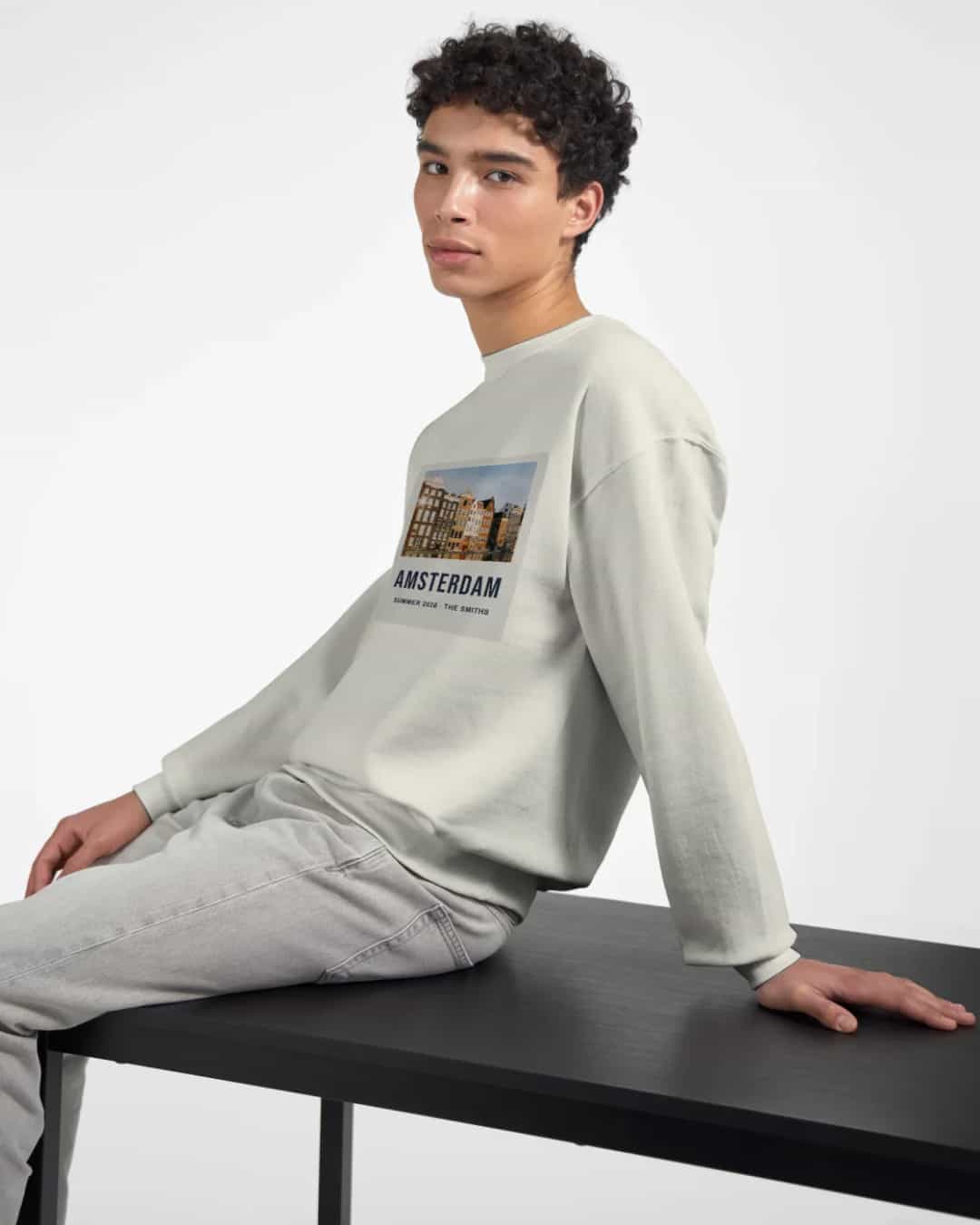
With no pocket or hood to work around, a sweatshirt has the simplest print area of the two. The front and the back both take an upright print of up to 30.5 × 40.6 cm, the same on every size. An upright phone photo fits very nearly as it is.
Just because it can be big doesn’t mean it should be. A photo placed high on the chest usually looks better than one stretching down to the waistband, where the fabric gathers and folds when worn. For a wide group photo, use a band across the chest instead of filling the whole area.
Choosing a Colour and Print Method
Colour and printing method go together. We print in two ways and recommend one for each colour, and you can always choose the other.
Method | How it works | Best on |
|---|---|---|
DTG | Prints ink into the fabric, for a soft feel | White and light colours |
DTF | Presses a thin, smooth film on, for vivid colours and crisp edges | Dark and heather colours |
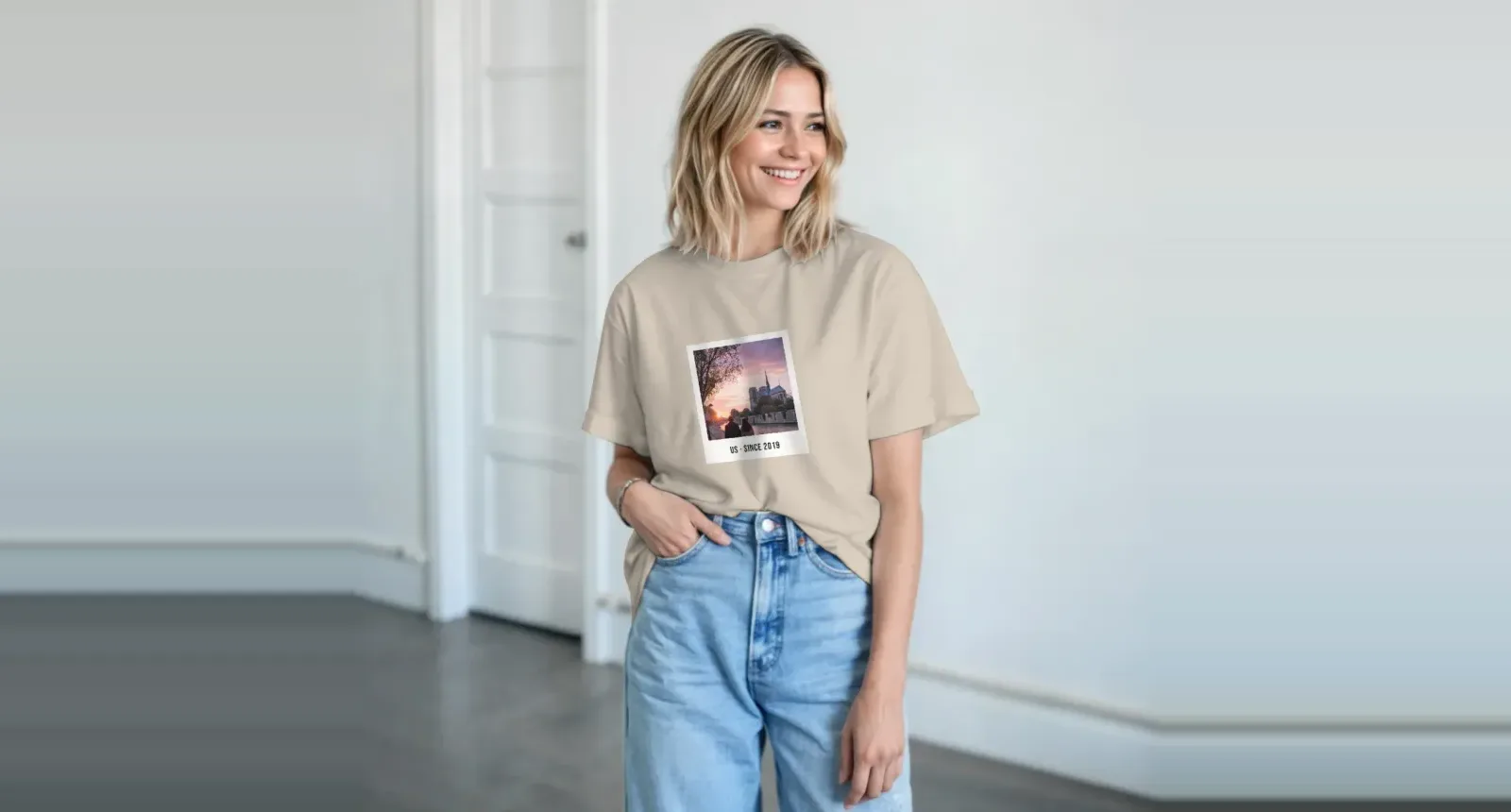
The thick, brushed fabric of a hoodie or sweatshirt has more texture than a t-shirt, so look for photos with strong contrast and a clear subject, and use the original file. These tips on printing photos from your phone explain how to find it. Fine detail tends to soften. On dark colours, a photo will have a clear rectangle around it, which you can make into a feature with a white border or a polaroid-style frame.
What Works Well on Heavy Fabric
Idea | Where it goes | Who it’s for |
|---|---|---|
Big words, such as “Best Mom Ever” | Front | Parents and grandparents |
Team name and number | Back, below the hood line | Clubs and school teams |
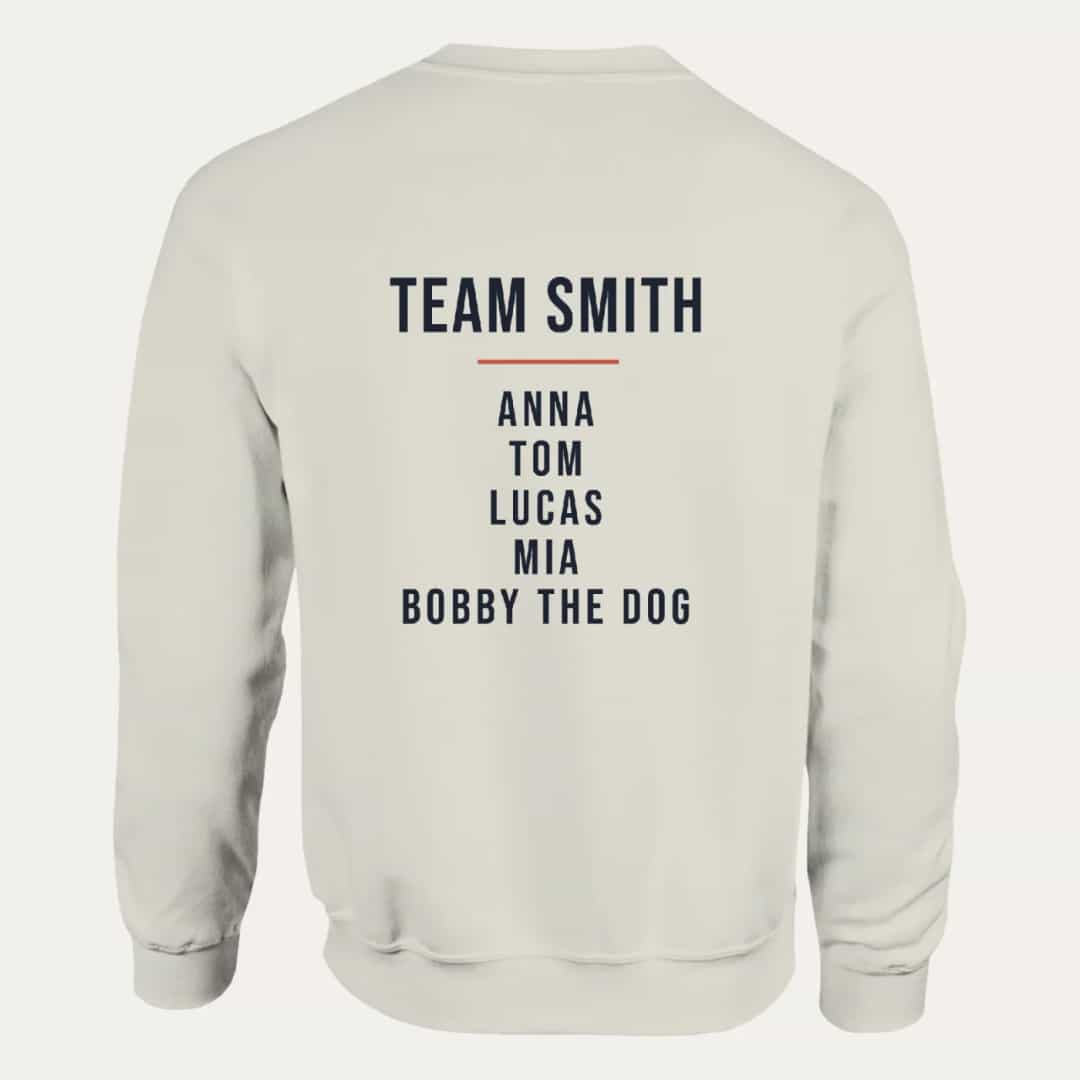
Family name list | Back | A family holiday or reunion |
Group photo | Front, as a square or a band | School years and trips |
Travel poster | Back | Anyone who wants to remember a place |
The dog | Front | People who really love their dog |
Words read much better than small photos on heavy fabric. If you’re not sure, try a photo on the front and a name on the back. The front print is included in the price. A back print is a small extra, shown in the editor and on the product page, and leaving the back empty means it isn’t printed or charged.
For help turning a photo and a few words into a finished layout, see our guide to designing a photo hoodie with AI.
Getting the Size Right
Each one is printed just for you, so a wrong size can’t be returned. If something’s wrong with the print or the garment itself, contact us and we’ll put it right. Choosing the size is up to you, and it’s worth the few minutes.
The fit is relaxed and unisex. To choose a size:
Lay a similar garment that fits you well flat on a table.
Measure the length, the chest and the sleeve.
Compare those with the size chart on the page or in the editor.
Hoodies are often worn over other clothes, so think about whether you want room for a layer underneath. If you’re ordering for a group, collect everyone’s measurements before you start.
Washing and Care
Turn it inside out, and wash at 30 °C (cold) with similar colours.
Don’t tumble dry it on a high heat.
Never iron directly on the print. If you need to iron it, iron the reverse side.
Treated like that, the print can last for years.
Before You Order
Hoodie: make sure nothing important sits in the shaded band under the hood.
Hoodie: check that the front photo crops well to a square.
Sweatshirt: check that the design isn’t sitting too low on the body.
Sizes: compare them with the chart.
Words: read names and numbers carefully, especially for a team order.
Each piece is printed to order by a partner printer near you, usually within a few days, and then shipped. The delivery time for your country is shown at checkout. If you’re buying for Christmas, order early, and see these personalised Christmas photo gift ideas for other ideas.
Make Yours
Upload a photo and the AI places it on the chest. Ask for a slogan, a name or a date, and it’s added for you. Create your custom hoodie or sweatshirt with Photo9 in your browser, with no app to install. For warmer weather, we also print photo t-shirts.
FAQ
How do I make a hoodie with a photo?
Choose a colour and size, upload your photo, and place it in the square above the pocket. You can add words on the front and a name or number on the back. Check the preview before you order.
Why is the front print on a photo hoodie square?
The front print sits on the chest above the pouch pocket, so it’s 30.5 × 30.5 cm, the same on every size. A photo can’t run over the pocket.
Does the hood cover the back print on custom hoodies?
When the hood hangs down, it covers about 7 cm of the top of the back print at the centre, and less towards the sides. That part still prints, but the editor shades it, so you can keep important details below it.
How big can a photo be on a custom sweatshirt?
Up to 30.5 × 40.6 cm (12 × 16 in) on the front and on the back, on every size.
Is a personalised hoodie warmer than a sweatshirt?
Both are the same heavy cotton and polyester blend. The hoodie adds a double-lined hood and a pouch pocket, which makes it the warmer of the two.