Photo Mugs With Pictures and Text: How to Design One
A mug is a harder canvas than it looks. Your design is a flat strip, but people see it on a curve, one side at a time, usually with a hand wrapped around part of it. A photo that looks perfect on screen can end up with a face disappearing around the side or a name split by the handle.
Good photo mugs are planned for that. This guide explains how a mug shows your design, which layouts hold up, and how to add words people can read while the mug is in use.
What You’re Really Designing
A standard Photo9 mug holds 11 oz (330 ml) and is about 9.6 cm tall and 8 cm across. The print area runs around the mug as a strip about 20 cm wide. Both ends of that strip meet at the handle, where a narrow section stays plain white.
Two things follow from this:
Nobody sees the whole design at once. From the front, you see about half of it. In practice, each side of the mug is roughly a square, about 10 cm wide and 9.6 cm tall.
The two ends sit next to the handle. Anything placed there gets split or hidden by the hand holding the mug.
So think of a mug as two square panels that happen to join up, unless you’re deliberately using one wide panorama.
Choose a Layout That Suits the Curve
Layout | How it works | Best for |
|---|---|---|
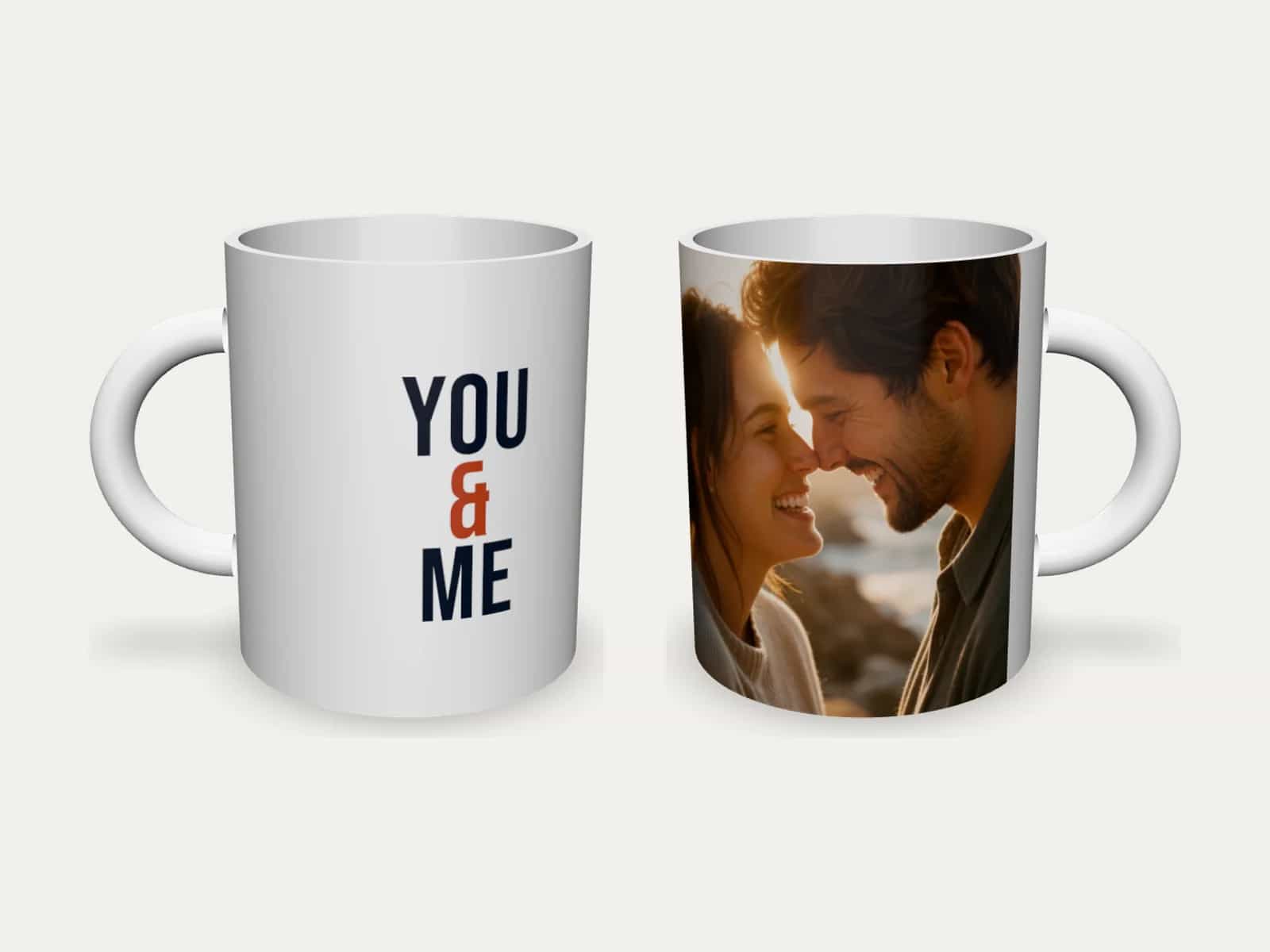
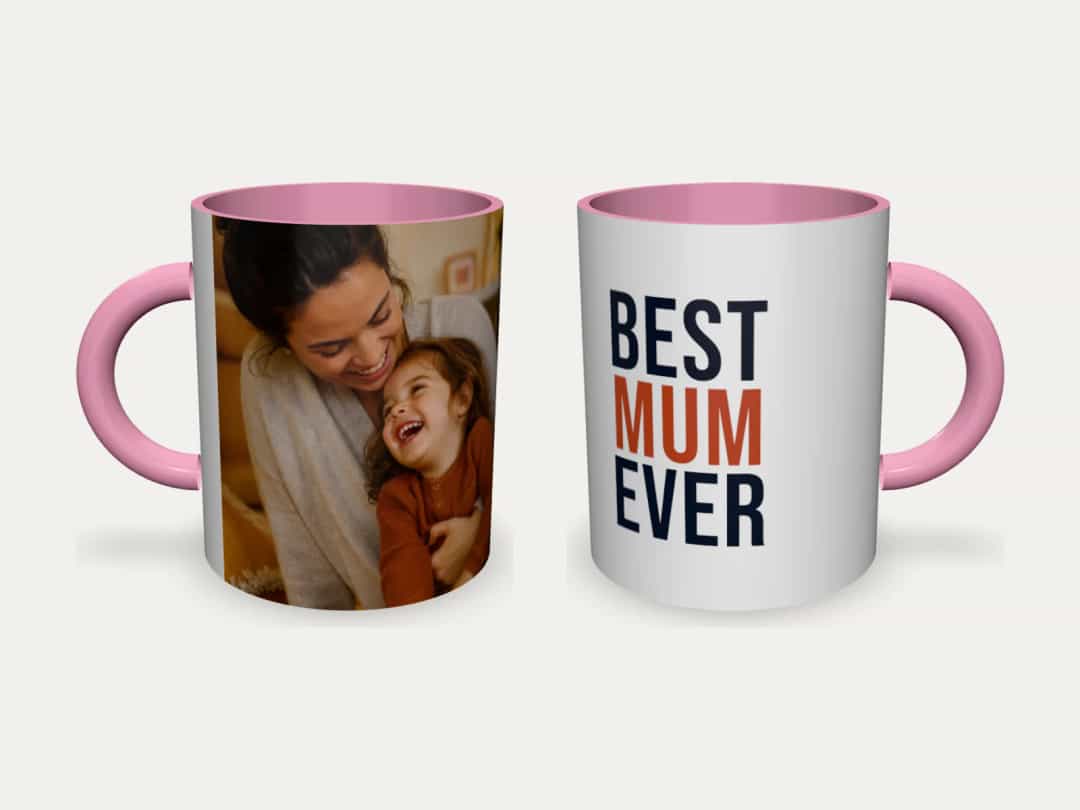
Photo on one side, words on the other | Each side has one clear job | Gifts for one person, such as “Best Mum Ever” |
Two photos, one per side | Each photo gets its own panel | A couple, two children, then and now |
One wide panorama | A single photo runs all the way round | Landscapes and skylines with no important detail at the ends |
Photo and a list of names | The photo on one side, the names on the other | Family and team mugs |
Three or four small photos | A small collage around the mug | Simple, close-up photos that still read at a small size |
You can use up to 8 photos, but one photo with a short text, or 2 to 4 photos, usually look best. Eight photos on a strip this size means eight small pictures, and you’ll have to bring the mug close to your face to see any of them.
Pick Photos That Survive the Crop
Each side of the mug is close to square, so a photo with a single clear subject works far better than a wide group shot. Look for:
Close crops: faces should fill most of the panel. A person who is small in the frame becomes tiny on a mug.
A simple background: a busy street behind someone competes with them at this size.
Space at the sides: the edges of the panel curve away from view, so keep faces towards the middle.
A wide group photo can still work as a panorama, but check where people fall. The people at either end will sit next to the handle, and a person standing right at the join gets cut in two.
Photo size is rarely a problem here. The whole strip is only 20 cm wide, so a normal phone photo has far more pixels than the mug needs. Heavily cropped photos and small copies sent through a chat are the ones to watch.
If you want AI to help shape the whole gift, our guide to photo mugs with AI and ChatGPT explains what to ask and what to check.
Add Words People Can Read
Text is what turns a photo mug into a gift with a point. A photo mug with text needs more care than one with only a picture, because words are much less forgiving on a curve.
Keep it short and large
Aim for three to six words in big letters. Tall, narrow fonts suit a mug well, because you can stack the words and keep them inside the visible panel. A long quote in small type looks fine in the editor and turns into grey texture on the mug.
Keep text away from the handle
The editor shades the ends of the design and warns you when text sits too close to them. Move it towards the middle of the panel, even if it looks a little off-centre in the flat view.
Think about which hand holds it
When a mug is held in the right hand, the right half of the design faces the room; in the left hand, the left half does. If you know who the mug is for, put the words or photo they would want other people to see on that side. The 3D preview shows both.
Wording that works
Occasion | Photo | Words on the other side |
|---|---|---|
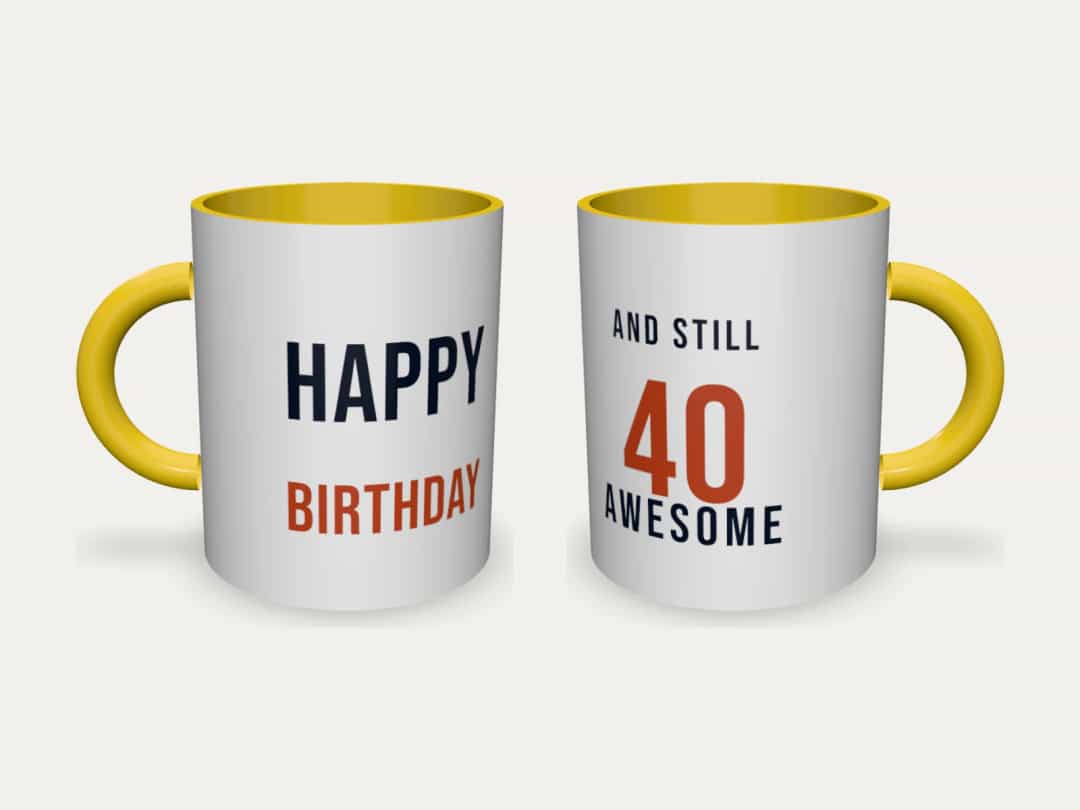
Birthday | The person, recent and smiling | Happy Birthday, or “And still 40 and awesome” |
Couple | A close-up of you both | You & Me, with your date below |
Family | Everyone together | Team Smith, with each name on its own line |
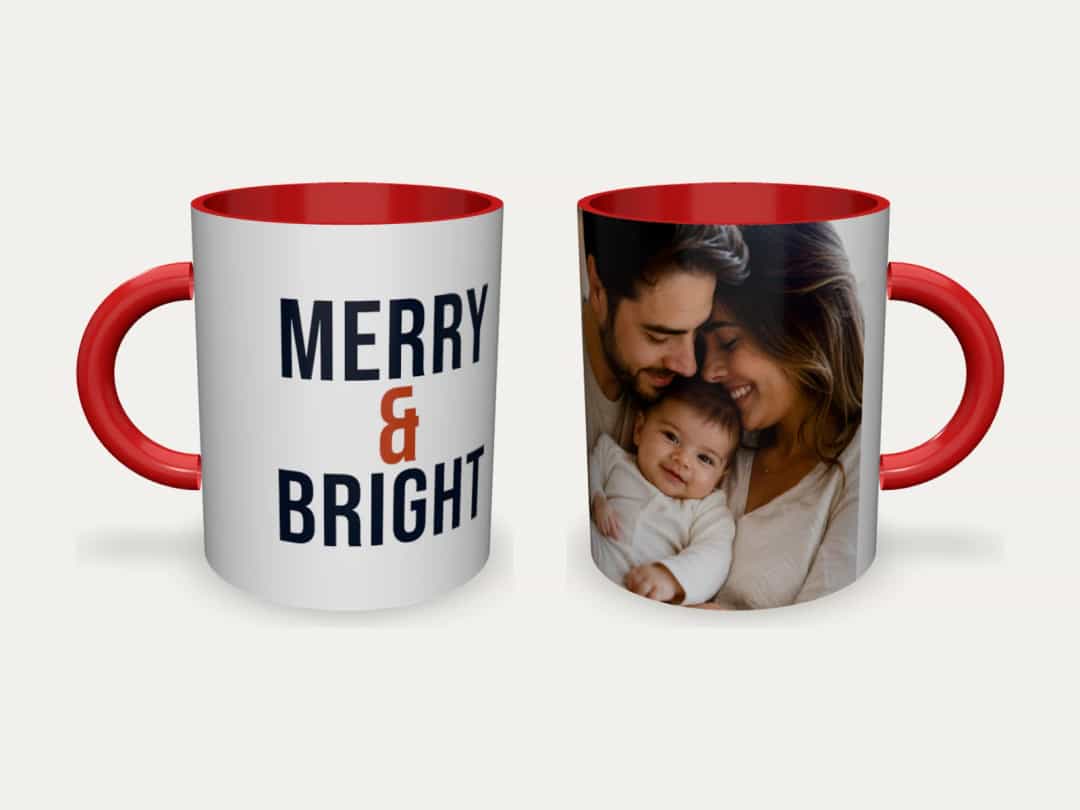
Christmas | A family photo from this year | Merry & Bright |
Grandparents | A grandchild looking at the camera | Best Grandad Ever |
For more ideas on short, specific wording, these photo book text ideas apply just as well to a mug.
Use the Inside and Handle Colour
The outside of the mug is always white, because that’s where the print goes. The inside and the handle come in white, black, blue, green, pink, red or yellow, and this is a small choice that makes a big difference.
Take the colour from the photo or the words. A red inside matches a Christmas mug with red lettering, and pink picks up the accent in a “Best Mum Ever” design. If you’re unsure, white is the safe choice, and black suits a monochrome photo. The price can differ slightly by colour, and the page shows the price for the colour you pick.
Ceramic, Enamel or Travel Mug?
The ceramic mug isn’t the only option, and the others change what you can print.
Mug | Size | Where the print goes | Washing |
|---|---|---|---|
Ceramic photo mug | 11 oz (330 ml) | All the way round, up to the handle | Dishwasher and microwave safe |
Enamel mug | 12 oz (350 ml) | A band 5.6 cm high, around about two-thirds of the mug | Hand wash; not for the microwave |
Travel mug | 15 oz (440 ml), with a lid | A front panel of about 8 × 12.5 cm | Hand wash; not for the microwave |
The enamel mug’s band is narrow, so one or two photos with a short name work best. If you need a lid, have a look at the travel mug.
Will the Print Last?
The ceramic mug is printed by sublimation. Heat turns the ink into a gas that bonds with the mug’s coating, so the colours sit in the surface rather than on top of it. It won’t peel or scratch off in normal use, and the mug can go in the dishwasher and the microwave like any other.
Check These Before You Order
Names and dates: read each one letter by letter. Mugs are often gifts, and a misspelt name is hard to live with.
The handle: make sure no warning remains about text close to the handle.
Faces: turn the mug in the 3D preview and check that nobody’s face sits at the join.
Contrast: dark words on a white mug are the easiest to read. Pale text over a busy photo isn’t.
If it’s for Christmas, November is a comfortable time to order. The exact delivery time and cost for your country are shown before you pay. And if you’re choosing several presents at once, these personalised Christmas photo gift ideas may help.
Start With One Good Photo
You don’t need a design plan to begin. Upload a photo or two, say what you want on the mug, and the AI lays it out around the handle. You can then change anything you like and turn the result in 3D. Design your photo mug with Photo9 in your browser, with no app to install.
FAQ
How do I put a picture and text on a mug?
Upload your photo and add the text in the editor, or describe what you want and let the AI lay it out. For the cleanest result, put the photo on one side and a few large words on the other, away from the handle.
What makes good photo printed mugs?
A close, simple photo, a few large words, and nothing important next to the handle. Mugs are small, so one strong photo nearly always beats a crowded collage.
Can I use a landscape photo on a custom photo mug?
Yes, as a panorama that runs around the mug. Choose a photo with no important detail at either end, because the two ends meet at the handle.
Is a personalised photo mug dishwasher safe?
The ceramic Photo9 mug is safe in both the dishwasher and the microwave. Enamel and travel mugs are metal, so they can’t go in the microwave, and hand washing keeps their print at its best.
How many photos fit on a mug?
Up to 8 on the ceramic mug. One photo with short text, or 2 to 4 photos, usually look best.