How to Make Greeting Cards With AI and ChatGPT
A greeting card is small, but it asks for a lot of decisions at once: which photo, which fold, what to say on the front, what to say inside, and whether the wording works for ten different people. AI is good at the fiddly parts of that list. What it can’t do is know who the card is for, so the best results come from giving it the facts and keeping the final say yourself.
This guide shows how to make greeting cards with AI in Photo9, in our own chat or in ChatGPT, with prompts you can copy.
What AI Can Do for a Card, and What It Can’t
Job | AI can help | Keep for yourself |
|---|---|---|
Choosing a format | Compares sizes, folds and paper for your country | Deciding how many people you’re sending to |
The front | Lays out your photo and a short greeting | Choosing the photo |
The inside | Drafts a message from the facts you give it | Checking names, dates and tone |
Changes | Swaps the layout, colours, paper or envelopes when you ask | Reading the final card |
The Photo9 assistant doesn’t look at what’s in your photos. It knows their sizes and dates, but not that one shows your grandmother or that another is slightly blurred. So you choose the photo, and it does the arranging.
Start in the Photo9 Chat
Open the chat on the site and say what you’re making, for example “Make Christmas cards from my photos”. You can ask questions first, too:
“Postcard or greeting card?”
“Side fold or top fold?”
“How many cards are in a pack?”
“Which paper can I write on?”
The chat looks up the sizes and prices for your country and creates the card when you’re ready. Then you upload your photos, and the AI lays out the front and the inside.
Or Start in ChatGPT
If you already use ChatGPT, you can make the card there. Open Photo9 in ChatGPT and ask for greeting cards. A card opens in the chat, where you pick your photos from your device and press the button to create it. Photos you’ve already attached to the chat can’t be used, so add them through the card.
You can then ask for another size, fold, paper, corners or envelopes, a different layout, or new wording for the texts already on the card. You can also ask to see ready-made looks, such as “Show me Christmas looks for my card”. Photo9 shows your card in each one, and the look you choose takes your photos and keeps any words you’ve written. When you’re happy, the card takes you to your browser, where you confirm with a six-digit code and order. Read how Photo9 works in ChatGPT.
Step 1: Say Who It’s For in One Message
A pack is ten cards printed from one design, so the most useful thing to tell the AI is who will receive them. Try something like this:
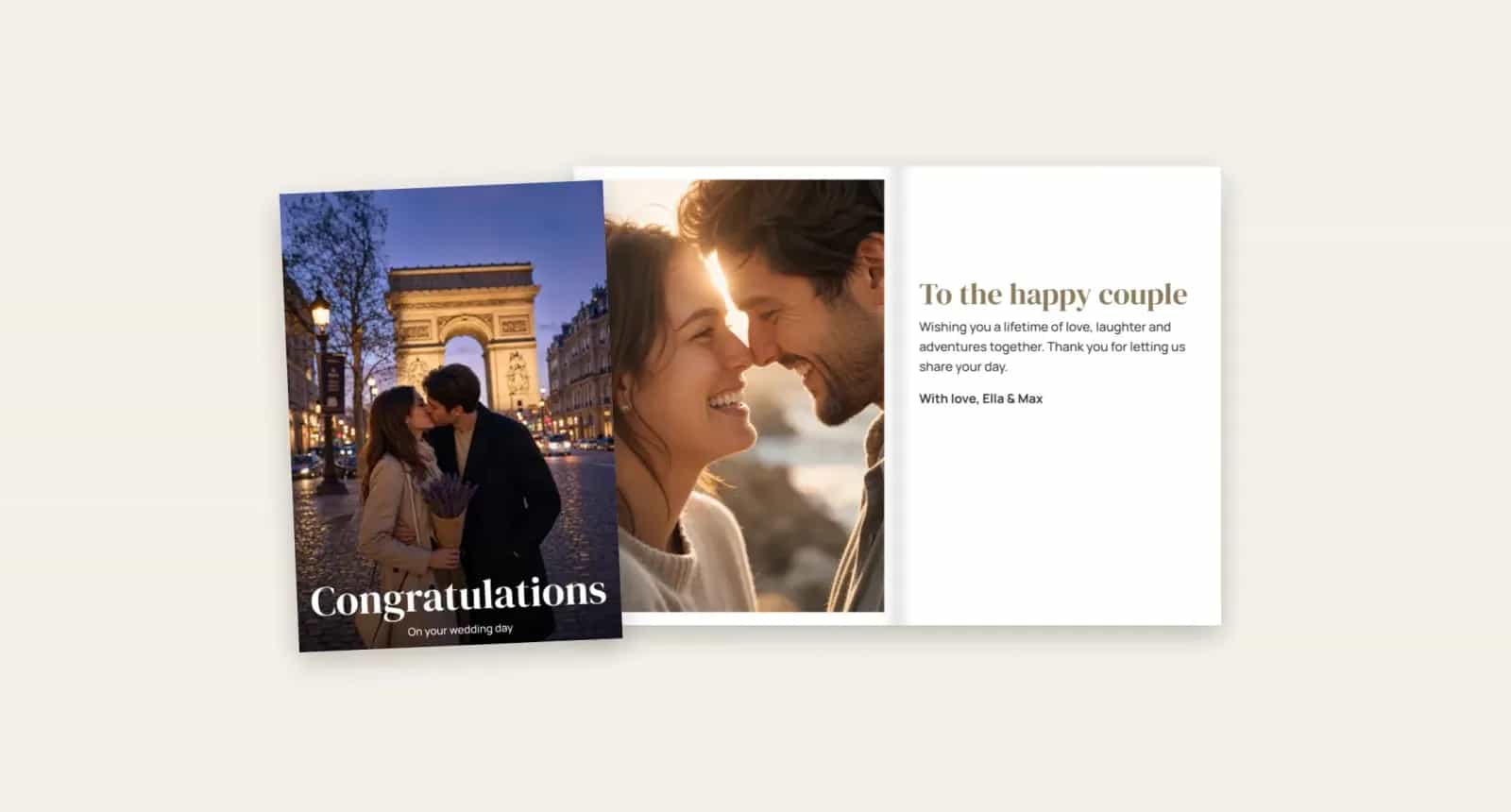
“Make greeting cards for our wedding thank-yous, landscape, with one photo on the front.”
The details that help most are:
The occasion: Christmas, a thank-you, a new baby or a birthday
The shape: portrait opens like a book, landscape opens upwards, and square comes with either fold
How many people: one person, or a whole list
Photos: one photo on the front, or two
If you need different designs for different people, make a second design and order it as its own pack.
Step 2: Let the AI Lay Out the Front
Once your photos are in, ask for changes in plain words:
What you want | What to say |
|---|---|
A different arrangement | “Show me other layouts for the front” |
Two people side by side | “Use 2 photos on the front” |
A softer look | “Try warmer background colours” |
A ready-made design | “Show me some looks for my card” |
A classic feel | “Make this photo black and white” |
The editor shades a narrow band along the fold and warns you if a face or a word sits in it. If you change the size or the fold, check for that warning again, because the layout moves with it.
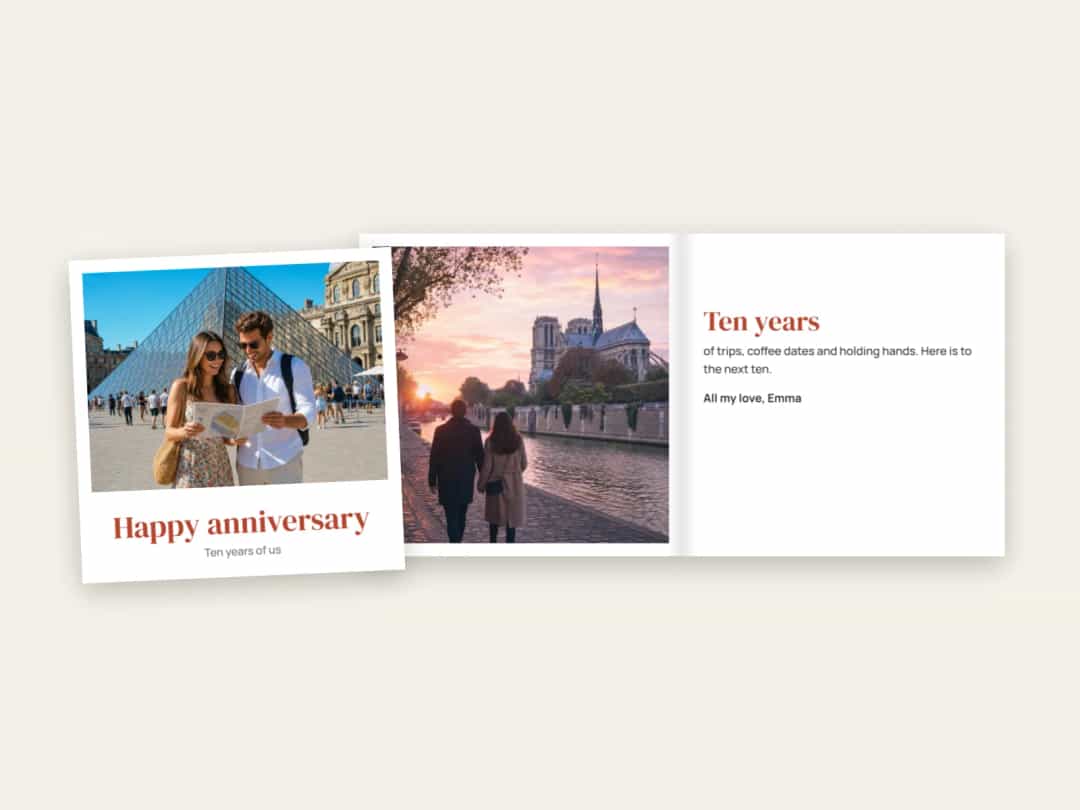
Step 3: Write the Inside With Chat
This is where AI helps most, and where it needs the most help from you. Ask it to “Write a message for the inside”, but give it something to work with first.
Weak: “Write something nice for a thank-you card.”
Better: “We got married in June. Write a short thank-you for our guests, under 30 words, warm but not formal, signed Anna and Tom.”
Then read it aloud. If it sounds like a card from a shop, ask for “shorter and more personal”, or change a few words yourself. Because every card in the pack is the same, keep the printed message general and leave room to add a line by hand. The inside is never coated, so any pen works.
Some briefs that give good results:
Occasion | Give the AI |
|---|---|
New baby | The name, the date, the weight, and who it’s from |
Christmas | Who’s signing, one thing that happened this year, and the tone |
Birthday | The person, their age if they don’t mind, and one shared memory |
Wedding thank-you | The date, the place, and how you want guests to feel |
For more ideas on short, specific wording, these text ideas for photo books work just as well on a card.
Step 4: Choose the Paper and Envelopes by Asking
You don’t have to look for the right button. Ask:
“Use matt paper”
“Add premium envelopes”
“Make it a top fold”
Glossy paper makes a photo stand out, and matt is easier to read under bright light. Envelopes come in standard white or a heavier premium version, or you can leave them out if you’re handing the cards over yourself. Every change keeps your photos, and you can undo it.
What to Check Yourself
An AI can produce a very tidy card with a mistake in it, and a pack of ten repeats that mistake ten times.
Names and dates: read every one, letter by letter. AI tools can get them wrong with complete confidence.
Who’s signing: check that nobody’s been left out.
The fold: make sure no warning remains.
The message: make sure it suits everyone who’ll receive the card.
The preview: look at the front and the inside before you order.
The delivery time for your country is shown before you pay. For Christmas, order in November to be safe.
Postcards Work the Same Way
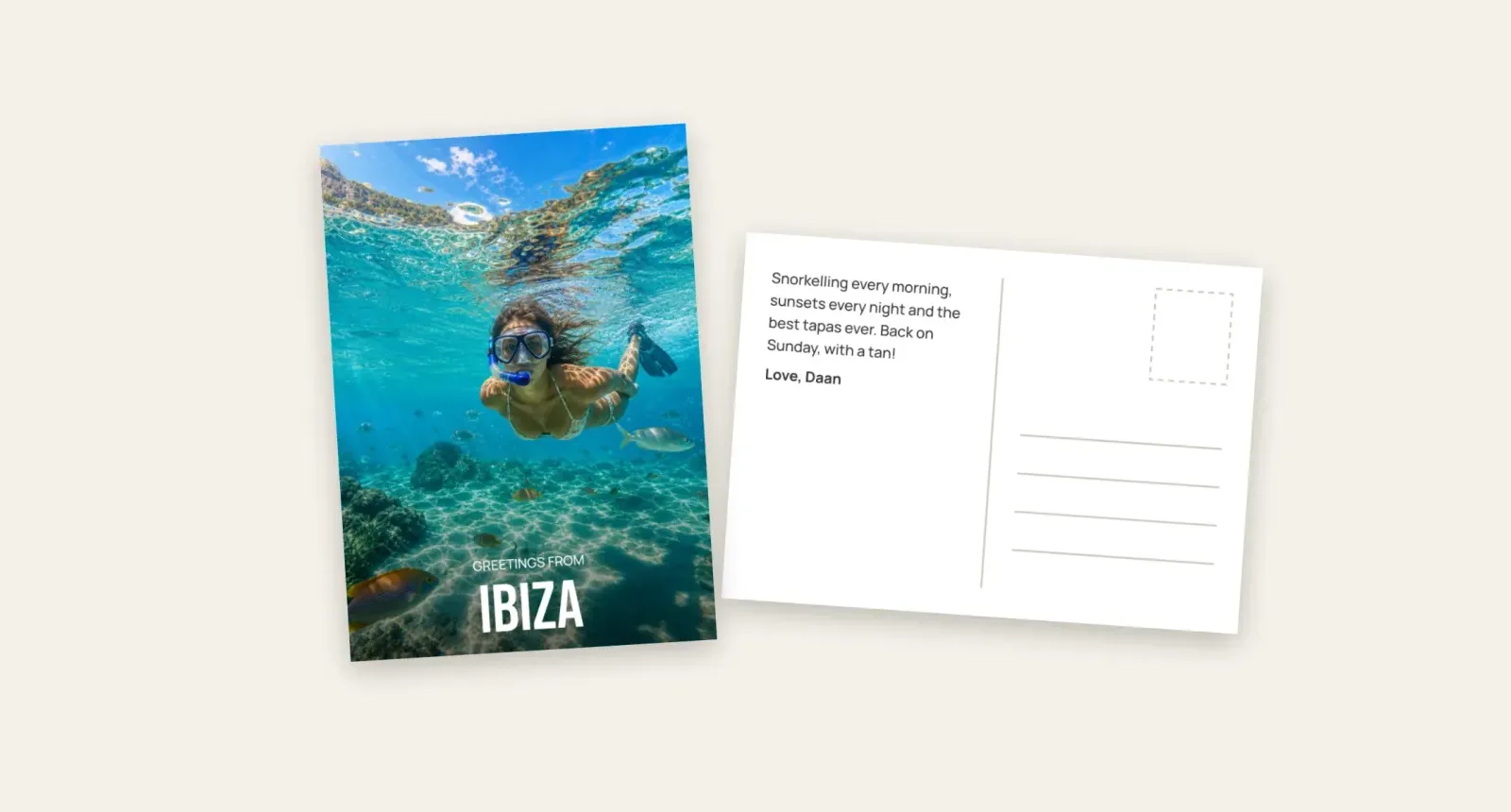
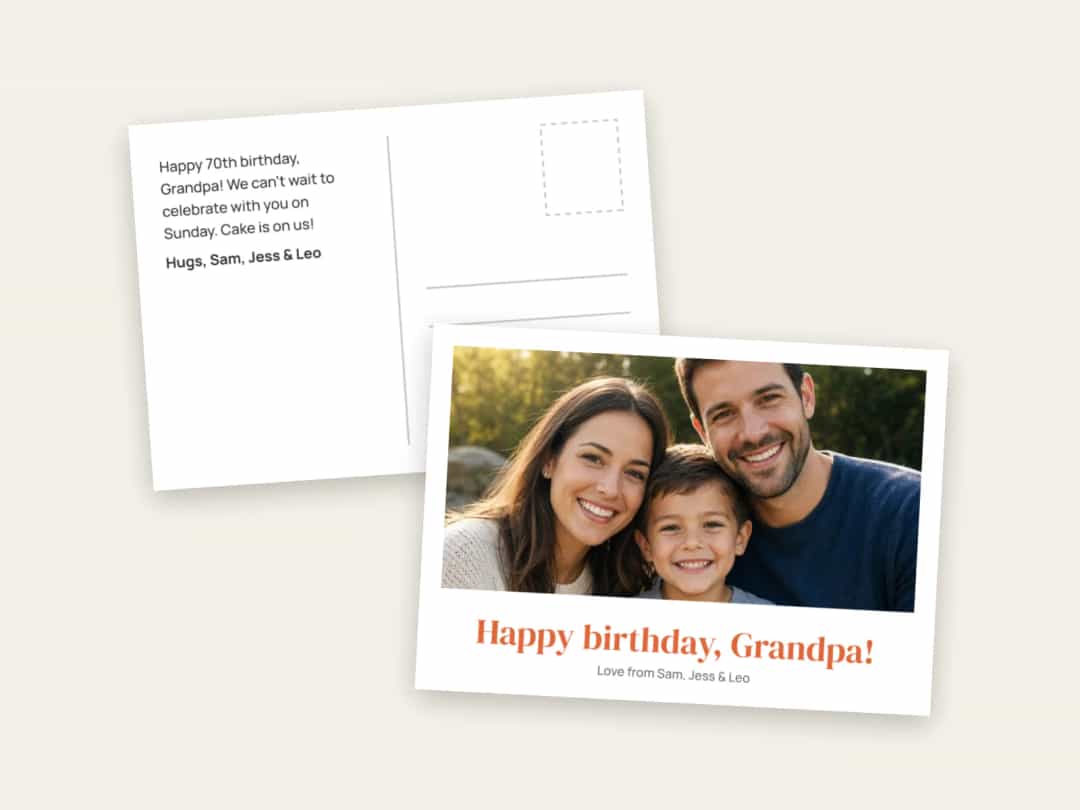
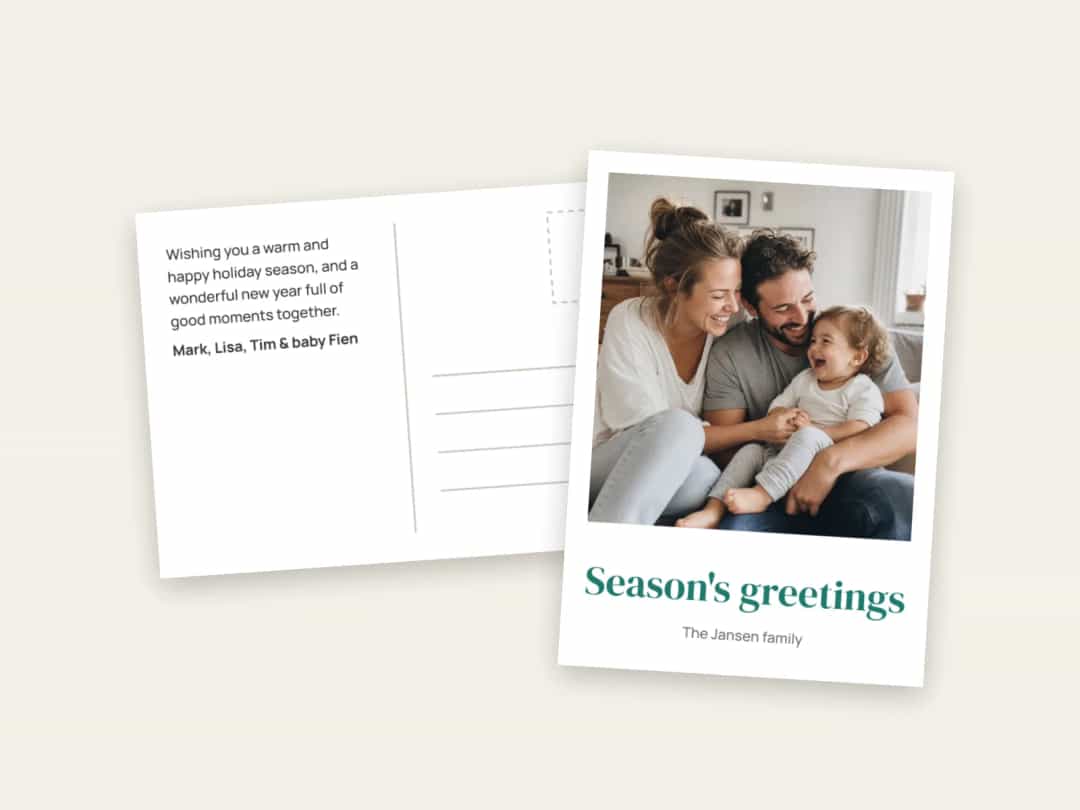
Postcards also come in packs of ten, with a photo on the front and a back you can write on. The same kind of request works: “Write a short message for the back”, “Use rounded corners” or “Show me other layouts”. A postcard has no inside, so keep any printed message very short and leave room for the address. Make postcards with your photos.
For a travel version, see how to make custom postcards from your travel photos.
Make Your Cards
Pick a photo, tell the AI the occasion and who it’s for, and let it draft the front and the inside. Then check the words yourself. Create your greeting cards with Photo9 in your browser, with no app to install. If you’re sorting out presents at the same time, these personalised Christmas photo gifts may help.
FAQ
Can ChatGPT make a greeting card?
Yes, with Photo9 in ChatGPT. Ask for greeting cards, add your photos in the card in the chat, and Photo9 designs the front and the inside. You can change the size, fold, paper and wording by asking, then order in your browser. On its own, ChatGPT can write a message, but it can’t print the card.
Can AI write the message inside my card?
Yes. Ask for a message and give it the facts: the occasion, the names and the tone you want. Check every name and date before you order.
Is there an AI card maker that uses my own photos?
Yes. Photo9 is an AI greeting card maker that lays out your own photos on the front and adds a message box inside, and you can change the design by typing what you want.
Can each card in a pack have a different message?
Not within one pack, as all ten cards are printed from the same design. Make a second design for a different message, or leave room inside to add a personal line by hand.
Do I need to install anything to make greeting cards with AI?
No. Everything works in your browser, on a phone or a computer.