Kids Story E-books: Read Anywhere, Offline and Aloud
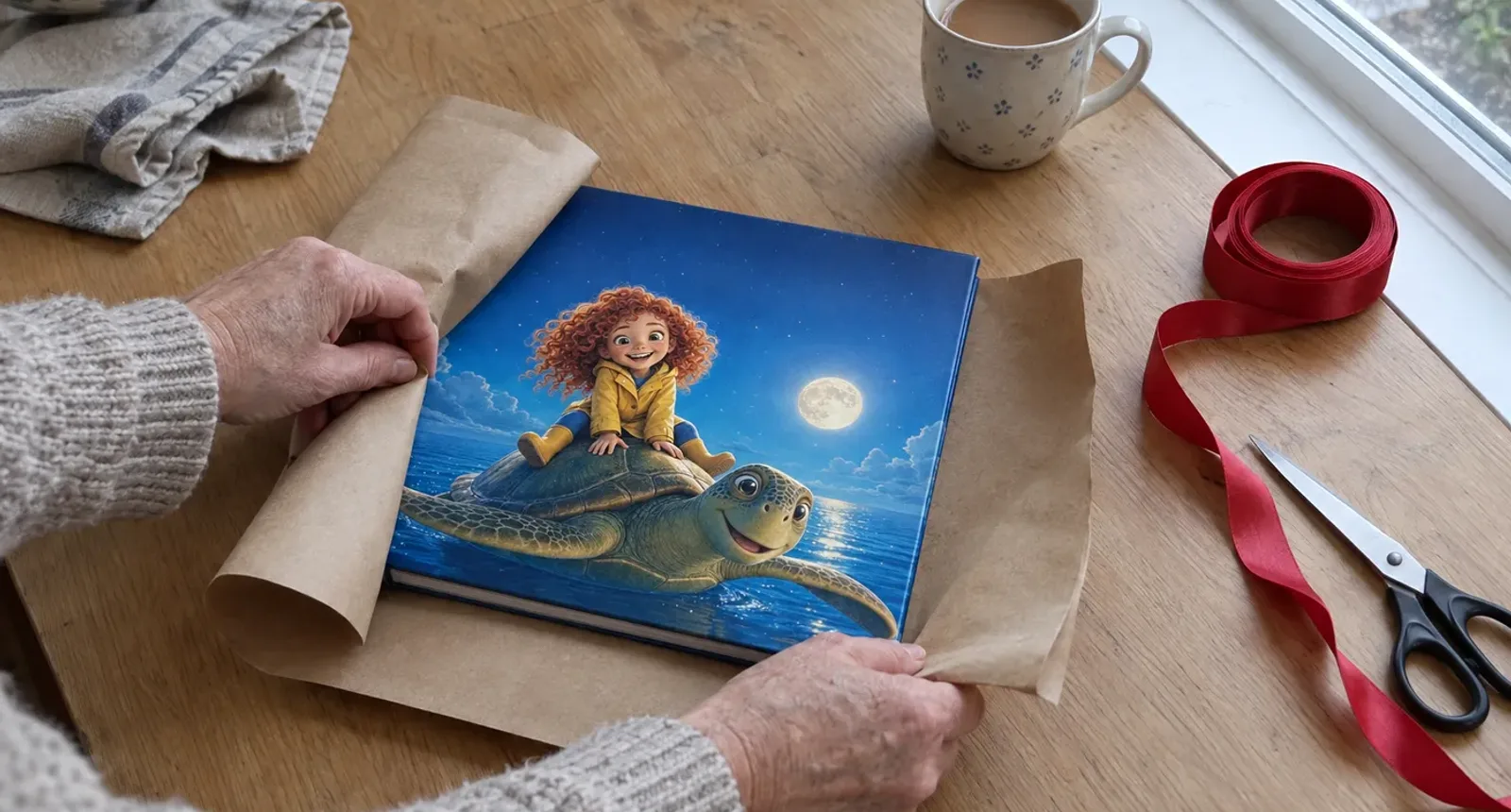
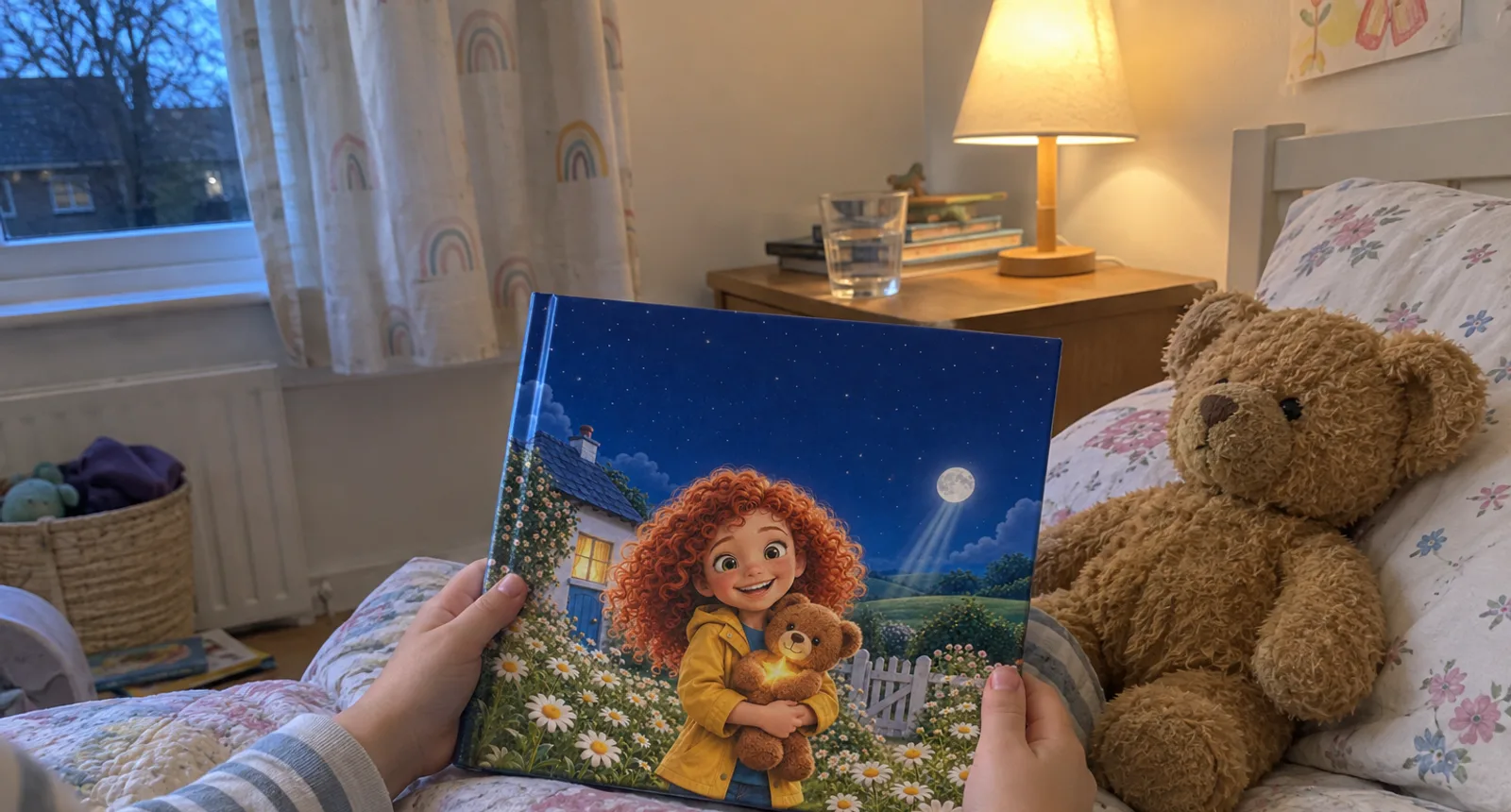
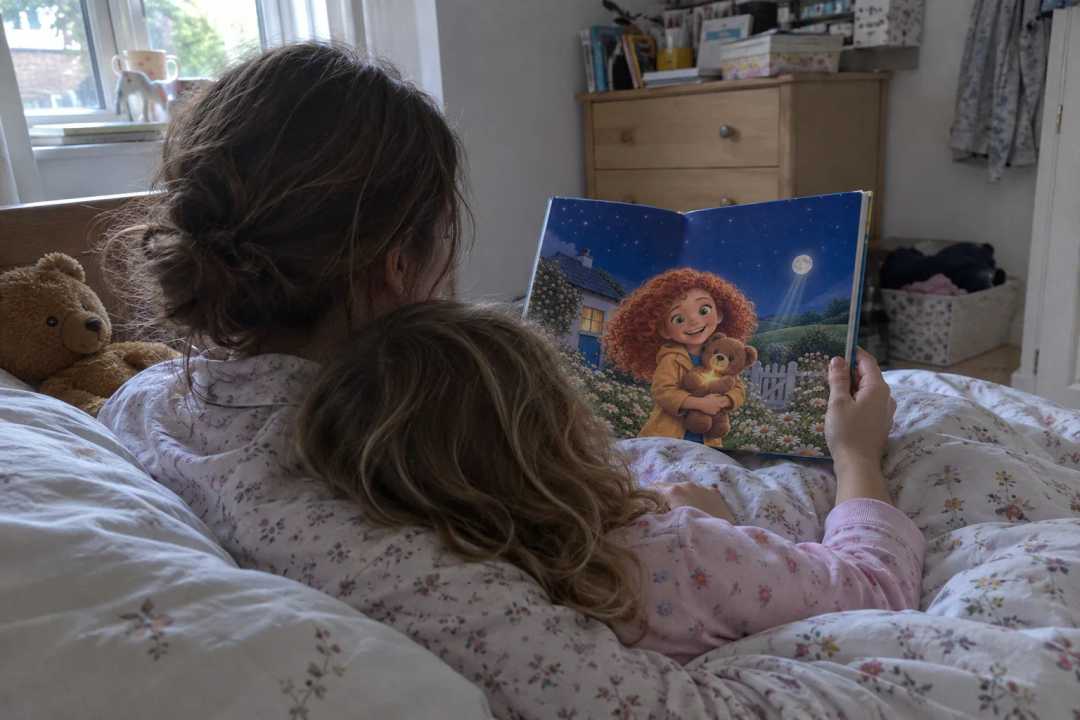
The printed book is the one children keep under their pillow. But a story book doesn't only get read in bed. It gets asked for in the car, on a plane, in a holiday flat, at grandma's, and on the evening the printed book is still on its way. That's what an e-book of their own story is for: the same pages, the same hero, on whatever screen is to hand.
Here is what our kids e-books do, how reading offline and reading aloud work, and how to have one with the printed book or on its own.
The Same Story, on Any Screen
A story book made with Photo9 starts from one photo of your child, who is drawn as the hero and appears on every page. A personalised e-book for kids is that finished book, page for page, opened in our reader. There is no app to install: it opens in the browser on a tablet, a phone or a computer.
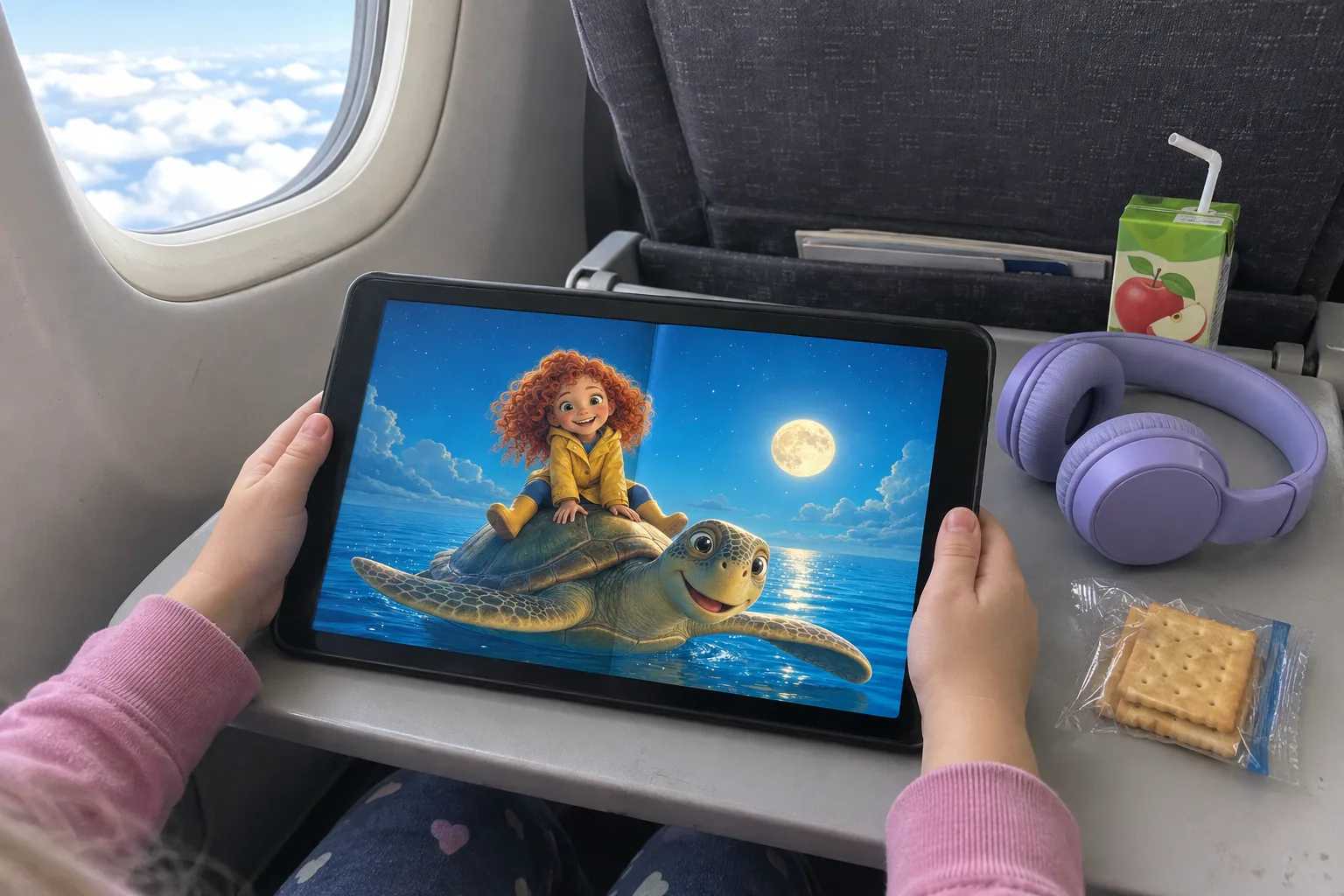
Turn the tablet sideways and you see the whole spread, as in the printed book. Upright, it shows one page at a time, big enough for small fingers to point at.
Swipe, tap or use the arrow keys to turn the pages. Full screen hides everything but the story.
Night mode dims and warms the pages, for the last story of the day, and the book opens again where you stopped.
The e-book is made from the book as you ordered it, so the words and pictures are the ones you checked and approved in the editor.
Offline, for Planes, Car Trips and Grandma's House
Long journeys are where e-books for travel with kids earn their keep, and they are also where the internet tends to disappear. So the reader can keep the book on your device and turn it into one of your offline e-books.
Tap "Keep on this device" while you're at home on Wi-Fi. The pages and the read-aloud are saved, and the book then opens without any connection at all: in flight mode, on a ferry, in a tunnel.
Add it to your Home Screen on an iPhone or iPad. The book gets its own icon and opens full screen, like an app of its own.
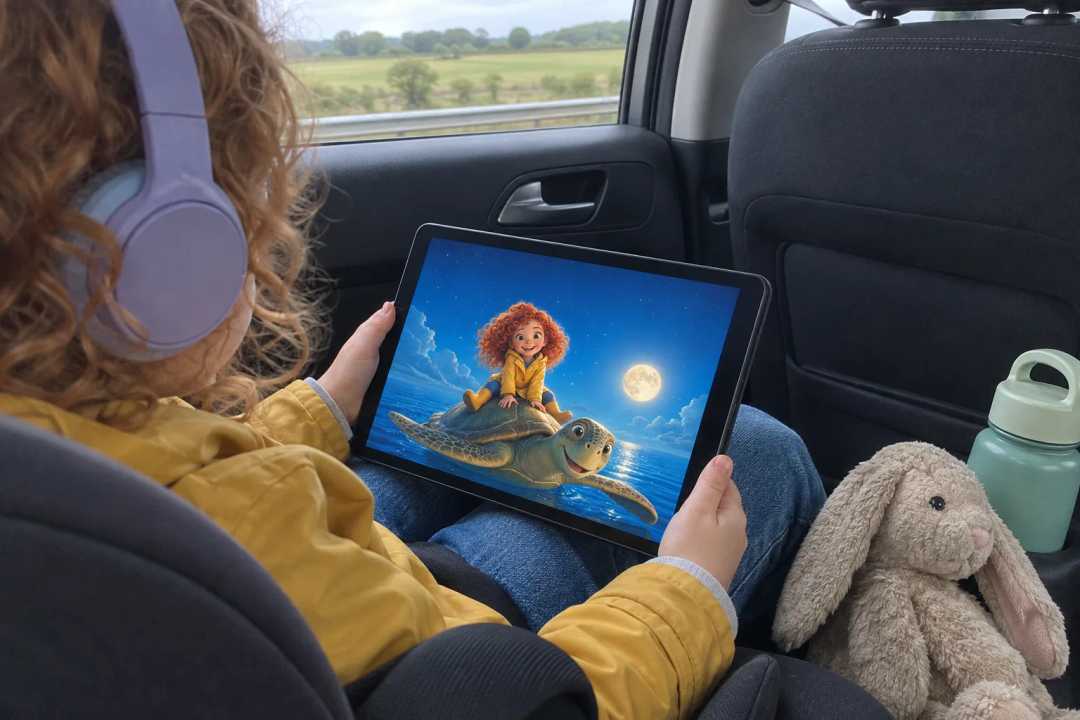
Pack it before you go. Keep the book on the tablet the children use in the car, charge it the night before, and pack headphones if you'd like the read-aloud on the road.
A favourite story in a new place helps a lot. A child who can't sleep in a hotel bed often settles with a book they know, especially one where they are the hero.
Read Aloud, Page by Page
Not every story can be read by a grown-up. You might be driving, cooking, or on the other side of the bed with a baby. Tap "Read aloud" and a warm voice reads every page, while each sentence lights up as it is read. It turns your child's own story into one of their read aloud books for kids, with them as the hero.
For early readers, following the sentence that lights up connects the words they hear with the words on the page.
For the youngest, it is one more way to hear their favourite story, again and again, at exactly the same gentle pace.
For you, it is five quiet minutes while the story is read by someone else.
The voice reads in the language the book was written in.
All Their Stories on One Shelf
Every e-book is kept on your account, under My e-books. Sign in on another device and they are all there. You can add a tag to each book, such as a child's name, and show just their books with one tap, which helps once a family has a few heroes.
Signing in needs no password: you sign in with your email, by a sign-in link, or with Google or Facebook. That is also what keeps a book with your child's face and name on it for your family only.
E-book, Printed Book or Both
There are three ways to have a story book, and you choose in the book maker or in the cart:
The printed book, a 30-page square picture book printed in your region and sent to your door.
The e-book on its own, emailed to you a few minutes after payment.
Both: order the printed book and the e-book comes with it, free, so you can read it tonight while the book is printed. With the PDF of the book instead, tap "E-book as well" in the cart and the e-book costs half.
Bought the e-book on its own first and fell in love with it? Order the printed book of the same story within 60 days and what you paid for the e-book comes off it, so starting with the e-book never costs you more. Making a few stories? Start with their e-books and print the favourite later.
How to Make One
Start a story book starring your child on our personalised children's books page with one clear photo of your child, their name and what they love.
See the hero first. Your child is drawn before you decide anything, and you can change every word of the story in the editor.
Choose how you'd like it: "E-book" on its own, or the printed book, which comes with its e-book.
Sign in with your email (at checkout for an e-book on its own, or when you first open the free one), so the e-book is kept on your account.
Open the email a few minutes after payment, tap the button and start reading.
Looking for a story for a particular moment? Our guides to bedtime stories starring your child, space books and dinosaur books each come with a story to read tonight and ideas for making it your child's own.
Questions Parents Ask
Does the e-book need the internet?
Only the first time. Open it once at home and tap "Keep on this device", and it reads without any connection after that, read-aloud included.
Which devices does it work on?
Tablets, phones and computers, in the browser: iPad and iPhone, Android tablets and phones, Windows and Mac. There is nothing to install.
Is the e-book the same as the printed book?
Yes, page for page: the same pictures, the same words, the same cover. It is made from your book as you ordered it, so later changes in the editor don't alter it.
What is the difference between the e-book and the PDF?
The PDF is a file of the book to keep and print. The e-book opens in our reader, with the spread on a sideways tablet, read-aloud, night mode and offline reading, and it is kept on your shelf under My e-books.
Can I read it on more than one device?
Yes. Sign in with the same email on each device and the book is on your shelf there too.