Year in Review Photo Book From Your Phone

Photo Book From Phone Pics: Yearbook Ideas
Your camera roll is full of birthdays, school mornings, weekend trips, baby milestones, screenshots of funny messages, and those tiny everyday moments you never want to lose. The problem is not taking the photos. It is turning them into something beautiful before they disappear into the scroll.
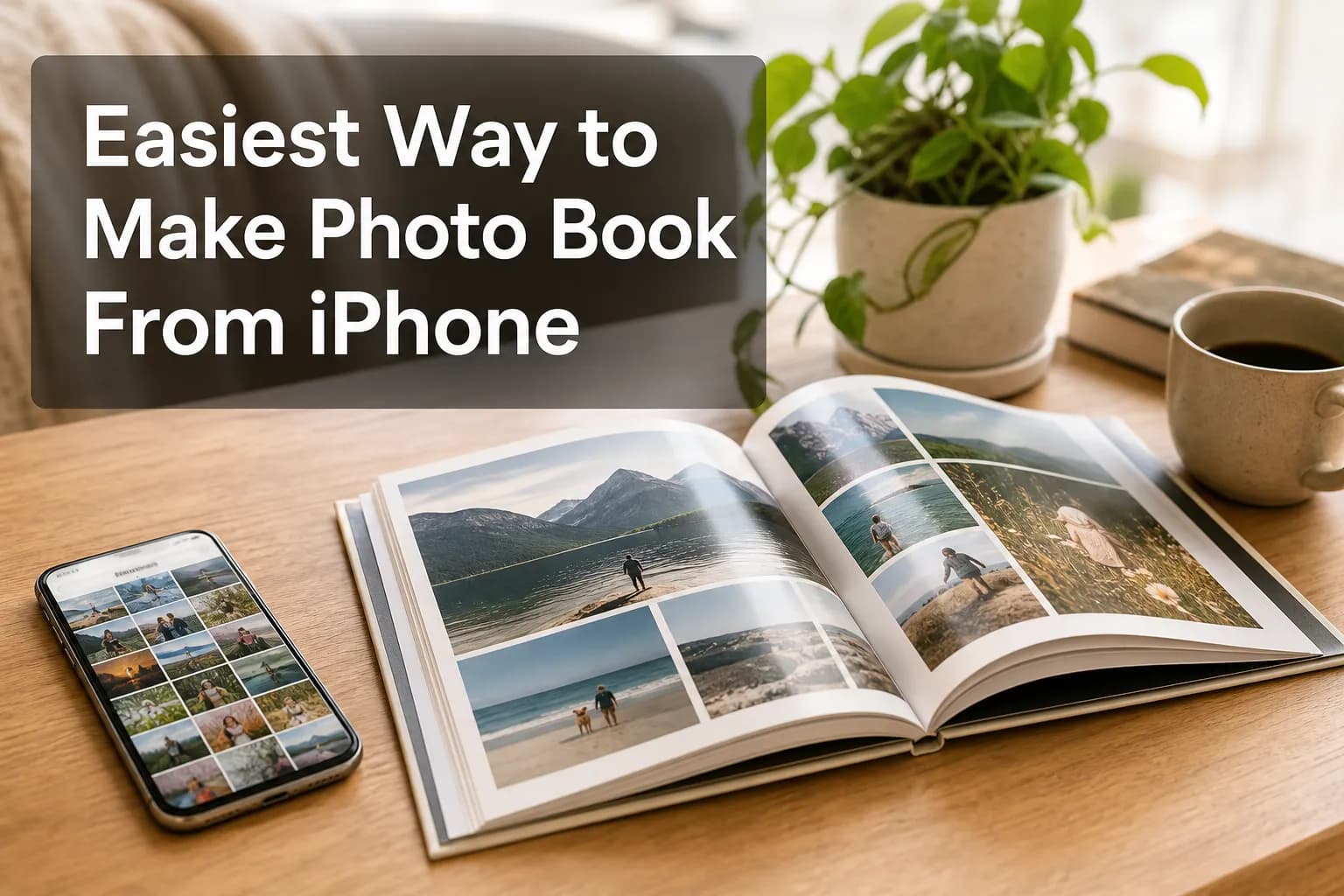
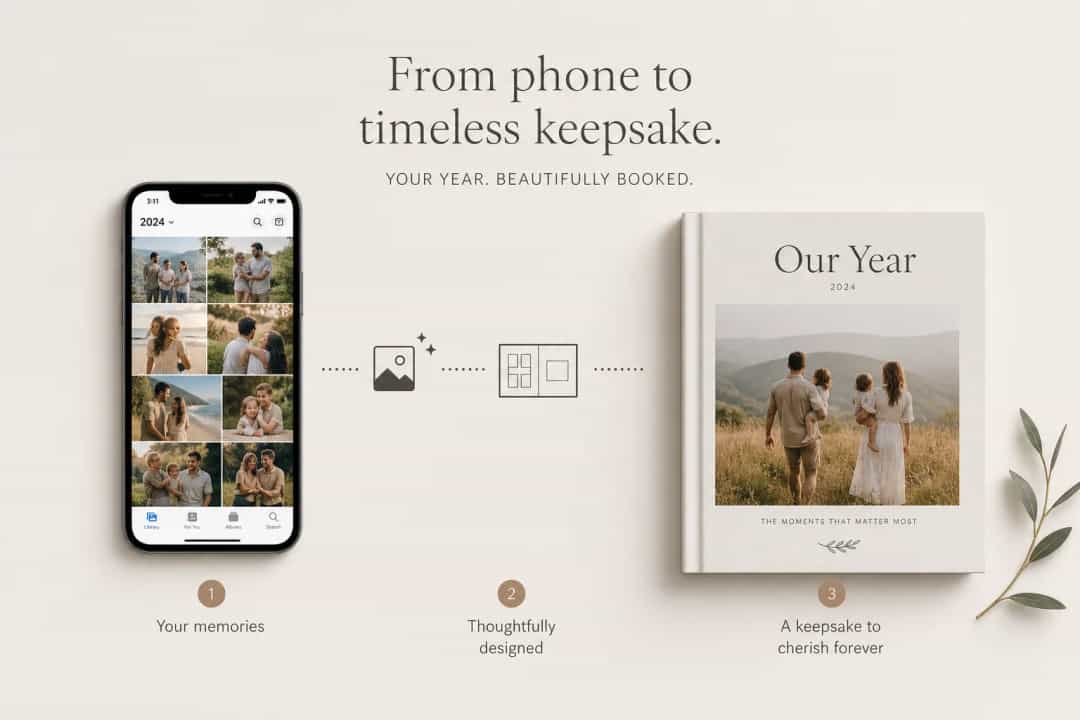
A stylish photo book from phone pics solves that. It gives your favorite memories structure, story, and permanence, without requiring design skills or hours of dragging photos into place. If you want to create a yearbook style photo book, a polished year photo album, or even a modern portfolio photo book, the smartest approach is to start with your phone photos and let technology do the heavy lifting.
At Photo9, we make that process fast: AI-generated layouts in seconds, no app required, cross-device editing, 3D preview, smart layout suggestions, premium materials, and easy customization for gifts or keepsakes that actually get printed.
Why phone photos make the best yearly photo books
Competitor guides agree on a few things: yearly books are easier to maintain than event-only albums, chronological order helps tell a story, and simple layouts usually look better than overdesigned pages. They are right. But most stop short of solving the real pain point: people do not need more inspiration alone; they need a faster workflow.
That is where Photo9 adds value. Instead of manually sorting, dragging, and resizing every image, you can upload your photos and get a polished photo book collection draft in seconds. Then you fine-tune only what matters.
What makes a great yearbook photo album
Element | Why it works |
|---|---|
Chronological flow | Makes the year easy to relive |
Mixed moments | Combines milestones and everyday life |
Short captions | Adds context without clutter |
Flexible layouts | Fits selfies, screenshots, portraits, and landscapes |
Clean design | Keeps the focus on the story |
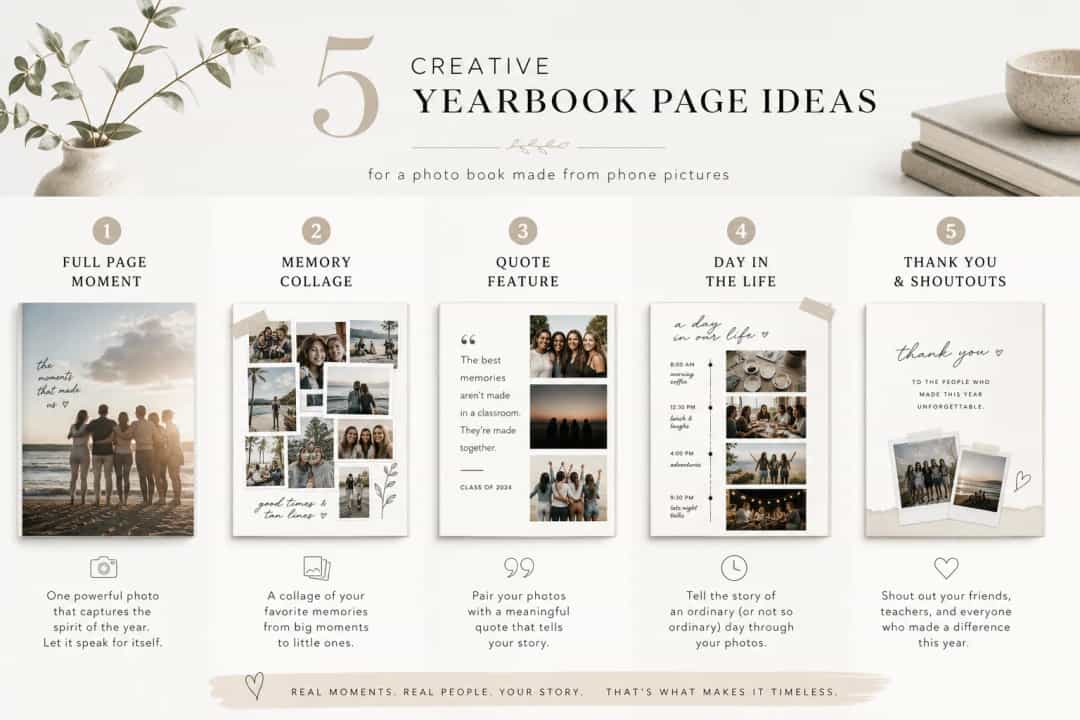
5 creative yearbook ideas from your phone camera roll
1. The month-by-month year photo book
Turn each month into a mini chapter. Include 4 to 12 photos, one short caption, and one standout full-page image. This format works brilliantly for families, couples, and baby milestones.
2. The “real life” yearly photo album
Not every page needs holidays and perfect portraits. Include grocery-store chaos, rainy walks, lunchboxes, pets, and home renovations. These often become the most meaningful photo book pages later.
3. The travel-and-home hybrid
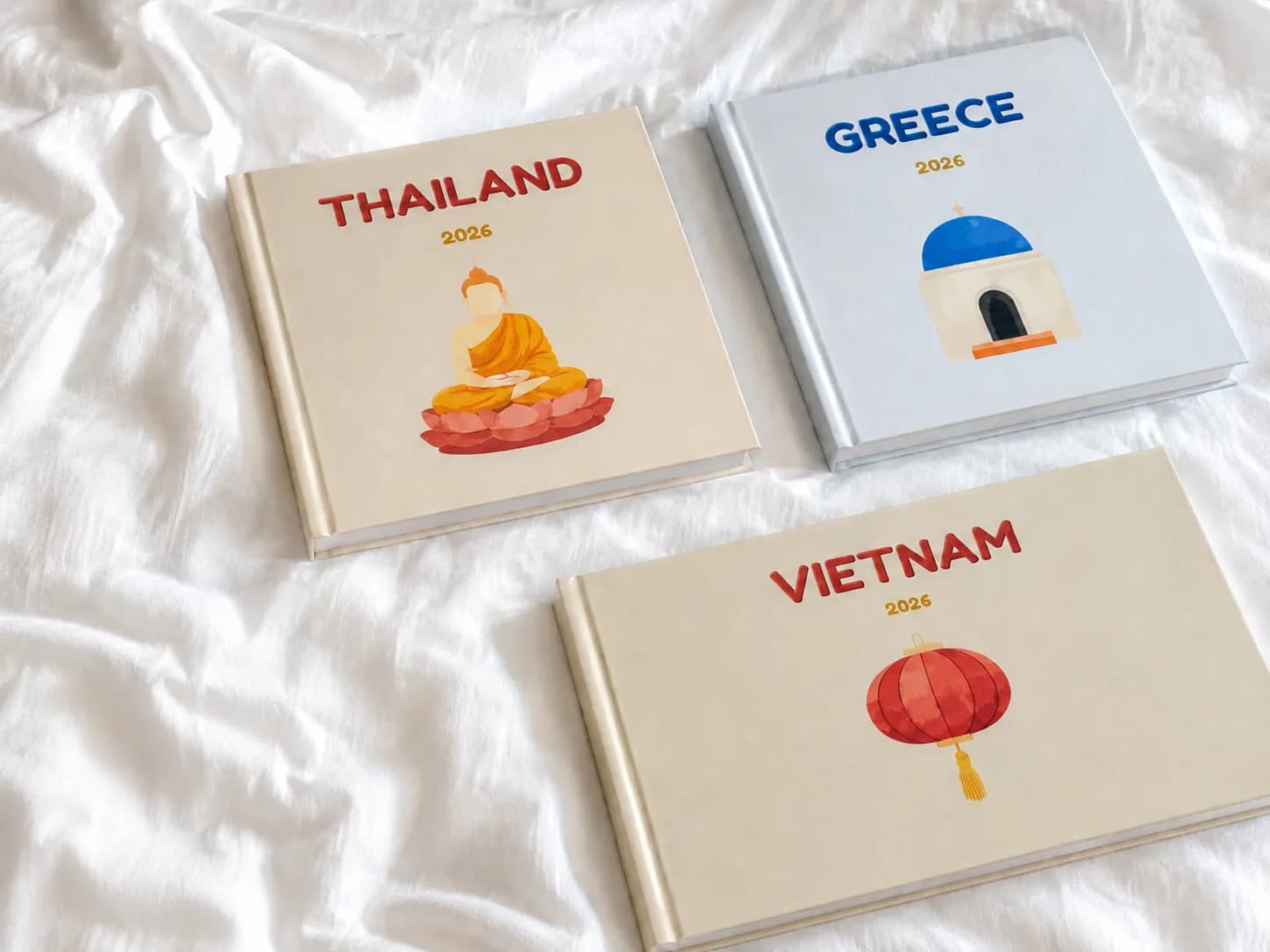
Most competitors separate travel books from family yearbooks. A stronger idea is combining both. Build a photo gallery book that blends your everyday life with trips, and use map pages with location pins to mark where each chapter happened.
4. The student or creator portfolio photo book
A photo portfolio book does not have to be formal. Use a photo presentation book layout for art school applications, creative work, graduation memories, or personal branding. Phone photos, behind-the-scenes shots, and finished work can all live together beautifully.
5. The video-inspired memory book
Build a video photo book feel by using sequences: first photo, middle moment, final result. Add QR codes linking to short clips if you want a photo book video experience without making the page design complicated.
How to turn phone pictures into a polished photo yearbook
Step 1: Do a fast first selection
Do not sort everything. Choose your favorites first: the photos that make you laugh, pause, or remember a specific day. This is the fastest way to build a strong photo collection album.
Step 2: Group by month, trip, or theme
Create simple clusters like “January,” “Summer holiday,” “Baby firsts,” or “Best friend moments.” This makes the AI layout engine much more effective.
Step 3: Let AI generate the first design
With Photo9, layouts are created in seconds. The system suggests balanced spreads, adapts to different image shapes, and helps transform a random camera roll into a cohesive yearbook photo book.
Step 4: Personalize the draft
Add text, change backgrounds, swap layouts, highlight hero images, and add maps with custom location pins. You keep creative control without starting from zero.
Step 5: Preview in 3D and order confidently
A 3D preview helps you catch flow issues, duplicate images, or awkward crops before printing. It is one of the easiest ways to avoid common mistakes competitors rarely mention.
Common mistakes to avoid
Most articles mention “don’t overthink it,” which is true, but here are the practical mistakes that matter most:
Using too many similar photos on one spread
Ignoring vertical images instead of choosing layouts that suit them
Leaving out ordinary moments
Writing captions that are too long
Designing only for the screen and not checking print flow
Waiting for the “perfect time” instead of creating one yearly photo album at a time
What to include in your photo book pictures
A memorable photo collection book usually mixes:
Big milestones
Everyday candids
Screenshots of messages or notes
Travel photos
Kids’ drawings or scanned keepsakes
One opening page with a short year summary
One closing page with favorite moments, lessons, or highlights
Why Photo9 is the easier way to create it
Photo9 is built for busy people who want professional results without the traditional design grind.
What you get with Photo9
AI-generated layouts in seconds
No app download needed
Cross-device access
Smart layout suggestions
Fully customizable books and wall art
3D preview before ordering
Premium paper and print quality
Fast, reliable delivery
Secure payment
100% satisfaction guarantee
Local printing when possible for lower emissions
Sustainable materials and recyclable packaging
That combination matters whether you are making yearly photo books, a photo book portfolio, or a gift-ready yearbook photo album.
Final thought
A beautiful photo book from phone pictures should not take weeks. The best system is the one you will actually use: simple selection, smart automation, easy customization, and premium print quality at the end.
If you are ready to turn your camera roll into a stylish photo year book or a modern photo storage book you will revisit for years, Photo9 gives you the fastest route from scattered phone memories to a finished keepsake. Start online, let the AI create your first layout in seconds, and make this the year your photos finally leave your phone.
FAQ
How to make a picture book from phone photos?
Start by selecting your best images from your camera roll, then group them by month, trip, or theme. With a tool like Photo9, you can upload them, generate AI layouts in seconds, customize the design, and preview it in 3D before ordering.
How to create a photo book from old photos?
Scan your printed photos first, then organize them into simple folders by year or event. Once digitized, you can mix them with newer phone photos and use clean layouts to create a cohesive printed book.
What are some creative ideas for a photobook?
Try a month-by-month yearbook, a real-life family album, a travel-and-home mix, or a creative portfolio layout. You can also add maps, short captions, and sequence-style pages to create a more dynamic story.
What are common scrapbooking mistakes?
Common mistakes include adding too many similar images, skipping everyday moments, using layouts that do not fit your photo shapes, and overloading pages with text. A smarter approach is to keep the design clean and let AI-assisted layout suggestions handle the structure.