
Make and Print a Book: Easy Starter Guide
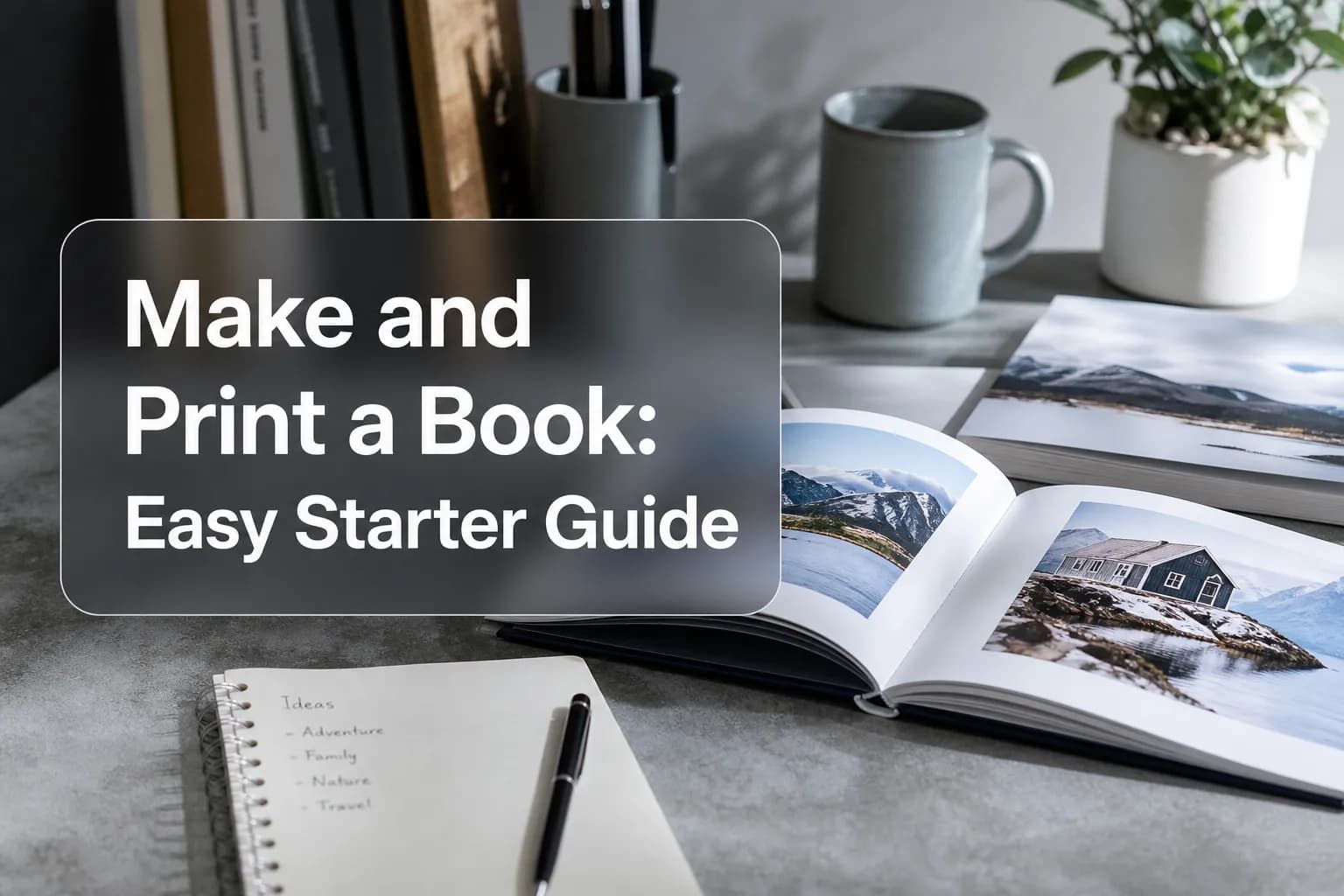
Photo 9
13 min read · June 14, 2026
Make and Print a Book: Easy Starter Guide
Want to make and print a book without feeling overwhelmed by design tools, file setup, or printing jargon? You’re in the right place. Whether you want a family keepsake, a thoughtful gift, a wedding album, a baby memory book, or a creative project, the easiest path today is to start with your photos and let smart tools do the heavy lifting.
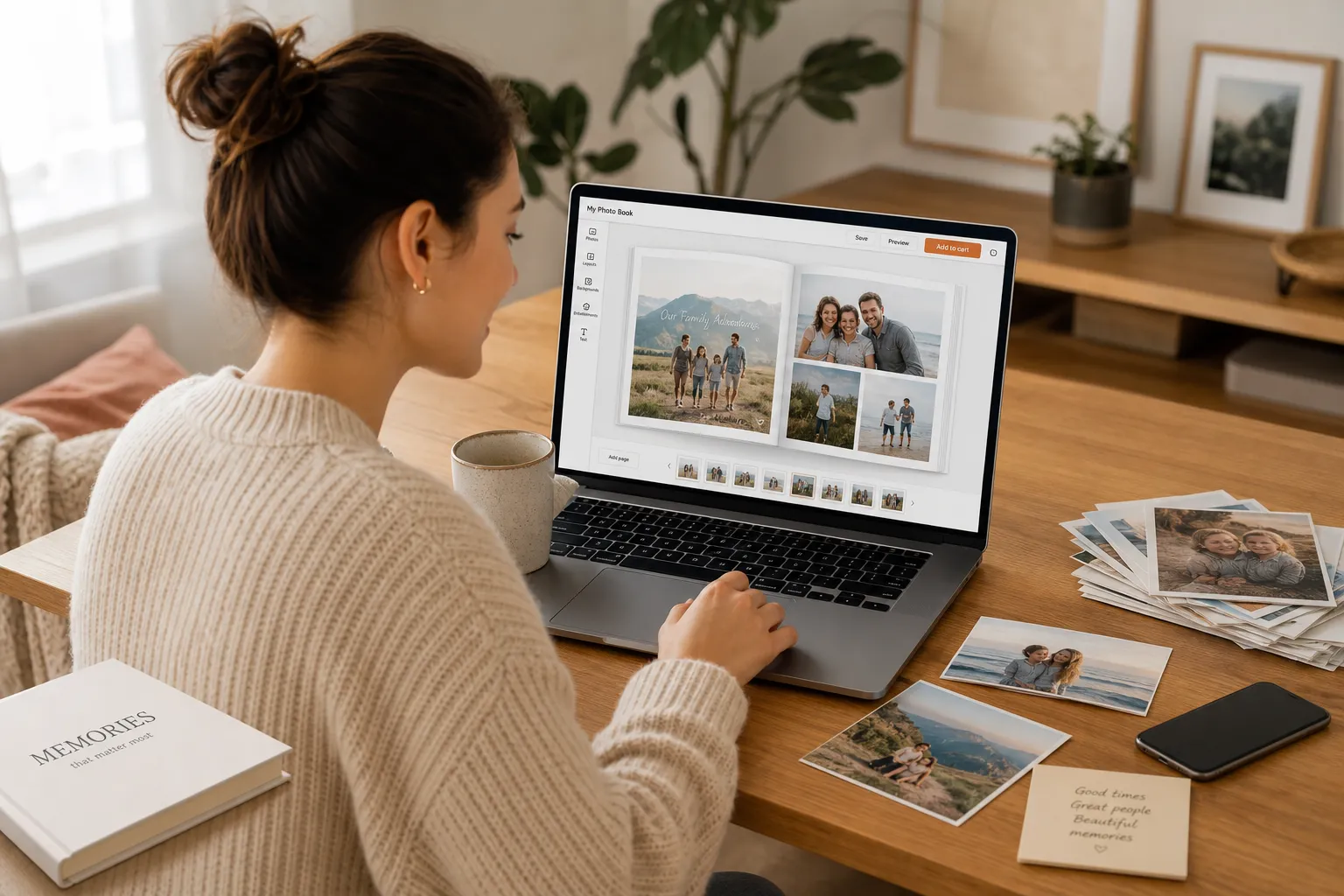
Many beginner guides focus on traditional publishing, ISBNs, and manuscript formatting. But most people searching for make a book and print it are not trying to launch the next bestseller - they want to turn meaningful moments into something beautiful and tangible. That’s where Photo9 fits perfectly: an AI-powered, browser-based platform that helps you create premium photo books in minutes, with automatic layouts, smart suggestions, full customization, 3D preview, and no app required.
If you’ve been putting this off because it sounds time-consuming, expensive, or too technical, this guide will show you the easiest way to create and print a book from start to finish.
Why More People Want to Make a Printed Book Today
Digital galleries are convenient, but they’re rarely satisfying. Thousands of memories end up buried in camera rolls, cloud folders, and old phones. A printed book changes that. It gives your photos a story, a shape, and a place in real life.
Printed books are especially popular for:
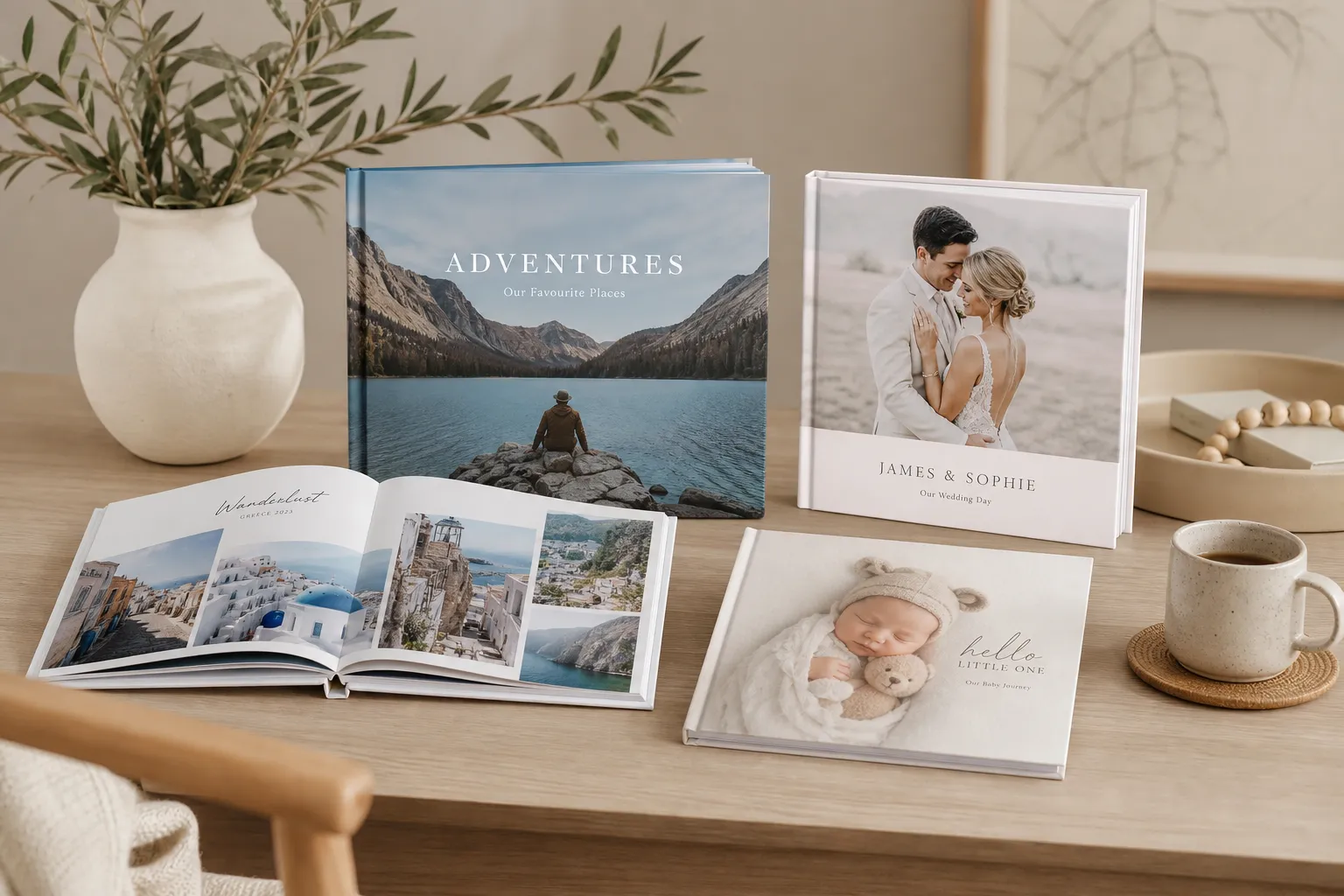
Family memory books
Travel albums
Wedding books
Baby’s first year
Birthday gifts
Year-in-review keepsakes
Graduation and friendship books
And the demand is real:
"The self-publishing industry in the United States is projected to reach $5.7 billion by 2033." - Grand View Research
That stat is about the wider publishing space, but it reflects something important: more people than ever want simple ways to turn ideas and memories into printed books.
There’s also strong demand for personalized gifting:
"68% of U.S. consumers printed at least one photo, primarily for home decor and gifting." - Gitnux
That’s exactly why photo books remain one of the most meaningful formats. They’re personal, useful, emotional, and lasting.
What “Make and Print a Book” Means for Most Beginners
For most readers, this phrase does not mean writing a novel and finding a commercial publisher. It usually means one of three things:
Goal | What you need | Best approach |
|---|---|---|
Memory book | Photos, captions, theme | AI-assisted photo book platform |
Gift book | Personal photos, text, premium finish | Easy online creator with design help |
Creative project | Mixed images, story flow, layout control | Customizable online editor |
If your goal is to preserve moments beautifully without needing professional design skills, an online photo book platform is the fastest route.
With Photo9, you can start from a folder of photos and quickly turn them into a polished book using AI-generated layouts, editable text, theme-based styling, and a realistic preview before ordering.
The Easiest Way to Create and Print a Book
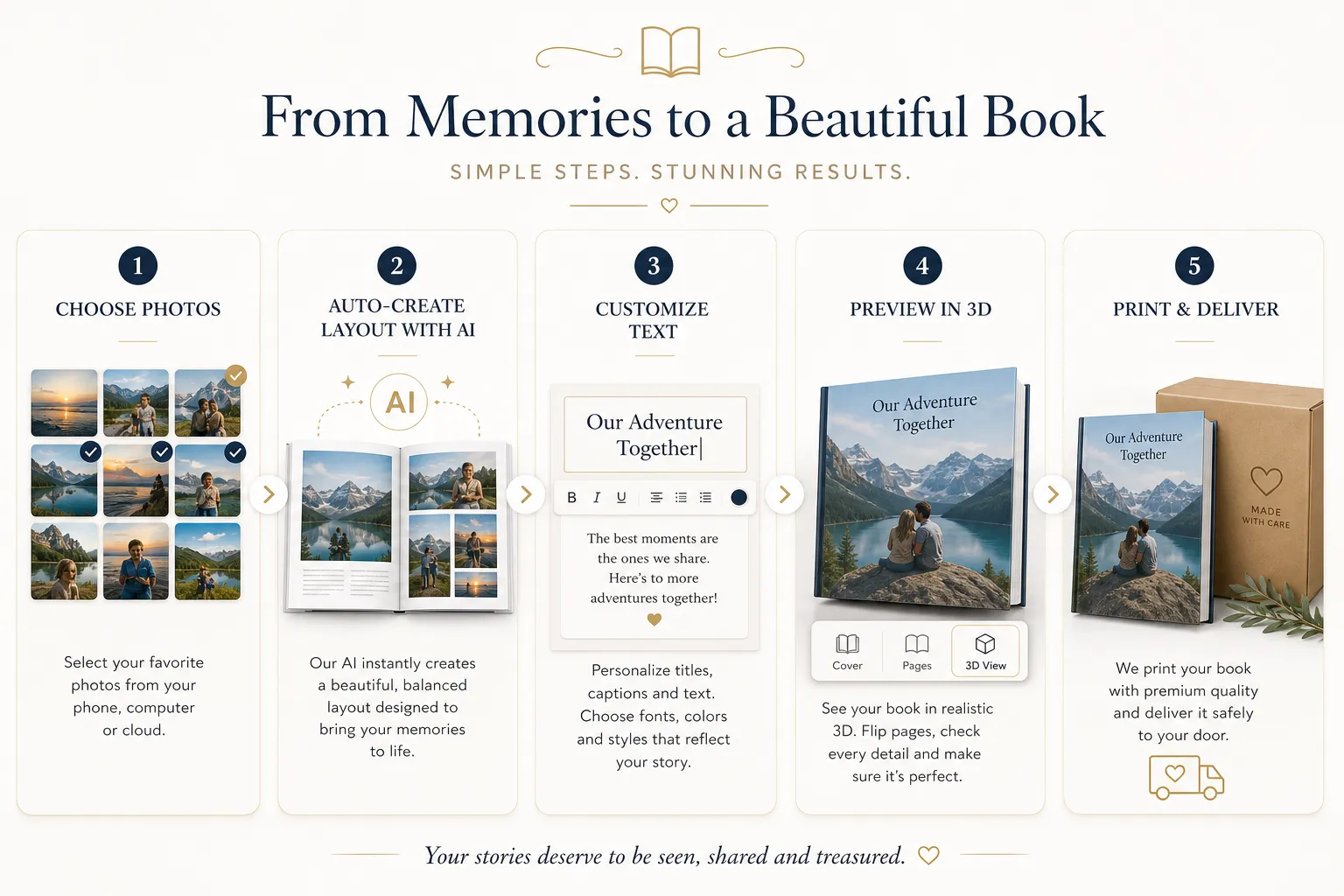
The simplest workflow looks like this:
Choose your purpose
Collect your photos
Pick a book format
Let AI build the first layout
Personalize with captions, colors, and arrangement
Preview everything in 3D
Order with confidence
That’s it. No design software. No app. No complicated export settings.
If you want inspiration before you start, browse the Photo9 photo books collection to compare styles and occasions.
Step-by-Step: How to Make a Book and Print It
1. Start With a Clear Book Idea
Before uploading anything, decide what your book is about. A tighter theme makes the final result feel more intentional.
Good beginner ideas include:
“Our Best Year”
“Baby’s First 12 Months”
“Summer in Italy”
“A Book for Grandma”
“Wedding Day Highlights”
“10 Years Together”
A clear theme helps with photo selection, cover design, captions, and page flow.
2. Gather and Trim Your Photos
Most people add too many photos at first. That leads to cluttered pages and weaker storytelling. Instead, aim for selection, not saturation.
A simple rule:
Pick your strongest images first
Remove duplicates
Keep a mix of close-ups, wide shots, and detail shots
Include a few imperfect candid moments for authenticity
You don’t need to manually sort everything if you use Photo9. The AI can help organize and suggest layouts based on your images, saving you hours of drag-and-drop work.
3. Choose the Right Book Format
The format changes how your book feels in the hand and on the shelf.
Hardcover photo books
Best for:
Weddings
Gifts
Family heirlooms
Premium keepsakes
Why choose it:
Stronger durability
More elevated feel
Great for coffee table display
Softcover photo books
Best for:
Travel books
Everyday memory books
Student projects
Affordable gifting
Why choose it:
Lighter and flexible
Budget-friendly
Easy to make multiple copies
If you want a more premium finish, explore Photo9’s hard cover photo books for a polished, gift-worthy result.
4. Let AI Create the First Draft
This is where modern book-making is dramatically better than older methods.
Instead of manually placing every photo one by one, Photo9 can generate a professional starting layout in seconds. The system analyzes your images and suggests smart arrangements, page balance, and visual flow.
This gives you:
A fast first version
Better pacing across spreads
Less decision fatigue
A more polished result, even if you’ve never designed anything before
That’s especially useful for busy parents, couples, and gift shoppers who want a beautiful outcome without spending an entire weekend on it.
5. Customize the Book So It Feels Personal
AI should speed up the process - not remove your personality.
Once the draft is ready, fine-tune it with:
Captions
Dates and locations
Background colors
Rearranged images
Special milestone pages
Dedications or gift messages
This is where your memory book becomes your book.
If you want text to feel natural and not clutter the layout, the key is to be selective. Short captions often work better than paragraphs. One sentence per spread can add emotion without overwhelming the images.
6. Check the Cover Carefully
Your cover sets expectations. It should be simple, emotional, and easy to read.
Good cover ideas:
One strong image
A short title
Clean typography
A date or place if relevant
Examples:
Our Wedding Day
Baby Leo: Year One
Summer in Portugal
Moments That Matter
Avoid:
Too many photos on the cover
Tiny text
Overcomplicated titles
Weak or blurry images
7. Preview Before You Print
One of the biggest beginner mistakes is ordering too quickly.
Always preview:
Image crops
Text alignment
Spelling
Page order
Cover placement
Overall pacing
Photo9’s 3D preview makes this much easier because you can see how the finished book is likely to look before buying. That extra confidence matters - especially when the book is a gift or a once-in-a-lifetime memory project.
Best Types of Books to Make for Memories and Gifts
If you’re unsure what kind of book to create first, these are the most rewarding beginner-friendly options.
Family memory book
Perfect for combining birthdays, holidays, everyday moments, and milestones into one annual keepsake.
Travel photo book
A great way to turn scattered vacation images into a story with place names, maps, and favorite moments.
Wedding photo book
Ideal for preserving the emotional arc of the day, from preparation to celebration.
For inspiration, Photo9 also offers a dedicated wedding photo book option tailored to one of life’s biggest moments.
Baby book
A favorite for new parents who want to preserve the first year without spending hours designing from scratch.
Gift book
Perfect for Mother’s Day, Father’s Day, anniversaries, graduations, or grandparents.
Year in review
A beautiful ritual for families, couples, and even friend groups who want to capture one year in one place.
Common Mistakes Beginners Make When They Create and Print a Book
Competitor guides often explain the process, but they usually miss the emotional and practical issues that trip beginners up. Here are the most common mistakes to avoid.
Using too many photos
More photos do not automatically make a better book. They often make it feel crowded and repetitive.
Telling no story
Even a casual memory book needs flow. Think beginning, middle, and ending.
Ignoring image quality
Dark, blurry, or low-resolution photos can reduce the final print quality. Use the best original files you have.
Overdesigning
Too many fonts, colors, and decorations can make the book feel chaotic. Let the images lead.
Skipping captions
A little context goes a long way. Dates, names, and short notes make the book more meaningful over time.
Choosing the wrong format
A once-in-a-lifetime memory may deserve hardcover, while a fun travel recap may work beautifully in softcover.
Not checking the preview
Previewing is your final quality control step. Don’t skip it.
How Photo9 Makes Book Creation Easier Than Traditional Methods
Traditional online book builders often rely on manual sorting, manual layout building, and a lot of repetitive work. That’s why people abandon projects halfway through.
Photo9 is different because it combines emotional storytelling with modern AI assistance.
What makes Photo9 stand out
AI-generated layouts in seconds
No app required
Works across devices
Professional design without experience
Smart layout suggestions
3D preview before ordering
Fully customizable pages
Premium photo books and wall art
Fast and reliable delivery
Secure payment
100% satisfaction guarantee
Local printing when possible for lower emissions
Sustainable materials and recyclable packaging
This balance of automation and control is the real content gap many competitor articles miss. Beginners don’t just need printing advice - they need a realistic path to finishing the project.
How Long Does It Take to Make and Print a Book?
This depends on the type of platform you use.
Method | Typical creation time | Difficulty |
|---|---|---|
Manual design software | 4–12+ hours | High |
Traditional drag-and-drop builder | 2–6 hours | Medium |
AI-assisted Photo9 workflow | 10–45 minutes | Low |
That speed matters because unfinished projects rarely become printed keepsakes. The easier it is to get from “I should make this” to “It’s ordered,” the more likely you are to actually preserve your memories.
What Quality Should You Expect From a Printed Book?
A photo book should feel special the moment it arrives. That means more than decent printing.
Look for:
Rich, sharp image reproduction
Durable binding
Premium cover finish
Thick, high-quality pages
Clean trimming
Reliable packaging
Photo9 focuses on premium materials and careful production, so your book feels gift-worthy - not disposable. That’s important when you’re printing wedding memories, baby milestones, or a once-a-year family book.
What About Sustainability?
This is another area many competitor guides barely mention.
If you care about the environmental side of print, look for:
FSC-certified or responsibly sourced paper
Local printing where possible
Recyclable packaging
Less wasteful production workflows
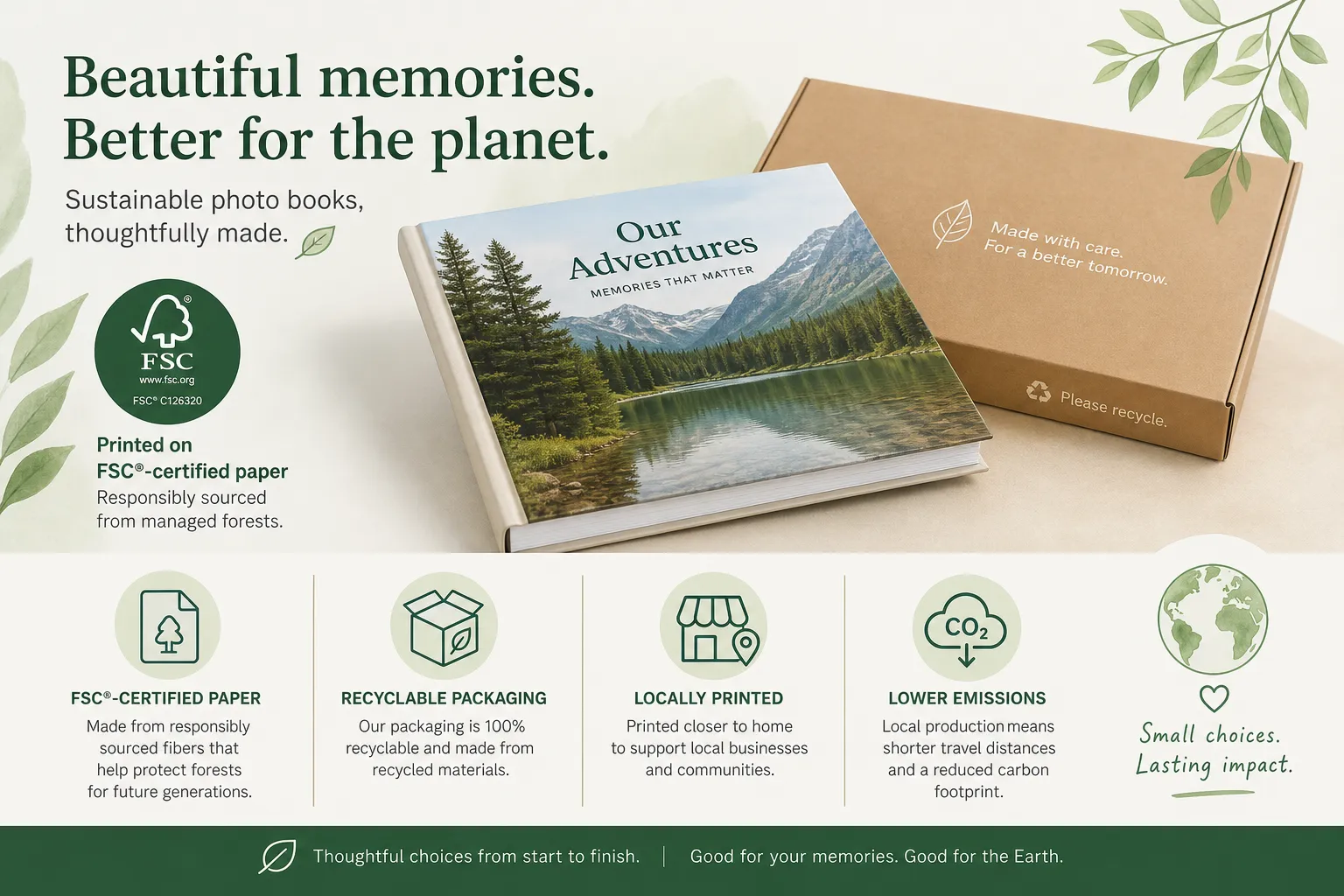
Photo9 includes sustainability as part of the experience, with sustainable materials, recyclable packaging, and local production when possible to reduce emissions. So you can print something lasting without ignoring environmental responsibility.
Should You Make One Book or Multiple Copies?
If the book is personal, start with one. If it’s for family or gifting, consider multiple copies right away.
Multiple copies are ideal for:
Grandparents
Wedding parents
Shared trip memories
Class or team books
Holiday gifts
It’s often easier and more cost-effective to order extra copies while the project is fresh and finalized.
Photo Books vs Wall Art: Which Should You Choose?
Sometimes the right answer is not either/or.
Product | Best for | Emotional use |
|---|---|---|
Photo book | Full story, many memories | Keepsake, gift, milestone |
Canvas/poster/wall art | One standout image | Display, decor, statement piece |
If you have one iconic image, wall art is perfect. If you want a sequence of moments, a photo book wins every time.
Many customers start with a photo book and later turn favorite pages or images into wall art, especially for weddings, newborns, and travel photography.
Final Verdict: The Best Way to Make and Print a Book Today
If your goal is to make a book and print it without technical stress, the smartest approach is simple:
Start with a clear story
Use your best photos
Choose the right format
Let AI build the layout
Personalize the details
Preview carefully
Print with a provider you trust
That’s exactly why Photo9 is such a strong choice. It removes the hardest parts of photo book creation - sorting, arranging, balancing, and building layouts manually - while still giving you full creative control. You get the speed of AI, the flexibility of customization, the confidence of a 3D preview, and the reassurance of premium quality, secure checkout, fast delivery, and sustainable production.
If you’re ready to stop letting your favorite memories sit unseen in your phone, now is the perfect time to create and print a book that you’ll actually hold, share, and revisit for years.
FAQ
How to make a book step by step for beginners?
Start by choosing a clear theme, gathering your best photos or content, and selecting a format such as hardcover or softcover. Then use an easy online creator like Photo9 to generate a layout, customize it with text and design touches, preview it in 3D, and place your print order.
How many books do you have to sell to make $100k?
That depends entirely on your profit per book. If you earn $10 profit per copy, you would need to sell about 10,000 books to make $100,000. For memory books and gifts, most people are creating for personal use rather than aiming for commercial book sales.
What company will pay you $200 to read a book?
There is no single standard company that reliably pays everyone $200 just to read a book. Some review platforms, publishers, or research panels may offer paid reading opportunities, but they are separate from services like Photo9, which focuses on helping you make and print a book from your own memories and photos.
Can I finish a 300 page book in 2 days?
Yes, it is possible, but it depends on reading speed, focus, and schedule. For creating a printed memory book, the better question is whether you can finish the design in a weekend - and with AI-assisted layouts, many people can complete a beautiful photo book in under an hour.
What is the 50 page rule?
The 50 page rule usually means giving a book around 50 pages before deciding whether it is worth continuing. In photo book creation, a similar idea helps: don’t overfill your project. A focused book with your best images often looks better than a crowded one with too many pages.
How many books do you have to sell to make $100k?
The formula is simple: divide $100,000 by your profit per book. If your profit is $20 per book, you need 5,000 sales; if it is $5, you need 20,000. For personalized photo books, success is often measured less by volume and more by creating something meaningful, beautiful, and gift-worthy.