
photo book with your kids drawing
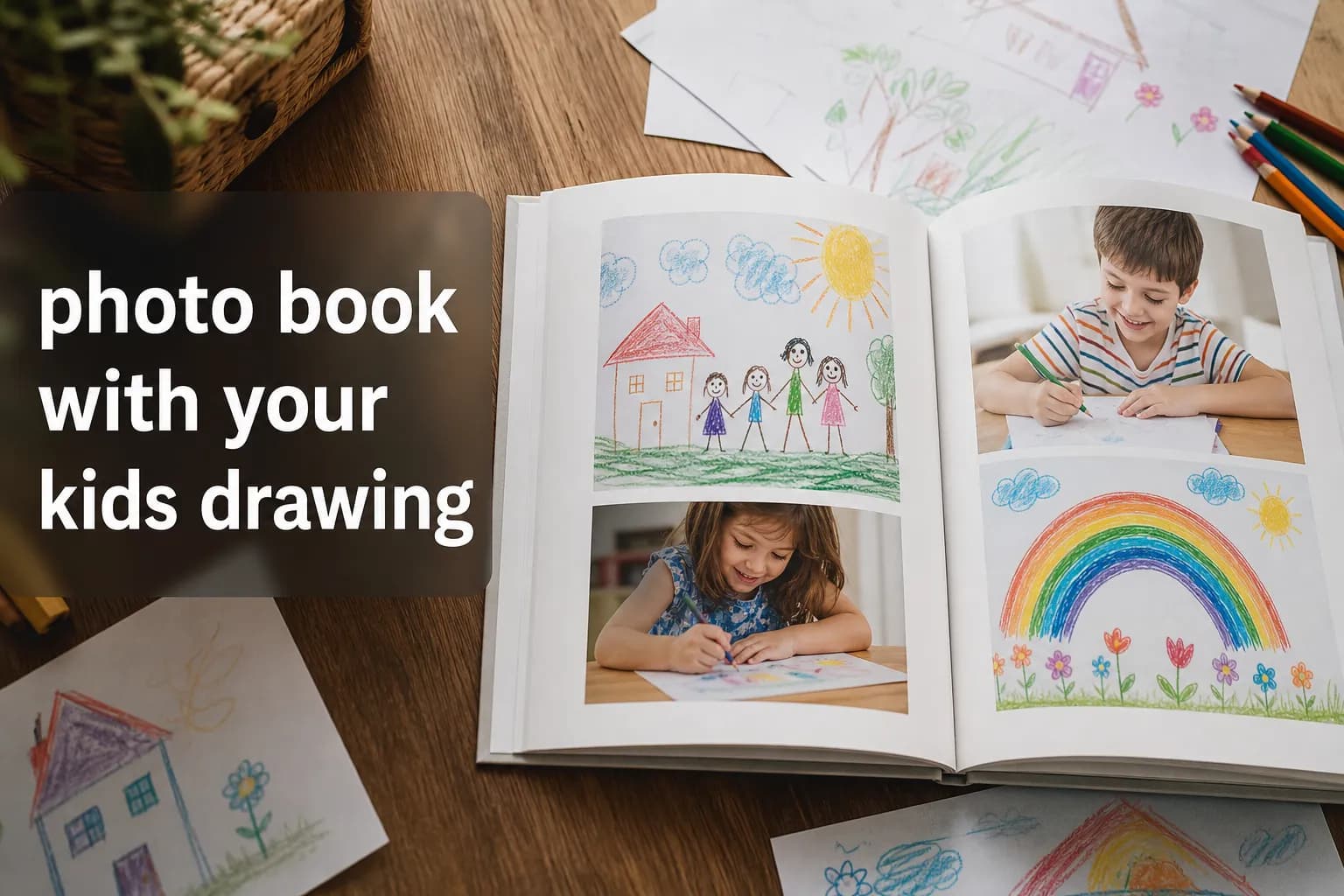
Photo 9
11 min read · June 14, 2026
Photo Book With Your Kids Drawing: The Easiest Way to Keep Every Masterpiece
Your child’s drawings deserve better than a bursting drawer, a fading fridge door, or a guilt-filled recycling moment.
If you’ve been searching for a photobook with my kids drawing, the good news is this: you do not need to scan everything perfectly, learn design software, or spend an entire weekend arranging pages by hand. Today, you can simply photograph each drawing on your phone and turn it into a beautiful keepsake in minutes.
With Photo9, it’s especially easy to save your kids drawing in a photo book. The platform uses AI to generate professional layouts in seconds, and if you want a clean gallery feel, you can create a book with one picture per page so every drawing gets its own spotlight. No app required, no design experience needed, and no complicated editing workflow.
Why Turning Kids’ Drawings Into a Photo Book Makes So Much Sense
Children create fast. Very fast. One week it’s finger painting, the next it’s rainbows, dragons, houses, self-portraits, and abstract “masterpieces” that only they can explain. The result is a growing pile of art that’s emotionally impossible to throw away and physically impossible to store forever.
A photo book solves both problems:
it preserves the memory,
reduces paper clutter,
makes the artwork easier to revisit,
and turns everyday creativity into a lasting family keepsake.
More importantly, it gives your child a sense that their creativity matters. Seeing their work printed in a real book feels meaningful in a way that a storage box never will.
"A 2024 YouGov survey revealed that 95% of U.S. parents with adult children have retained photos from their children's youth, and 74% have kept their children's artwork." - YouGov
That says a lot. Parents clearly want to keep these pieces of childhood. The challenge is finding a way that feels organized, beautiful, and realistic for real life.
What Competitor Articles Usually Get Right - and What They Miss
Most articles on this topic give solid basic advice:
sort the art,
photograph or scan it,
choose a book format,
add captions,
print it.
That’s useful, but it often misses what busy parents actually need:
What others cover | What they often miss |
|---|---|
General decluttering advice | How to do it quickly from your phone |
Scanning tips | A realistic “snap and upload” workflow |
Product suggestions | How to design without manual drag-and-drop |
Sentimental value | Specific layout ideas for kids’ art books |
Basic organization | How AI can create polished books in seconds |
This is where Photo9 stands out. Instead of making you build every page from scratch, Photo9 helps you preserve childhood memories with smart layouts, easy browser-based editing, 3D preview, and premium printing quality.
The Easiest Way to Make a Photo Book With Your Kids’ Drawings
You do not need perfect scans or a desktop setup. Here is the simplest workflow.
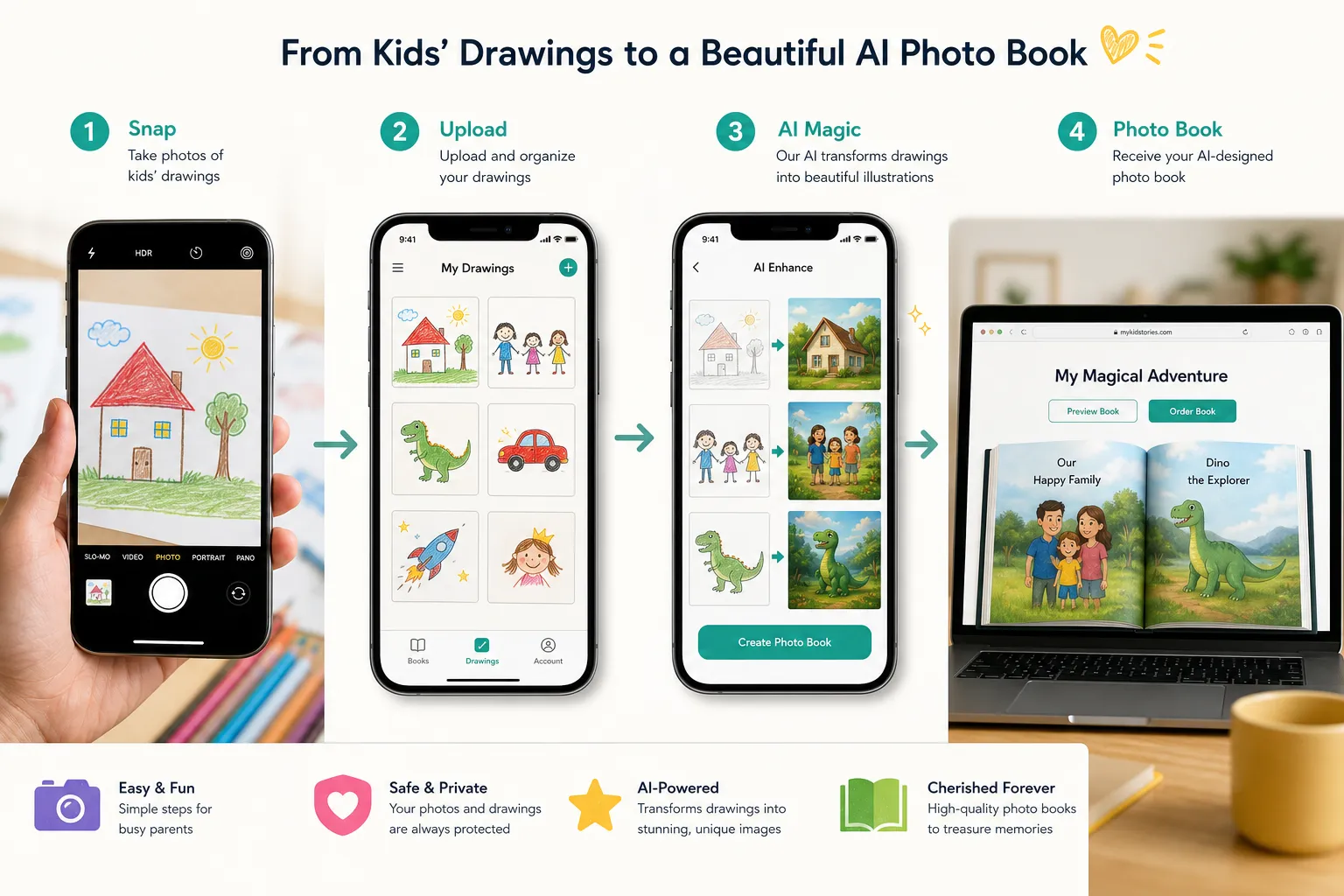
1. Gather the drawings you want to keep
Start by pulling together the art that means the most. You can include:
first scribbles,
school projects,
birthday cards made at home,
handprints,
seasonal crafts,
paintings,
collages,
and “funny phase” drawings you know you’ll miss later.
You do not need to be ruthless. A good photo book can include a lot more than your fridge can.
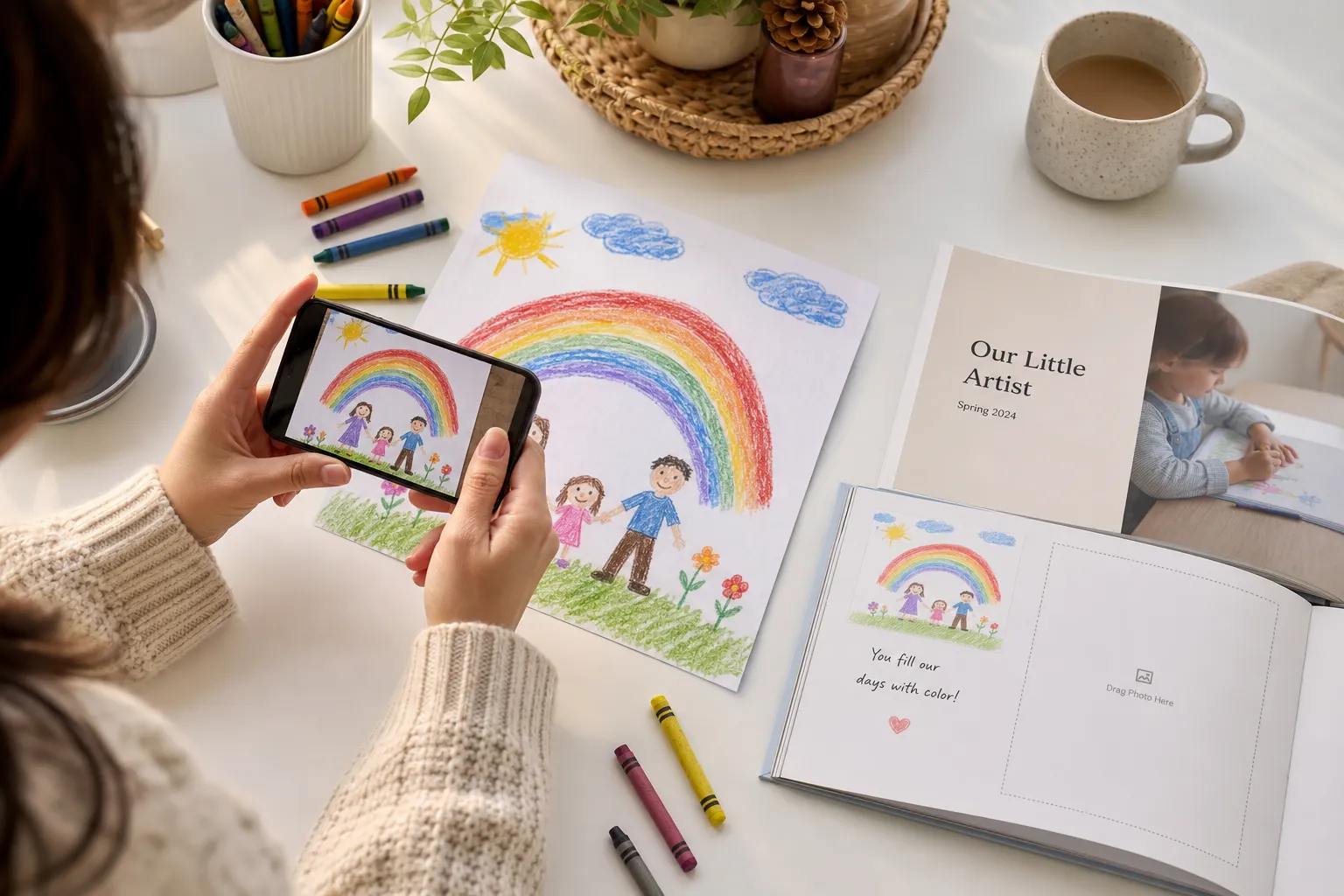
2. Photograph each drawing with your phone
This is the easiest option for most families.
For best results:
place the drawing on a plain background,
use natural daylight near a window,
shoot from directly above,
avoid harsh shadows,
and crop tightly.
This makes it incredibly easy to save your kids drawing in a photo book without needing a scanner.
3. Upload everything to Photo9
Once your images are ready, upload them directly in your browser. Because Photo9 works across devices, you can start on your mobile phone and continue later on a laptop if you want.
If you’re still deciding on book style, explore the available photo book formats first to choose the right starting point.
4. Let AI build the layout in seconds
This is the part parents love.
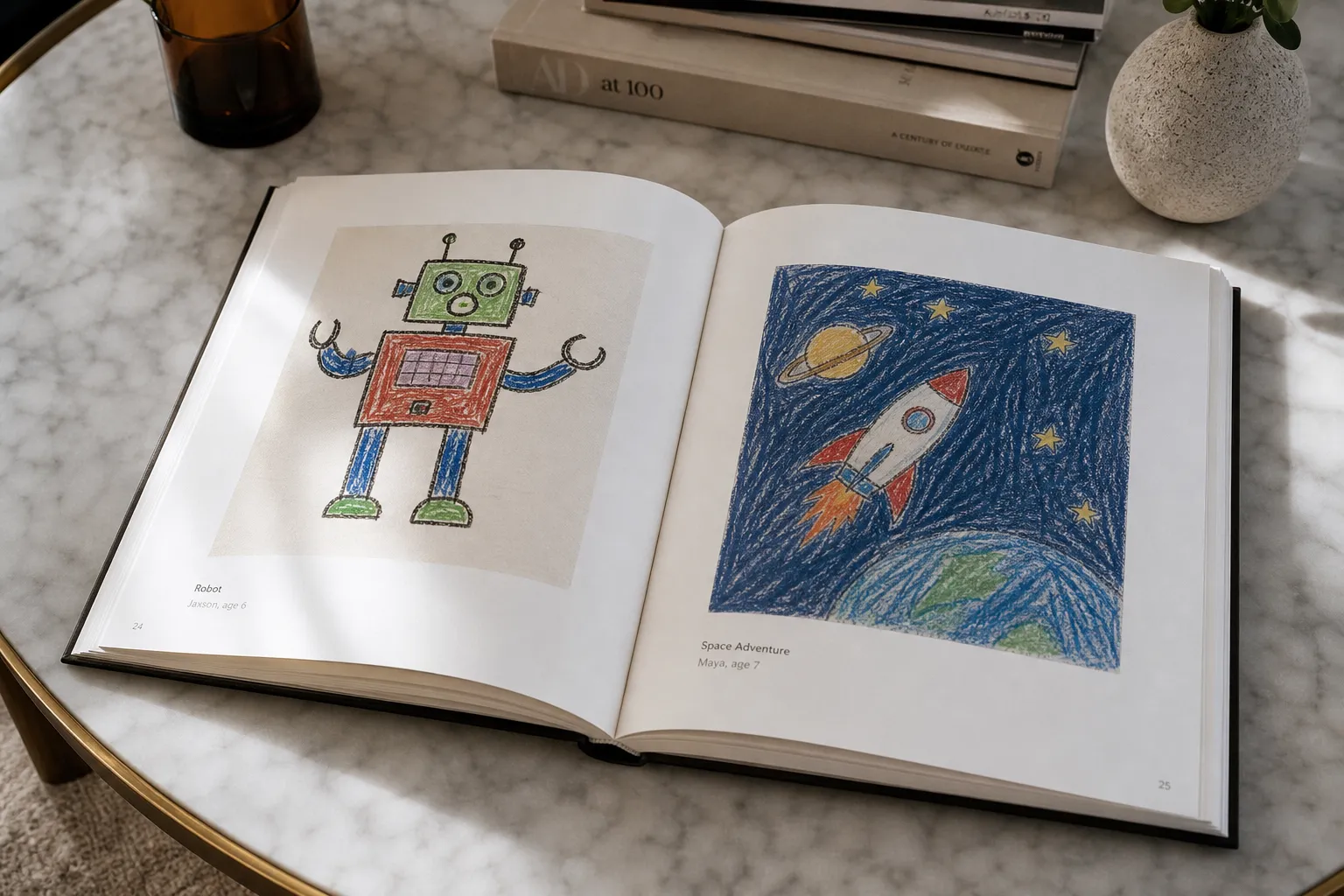
Instead of manually arranging every page, Photo9 can generate layouts automatically. For kids’ art, a one-artwork-per-page setup often looks best because it gives each piece room to breathe.
That means you can go from a folder of snapshots to a polished, professional-looking book almost instantly.
5. Personalize it if you want
AI gets you 90% of the way there. Then you can easily fine-tune:
titles,
dates,
age of the child,
short stories,
funny quotes,
background colors,
and cover text.
6. Preview in 3D and order with confidence
Before you print, Photo9 lets you preview the book in 3D so you can check the overall flow and make sure it feels right. That’s especially helpful for sentimental projects like this.
Why One Picture Per Page Works So Well for Kids’ Art
A lot of parents try to fit too many drawings onto each spread. That can work for a collage-style memory book, but if your goal is to make the art feel special, one picture per page is often the best design choice.
Benefits of this layout:
Each drawing gets full attention
It feels clean and premium
The book becomes easier for kids to “read”
Small details are more visible
The final result looks more like a gallery book than a scrapbook
Photo9 makes this especially easy because its create flow can support clean auto-layout choices without making you place everything manually.
Design Ideas to Make the Book Even More Special
A kids’ art book does not have to be plain. Here are some easy ways to make it more personal and beautiful.
Go chronological
Start with the earliest drawings and move forward by age. This is one of the most emotional formats because you can literally see growth happen on the page.
Organize by theme
You can group the book into mini galleries like:
family drawings,
animals,
fantasy creatures,
holiday art,
school work,
or “my child’s blue phase.”
Add your child’s own words
Ask:
“What is this drawing about?”
“Who is this?”
“Why did you draw this?”
“What happens next?”
Then add the answers as captions. These tiny quotes often become the most treasured part of the whole book.
Include the age or date
A simple note like “Age 4” or “Spring 2023” adds context and makes the book feel like a true time capsule.
Mix in close-up details
If a piece has texture, glitter, handprints, or cut-out layers, include an extra close-up photo. This works especially well for mixed-media school art.
Create one book per year
Instead of one giant master archive, make a yearly volume. This keeps each book manageable and gives you a tradition you can continue.
If you love the storytelling side of book-making, you may also enjoy ideas from this guide on photo books with text, especially for captions and memory notes.
Smart Photo Tips for Better Print Quality
Even though this process is easy, a few small choices can make your final book look much more polished.
Best practices for photographing drawings
Tip | Why it matters |
|---|---|
Use daylight | Better color accuracy |
Shoot from above | Avoids distortion |
Keep edges visible | Makes cropping easier |
Use a plain background | Helps the artwork stand out |
Clean the camera lens | Improves sharpness |
Avoid flash | Prevents glare and uneven light |
When to scan instead of photograph
Scanning may be better when:
the artwork is flat and standard-sized,
you want exact edge detail,
or the piece has subtle pencil marks.
Photography may be better when:
the piece is oversized,
it has texture,
it includes glitter or dimensional materials,
or you simply want speed and convenience.
For most busy families, phone photos are the perfect balance of quality and ease.
Best Book Styles for Kids’ Drawings
Different families want different results. Here’s a quick guide.
Goal | Best style |
|---|---|
Elegant keepsake for parents | Hard cover photo book |
Budget-friendly yearly tradition | Soft cover photo book |
Gift for grandparents | Medium-size photo book with captions |
Showcase one school year | One artwork per page layout |
Save lots of art fast | AI-generated auto-layout book |
If you want a more polished heirloom look, a hard cover photo book is usually the best choice for children’s art because it feels substantial, durable, and gift-worthy.
A Great Gift Idea for Grandparents and Family
One of the biggest missed opportunities in competitor content is gifting.
A photo book of your child’s drawings is not just storage. It’s one of the most meaningful personalized gifts you can make. Grandparents especially love it because:
it feels intimate,
it’s easy to display on a coffee table,
and it preserves a stage of childhood that disappears quickly.
It also works beautifully for:
Mother’s Day,
Father’s Day,
birthdays,
holiday gifts,
and end-of-school-year presents.
"A study by Popsa found that 48% of participants felt more emotionally connected to their memories after creating a physical photo product." - WhatTheyThink reporting on Popsa research
That emotional connection matters. Kids’ art isn’t just paper. It’s personality, imagination, and family history.
Why Photo9 Is Especially Good for This Kind of Project
A lot of photo book tools are built for vacation albums or wedding photography. They can work for kids’ art, but they often make the process more manual than it needs to be.
Photo9 is a better fit for parents who want fast results without sacrificing quality.
What makes Photo9 stand out
AI-generated layouts in seconds
No dragging and dropping every page by hand.Easy to use without an app
Start right in your browser from mobile or desktop.Professional design with no experience required
Great for busy parents who want beautiful results fast.Fully customizable
Change text, backgrounds, layout details, and covers whenever you want.3D preview
See the final book before ordering.Premium print quality
Perfect for colorful drawings, paintings, and keepsake gifting.Secure payment and reliable delivery
Important when you’re ordering something sentimental.Sustainable choices
Local printing when possible, recyclable packaging, and responsibly sourced materials.
What to Include in the First Pages of the Book
A small intro makes the whole project feel more intentional. You could add:
your child’s name,
their age,
the year,
a short note from you,
or a sentence like:
“A collection of the drawings, paintings, and wonderful ideas created by Emma at age 5.”
That instantly transforms a stack of pictures into a meaningful published keepsake.
Creative Cover Title Ideas
Need inspiration? Try one of these:
My First Art Book
The Gallery of Leo, Age 4
Scribbles, Stories & Masterpieces
A Year of Art
Little Hands, Big Imagination
The Art of Growing Up
Drawn by Mia
My Kid’s Greatest Hits
Fridge Favorites
Tiny Artist Collection
Common Mistakes to Avoid
Even simple projects can go wrong if you rush. Watch out for these:
Using dark or shadowy photos
If the artwork photo is unevenly lit, the print can look dull.
Mixing too many layout styles
A consistent structure usually makes kids’ art look more premium.
Skipping captions entirely
Even simple labels add emotional value later.
Overcrowding pages
If every page is packed, the art loses impact.
Waiting too long
The longer you wait, the more artwork piles up and the less likely the project gets done.
A Fast Workflow for Busy Parents
If you want the shortest possible route, do this:
Pick 30–60 drawings
Photograph them with your phone in daylight
Upload them to Photo9
Choose a one-picture-per-page layout
Add names, ages, or short notes
Preview in 3D
Order
That’s it. This is one of the simplest ways to answer the question: how to make a photo book with my kids drawings without turning it into a major project.
Final Thoughts: Preserve the Art, Not the Clutter
Your child’s artwork captures more than color and paper. It preserves how they saw the world at that exact age: what they loved, what they noticed, what they imagined, and how they expressed it before they even had the words.
That’s worth keeping.
A photo book gives you a beautiful way to honor that creativity without filling every drawer in your home. And with Photo9, the process is finally as easy as it should be: snap the drawing, upload it, let AI build the book, personalize it if you want, and order a premium keepsake you’ll actually want to keep forever.
If you’re ready to turn today’s pile of paper into tomorrow’s favorite family book, start creating with Photo9 and make your child’s art look as special as it feels.