Destination Photo Book Cover Ideas for Your Travels | Photo9
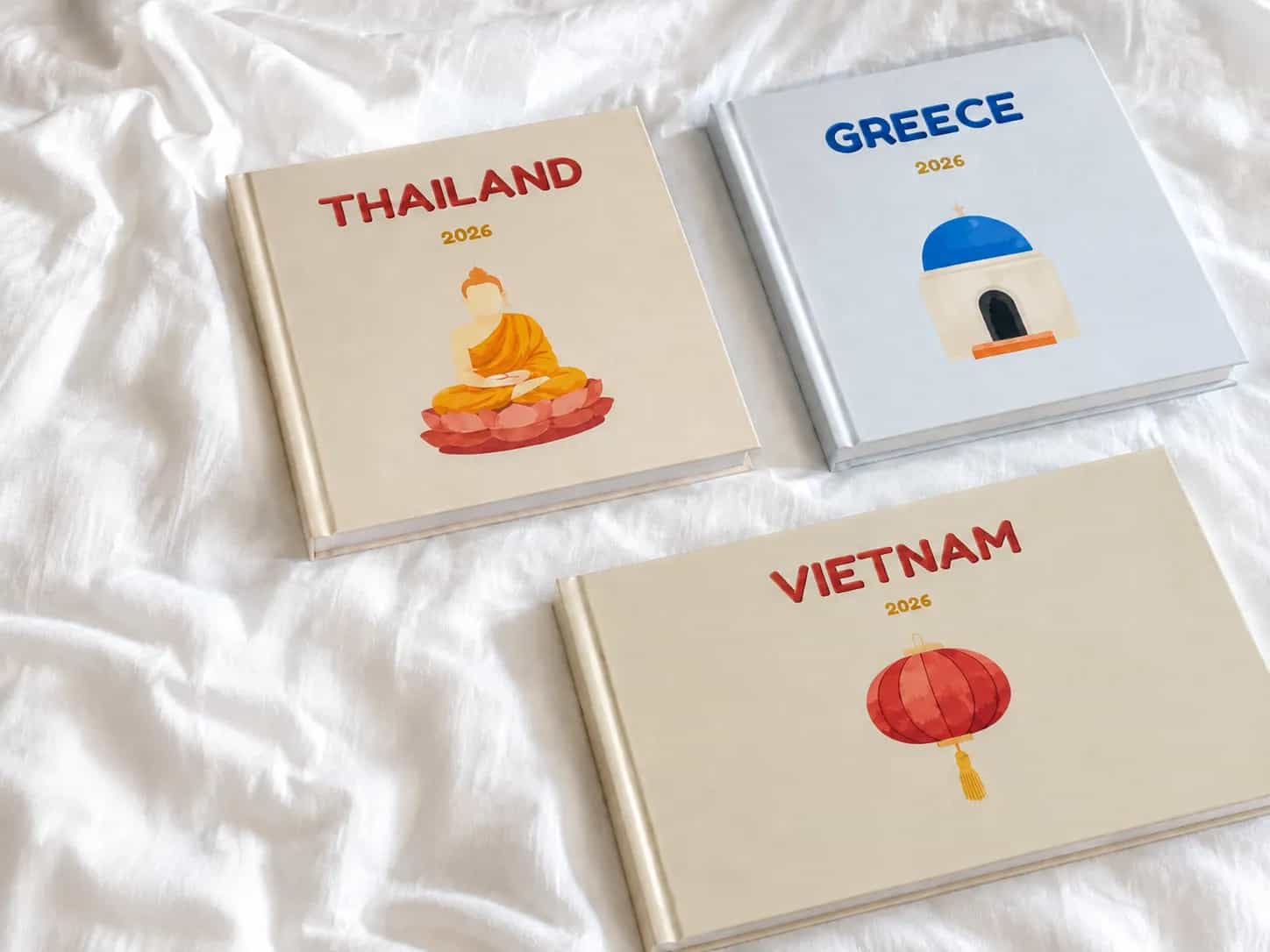
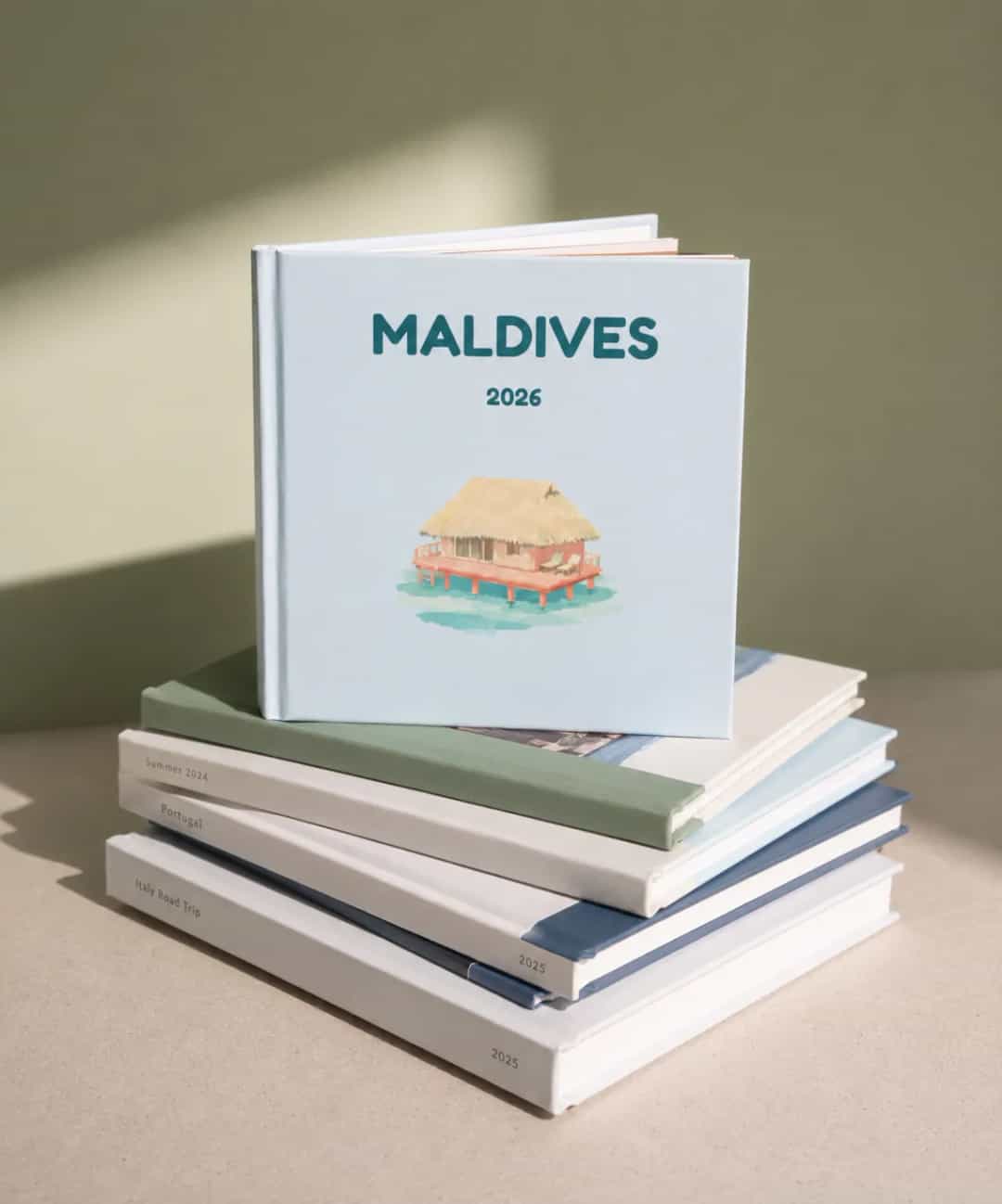
A destination photo book cover should tell you where the trip took place at a glance. Choose a view you remember, add the place and date, and let the illustration reflect the story behind your photos. For special trips, a familiar harbour or hiking trail can mean more than a generic suitcase icon.
What makes a destination photo book cover work?
An illustrated travel photo book cover needs a recognisable scene and a readable title. Unlike generic travel photo albums, it can show the exact place you visited.
Pick a landmark or the cove where you spent your afternoons, not a famous sight you never visited.
Name the place precisely: “Kyoto, Japan” says more than “Asia 2025”. For several stops, name the region on the cover.
Add the year, or the month for repeat visits.
Choose a cover type and style that suits your photos: travel-poster graphic, watercolour or line sketch.
Colour and typography: keep the destination readable
Pick two or three colours from your photos. Put the title against open sky rather than a crowded skyline; keep dates and subtitles plain.
Shrink your custom travel photo book cover to thumbnail size. If the place name disappears, increase contrast. Keep the landmark and lettering away from the trim edge and spine.
For a photographic cover, check image resolution at print size. Adobe's guidance for printing books through Blurb specifies 300 ppi for that workflow; check your chosen printer's requirements before ordering for the best print quality.
Illustrated cover ideas for six destinations
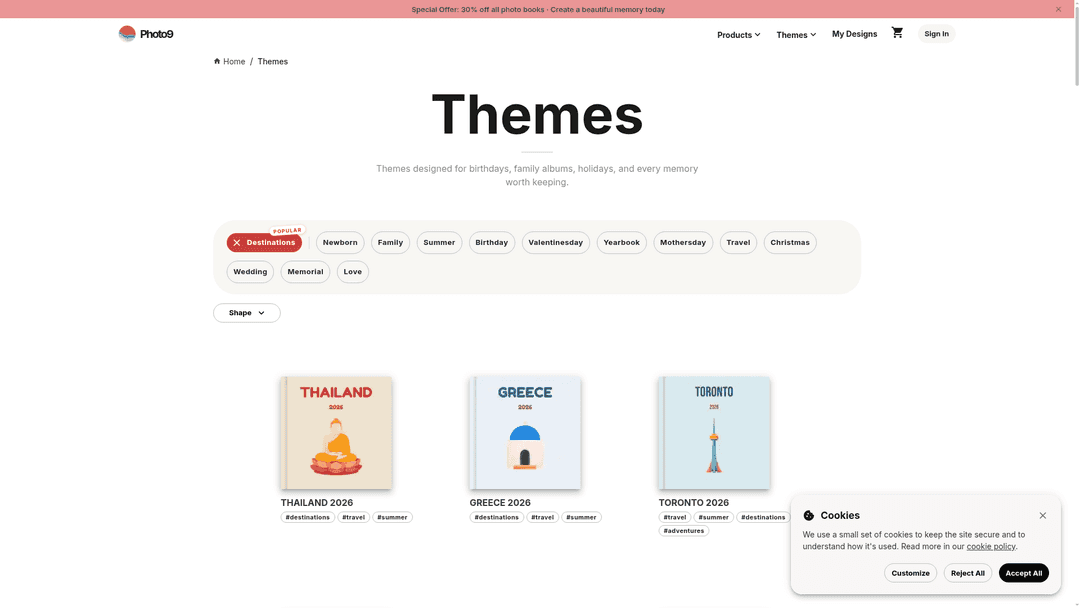
Photo9 lists themes for Greece, Kyoto, Bali, Paris, Amsterdam and Thailand. Adapt these ideas to your trip.
Destination | Cover illustration direction | Title and colour idea |
|---|---|---|
Greece | Whitewashed steps and a blue-domed roof, or the particular island harbour you visited | “Greece · September 2025” in ink blue on a warm-white sky |
Kyoto, Japan | A temple roofline and a path of red gates, only if those stops appear in your trip | “Kyoto · Autumn 2025” in dark charcoal with vermilion accents |
Bali | A palm-framed coastline or the rice terraces from your own route | “Bali · 2025” in deep green over a muted sand field |
Paris | A street-café frontage or the Seine with a small bridge silhouette | “Paris · Spring 2025” in cream lettering on slate blue |
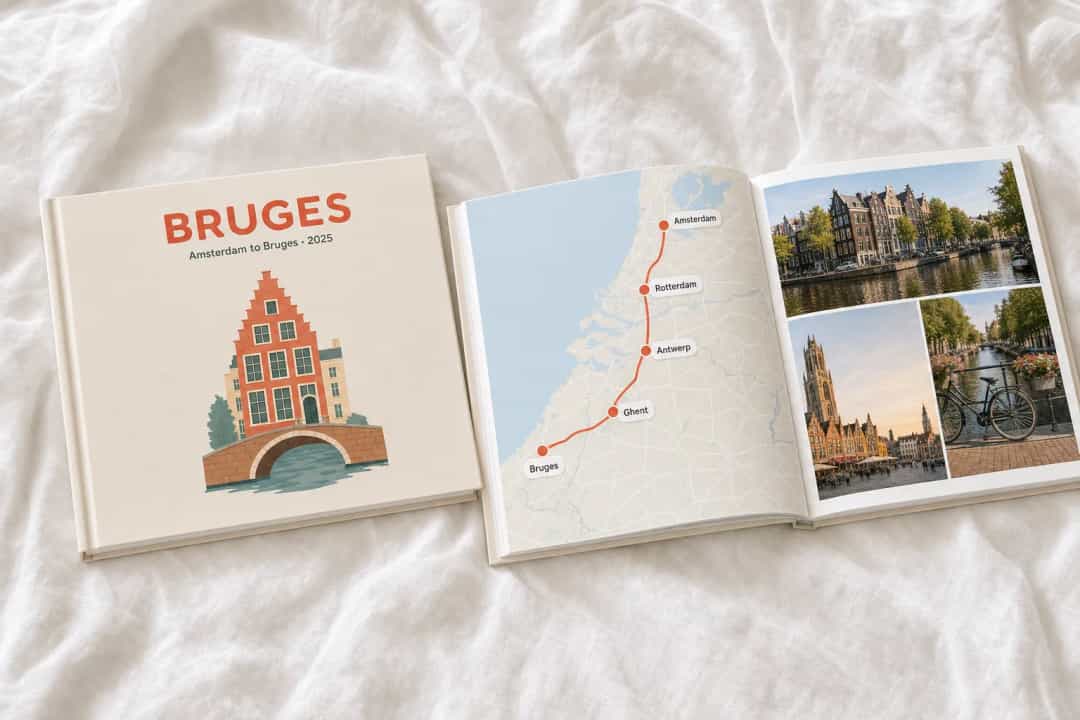
Amsterdam | Canal houses, a curved bridge and a low bicycle silhouette | “Amsterdam · 2025” in dark navy against a soft ochre sky |
Thailand | A long-tail boat near the coast or a temple silhouette for a city trip | “Thailand · 2025” in dark teal with a restrained coral accent |
The dates are examples. For longer journeys, feature the stop behind your favourite photos and put the others inside.
If your destination is not listed
For a place without a preset, Photo9 AI Studio can create illustrated cover art. Try: “Illustrated travel poster of a quiet harbour in [town], muted blue and terracotta, clear sky for the place name.” Check local details: AI art can get buildings or coastlines wrong.
What if the trip had several stops?
Choose one stop for the illustration and add a subtitle such as “Amsterdam to Bruges · 2025”. A map with location pins works if labels remain readable; put a busy route inside. For several countries, use a shared scene, such as a train window, and tell the trip's story across the pages.
From cover art to printed photo book
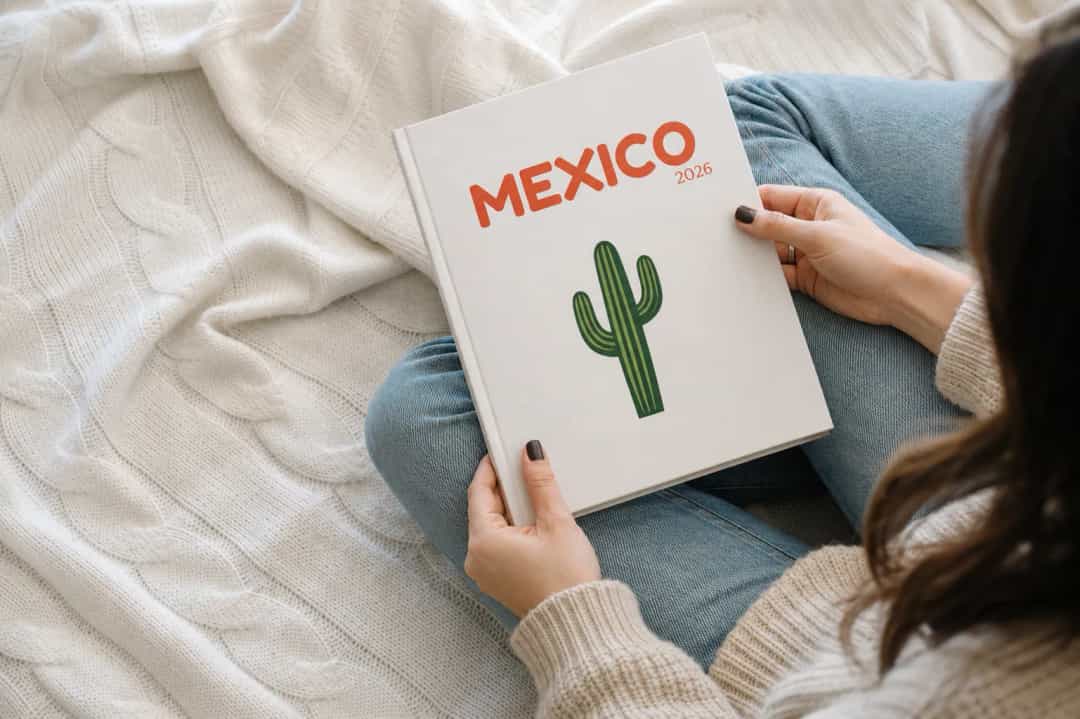
Browse Photo9 destination themes, or use AI Studio for a place without a suitable preset. Pick a location, date and colours.
Upload trip photos, including the scene for the cover and the people who made the journey memorable.
Review Photo9's generated layouts and adjust the title, images and page order. Use the 3D preview to see the book before printing; the design and customisation FAQ answers more detailed questions.
Check spelling and dates before ordering a copy for yourself or a travel companion.
Photo9 works in your browser without an app. Its custom layouts save you from placing every photo by hand; see more personalised travel photo book ideas for the pages inside.
Customise your photobook after the first layout
Set aside near-duplicates, then swap pictures and adjust Photo9's layouts. Echo the cover art on the opening spread and let the rest follow your route. Like the best photo albums, the finished book gives cherished memories room to breathe, whether it is a gift or a coffee table keepsake.
FAQ
Where can I create a personalised travel photo book?
Photo9 lets you start with a destination theme or AI Studio art in your browser, then upload photos, review the layout and order.
What are some of the best photo book covers?
For a travel book, use one recognisable scene, a place name and a date. Keep the title readable.
Which travel photobook is the best?
It depends on your trip. Look for location-specific cover art and adjustable interior layouts; Photo9 offers destination themes and AI Studio art.