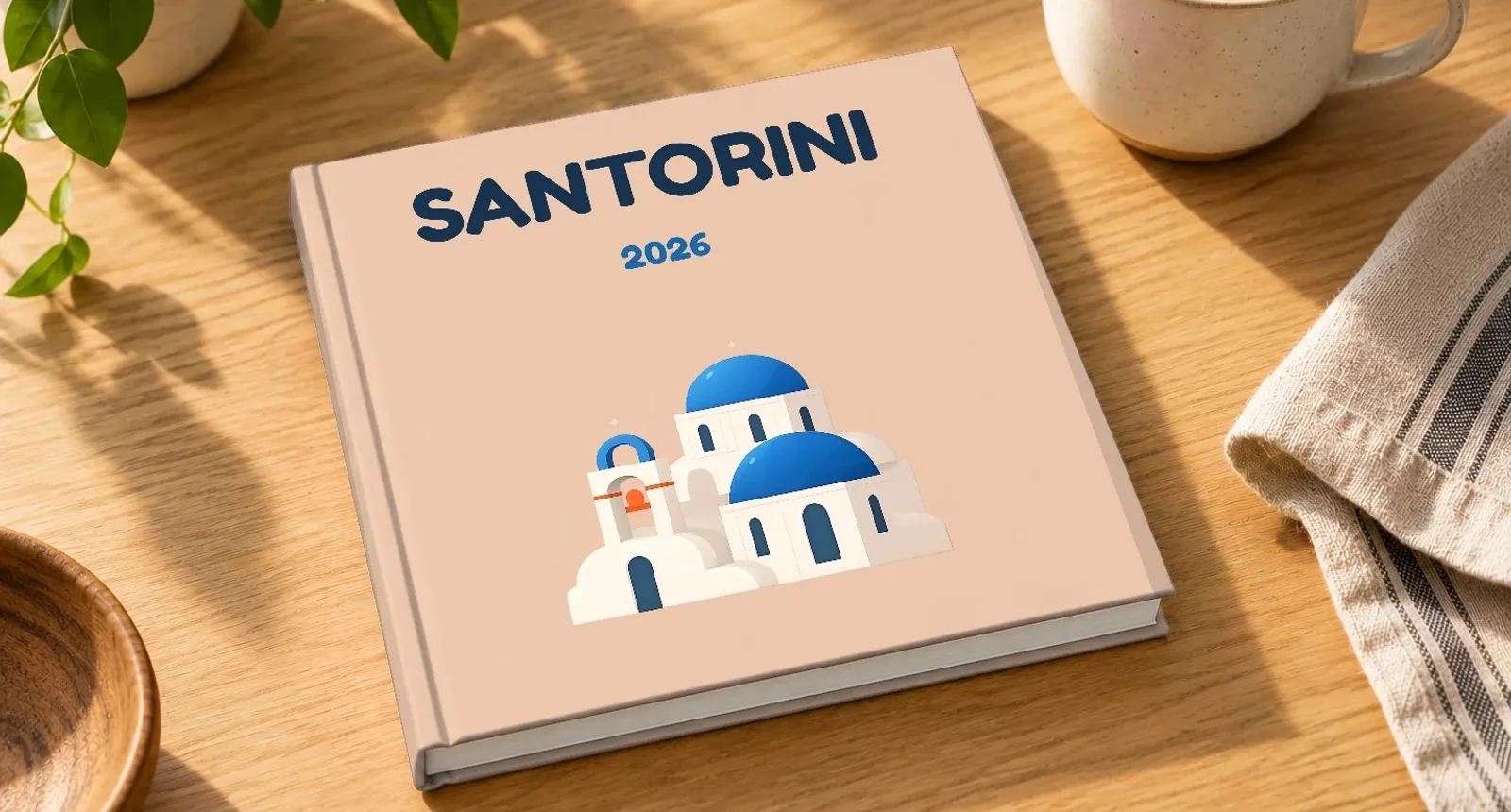
Best Photo Album Creator App for Easy Memory Books
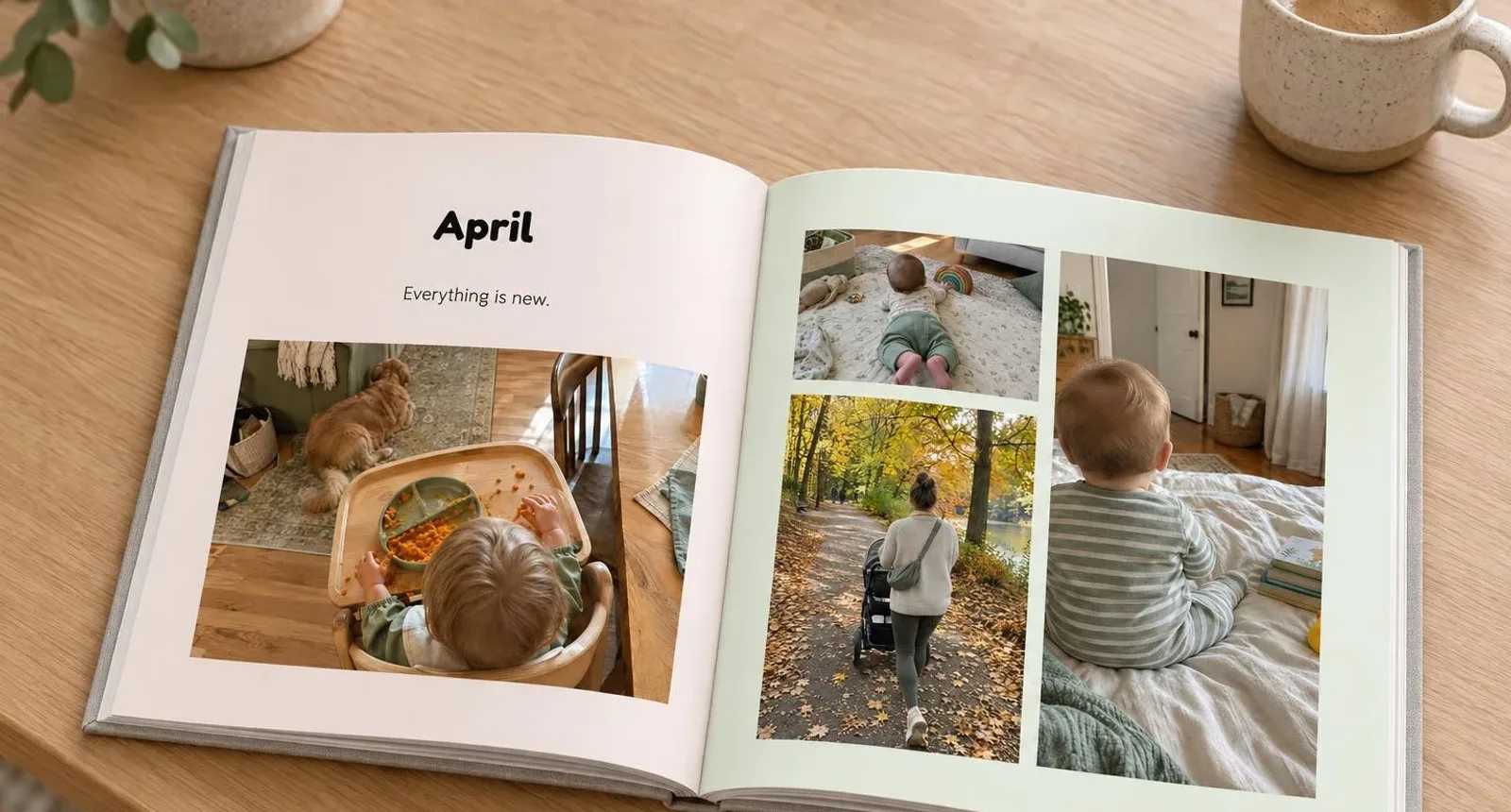
If you’re searching for the best photo album creator app, you probably have a very specific problem: hundreds or thousands of photos on your phone, and not the time, design skills or patience to turn them into a book.
The good news is that making a memory book no longer means dragging every photo onto every page yourself. The better tools make a first draft for you, let you change anything you don’t like, and show you the finished book before you order.
This guide covers what to look for in a photo album or memory book creator, which features matter for the book you’re making (a baby book, a wedding album, a travel book or a family year), and how to get from camera roll to finished book in an afternoon. We make Photo9, so we say where it fits, but the checklist works for any creator you try.
What makes the best photo album creator app?
The best photo album creator isn’t the one with the most templates. It’s the one that gets you from a full camera roll to a finished book with the least effort, without giving up control over the result.
Here’s what to check.
1. It makes the first draft for you
Building a 40-page book from blank pages takes hours. A good creator lays your photos out for you as soon as you upload them, so you start from a finished draft and only change what you want to.
In Photo9, your photos are laid out automatically when you upload them, and every page offers other layouts you can switch to with one tap.
2. You don’t need design experience
Parents making a baby book, couples making a wedding album and friends making a birthday gift shouldn’t need graphic design skills. Look for:
layouts that fit the number and shape of your photos
themes made for the occasion, with matching colours and fonts
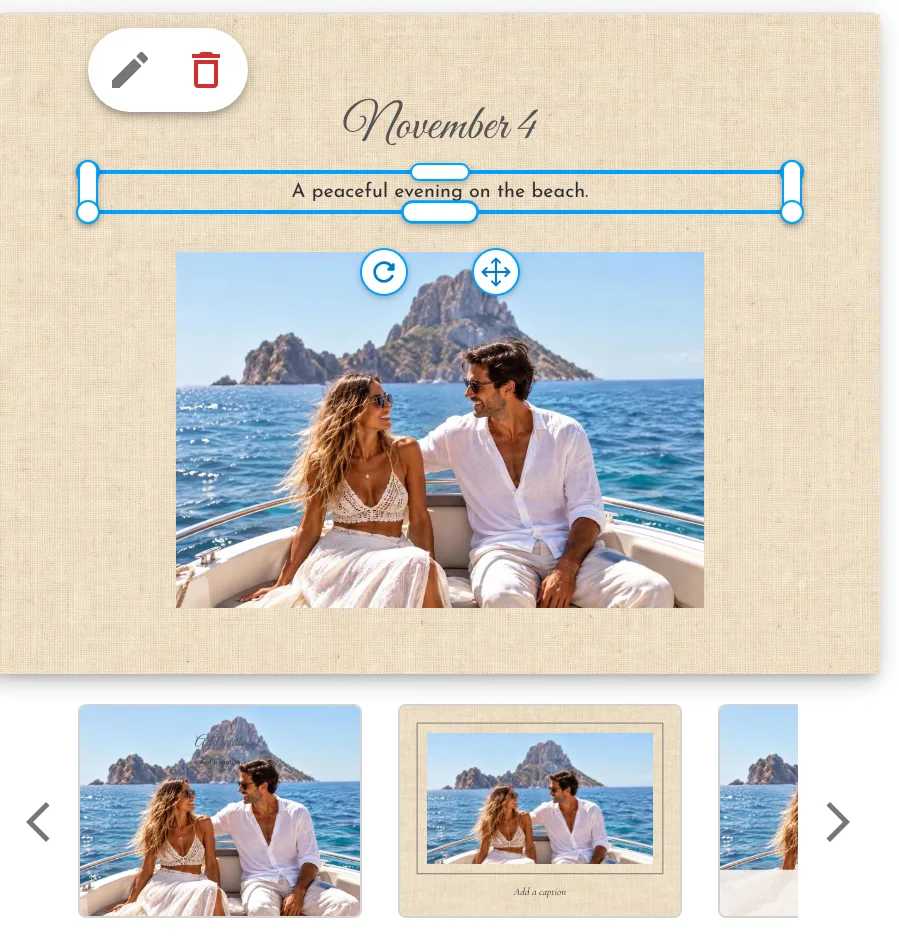
easy text: titles, captions, dates and places
a way to fix a page without breaking the rest of the book
3. You can still change everything
Automation saves time, but it’s your book. You should be able to change:
text and captions
background colours
page layouts
photo crops
the cover and its title
the format and size
4. It works on your phone and your computer
Many people search for a photo album creator app, but what they really want is convenience. You might pick photos on your phone during the commute and finish the layout on a laptop at home.
A creator that runs in the browser lets you do both without installing anything. Photo9 works that way: sign in, and you can start on one device and carry on with another.
5. You see the book before you order
A book can look fine page by page and still surprise you in your hands. A preview of the whole book, ideally in 3D with the cover and spine, helps you catch a cut-off face or a title that’s too small before it’s printed.
Photo9 goes one step further with augmented reality: on your phone, the camera shows your book on your own table, so you can see how it looks in real life before you order. On a computer, scan the QR code to see it on your phone. It works for wall art, calendars, mugs and clothing too.
Best photo album creator app vs best photo album creator: what’s the difference?
The two searches overlap, but people usually want slightly different things:
Search | What people usually want |
|---|---|
best photo album creator app | Something quick and simple that works on a phone |
best photo album creator | The best overall result: layouts, print quality, formats and delivery |
In practice, you can have both. A creator that runs in the browser gives you the convenience of an app on your phone and a full-screen editor on your computer. You can see the formats in our photo book range.
Pick the creator for the memory book you’re making
The right tool depends on the book. Here’s what matters most for the memory books people make most often, plus one for children.
Family yearbook
A year of family photos is the hardest book to start, because there are so many. Look for a creator that keeps your photos in date order and lets you add a heading per month or season. Then all you do is remove the doubles and add a few words. Our yearbook photo books and family photo books start from themes made for this.
Baby book
Baby books are about milestones: the first smile, the first steps, the first birthday. A theme with spaces for dates and short notes saves you from writing a page of text, and you can finish it in a few evenings rather than a few months.
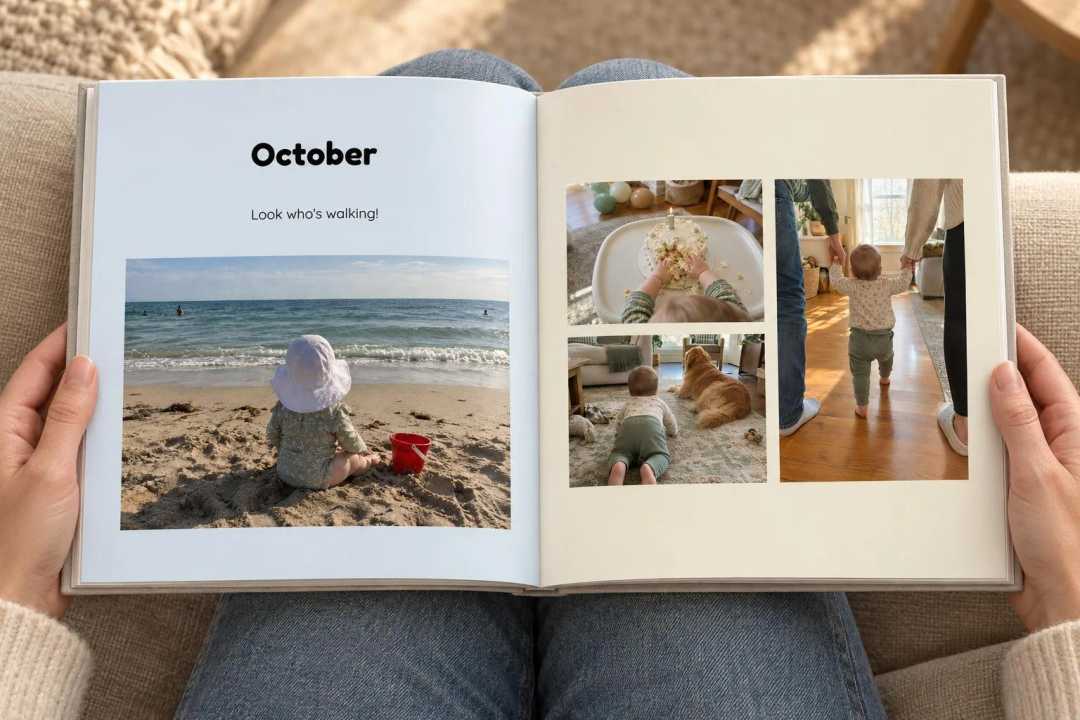
See our baby photo books for themes for the first year.
Wedding album
A wedding album mixes professional shots with guests’ phone photos. Choose a creator with calm, elegant layouts and a lay-flat option, so a big photo can run across both pages without disappearing into the fold.
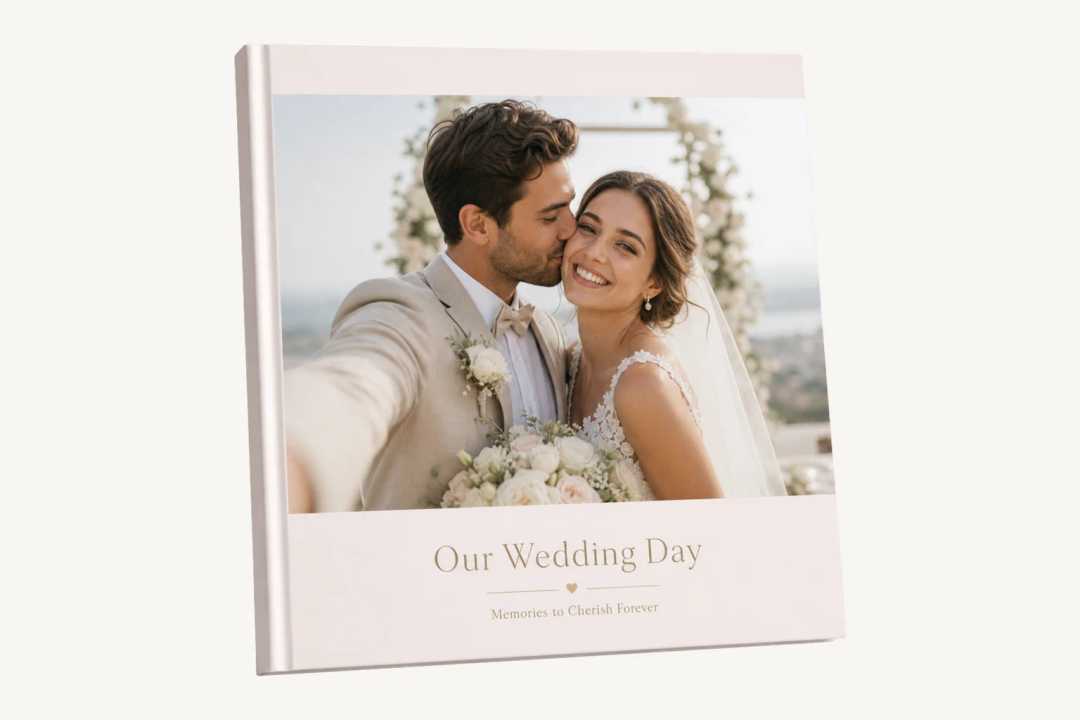
Our lay-flat photo books open completely flat, which suits wedding and travel albums.
Travel memory book
Trips tell themselves in order: the journey, the places, the people you met. A creator that groups your photos by place saves the most time here, and a route map at the start shows where you went.
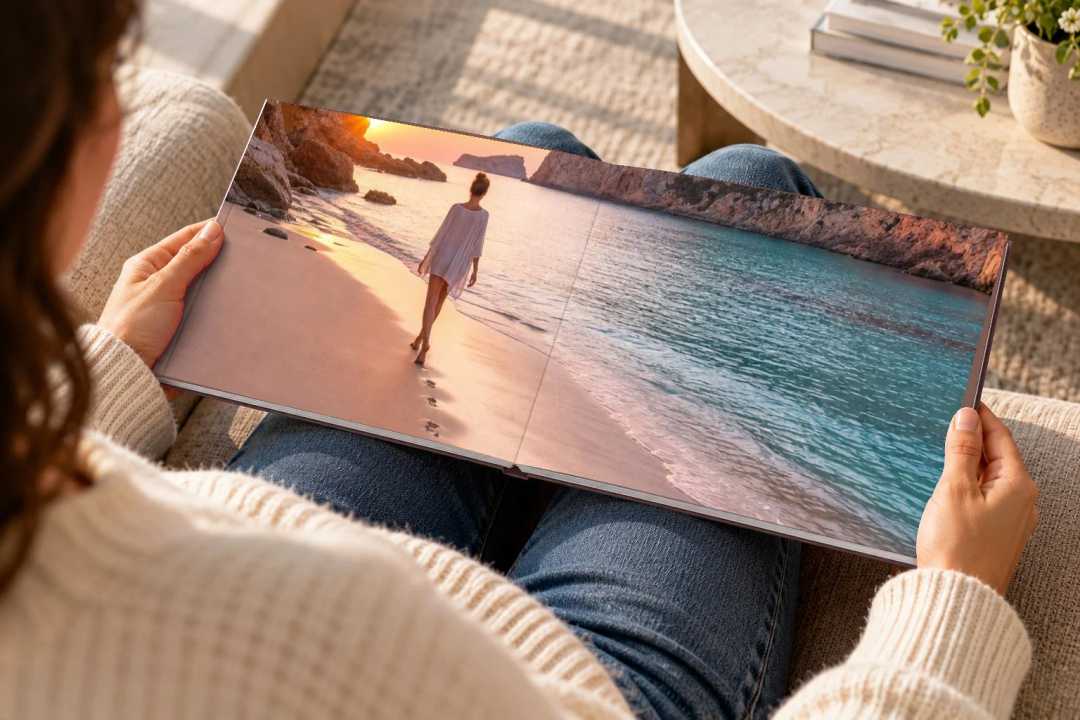
For ideas, see our travel photo album ideas for every trip, or start from our travel photo books.
Birthday and anniversary gifts
A gift usually has a deadline, so speed matters more than anything. Pick a theme, let the creator lay out the photos, write a short message on the first page and check the preview. Our birthday photo books include themes for milestone birthdays.
A story book with your child as the hero
For children, a memory book can also be a story. Instead of a photo album, you can make a picture book from one photo of your child, who becomes the illustrated hero of their own adventure. You can add a brother or sister, a grandparent or the family dog, write a dedication on the first page and change every word before it’s printed.
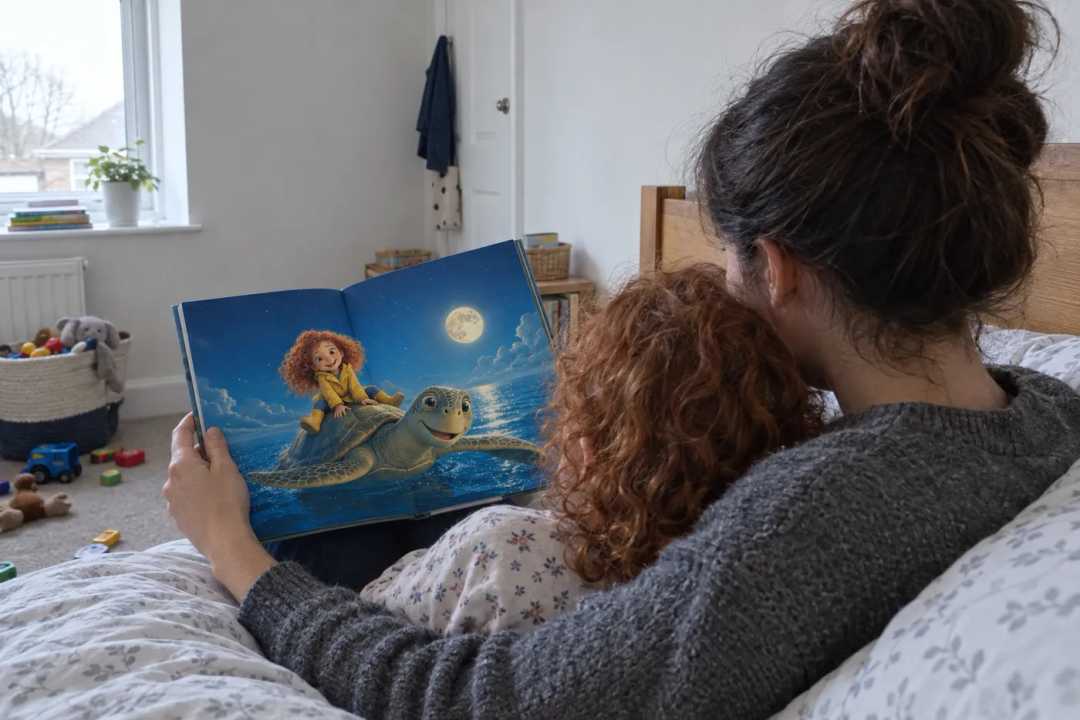
See our personalized kids’ books to make one.
How to make a memory book in an afternoon
Whatever creator you use, this order saves the most time:
Choose your photos first. Pick the ones you’d show someone, not every shot. Remove near-duplicates and blurry photos.
Start from a theme. It gives you a cover, colours and fonts that go together, so you don’t design from scratch.
Let the creator do the first layout. Then go through the book page by page and switch any layout you don’t like.
Add words last. A title on the cover, a heading per chapter and a few short captions are enough. For ideas, see our photo book text ideas.
Check the preview. Look for faces cut off at the edges, text near the fold, and spelling in names and dates.
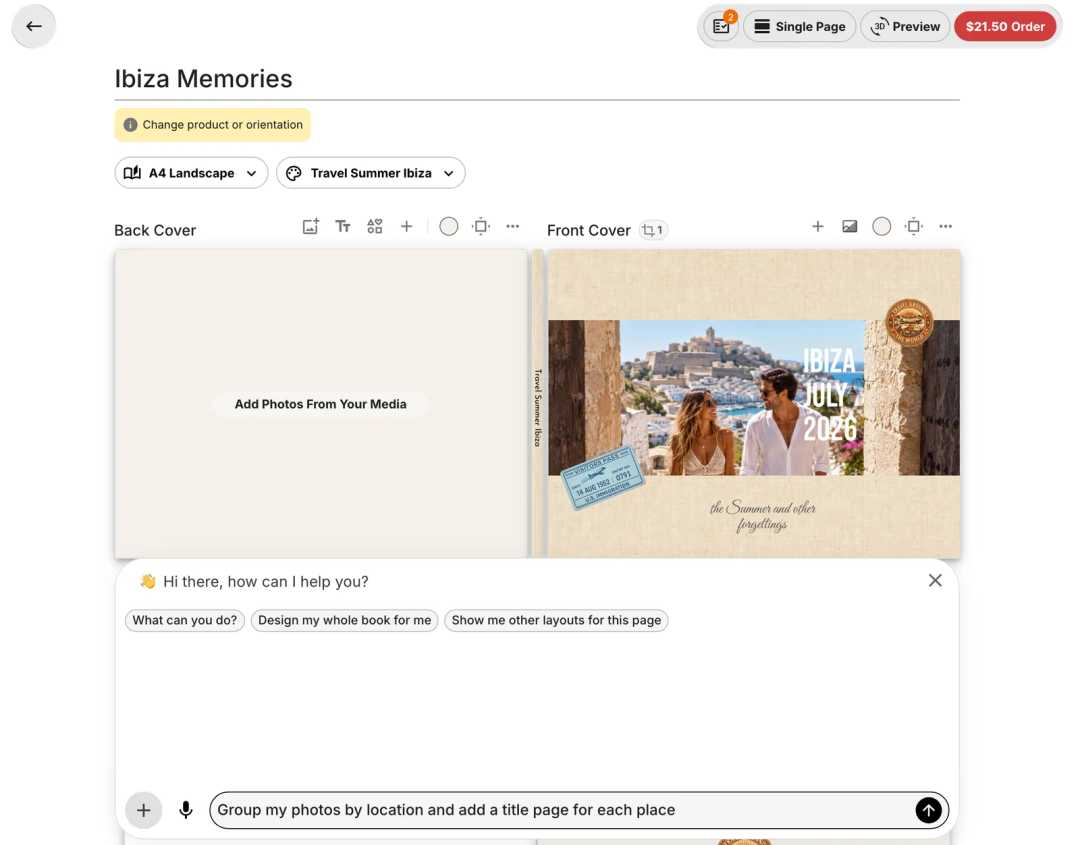
In Photo9 you can also ask the editor’s chat to do the slow parts, such as “group my photos by location and add a title page for each place” or “write a short caption for each photo”. You can change anything it does afterwards.
Where Photo9 fits
Photo9 is made for people who want a finished, good-looking memory book without spending a weekend designing it. It:
runs in your browser on phone, tablet and computer, with nothing to install
lays your photos out as soon as you upload them
has themes for weddings, babies, travel, birthdays and family years
lets you change text, layouts, backgrounds and crops on every page
has a chat in the editor that can rearrange pages and write captions for you
shows your book in 3D before you order, and in augmented reality on your own table through your phone’s camera
offers hardcover, softcover and lay-flat books
prints your order in your region, whether that’s Europe, the UK or North America
You can also start a book by describing it in ChatGPT; see how to create a photo book with AI and ChatGPT. If you’re comparing different kinds of tools, our guide to apps to make photo books explains the differences.
Final verdict: what is the best photo album creator app?
The best photo album creator app is the one that matches how you want to work. If you enjoy designing every page, almost any editor will do. If you want a finished memory book fast, choose one that:
makes the first draft for you
has themes for the book you’re making
lets you change every page
works on your phone and your computer
shows you the whole book before you order
That’s the kind of creator we built Photo9 to be. Start your photo book and see how far the first draft gets you.
FAQ
What is the easiest photobook to create?
The easiest photobook to create is one where the creator lays out your photos for you and gives you a theme for the occasion. You then only change what you want, add a title and a few captions, and check the preview.
What is the easiest app to make photo books?
The easiest photo book app is often not a downloaded app at all, but a creator that runs in your browser, so it works the same on your phone and your computer. Look for automatic layouts, themes and a preview of the whole book.
What is the best photo album book maker?
The best photo album book maker is the one that suits the book you’re making: themes for that occasion, layouts that fit your photos, the format you want (hardcover, softcover or lay-flat) and a preview before you order.
What is the easiest photobook app to use?
The easiest photobook app to use does the first layout for you and lets you fix any page in a tap or two. If it also groups photos by date or place, a large camera roll stops being a problem.