
Make a Travel Photo Book That Tells Your Story
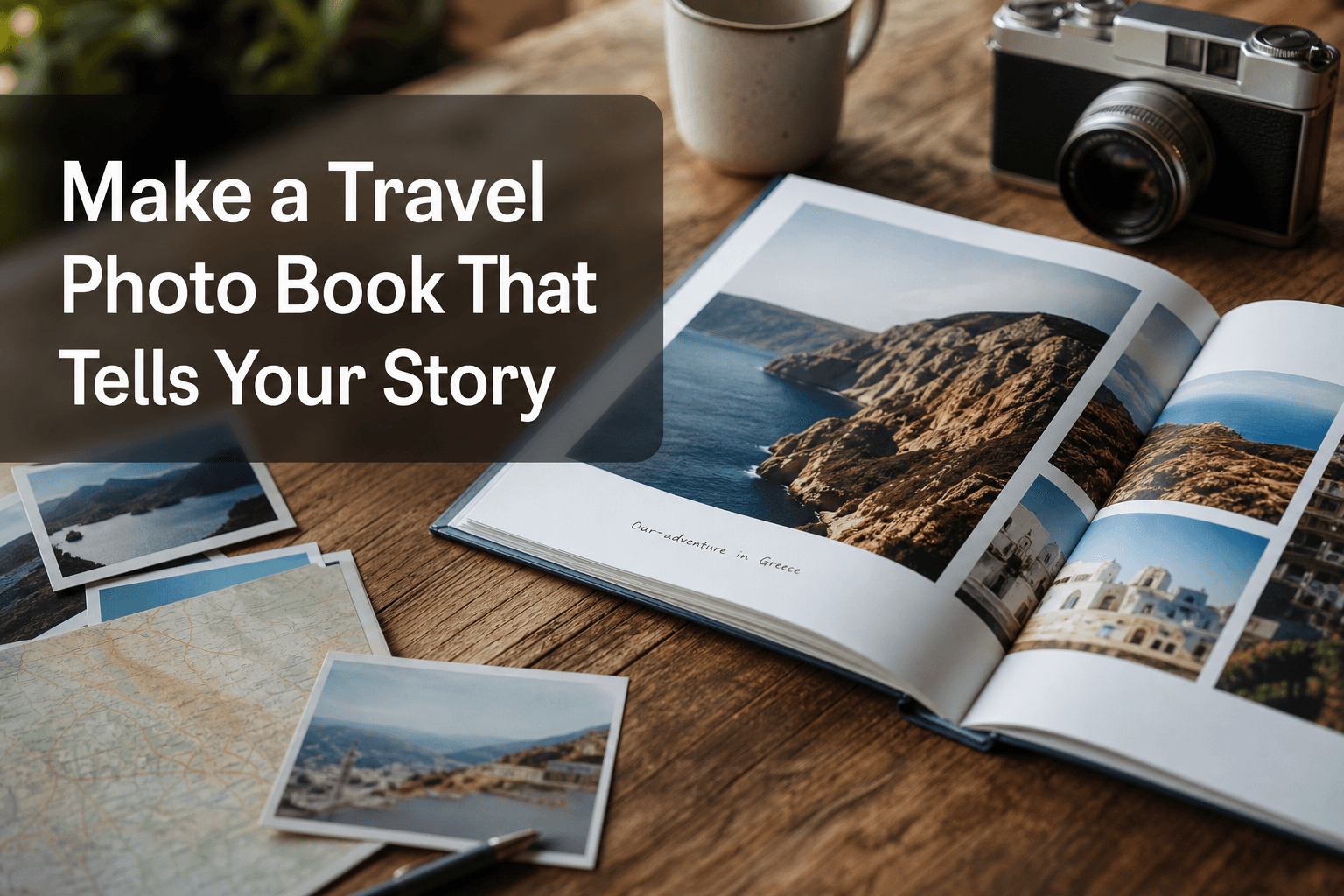
Photo 9
12 min read · May 19, 2026
Make a Travel Photo Book That Tells Your Story
Your trip deserves better than getting buried in your camera roll.
If you want to make a travel photo book that feels personal, polished, and easy to create, the secret is not just choosing pretty pictures. It is shaping your memories into a story: the anticipation before departure, the little details you almost forgot, the people you shared it with, and the moments that made the trip unforgettable.
For busy families, couples, parents, students, gift buyers, and travelers, the biggest challenge is usually the same: too many photos, too little time, and no design experience. That is exactly where Photo9 helps. Instead of spending hours dragging, dropping, and arranging every page manually, Photo9 uses AI to generate professional-looking layouts in seconds, directly in your browser, with no app required. You stay in control, but the heavy lifting is done for you.
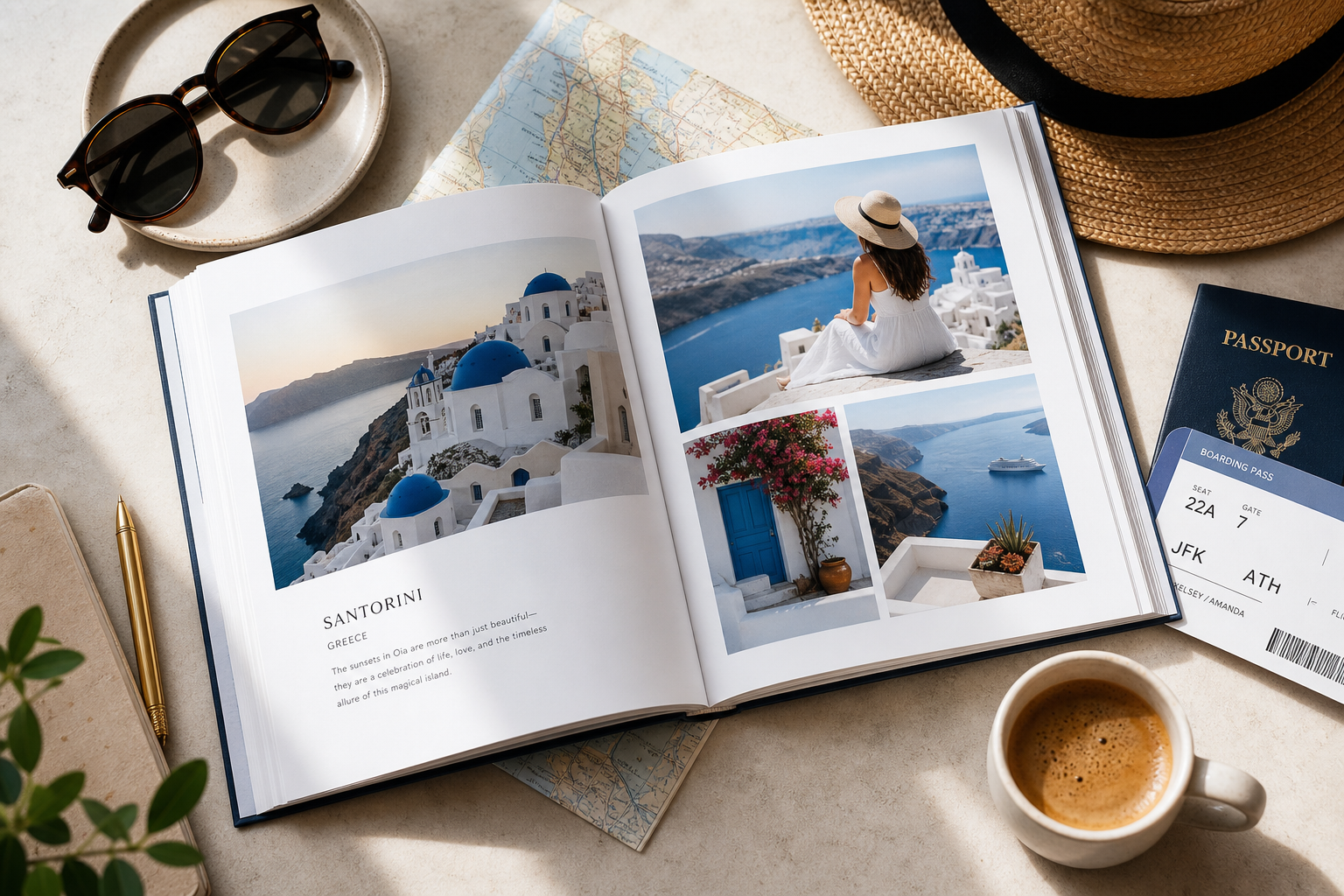
In this guide, you will learn how to create travel photo book projects from start to finish, including how to choose the right theme, pick the best photos, organize the story, write captions, and design a final book that feels meaningful instead of generic.
"Approximately 70% of photos taken on camera phones are never revisited." - Source
That is exactly why printed memories matter. A physical book brings your trip back into everyday life.
Why a travel photo book feels more meaningful than a folder of images
A gallery full of digital images is useful, but it rarely tells a complete story. A printed photo book adds something your phone cannot: sequence, emotion, and presence.
When you turn travel memories into a book, you:
curate the best moments instead of keeping 400 similar versions
create a beginning, middle, and end
preserve details like captions, dates, and locations
make the memories easier to revisit with family and friends
turn your trip into a keepsake or a highly personal gift
Many competitor articles talk about selecting photos and using captions, but they often stop there. What they miss is the practical bridge between inspiration and execution. The real challenge is not knowing what makes a good book. It is knowing how to get there quickly without design stress. That is where an AI-powered online editor changes everything.
With AI photo book creation, Photo9 helps you go from scattered phone photos to a professionally structured first draft in minutes. You can then refine the design with your own text, backgrounds, page order, and image swaps.
Start with the story, not the layout
Before choosing templates or covers, define the story you want your book to tell.
Choose one clear angle for your book
A stronger book usually has one primary theme. That does not mean every page has to look the same. It simply means the book has a point of view.
Here are a few good story angles:
Travel book theme | Best for | What it emphasizes |
|---|---|---|
Chronological journey | Multi-day trips, road trips, city hopping | The sequence of the adventure |
Destination highlights | One city, one country, one resort | Best locations and memorable stops |
Emotional memory book | Honeymoons, family trips, reunions | Feelings, people, atmosphere |
Travel journal style | Solo trips, backpacking, gap year | Reflections, notes, tickets, maps |
Family adventure album | Trips with kids or extended family | Shared moments, candid fun, milestones |
If you are unsure, start chronologically and then layer in themes such as food, landscapes, family moments, or local details.
For more inspiration, explore these custom travel photo album ideas for every trip.
Think beyond landmarks
The most memorable travel books are not built only around famous sights. They also include:
airport excitement
train windows and road signs
meals and menus
hotel balconies and room views
funny mishaps
street textures and local details
candid interactions
quiet in-between moments
These are often the images that make the book feel like your trip rather than a generic destination recap.
How to choose the best photos for your travel photo book
Photo selection is where most people get stuck. The goal is not to use every decent photo. The goal is to use the right photos.
Use this simple filtering method
As you review your images, sort them into four groups:
Must-have hero shots
Your strongest images: signature views, portraits, major moments.Story-building photos
Supporting images that show movement, place, details, or transitions.Emotional moments
Laughing, resting, eating, exploring, reacting.Skips
Duplicates, blurry shots, awkward crops, random screenshots.
A good travel book usually needs all three of the first categories. Too many hero shots can feel repetitive. Too many detail images can feel flat. Balance is everything.
Aim for variety on every spread
A pleasing mix often looks like this:
1 standout image
2 to 4 supporting photos
1 short caption or date line
occasional full-page spreads for impact
Try to vary:
wide scenes and close-ups
posed portraits and candid moments
bright action shots and calmer reflective images
people-focused pages and place-focused pages
"Shutterfly found that although millennials take over 100 photos monthly, they are unlikely to have viewed an old photo in the past month." - Source
That is the difference a photo book makes: it turns forgotten images into revisited memories.
The easiest way to organize your book
Most top-ranking articles recommend organizing photos chronologically or thematically. That advice is correct, but not always enough. In practice, the simplest structure is a hybrid one.
The best structure for beginners
Use this flow:
1. Opening spread
Set the scene with:
destination name
travel dates
a hero image
maybe a short intro line
2. Departure and arrival
Start with anticipation:
packing details
airport or station
first arrival view
first meal or walk
3. Main experiences
Group the core of the book by day, place, or activity:
beaches
museums
hikes
cafés
day trips
family moments
nightlife
scenic drives
4. Details and personality
Add pages that slow the story down:
souvenirs
handwritten notes
local textures
food close-ups
funny signs
weather moments
5. Ending section
Close with:
final dinner
last morning
return trip
favorite reflection
one final image that feels conclusive
This structure creates emotional flow even if your trip itself was spontaneous.
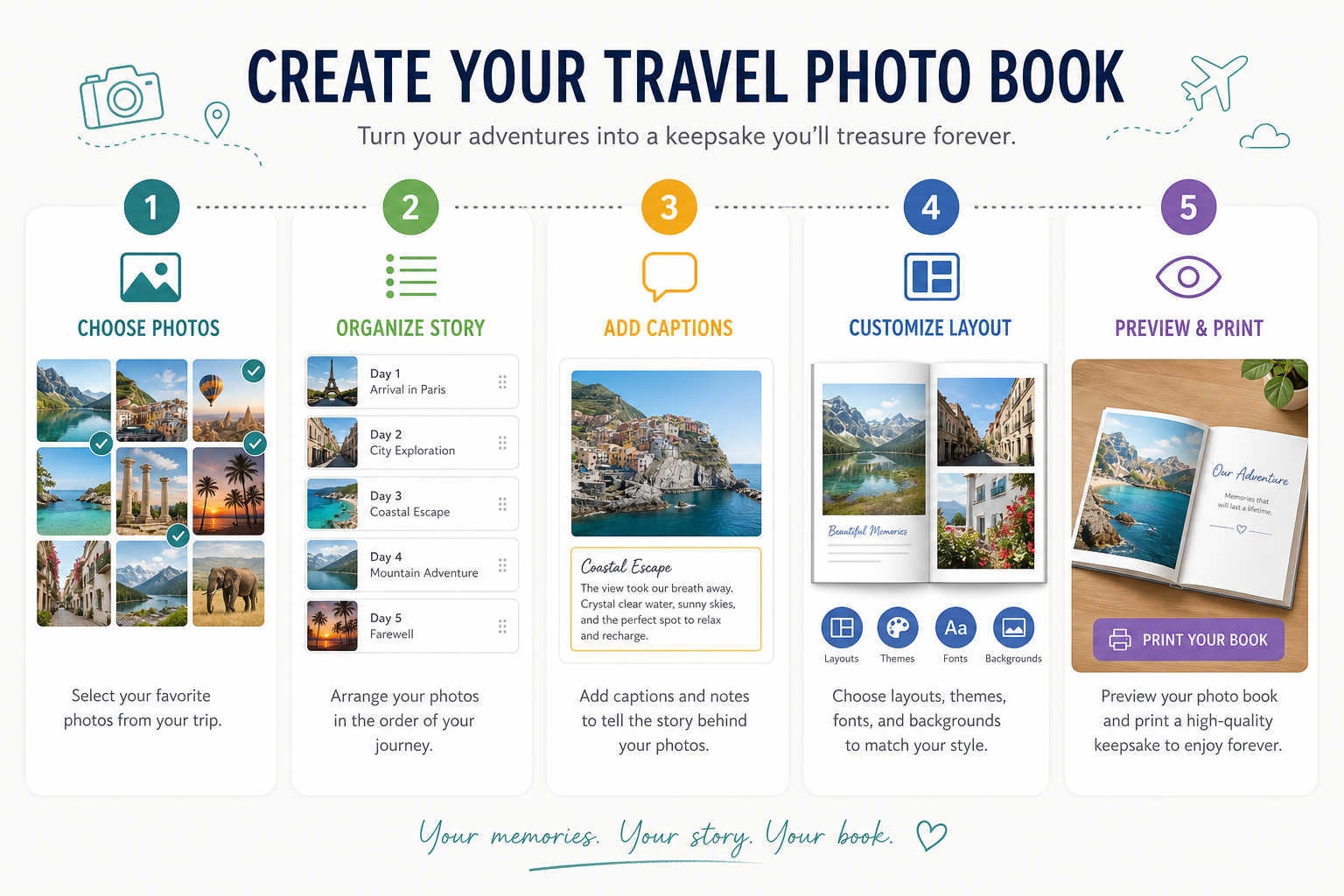
How to create a travel photo book with Photo9
The biggest advantage of Photo9 is that you do not need to design from scratch.
Step 1: Upload your photos from any device
Photo9 works online, so you can start on one device and continue on another. That is ideal for modern travelers who want flexibility without downloading software.
Step 2: Let AI build your first draft
Photo9 analyzes your uploaded images and generates smart layouts in seconds. This is perfect if you want a polished result without manually arranging every page. Instead of staring at a blank canvas, you start with a beautifully structured book draft.
Step 3: Personalize the details
Once the AI has done the initial work, you can:
reorder images
change layouts
add text and captions
adjust backgrounds
fine-tune spacing
update page emphasis
use smart suggestions for better composition
Step 4: Preview in 3D before ordering
The 3D preview makes it easier to spot layout issues, text balance, or image placement before you print. That extra confidence matters when you are creating a keepsake or gift.
Step 5: Print with premium quality
Photo9 combines easy design with premium production, including:
high-quality printing
multiple photo book formats and sizes
durable materials
sustainable and recyclable packaging
local printing when possible for lower emissions
secure payment
fast, reliable delivery
100% satisfaction guarantee
You can browse the full range of photo books if you want to compare available formats before you begin.

Design tips that make your book look professionally made
A story-driven book should also look clean and intentional.
Use white space generously
One of the most common mistakes is overcrowding pages. White space makes your book feel modern, calm, and premium. It also helps your strongest images stand out.
Give your best images room to breathe
Not every page needs six photos. Some of the most powerful spreads use:
one full-bleed image
one large image with a short caption
two complementary images facing each other
Repeat visual patterns
Consistency makes a book feel elevated. Try repeating:
the same caption style
one or two font choices
similar margins
a steady color tone
a recurring layout rhythm
Keep text short but meaningful
Your captions do not need to explain everything. They just need to anchor the memory.
Good caption ideas include:
location names
dates
funny quotes
one-sentence reflections
what happened right before or after the photo
a detail you do not want to forget
If you want to include more text, this guide on photo books that allow text and common mistakes to avoid is especially useful.
Travel photo book layout ideas by trip type
Different trips call for different design choices.
Family vacation
Best approach:
lots of candid moments
mix group photos and child-focused details
include funny captions and quotes
balance action with quiet moments
Best format:
hardcover for durability and repeated viewing
Romantic getaway or honeymoon
Best approach:
minimal layouts
full-page scenic shots
soft, elegant captions
emphasis on atmosphere and emotion
Best format:
premium hardcover with spacious spreads
Road trip
Best approach:
chronological structure
maps, signs, roadside details
page titles by stop or city
mix scenery and spontaneous moments
Best format:
flexible layout with varied page pacing
Solo travel
Best approach:
journal-like captions
reflective writing
local details
images that show personal growth and discovery
Best format:
design that leaves room for text
Group travel with friends
Best approach:
shared perspectives
inside jokes
lots of candid images
sections by day or event
Best format:
fun, energetic layouts with more photo variety
If your book is intended as a gift, you can also borrow ideas from these personalized photo book ideas.
Common mistakes to avoid when you make a travel photo book
Even a beautiful trip can turn into a confusing book if the design is rushed.
1. Using too many similar photos
If you took 20 sunset photos, pick the one with the strongest composition or emotional pull.
2. Forgetting the small moments
Landmarks matter, but little details often trigger stronger memories.
3. Overloading every page
A crowded page can make the whole book feel less premium.
4. Skipping captions entirely
Without any text, some moments lose context over time.
5. Choosing random order
Even creative books need some logic. Readers should feel guided.
6. Ignoring print quality
Dark images, low-resolution screenshots, or awkward crops can weaken the final product.
7. Waiting too long
The best time to start is while the memories are still fresh. You will remember the little stories more clearly.
A practical checklist before you order
Use this quick pre-print checklist:
Checkpoint | Why it matters |
|---|---|
Cover title is clear | Sets the tone immediately |
Opening spread feels strong | Creates a confident first impression |
Photo order flows naturally | Improves storytelling |
Captions are consistent | Makes the book feel polished |
No blurry or duplicated images | Protects print quality |
Key moments have space | Adds visual impact |
Ending feels intentional | Gives closure |
Preview looks balanced | Catches issues before printing |
Why Photo9 is a smarter way to create travel keepsakes
Many platforms still expect users to do most of the design work themselves. That can be time-consuming, especially for people who want a beautiful result but do not consider themselves designers.
Photo9 is built for exactly that customer.
What makes Photo9 different
AI-generated layouts in seconds
easy creation in the browser with no app required
professional-looking design without experience
fully customizable photo books and wall art
smart layout suggestions
3D preview before ordering
cross-device access
premium materials and high print quality
fast and reliable delivery
secure checkout
100% satisfaction guarantee
local printing for lower emissions
sustainable materials and recyclable packaging
That combination of speed, design intelligence, and print quality makes Photo9 ideal for busy people who still want something deeply personal.
Final thoughts: turn your trip into something you can hold
The best travel photo books do more than display where you went. They capture how it felt to be there.
If you want to create travel photo book projects that feel beautiful, personal, and effortless, start with the story, choose the strongest images, keep the structure clear, and let technology simplify the hard part. With Photo9, you can go from a crowded camera roll to a polished, custom keepsake in minutes, not hours.
Whether you are preserving a honeymoon, a family holiday, a backpacking adventure, or a once-in-a-lifetime weekend away, Photo9 helps you turn digital memories into something tangible, emotional, and lasting.
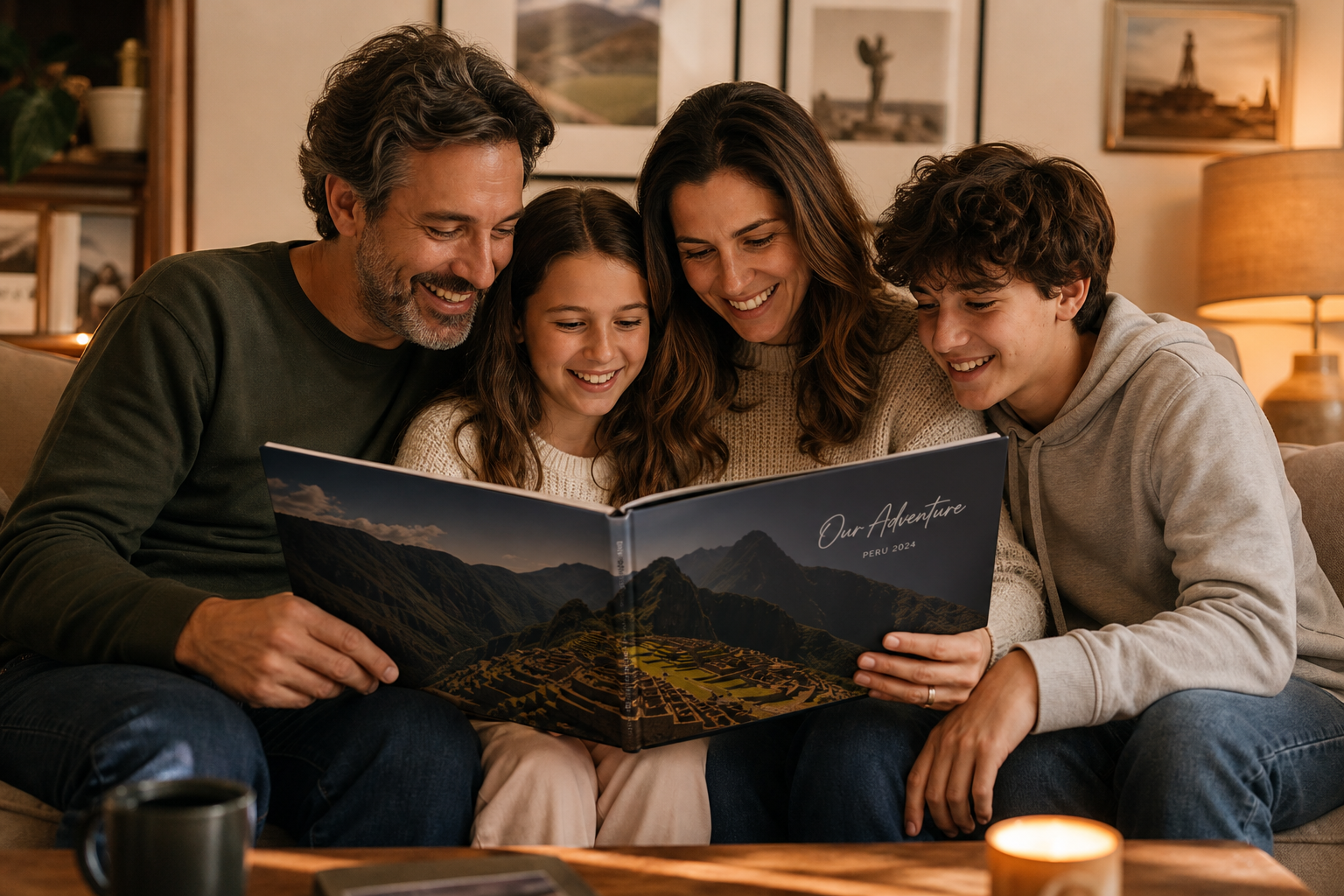
Ready to make a travel photo book that actually tells your story? Start with Photo9 and create a premium, fully personalized book online, with AI-powered design help, sustainable materials, and a result you will want to revisit again and again.
FAQ
How to tell a story through travel photos?
Choose photos that show a clear beginning, middle, and end, then mix hero shots with candid moments and small details. Add short captions, dates, or reflections so the book captures not only what happened, but also how the trip felt.
Can I create a digital travel photo book?
Yes, you can create your book digitally using an online platform like Photo9, then preview it in 3D before printing. This gives you the convenience of digital creation with the lasting value of a beautifully printed keepsake.
How to make a travel picture book?
Start by selecting your best travel photos, grouping them by timeline, destination, or theme, and adding simple captions. Then use a smart online editor to build layouts, personalize the design, and order a high-quality printed book.
How to make a photo tell a story?
A photo tells a stronger story when it shows emotion, context, or a meaningful detail. Pair wide scenes with close-ups, include candid moments, and use a short caption if needed to give the memory more depth.
What are the 4 P's of travel and tourism?
In classic tourism marketing, the 4 P's are Product, Price, Place, and Promotion. For a travel photo book, you can think of them creatively as the experience itself, the value of preserving it, where it happened, and how you choose to present the story.