
make photo books with AI
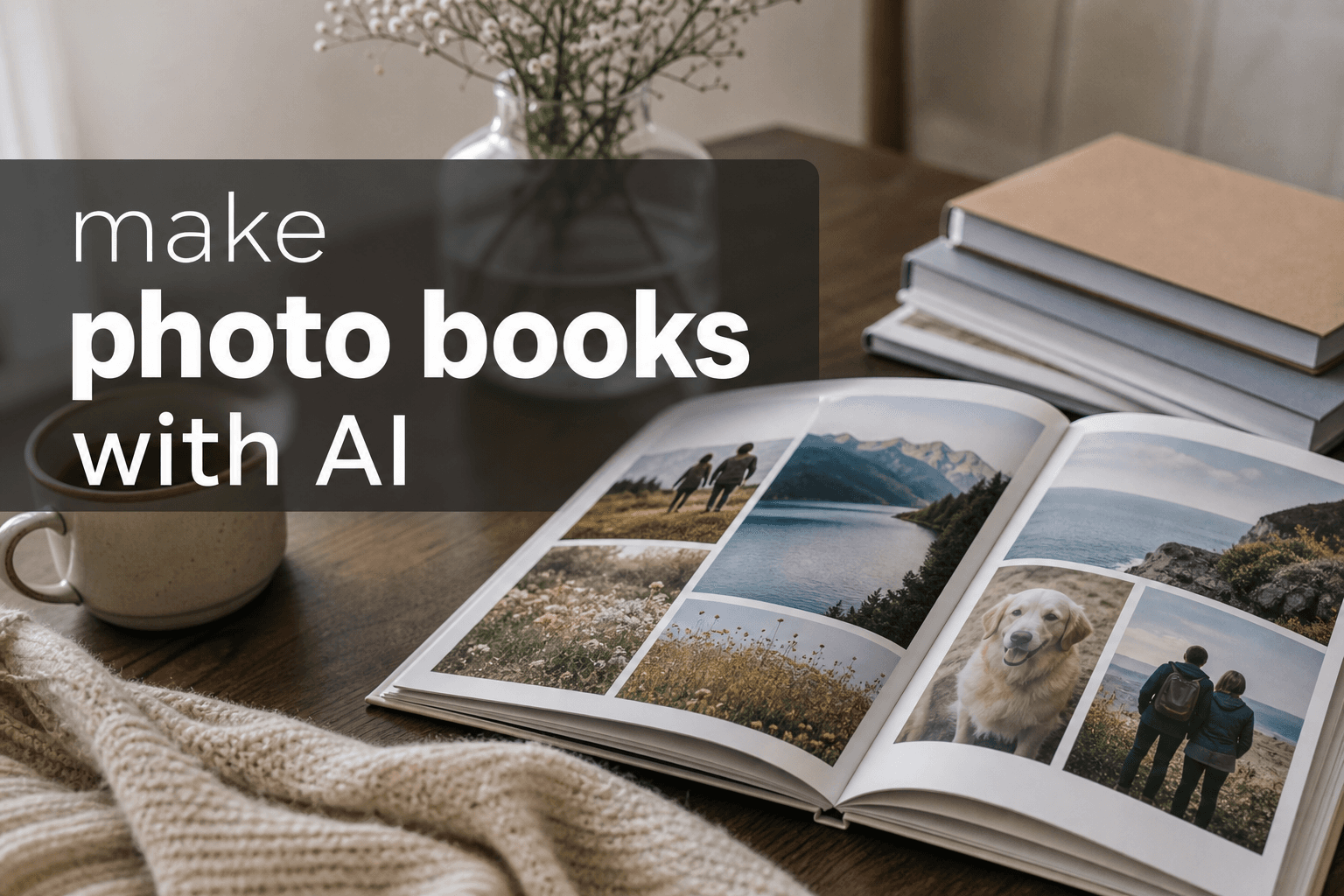
Photo 9
13 min read · May 19, 2026
Make Photo Books With AI: The Fast, Beautiful Way to Turn Your Camera Roll Into Something Real
If you’ve ever meant to make a photo book but got stuck somewhere between “I have too many photos” and “I don’t know how to design this,” you’re not alone. Most of us have thousands of images on our phones, but very few ever become something we can actually hold, gift, or revisit on the couch with family.
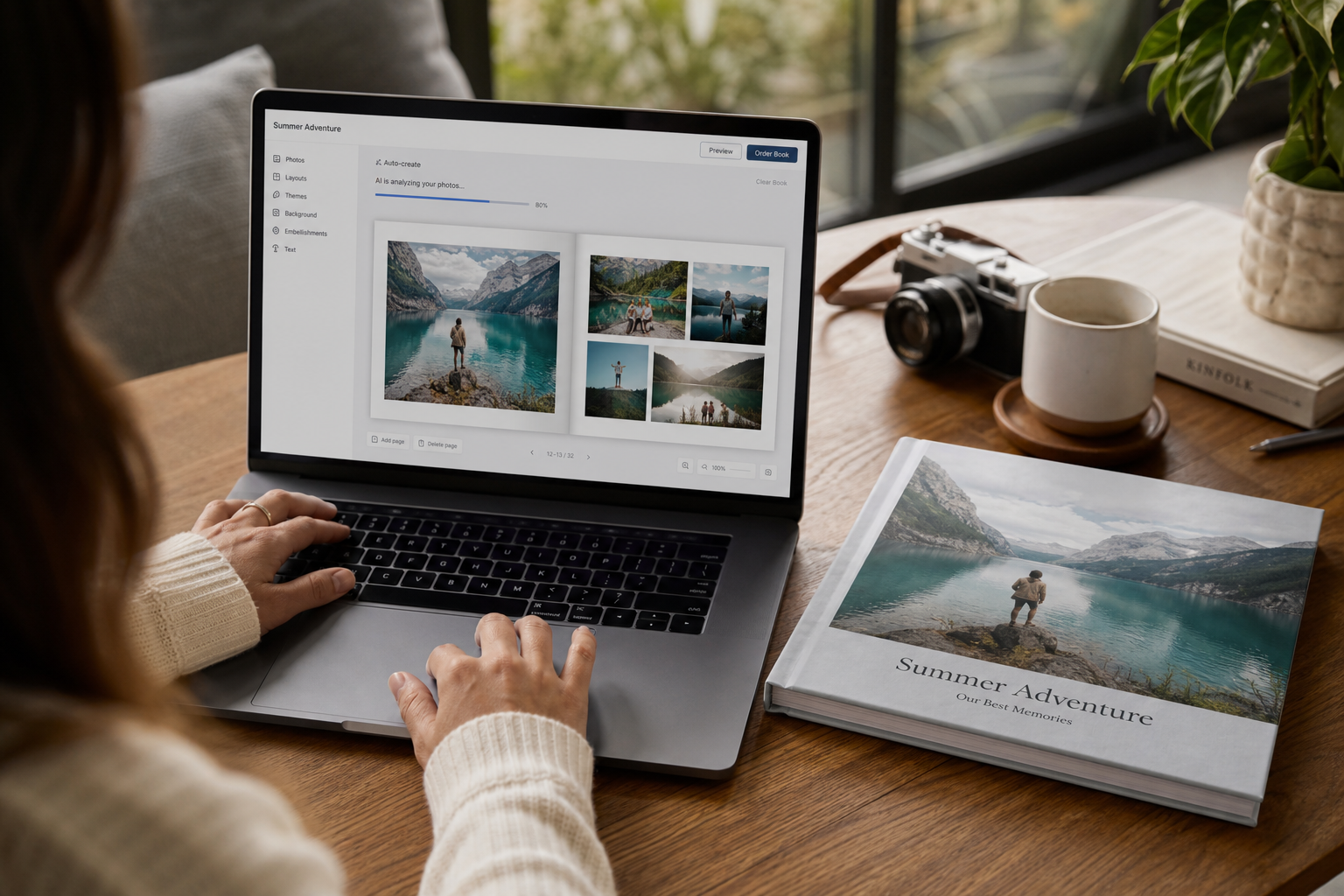
That’s exactly why AI photo books are having a moment. Instead of spending hours dragging, dropping, sorting, cropping, and second-guessing every page, you can now use an ai assistant to build a polished book in minutes. With Photo9, the process feels less like design work and more like storytelling: upload your photos, let the platform generate automatic layouts, refine the details if you want, and order a premium-quality book with confidence.
For busy parents, travelers, couples, gift shoppers, and anyone who wants a photo book in 5 minutes, this is a huge shift. You don’t need design experience, you don’t need an app, and you don’t need to give up creative control. You just need your memories.
Why AI Photo Books Make So Much Sense Today
The biggest reason is simple: we take more photos than ever, but revisit fewer of them than we’d like.
"Approximately 92.5% of all photos worldwide are now taken using smartphones." - Source
That sounds convenient, but it creates a new problem. Our best memories disappear into endless camera rolls, cloud folders, and group chats.
"About 70% of photos on camera rolls are forgotten, contributing to digital photo overload." - Source
Printed photo books solve that beautifully. They turn scattered images into a story with shape, rhythm, and emotion. The catch used to be time. Traditional editors demanded patience and design confidence. AI removes that barrier.
With Photo9, the goal isn’t to replace your taste. It’s to remove the tedious part so you can focus on what matters: choosing meaningful photos, adding personal details, and creating something worth keeping.
If you want to explore formats first, browse Photo9’s AI photo books to see what’s possible.
What Competitor Sites Get Right - And What They Miss
After reviewing leading pages in this space, a few common themes stand out:
AI helps sort large photo libraries faster
Templates and auto-layout save time
Hardcover, softcover, and layflat options matter
Users still want to customize after automation
Print quality and delivery are key buying factors
Those points are valid. But many competitors stop there. They often gloss over the parts real customers care about most:
Content gaps most articles leave behind
What many competitors mention | What they often miss |
|---|---|
AI can auto-create a draft | How to keep the book personal, not generic |
Layouts are fast | How captions, sequencing, and pacing affect storytelling |
Different cover types exist | Which format suits travel, family, weddings, or gifts |
Quality materials matter | Why preview tools and smart cropping reduce mistakes |
Mobile or app convenience | The benefit of creating without installing anything |
AI saves time | How to still make thoughtful edits in just a few minutes |
This is where Photo9 stands out. It combines speed with polish: AI-generated layouts in seconds, ai smart captions, easy browser-based editing, a 3D preview, cross-device access, and premium production with sustainability built in.
How AI Actually Helps You Make a Better Photo Book
Let’s make this practical. AI is not magic dust. It works best when it solves the boring, repetitive, and error-prone parts of the process.
1. It sorts visual chaos into a usable first draft
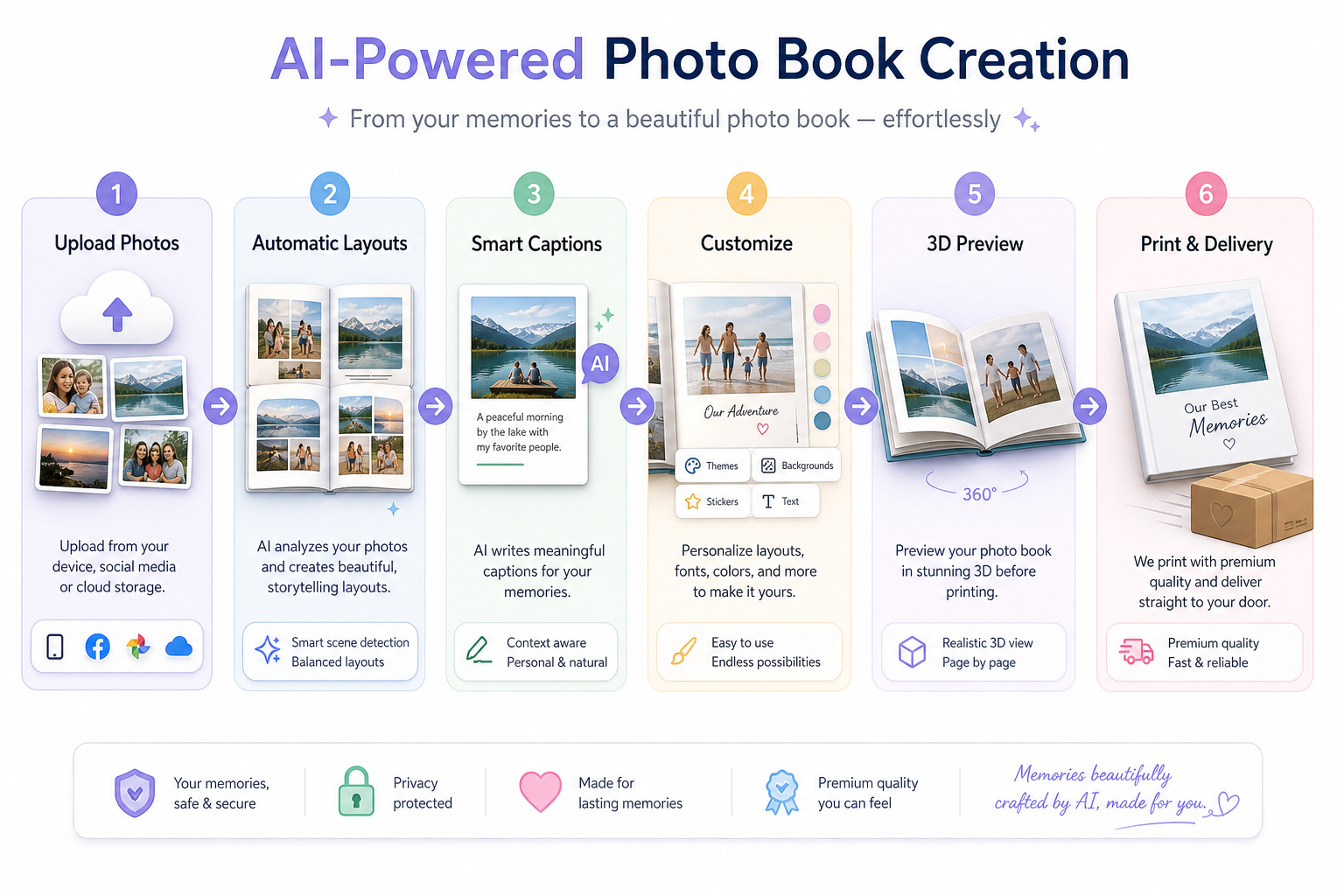
When you upload photos to Photo9, the system can quickly analyze image orientation, subject matter, grouping, and visual balance. That means less manual rearranging and fewer pages where everything feels crowded or random.
2. It creates smart page composition
A good photo book is not just a stack of images. It needs variety: hero shots, detail shots, quieter pages, fuller spreads, room for text, and natural pacing. AI can suggest automatic layouts that feel consistent and professional without looking stiff.
3. It helps with words too
One of the most underrated features in modern creation tools is ai smart captions. A short caption, date line, or memory cue can transform a page from “nice pictures” into a story. Photo9 can help you generate meaningful starting points fast, which is especially helpful when you’re building gifts or year-in-review books.
4. It reduces the intimidation factor
The blank canvas is often the hardest part. With AI, you don’t start from zero. You start from momentum.
How to Make a Photo Book With AI in 5 Minutes
Here’s the casual-photographer version of the workflow - quick, realistic, and actually doable.
Step 1: Choose the occasion
Before uploading anything, decide what kind of story you’re telling:
family yearbook
weekend getaway
baby’s first months
wedding highlights
graduation gift
birthday surprise
travel diary
This gives the AI a clearer creative direction and helps you avoid mixing too many unrelated moments in one book.
Step 2: Upload more photos than you think you need
Don’t over-curate too early. AI works best when it has enough material to spot patterns and build strong spreads. Include:
wide shots
portraits
candid moments
small details
screenshots only if they add meaning
a few “imperfect” photos that still hold emotion
Step 3: Let the AI build the first version
This is where the time savings happen. Photo9 generates layouts in seconds, recommends structure, and helps transform a pile of images into a coherent story.
Step 4: Personalize the book
Now do the human part:
swap a few photos
trim pages if the story feels long
add names, dates, or short captions
adjust backgrounds or colors
emphasize one or two standout spreads
Step 5: Check the preview and order
Photo9’s 3D preview helps you catch details before printing, so you can order with more confidence. Once you’re happy, the production side takes over: premium materials, secure payment, fast delivery, and local printing where possible for lower emissions.
What Makes a Great AI Photo Book Instead of a Generic One?
This is where most advice online stays too shallow. The real secret isn’t just using AI. It’s knowing how to guide it.
Start with a clear story arc
Even casual memories feel stronger when they have a shape:
beginning: arrival, anticipation, setup
middle: highlights, people, emotion, movement
ending: quiet moments, final views, reflections
Mix image types intentionally
If every page has the same grid and the same distance from the subject, the book gets flat. A better mix looks like this:
Photo type | What it does in the book |
|---|---|
Full-page hero image | Creates impact and emotion |
Multi-photo spread | Shows sequence or variety |
Close-up detail | Adds texture and intimacy |
Candid people shot | Brings life and authenticity |
Captioned page | Gives context and voice |
Don’t overfill
AI can help optimize page count, but shorter is often stronger. A tighter, better-paced book usually feels more premium than one that tries to include everything.
Add just enough text
A few thoughtful lines go a long way. If you like more narrative-driven books, you may enjoy these tips on photo books that allow text without common design mistakes.
Photo9 vs Traditional Photo Book Creation
Here’s the practical difference.
Feature | Traditional editor | Photo9 AI workflow |
|---|---|---|
Starting point | Blank page | Instant first draft |
Photo sorting | Manual | AI-assisted |
Layout building | Manual drag-and-drop | Smart automatic layouts |
Captions | Fully manual | AI smart captions + manual editing |
Device flexibility | Sometimes limited | Browser-based, cross-device access |
Confidence before ordering | Basic preview | 3D preview and smart suggestions |
Time required | Often hours | Often a photo book in 5 minutes |
Sustainability focus | Varies | Local printing, FSC-conscious materials, recyclable packaging |
The big point: Photo9 gives you speed without flattening your personality. It’s still your story, just made easier.
Best Types of Photo Books to Create With AI
Some projects benefit from AI more than others because they involve lots of images, repeated visual themes, or limited time.
Travel photo books
Trips create huge batches of photos: landscapes, meals, tickets, selfies, street scenes, hotel shots, and tiny details you’d never organize manually. AI is brilliant here because it can quickly create rhythm and balance. If that’s your next project, these travel photo book ideas can help you shape the story.
Family yearbooks
Perfect for busy parents who want to preserve school moments, holidays, everyday chaos, and seasonal milestones without turning it into a full-time design project.
Wedding books
Weddings often involve hundreds or thousands of photos. AI helps narrow the visual noise and build a cleaner emotional narrative, while you fine-tune the personal touches.
Baby books
From newborn days to first steps, these books benefit from chronological structure, gentle pacing, and a mix of milestone photos and candid details.
Gift books
Birthdays, anniversaries, Mother’s Day, Father’s Day, graduation, long-distance friendships - AI makes gifting faster without making it feel generic.
Choosing the Right Format for Your Book
AI helps with layout, but format still matters. Here’s a simple guide.
Format | Best for | Why it works |
|---|---|---|
Softcover | Casual projects, smaller gifts, travel recaps | Lightweight, affordable, easy to share |
Hardcover | Family albums, milestone books, gifts | Durable, premium, timeless |
Large-format book | Weddings, statement books, coffee-table use | Maximum visual impact |
Wall art companion | Favorite cover or standout spread | Extends your story beyond the book |
Photo9 offers multiple product formats and themes, so you can create not just books but matching wall art too - ideal if you want one hero image turned into canvas, poster, or forex print.
If you’re leaning premium, take a look at hard cover photo books for a more gift-worthy and shelf-ready finish.
Why Photo9 Feels Different From Other AI Photo Book Tools
A lot of platforms say “AI,” but not all of them deliver a genuinely smoother experience. Photo9’s difference is in how the full process comes together.
No app required
You can create directly in your browser, which is ideal for busy digital users who want flexibility without another download.
Cross-device access
Start on your laptop, continue on your tablet, tweak from your phone. Your project stays accessible.
Smart layout suggestions
Instead of making you fight a rigid template, Photo9 helps guide the design based on the images you actually upload.
Prompt-based editing and AI image descriptions
This makes customization faster, especially when you want a specific mood or more polished page text.
Premium output
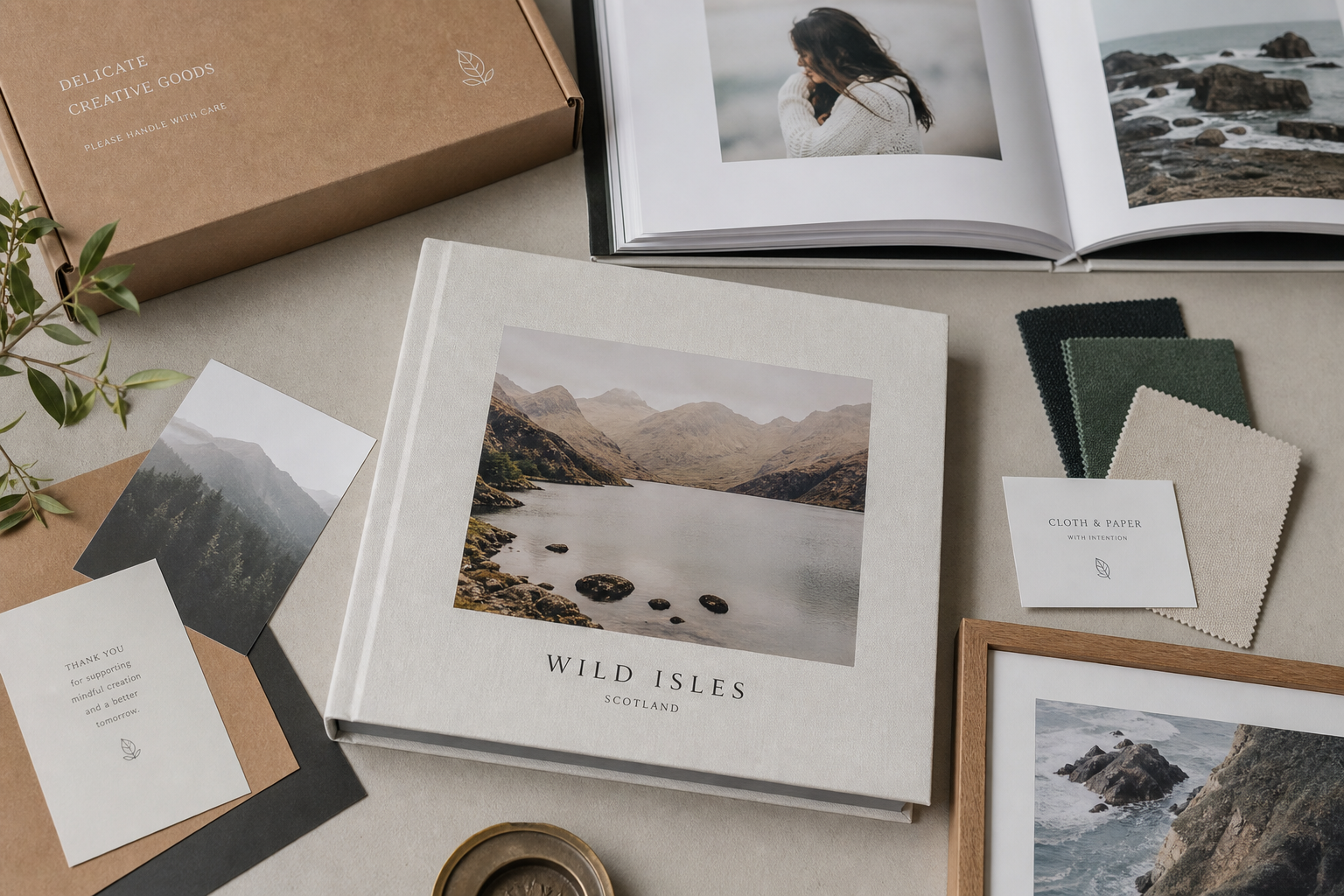
The point of easy creation is not just speed. It’s speed plus a result that still feels giftable and lasting. Photo9 pairs its AI tools with high print quality, premium materials, secure checkout, and reliable delivery.
Sustainability that fits modern buyers
Local production when possible, recyclable packaging, and responsibly sourced materials matter more than ever when you’re ordering physical products online.
A Quick Look at the Photo9 Experience
Sometimes a screenshot tells the story faster than a paragraph.
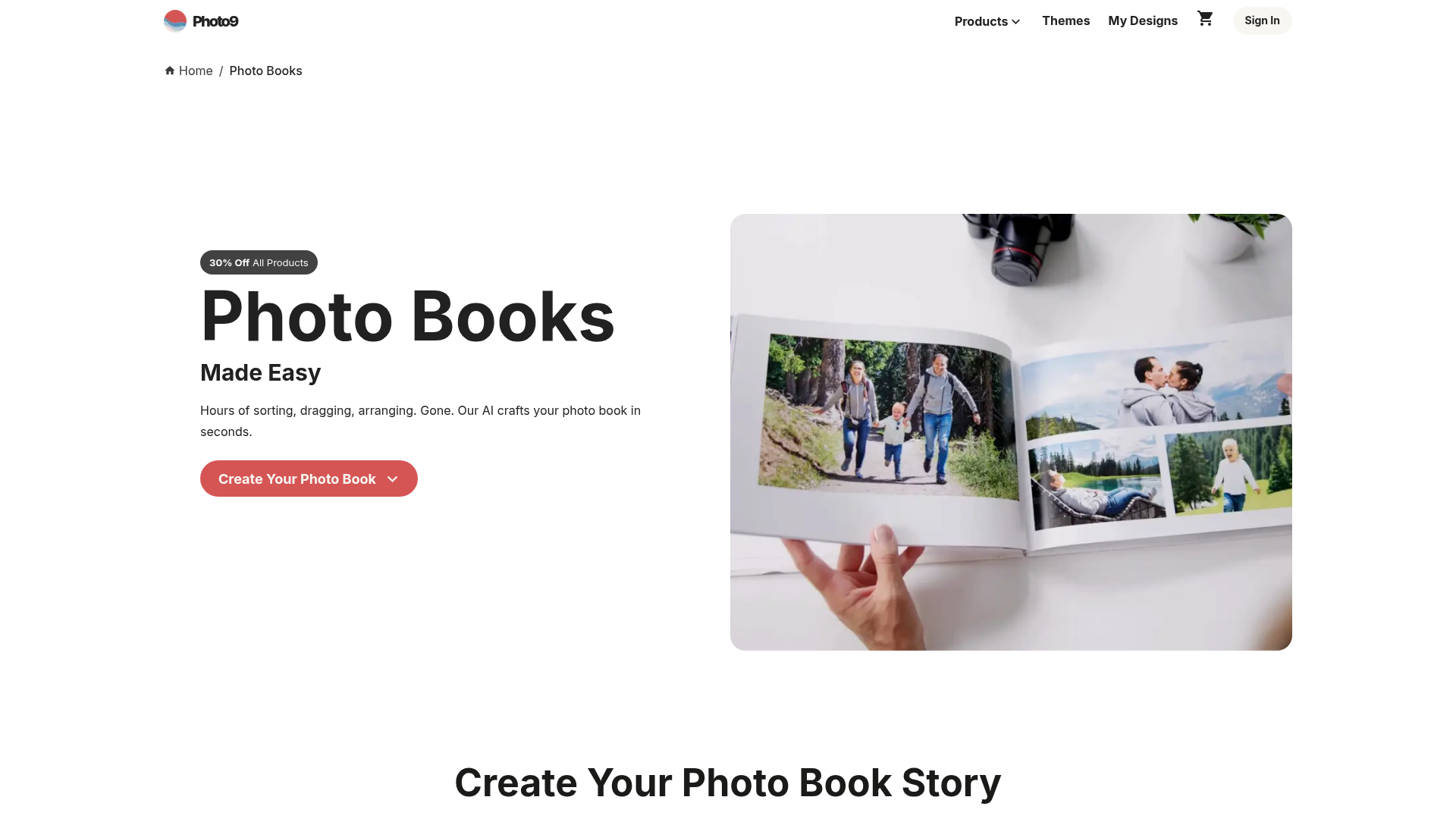
What I like here as a casual photography blogger is that the promise is clear: you’re not expected to become a designer just to make a meaningful book. The platform is built to get you from camera roll to finished keepsake with less friction and more confidence.
Common Mistakes to Avoid When Making AI Photo Books
AI saves time, but a few human mistakes can still weaken the result.
Using too many similar photos
Five almost-identical beach sunsets rarely beat one great one plus a candid dinner shot and a detail of sandy shoes.
Ignoring storytelling order
A beautiful page sequence still needs emotional logic. Try to think in moments, not just image quality.
Writing too much text
Let the photos breathe. Short captions are usually stronger than long paragraphs.
Skipping the preview
Always use the 3D preview or final review tools. Check cropping, text placement, and image spacing before ordering.
Treating AI as the final step
The best workflow is collaboration: let AI do the heavy lifting, then make a few thoughtful edits that add personality.
Who Should Use AI to Make Photo Books?
Honestly, almost anyone who takes photos casually but wants better follow-through.
It’s especially great for:
parents with thousands of family photos
couples making anniversary or wedding albums
travelers who want a polished trip recap
gift buyers on a deadline
students making graduation keepsakes
friends collaborating on memory books
anyone who has said “I’ll make that book later” for the last two years
If you value beautiful results but hate starting from scratch, AI is a real upgrade.
Final Verdict: Is Making Photo Books With AI Worth It?
Yes - especially now that the tools are finally good enough to feel helpful rather than gimmicky.
The best AI photo book platforms don’t remove creativity. They remove friction. That’s a huge difference. They help you get started, organize chaos, improve pacing, suggest better layouts, and speed up the work that usually delays a project for months.
Photo9 is especially compelling because it combines the emotional value of printed memories with genuinely modern creation tools: ai smart captions, automatic layouts, browser-based editing, 3D preview, cross-device flexibility, customizable designs, premium materials, fast delivery, secure payment, and a 100% satisfaction guarantee mindset that builds trust.
If your photos deserve more than a cloud folder, now is the perfect time to turn them into something tangible. Start your next book with Photo9 and see how easy it can be to create a story-worthy keepsake in minutes.
FAQ
Can I use AI to create a photobook?
Yes. Modern tools like Photo9 can turn your uploaded images into a polished photobook using automatic layouts, smart sequencing, and easy customization. You still keep creative control while the AI handles the time-consuming setup work.
Can I use AI to create images for a book?
Yes, AI can help create images, but for most photobooks the main value is using your real photos and letting AI improve the layout, captions, and storytelling flow. That keeps the book personal while still saving a lot of time.
What is the best app to make a photobook?
The best option is often the one that makes the process easiest without sacrificing quality. Photo9 stands out because you can create in your browser with no app required, use AI assistance, and still customize everything before printing.
What's the best site to make a photo book?
A strong photo book site should offer AI-generated layouts, premium print quality, customization, secure payment, and fast delivery. Photo9 is a great choice for people who want professional-looking results in minutes instead of hours.
Is it legal to make a book using AI?
Yes, in general it is legal to make a book using AI, especially when you are using your own photos and memories. You should simply make sure you have the rights to any images, text, or creative assets included in the final product.
What is the best photobook creator?
The best photobook creator is one that balances speed, quality, and creative freedom. Photo9 does that particularly well by combining AI assistance, smart captions, 3D preview, multiple formats, and easy editing into one smooth workflow.