
Customized Photo Book With Text Ideas
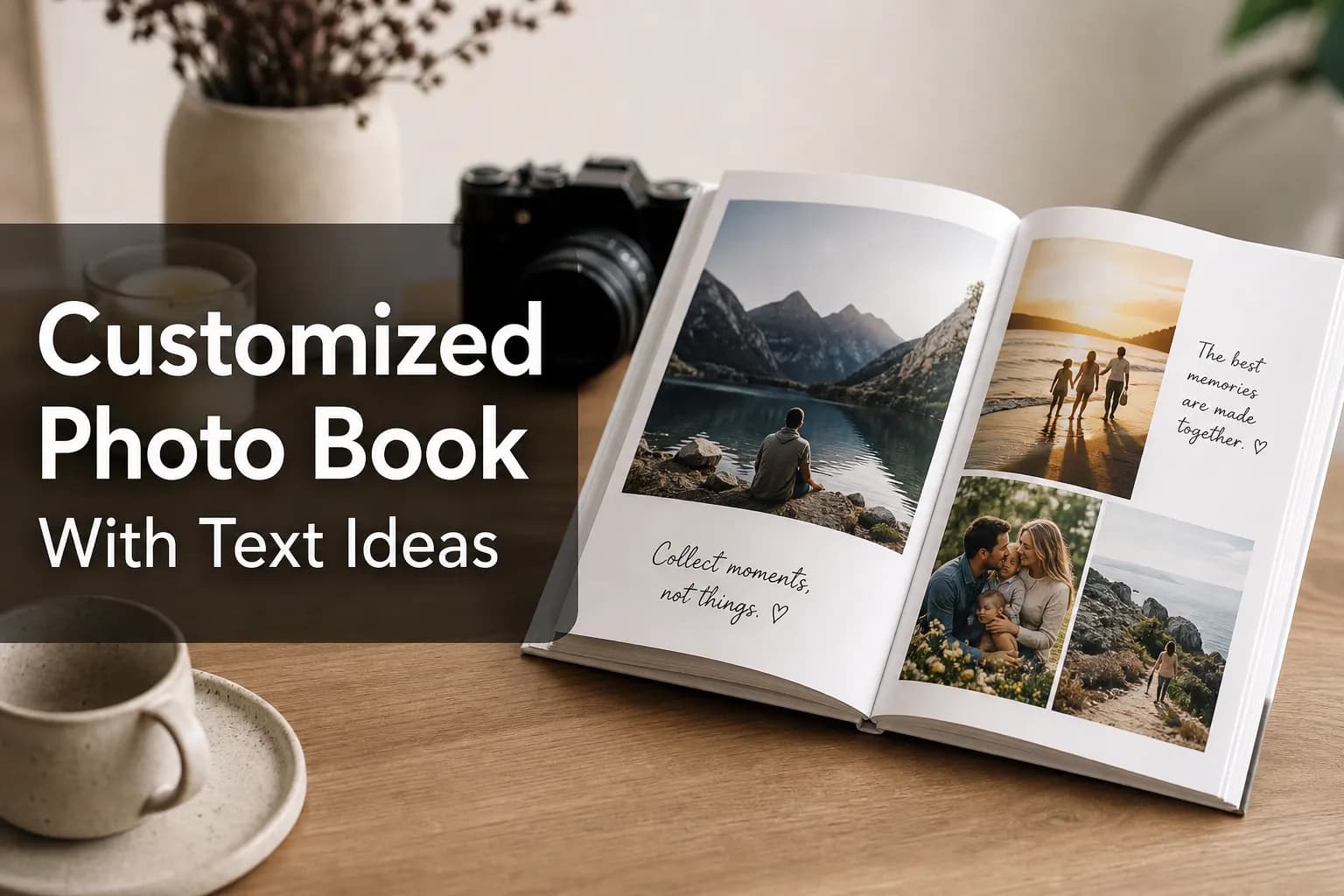
Photo 9
13 min read · June 6, 2026
Customized Photo Book With Text Ideas
A customized photo book with text turns pictures into a story you can actually revisit, feel, and share. If you’ve ever had hundreds of photos sitting on your phone with no clear plan for what to do with them, you’re not alone. Families, couples, parents, travelers, students, and gift shoppers all want something more meaningful than a digital folder, but they also don’t want to spend hours dragging, sorting, and designing every page manually.
That’s where thoughtful text makes the difference. Captions, dates, quotes, short notes, and tiny details help your book say more than images alone can. And with Photo9, you can create personalized photo books with text in minutes using AI-generated layouts, smart page suggestions, 3D preview, and full customization right in your browser, no app or design experience required.
Why text makes photo books more meaningful
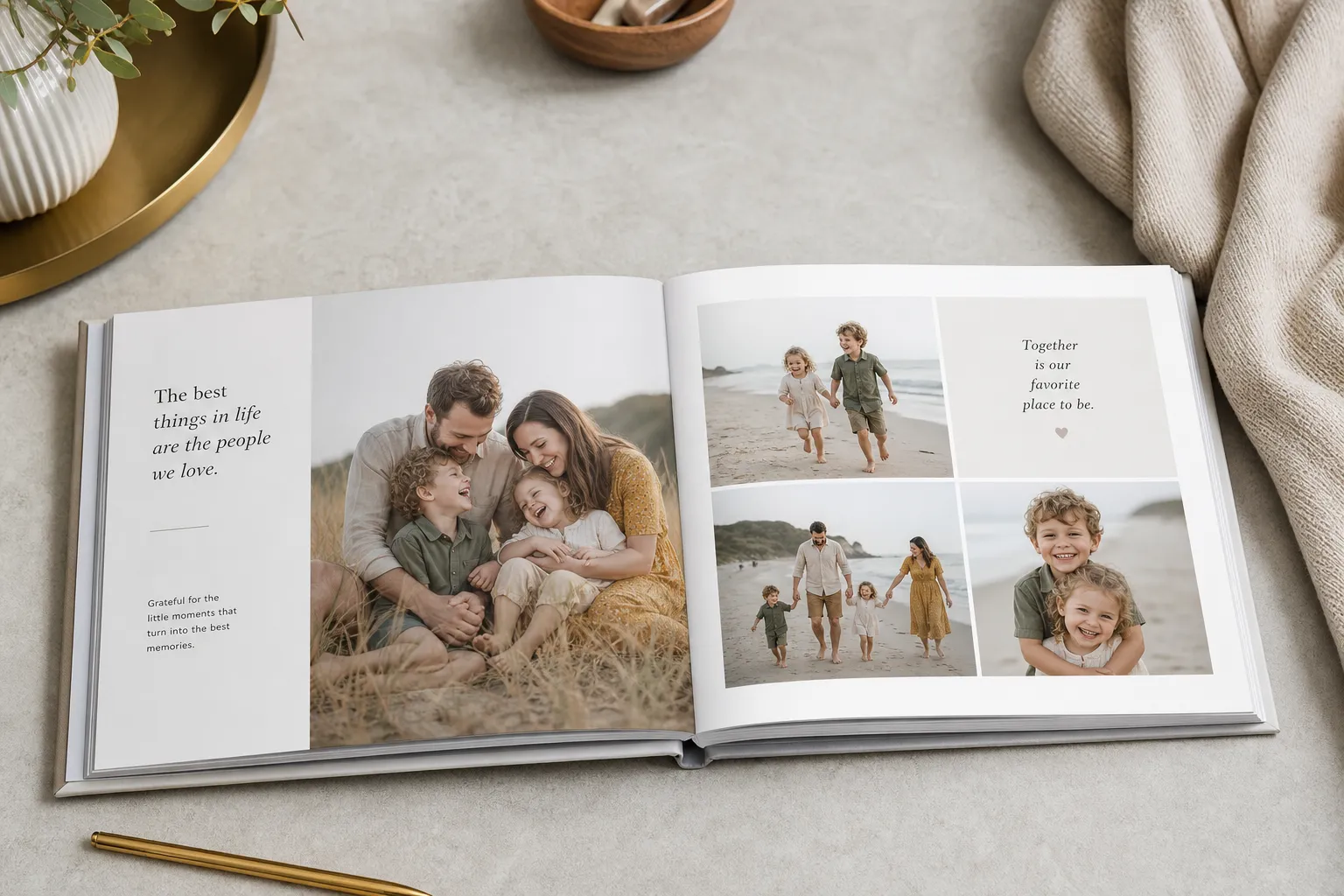
Photos capture what happened. Text explains why it mattered.
A baby’s first steps, a wedding speech, a late-night train ride in Rome, a funny family moment in the kitchen, these are memories with context, emotion, and voice. Without text, you may remember the image. With text, you remember the story.
"74% of people believe there is an emotional benefit to surrounding themselves with printed photographs." - Family Friendly Working
That emotional impact gets stronger when your book includes personal language. Even one line under a photo can preserve the tone of the day, the joke people still repeat, or the feeling you never want to forget.
"84% of people learned about their family memories from photos accompanied by verbal stories or detailed captions." - Shutterfly
This is also where many competitor articles fall short: they suggest “add captions” or “use quotes,” but they rarely explain how to create a full storytelling structure that feels natural, readable, and visually balanced. The best personalized photo book with text is not overloaded with words. It uses the right text in the right places.
What to include in a personalized photo book with text
You do not need to write a paragraph on every page. In fact, the most elegant books usually mix short text with occasional longer reflections.
Best types of text to add
Text type | Best use | Example |
|---|---|---|
Captions | Quick context under a photo | “First swim of the summer” |
Dates | Time anchoring | “July 14, 2025” |
Locations | Travel and event books | “Amsterdam, Netherlands” |
Milestone labels | Baby, graduation, wedding, family books | “First day of school” |
Short stories | Special pages that need context | “We almost missed this sunset, but it became our favorite moment of the trip.” |
Quotes | Gifts, milestone books, tribute albums | “The best is yet to come.” |
Letters or notes | Emotional keepsakes | “To future us: never forget this season.” |
Names and relationships | Family history and legacy books | “Grandma Els with Mia” |
A simple rule: write in layers
Think of your words in three levels:
Headline text for the page theme
Caption text for individual photos
Story text only when a moment needs extra meaning
This layered approach keeps your book polished instead of crowded.
If you want a stronger foundation before you begin, this guide on photo books that allow text and mistakes to avoid is a helpful companion.
Customized photo book with text ideas by occasion
Different moments call for different kinds of writing. Below are some of the strongest use cases and text ideas for each.
Family photo books
Family books work best with warmth, humor, and little details you might otherwise forget.
Text ideas:
“Another year of us”
“Sunday pancakes and sleepy smiles”
“Home, in all its chaos”
“Summer at grandma’s”
“The little moments we want to keep forever”
What to add:
Ages of kids
Seasonal traditions
Funny one-liners
Notes about everyday routines
Highlights from the year
Baby photo books
Baby books are perfect for mixing milestones with emotional notes from parents.
Text ideas:
“Hello, world”
“One week old”
“First smile”
“First bath”
“You made our world bigger”
What to add:
Birth stats
Monthly updates
Firsts
Parent letters
Nicknames and tiny habits
Wedding photo books
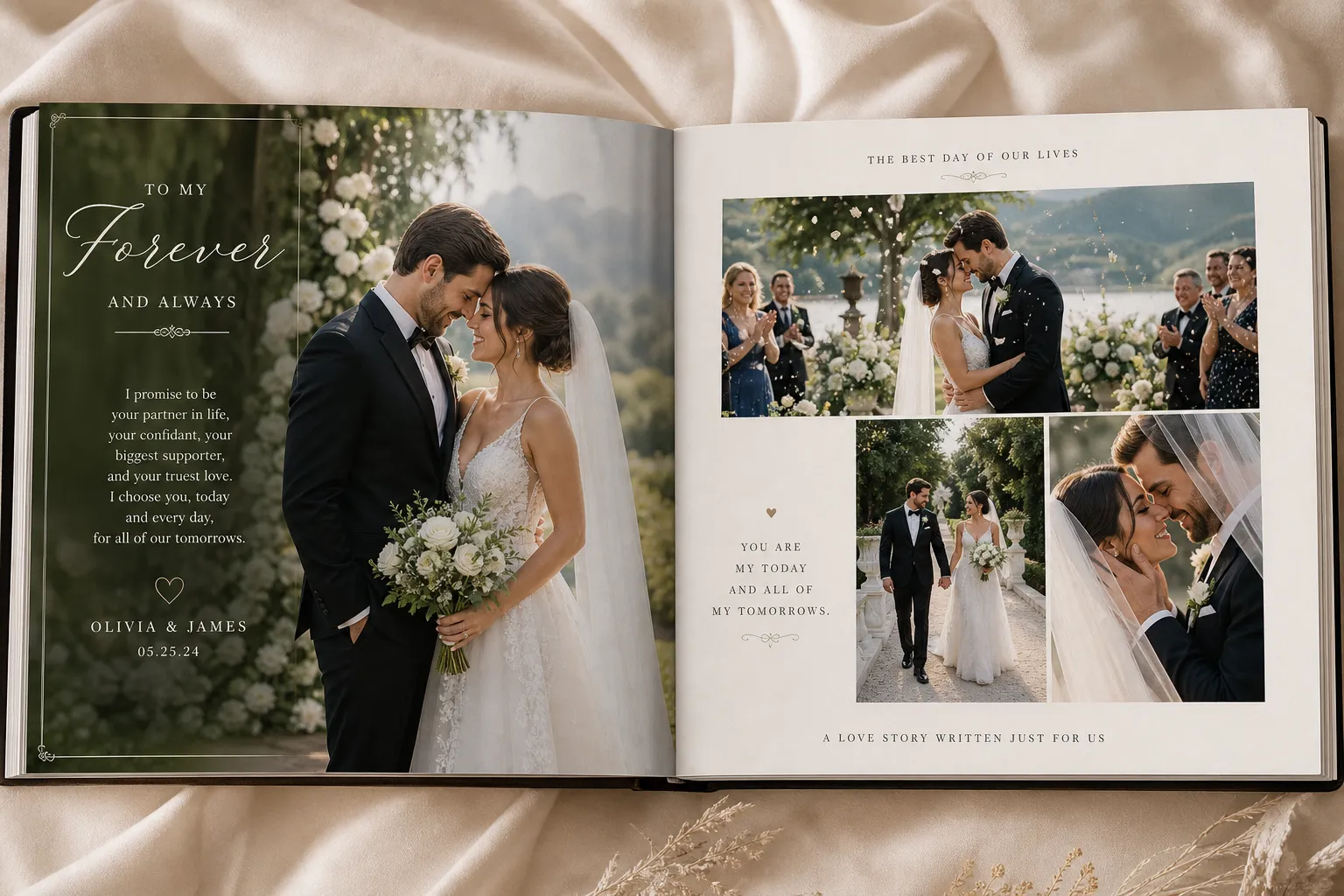
Wedding books often benefit from elegant, minimal text. Let the photography lead, then support it with vows, dates, and selected reflections.
Text ideas:
“The best day of our lives”
“From this day forward”
“Surrounded by love”
“Our vows, our people, our beginning”
“Every detail, every feeling”
What to add:
Ceremony date and location
Vow excerpts
Readings or lyrics
Speech highlights
Thank-you note at the end
For couples planning an album around the big day, you can also explore wedding photo book ideas for lasting memories.
Travel photo books
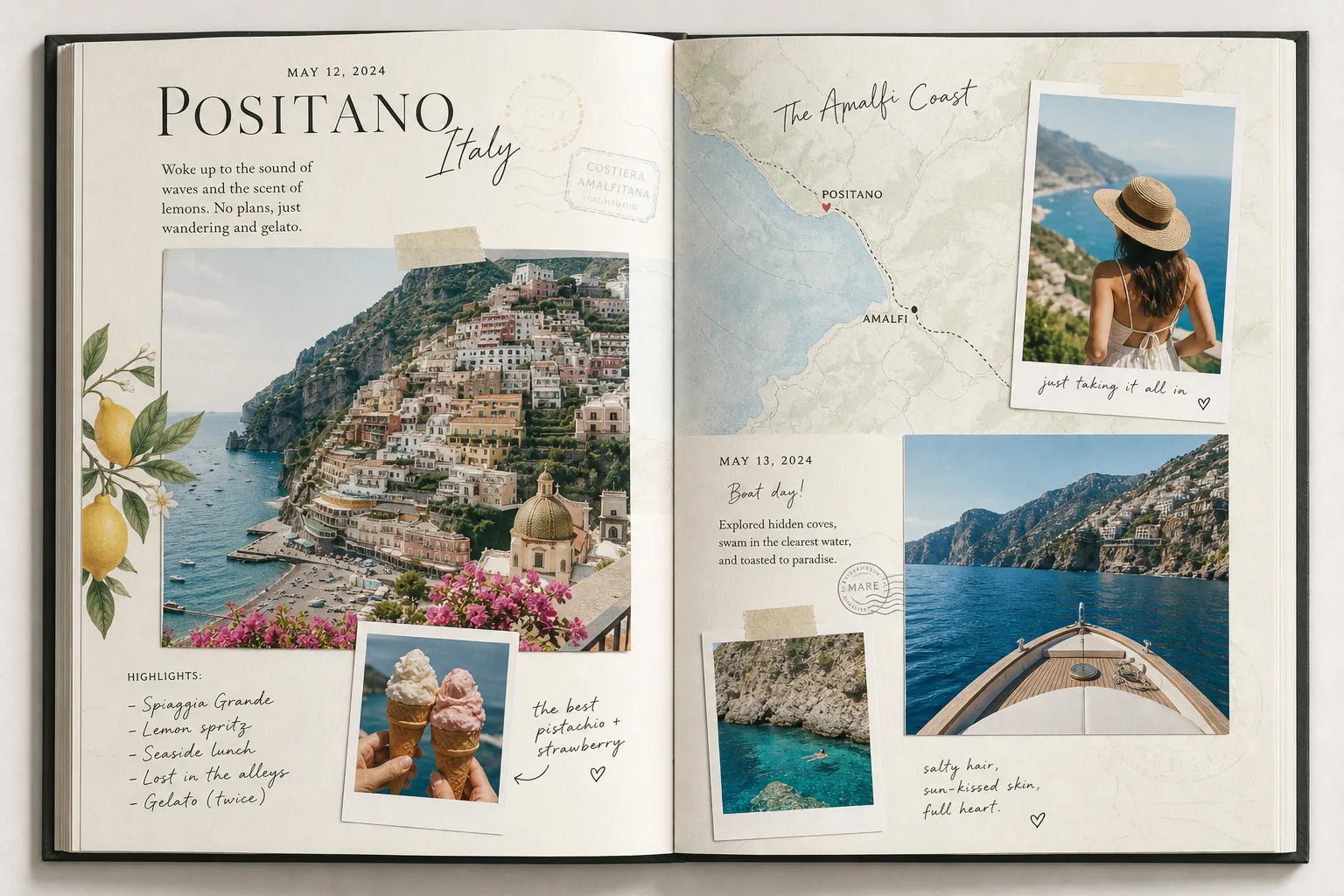
Travel books are one of the best formats for captions because dates, places, and quick observations add so much value.
Text ideas:
“Day 2: wandering without a plan”
“Views worth the climb”
“Our favorite café in Lisbon”
“The night we got lost and found the best dinner”
“Worth every mile”
What to add:
Dates and locations
Day-by-day mini headers
Local food notes
Funny travel mishaps
Favorite memory from each stop
If you love travel storytelling, see these custom travel photo album ideas for every trip.
Birthday and celebration books
These are great for playful captions and guest memories.
Text ideas:
“A day full of joy”
“Thirty, loved, and thriving”
“Candles, cake, and chaos”
“One unforgettable night”
“Here’s to the next chapter”
What to add:
Party details
Favorite messages from friends
Timeline of the day
Then-and-now comparisons
Milestone reflections
Graduation and year-in-review books
These books benefit from structure. Organize them chronologically and use short titles to guide the reader.
Text ideas:
“Class of 2026”
“Years in the making”
“What a ride”
“The next chapter starts now”
“We made it”
What to add:
School year milestones
Friend quotes
Favorite subjects or memories
Future plans
Lessons learned
75 caption ideas for a custom photo book with text
Sometimes the hardest part is simply knowing what to write. Here are ready-to-use caption ideas.
Short caption ideas
Best day ever
Just like that
A moment to keep
Pure joy
Made for this
So much love
Our happy place
Little things, big memories
Worth remembering
Time stood still
Family caption ideas
The heart of home
Messy, loud, perfect
Our everyday magic
Together is everything
Love lives here
The weekend crew
Life lately
Built on love
Sunday softness
Another year of us
Travel caption ideas
Caught the golden hour
New place, same us
The long way was worth it
Views we’ll never forget
Passport full, heart fuller
We found our favorite street
Morning light abroad
One stop we’ll talk about forever
Miles and memories
Postcard moment
Baby caption ideas
Tiny hands, huge love
A whole new world
First laugh
First cuddle
Growing every day
So very loved
Small but unforgettable
First holidays
Sleepy and sweet
Our little miracle
Romantic caption ideas
Still choosing you
This is our story
You and me, always
A love worth printing
The day we said yes
All roads led here
My favorite chapter
Love in every frame
Forever starts here
Just married
Funny caption ideas
We cleaned up well
Not pictured: the chaos
Seconds before disaster
We were definitely late
Everyone said “act natural”
This did not go as planned
The camera caught everything
One of us had a better idea
Proof we survived
A very normal family moment
Longer text prompts
Use these when a caption is not enough:
What happened just before this photo?
Why was this day important?
What detail would someone else never know?
What did this moment feel like?
What do you want your future self to remember?
How to design pages that combine photos and text beautifully
The strongest custom photo book with text design is easy to read at a glance. Your eye should land on the photo first, then naturally move to the supporting words.
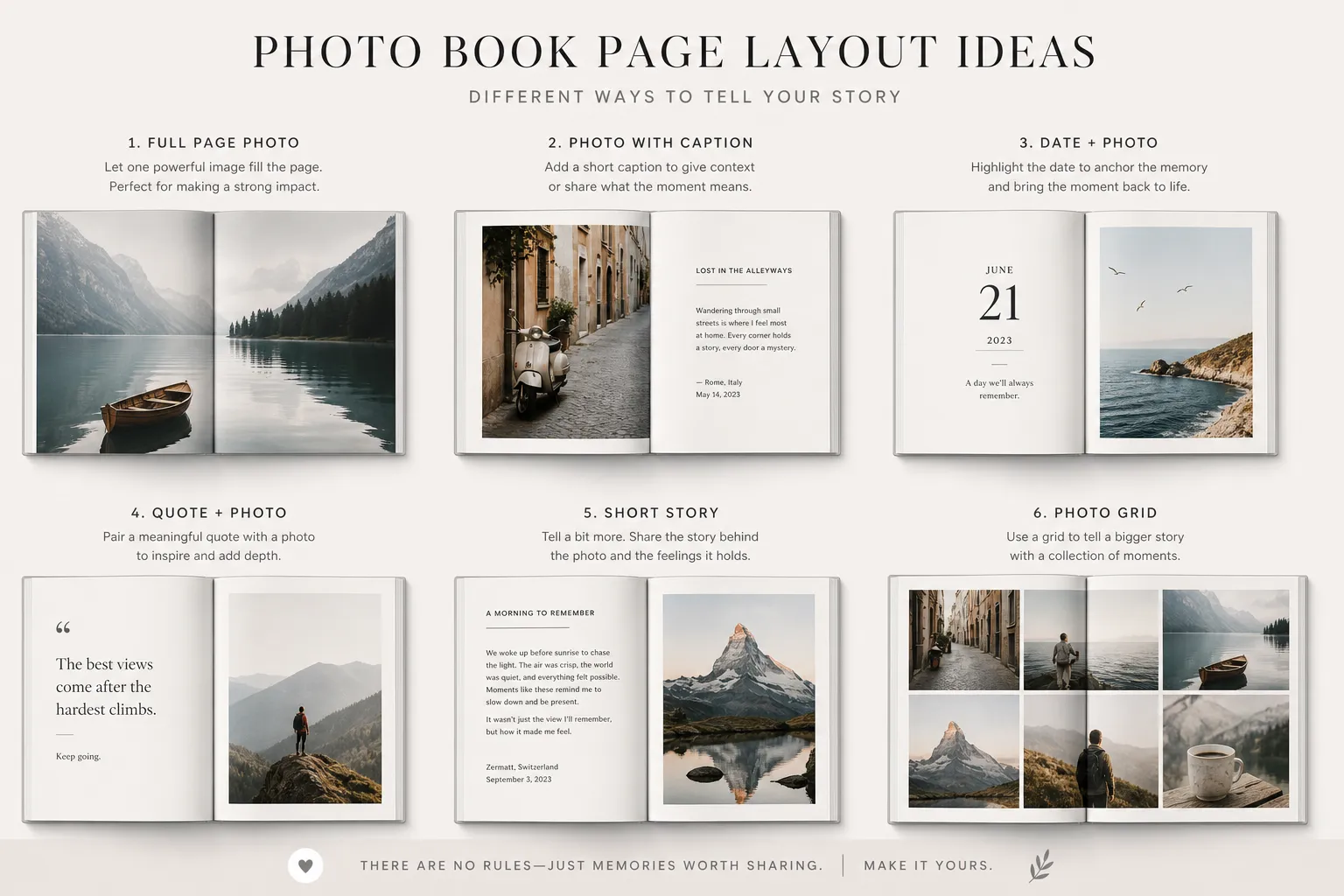
Layout approaches that work well
Layout style | Best for | Tip |
|---|---|---|
Captions below photos | Family, baby, travel | Keep each caption under 12 words when possible |
Text overlay on image | Wedding, modern books, covers | Use high contrast and negative space |
Full text page | Introductions, letters, milestone reflections | Great between sections |
One hero image + side note | Emotional moments | Ideal for big memories |
Collage with mini captions | Year-in-review, travel | Give each cluster a mini story |
Timeline layout | Baby first year, graduations | Add dates consistently |
Placement tips
Put text where there is visual breathing room
Avoid placing words over faces or busy backgrounds
Use alignment consistently across spreads
Repeat styles for a polished feel
Let some pages stay almost text-free for balance
Font and styling tips
Keep it simple:
Use one headline font
Use one body/caption font
Stick to 2–3 text colors maximum
Choose readable sizes over decorative ones
Match tone to occasion: elegant, playful, clean, nostalgic
How to write text that feels personal, not generic
This is another area where many articles stay too surface-level. The goal is not just “add text,” but to make it sound like you.
Use specific details
Instead of:
“Fun family day”
Try:
“The day Noah insisted on wearing rain boots to the beach”
Instead of:
“Beautiful sunset”
Try:
“We almost skipped this walk, then the sky turned pink”
Specificity creates emotion.
Write like you speak
You do not need formal language. Natural wording feels warmer and more believable:
“You were so proud of yourself here”
“We laughed about this for days”
“I still remember how quiet it got right after this”
Mix practical and emotional text
A good book usually includes both:
Practical: date, place, names
Emotional: what it meant, how it felt
That combination makes the book useful later and meaningful now.
Personalized photo books with text as gifts
A personalised photo book with text is one of the strongest gift formats because it feels intentional. The added words show effort, not just design.
Best gifting occasions
Weddings
Anniversaries
New baby gifts
Mother’s Day and Father’s Day
Birthdays
Graduation
Long-distance relationship gifts
Memorial and tribute books
Travel recap gifts for a partner or friend
Gift-worthy text ideas
Occasion | Text approach |
|---|---|
Anniversary | Relationship milestones, favorite memories, future note |
New baby | Welcome letter, parent reflections, firsts |
Birthday | Funny memories, wishes from loved ones |
Graduation | Proud messages, achievements, next chapter |
Wedding | Vows, speeches, thank-you note |
Memorial | Stories, legacy quotes, treasured moments |
A thoughtful gift book doesn’t need to be long. Even a 20-page album can feel deeply personal when the writing is honest.
How Photo9 makes creating a customized photo book with text easier
This is where technology changes the experience completely. Traditional photo book creation often means uploading, sorting, dragging, resizing, reordering, then starting over when the layout feels off. That’s exactly the friction most people want to avoid.
Photo9 is built to remove that manual workload.
What makes Photo9 different
AI-generated layouts in seconds
Smart layout suggestions based on your photos
Easy browser-based creation with no app required
Fully customizable pages with text, backgrounds, and fine-tuning
3D preview so you can review before ordering
Cross-device access so you can start on one device and continue on another
Professional design without experience
Premium materials and high print quality
Fast and reliable delivery
Secure payment
100% satisfaction guarantee
Local printing when possible for lower emissions
Sustainable materials and recyclable packaging
This means you can go from camera roll to beautiful printed keepsake much faster, while still making the result feel personal and polished.
If you want a broader overview of the process, this guide on how to design a photo book online with ease is a useful next read.
Common mistakes to avoid when adding text
Even a beautiful book can feel cluttered if the text choices are off. Here are the most common issues.
1. Writing too much on every page
Not every image needs explanation. Let strong photos breathe.
2. Using text that is too generic
Specific memories beat generic phrases almost every time.
3. Choosing hard-to-read fonts
Fancy fonts can work for titles, but not for body text.
4. Placing text on busy images
If readability suffers, move the text or add a solid background.
5. Repeating the same layout everywhere
Mix full-page photos, collage spreads, and text pages for rhythm.
6. Forgetting names, dates, and locations
You may think you’ll remember later, but you often won’t.
7. Leaving everything until the end
Write captions as you build. It is faster and feels more authentic.
A simple step-by-step formula for your own photo book
If you want a repeatable method, use this:
Step 1: Choose your story
Pick one theme:
wedding
baby’s first year
summer vacation
family yearbook
birthday milestone
couple memories
Step 2: Sort photos into mini chapters
Examples:
getting ready
the trip there
favorite meals
family traditions
firsts
highlights of the year
Step 3: Add one kind of text first
Start with:
dates, or
headlines, or
captions
Build from there.
Step 4: Add just a few deeper notes
Choose 3–5 key moments that deserve more than a caption.
Step 5: Review for balance
Ask:
Does every spread have a clear focal point?
Is the text readable?
Do some pages get to stay simple?
Is the tone consistent?
Final thoughts: turn photos into a story worth holding
A personalized photo book with text is more than a printed album. It is a way to preserve voice, context, humor, love, and memory in a format that lasts beyond your camera roll. Whether you are making a wedding keepsake, a baby milestone book, a travel story, or a heartfelt gift, the right words make the experience richer.
Photo9 helps you get there faster without sacrificing quality or creativity. With AI-generated layouts, smart suggestions, premium print options, flexible customization, and a no-app workflow, you can create a professional-looking photo book in minutes instead of hours. Add your words, review in 3D, order securely, and turn your digital memories into something real.
If you’re ready to create a customized photo book with text that feels personal, polished, and easy to make, now is the perfect time to start with Photo9.
FAQ
Where can I make a photo book with words?
You can make a photo book with words on platforms that let you add captions, quotes, dates, and custom text boxes directly into your design. Photo9 is a strong option because it combines AI-generated layouts, easy browser-based editing, and full text customization without requiring design experience.
Do photobooks have text?
Yes, many photobooks include text alongside photos to add meaning and context. Common examples are captions, names, dates, locations, milestone labels, short stories, and personal notes.
What is the best website to create a photo book?
The best website depends on whether you want speed, design quality, and customization in one place. Photo9 stands out for people who want professional-looking photo books fast, thanks to AI layouts, 3D preview, premium materials, secure checkout, and an easy no-app workflow.
How do you add text in photobookshop?
In most photo book editors, you add text by choosing a text box tool, placing it on the page, and then adjusting font, size, color, and alignment. The best approach is to keep text readable, place it in open space, and use short captions on most pages with longer notes only where they add real value.