Make Your Own Book With Pictures and Text Fast
Make Your Own Book With Pictures and Text
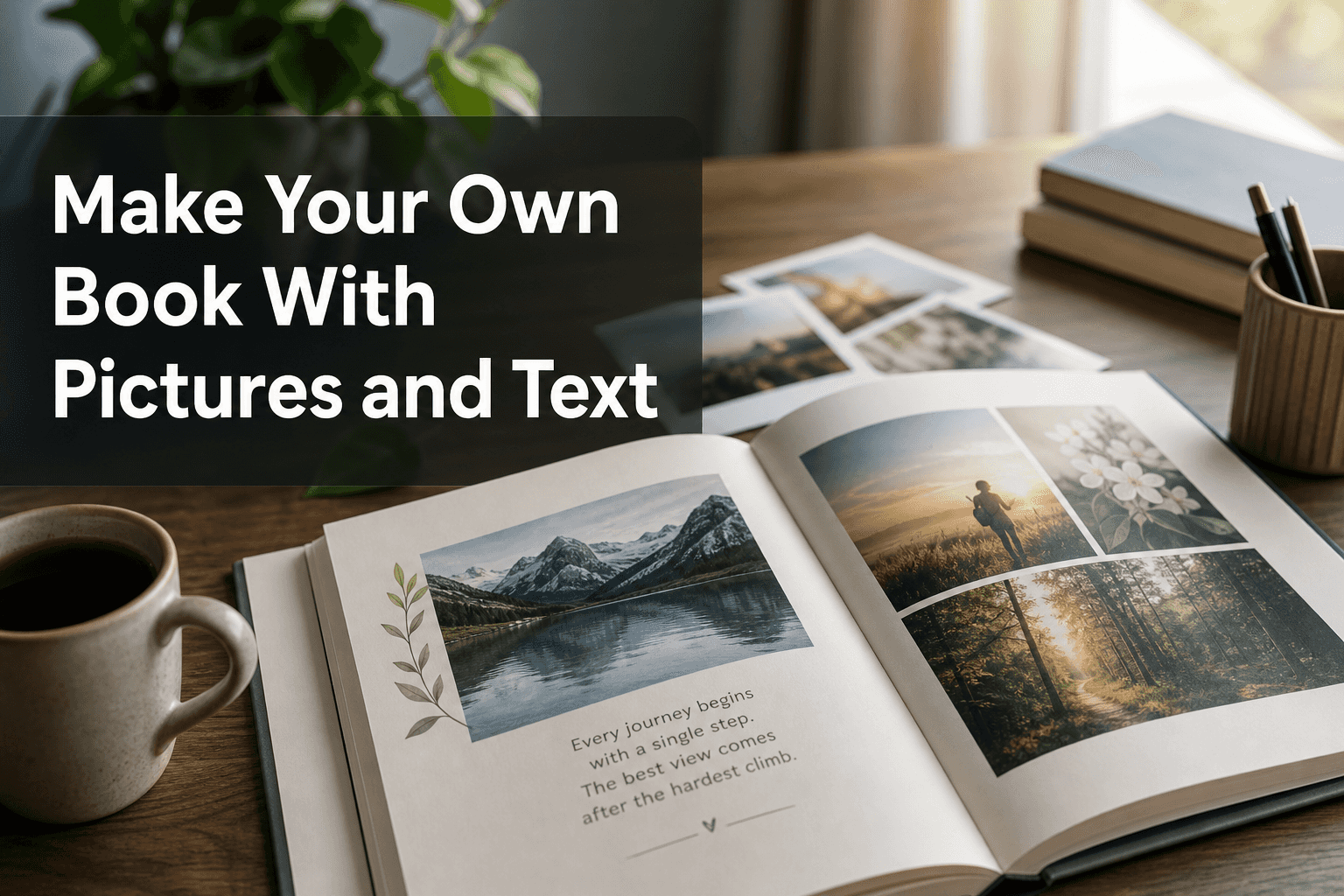
If you want to make your own book with pictures and text, you’re usually trying to solve two problems at once: how to preserve meaningful memories, and how to do it without spending hours on design. That’s exactly why personalized photo books have become so popular with families, couples, parents, travelers, students, and gift buyers. They turn scattered phone photos, screenshots, and saved moments into one polished story you can actually hold.
The good news: you no longer need design experience, desktop software, or an app to create something beautiful. With Photo9, you can make a book with pictures and text online in minutes using AI-generated layouts, smart design suggestions, simple text editing, and a 3D preview before ordering. That means less dragging and resizing, and more time focusing on the moments that matter.
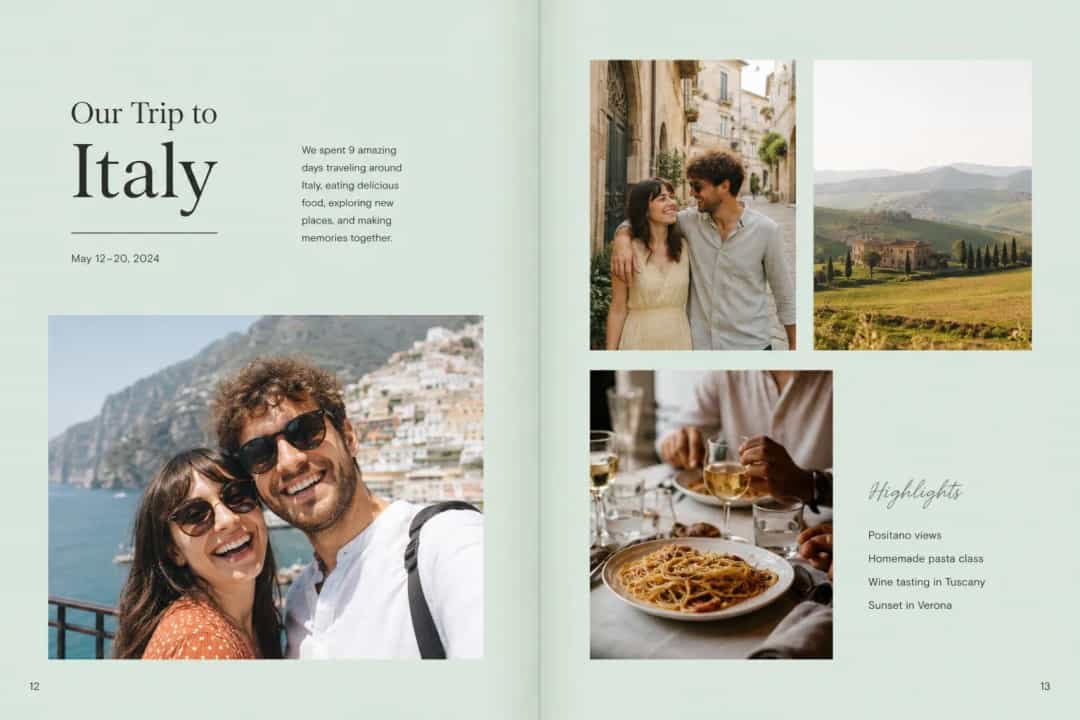
Why people want books with both pictures and text
Photos capture what happened. Text captures what it meant.
That’s the difference between a simple photo album and a story-driven keepsake. A caption can explain the joke behind a blurry picture. A short paragraph can record the feeling of a wedding morning, a baby’s first trip, or a family reunion. Even a date, place, or one-line memory can make your book feel more personal years later.
This is why so many people now want to create your own book with photos and text instead of just printing images in order. A well-made book gives context to the memories and makes them easier to revisit, share, and gift.
"65% of consumers favor physical photo albums for long-term memory preservation, even as they primarily capture photos on their phones." - Source
What top-ranking competitors get right, and what they miss
After reviewing leading pages from major photo-book brands, a few patterns stand out.
Common strengths in competitor content
Most high-ranking articles do a good job covering what current searchers expect from a custom photo book page: easy online creation, personalization, layouts and templates, and direct purchase intent. They also usually explain:
Photo book formats like hardcover, softcover, and layflat
Basic use cases such as weddings, travel, babies, and gifts
The value of captions, titles, and short stories
Easy steps for building a book online or in an app
FAQs about page counts, paper, and delivery
The content gaps most of them leave open
Where many competitors fall short is in the practical middle ground between inspiration and execution. They often gloss over:
How to decide what text belongs where
How to avoid overloading pages with both photos and writing
How AI can speed up the design process without making the result generic
How to build a story arc, not just a sequence of pages
How beginners can make a book look professionally designed
How sustainability, local printing, and recyclable packaging factor into purchase decisions
How cross-device access helps busy users finish projects faster
That gives us a better opportunity to make this guide more useful, more actionable, and more realistic for first-time creators.
What makes a great photo book with text?
A great book with photos and writing is not the one with the most pages. It’s the one that feels easy to open, easy to follow, and emotionally complete.
The best books balance three things
Element | What it does | Best practice |
|---|---|---|
Photos | Show the memory visually | Use clear, emotionally important images |
Text | Adds meaning and context | Keep most captions short and specific |
Layout | Makes the book feel polished | Leave breathing room and avoid clutter |
The secret is not writing more
The most effective books use text selectively. You don’t need a paragraph on every page. In fact, that can make the book feel heavy. Instead, mix short and long forms:
Cover title
Section openers
One-line captions
Dates and locations
Quotes or messages
A few longer paragraphs for key moments
If you want extra inspiration before you start, explore these personalized photo book ideas to see how different themes and storytelling styles can work.
How to make your own book with pictures and text step by step
1. Choose the story first
Before you upload anything, decide what your book is really about.
Not “summer photos.” Try:
Our First Year as Parents
Italy in 7 Days
Emma Turns 30
The Year We Moved House
Grandad’s Garden Through the Seasons
A clear story makes every later decision easier: which photos to keep, what text to add, and what design style fits.
2. Gather more than just photos
The best books often include:
Photos from your camera roll
Screenshots of messages
Scanned drawings or tickets
Notes from your phone
Dates and place names
Family sayings or inside jokes
These small extras make the story feel complete.
3. Sort your photos loosely
You do not need to organize every image perfectly. A smart platform should help. With Photo9, AI-generated layouts can group and place your images in seconds, helping you skip the most time-consuming part.
A useful way to sort is:
Must include
Nice to include
Only if there’s room
4. Start with an AI layout
This is where modern creation tools make a real difference. Instead of starting from a blank page, Photo9 can suggest smart layouts based on your images so you get a strong first draft immediately. That’s ideal for busy users who want speed without sacrificing quality.
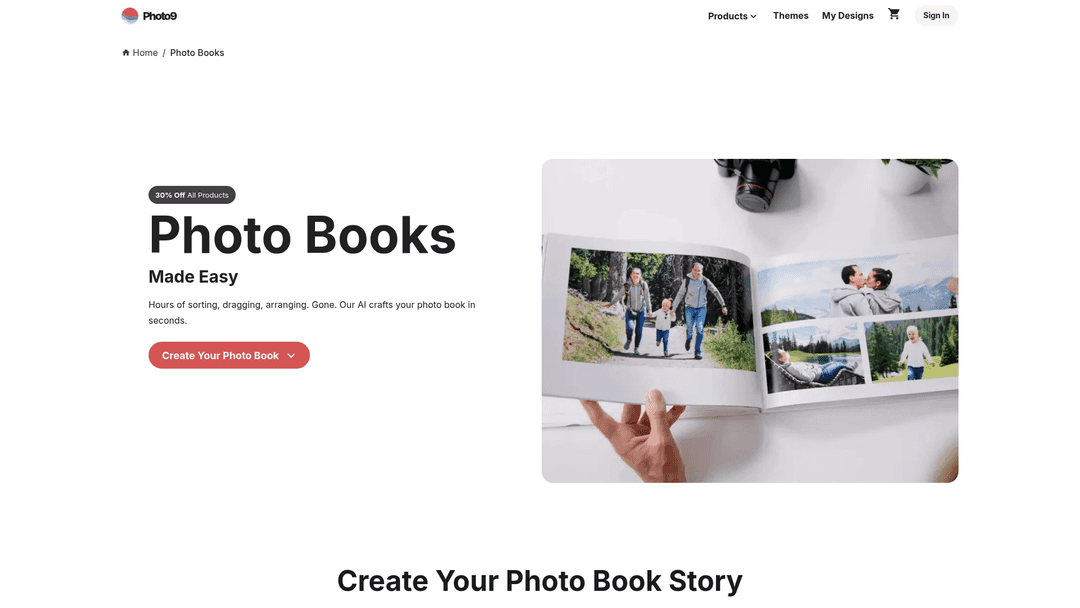
If your goal is to start quickly, the easiest place is the Photo9 photo books page, where you can begin online without downloading anything.
5. Add text in layers
A simple structure works best:
Cover: title only
Opening page: short introduction or dedication
Section pages: date, place, or event title
Image pages: one-line captions or no text
Highlight pages: longer story paragraphs
Closing page: final note, quote, or message
6. Customize the look
Once your pages are built, refine the design:
Adjust image size and crop
Add background colors
Change text placement
Keep fonts consistent
Use the 3D preview to catch awkward spacing
7. Review like a reader
Before ordering, flip through the book as if you’ve never seen it before. Ask:
Does the story flow?
Is any page too crowded?
Is the most important moment easy to spot?
Does the text add value, not repetition?
Best beginner-friendly ideas for books with pictures and text
The easiest projects are usually the ones where the story is already clear. Here are four of the most popular.
Family album
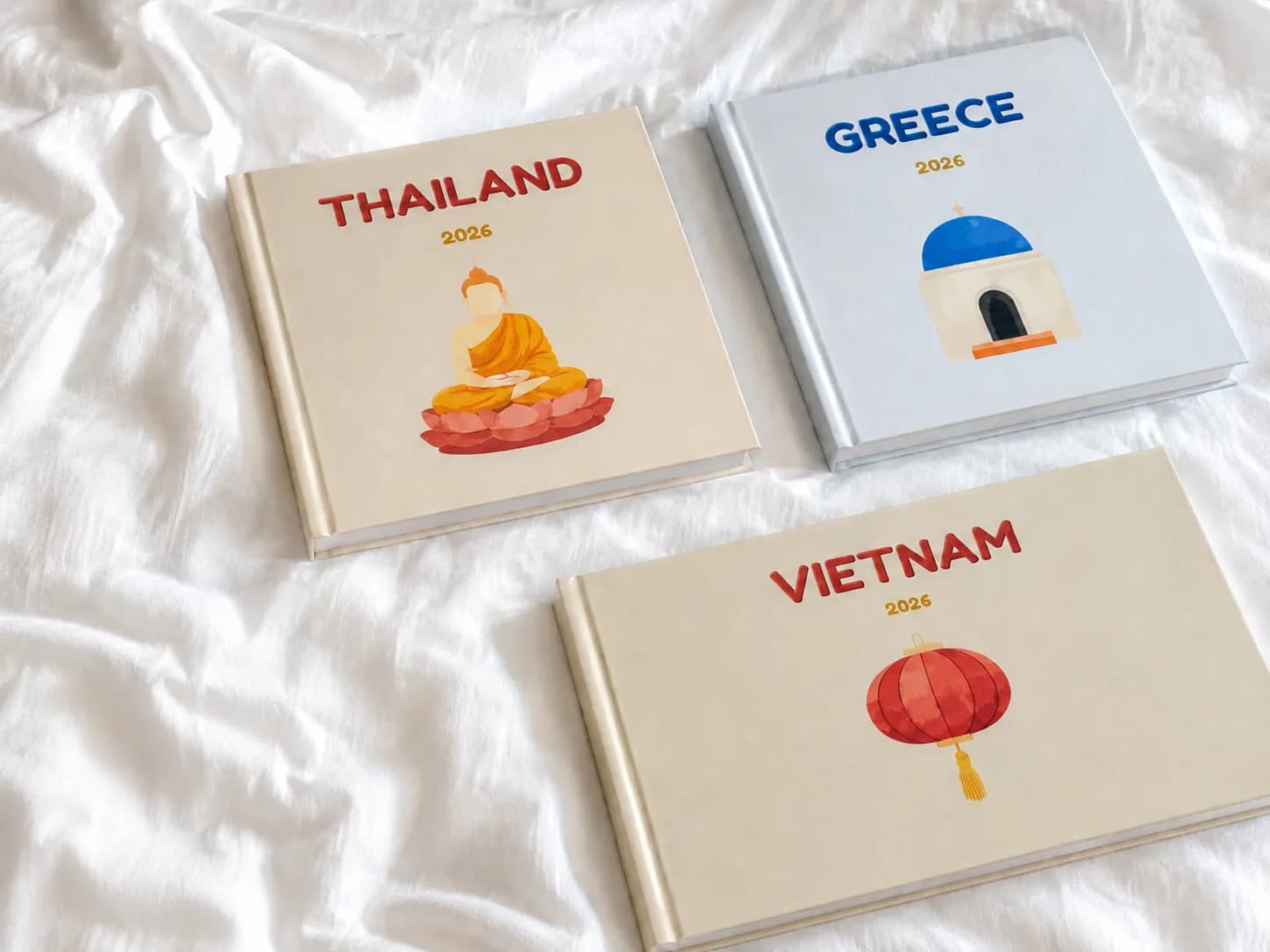
A family photo book works beautifully with short captions, ages, dates, and little memories that would otherwise disappear. Think school years, holidays, Sunday routines, and yearly highlights.
Travel journal
Travel books are ideal for mixing pictures with place names, day-by-day notes, favorite meals, funny moments, and tiny details that don’t show up in photos alone.
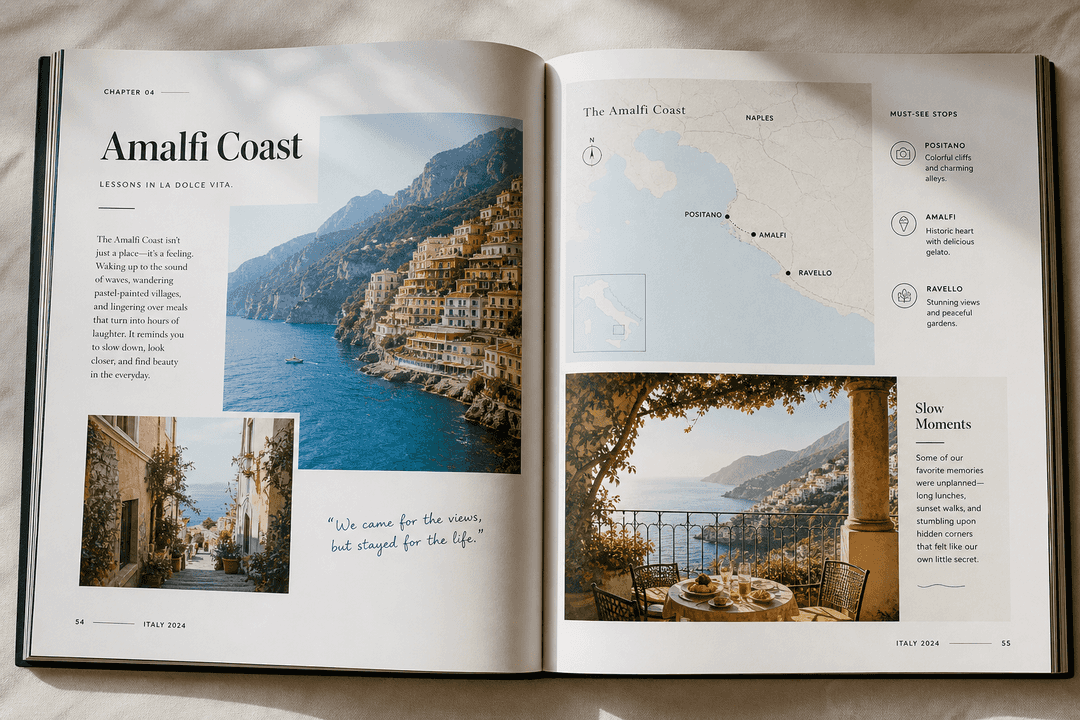
If you’re planning a trip album, this guide to travel photo book storytelling can help you move beyond simple chronological layouts.
Baby book
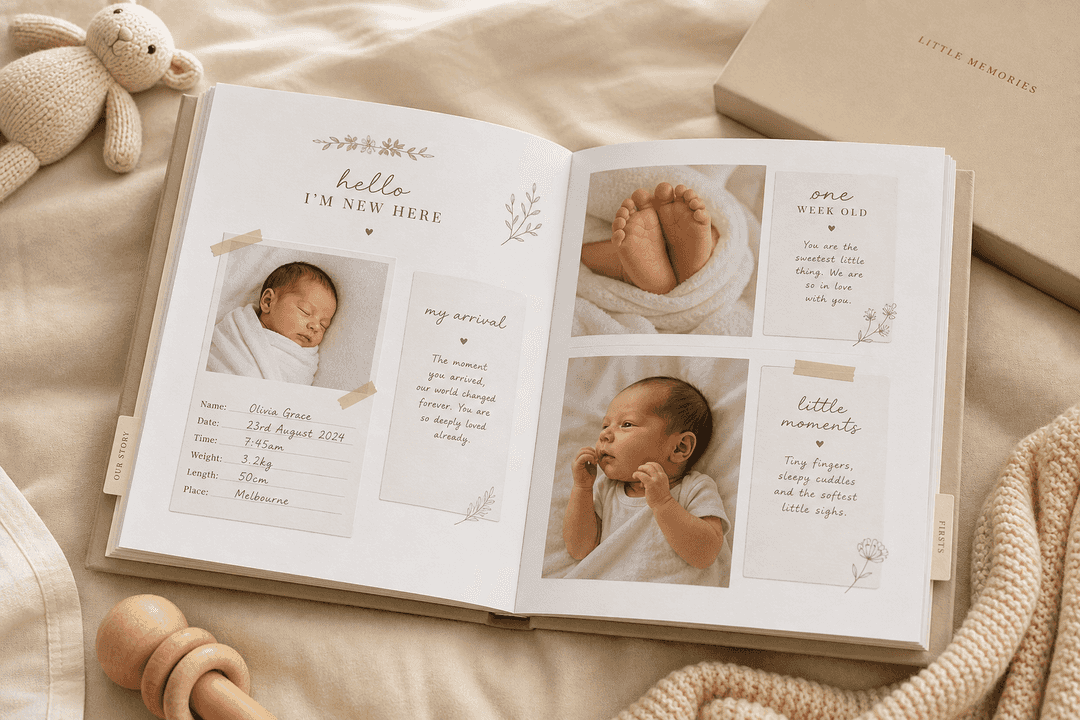
Baby books are perfect for milestone notes, first words, first holidays, growth updates, and letters to your child. The text matters here because many emotional moments are impossible to capture fully in one photo.
Gift book
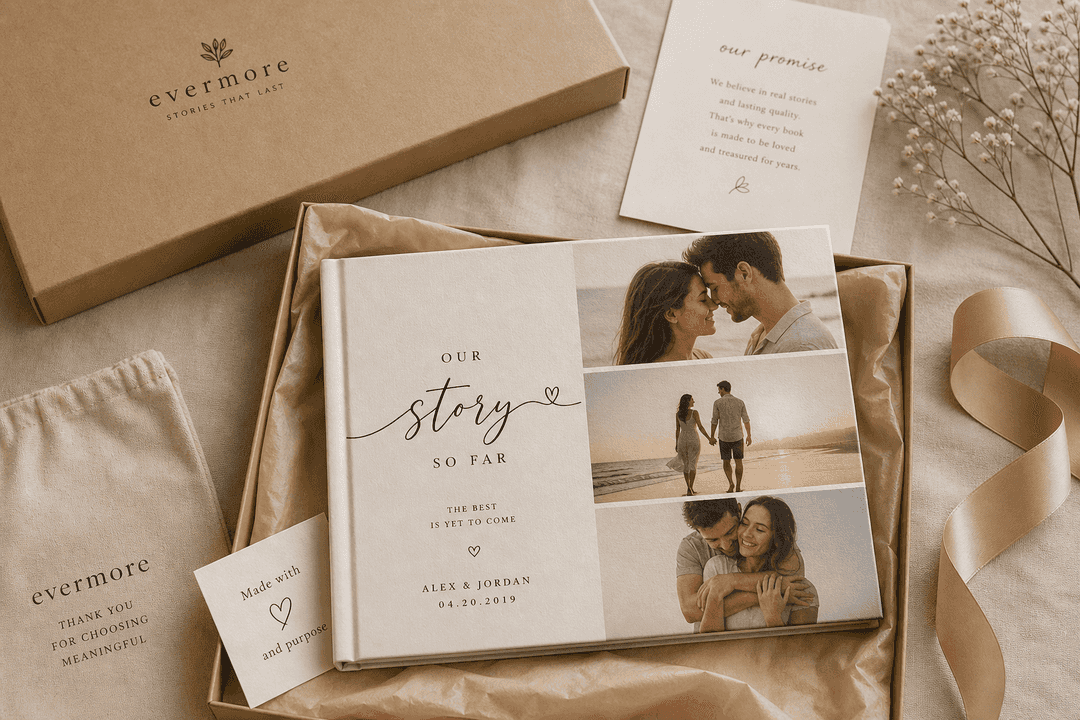
For birthdays, anniversaries, graduations, Valentine’s Day, or Mother’s Day, text is what transforms a photo product into a heartfelt gift. Add letters, shared memories, quotes, or messages from friends and family.
Text ideas you can actually use in your book
Many people know they want text, but freeze when it’s time to write. Start with these easy formats.
Short caption ideas
The first morning in our new home
Grandma’s recipe, finally perfected
Still our favorite beach
He laughed like this all afternoon
The photo that almost didn’t happen
Longer text ideas
A short story behind the moment
A letter to your future self
A note to your child
What changed this year
What you wish you could remember forever
Text types by page
Page type | Best text format |
|---|---|
Cover | Title |
Intro page | Dedication or overview |
Everyday pages | 1-line captions |
Milestone pages | Short paragraph |
Closing page | Reflection or quote |
7 mistakes to avoid when making a book with pictures and text
1. Writing what the photo already shows
If a picture clearly shows a beach, “At the beach” adds very little. Instead, explain what the image can’t show.
2. Putting text on every page
Too much text makes a photo book feel like a report. Let some pages breathe.
3. Using too many fonts
One or two fonts is usually enough. Too many styles make the book feel messy.
4. Choosing too many similar photos
Five nearly identical shots weaken the page. Pick the strongest one or two.
5. Ignoring pacing
Every spread should not have the same density. Mix detail pages with simpler spreads.
6. Overcrowding the layout
White space is part of the design. It gives both the photos and words more impact.
7. Leaving the story unfinished
A good ending matters. Add a closing note, a final reflection, or a simple “to be continued.”
If you want a deeper breakdown of layout and writing balance, this article on photo books that allow text and the mistakes to avoid is worth reading.
How to choose the right book format
Different stories suit different book types.
Format comparison
Format | Best for | Why it works well with text |
|---|---|---|
Softcover | Quick gifts, travel recaps, everyday projects | Lightweight and approachable |
Hardcover | Family albums, yearbooks, milestone gifts | Feels premium and lasting |
Layflat | Weddings, panoramic travel shots, high-impact visual storytelling | Great for full spreads and elegant presentation |
At Photo9, you can choose between multiple sizes, themes, and product formats depending on whether your project is a casual recap or a once-in-a-lifetime keepsake. The key advantage is that the design process remains simple across all of them: online access, AI support, and easy customization without needing professional skills.
What to look for in a photo book maker
If you’re asking what is the best site to make a photo book, look for an online photo book maker that makes it easy to turn your pictures into a custom photo book without a steep learning curve. The best choice should help you build a personalized album online, add text naturally, and preview the result before you buy.
A good tool should offer
AI-generated layouts in seconds
No app required
Cross-device access
Smart layout suggestions
Fully customizable pages
3D preview
Premium materials
Secure payment
Fast and reliable delivery
Satisfaction guarantee
Sustainable materials and recyclable packaging
That’s where Photo9 stands out. It combines the speed of automation with the control of manual editing, so beginners can get professional-looking results without frustration. You can start on one device, continue on another, preview the final result in 3D, and order with confidence. Local printing where possible also helps reduce delivery distance and emissions.
"66% of consumers expect companies to ensure that the wood and paper products they sell do not contribute to deforestation." - Source
Why AI is changing how people create memory books
For years, making a photo book meant hours of sorting, dragging, cropping, and manually balancing every page. That’s exactly what puts many people off.
AI changes that in three important ways:
It removes the hardest part
Layout is usually the biggest time drain. Smart auto-layout tools build a polished starting point instantly.
It helps non-designers create better results
Balanced spacing, image grouping, and page flow are difficult if you’re starting from scratch. AI gives you a professional base to refine.
It makes creativity easier, not less personal
You still choose the photos, write the text, and shape the story. AI just handles the repetitive production work.
That’s the Photo9 promise in practical terms: your memories, your words, your style, just created much faster.
Final verdict: should you make your own book with pictures and text?
Yes, especially if you want your memories to feel more meaningful than a folder on your phone.
When you make your own book with pictures and text, you preserve not just the visual moment, but the story around it. That makes the final result better for gifting, better for family history, and better for revisiting years later. And thanks to AI-powered tools, you no longer need to choose between speed and quality.
Modern online photo book makers also make it easy to create a personalized album with both photos and text. Photo9 makes the whole process easier: no app, no design experience, no hours of manual arranging. Just upload your photos, let AI generate layouts in seconds, personalize the pages with text and style, preview everything in 3D, and order with confidence. With premium materials, secure checkout, fast delivery, sustainable production choices, and a 100% satisfaction guarantee, it’s built for modern memory-keepers who want beautiful results without the usual effort.
If you’re ready to turn your photos and words into something lasting, start with Photo9 and create a book that actually tells your story.
FAQ
Can I create a custom book with pictures and text?
Yes, you can create a custom book with pictures and text by uploading your photos and adding captions, titles, or longer stories. Photo9 makes it simple to shape a personalized album without needing design skills.
How do I turn photos into a book?
Choose a theme, upload your images, and let a photo book maker arrange them into a starting layout. Then add text, review the pages, and order your printed book when it looks right.
What is the best site to make a photo book?
The best site to make a photo book is one that gives you fast online creation, easy personalization, and strong layout tools without extra complexity. Photo9 is a strong option if you want a custom photo book with AI help, no app, and a smooth checkout.
How much does it cost to make a book out of photos?
The cost depends on size, page count, paper type, and cover style. In general, smaller softcover books are more affordable, while hardcover and layflat personalized albums cost more because of the materials and finish.