
Design a Photo Book Online With Ease
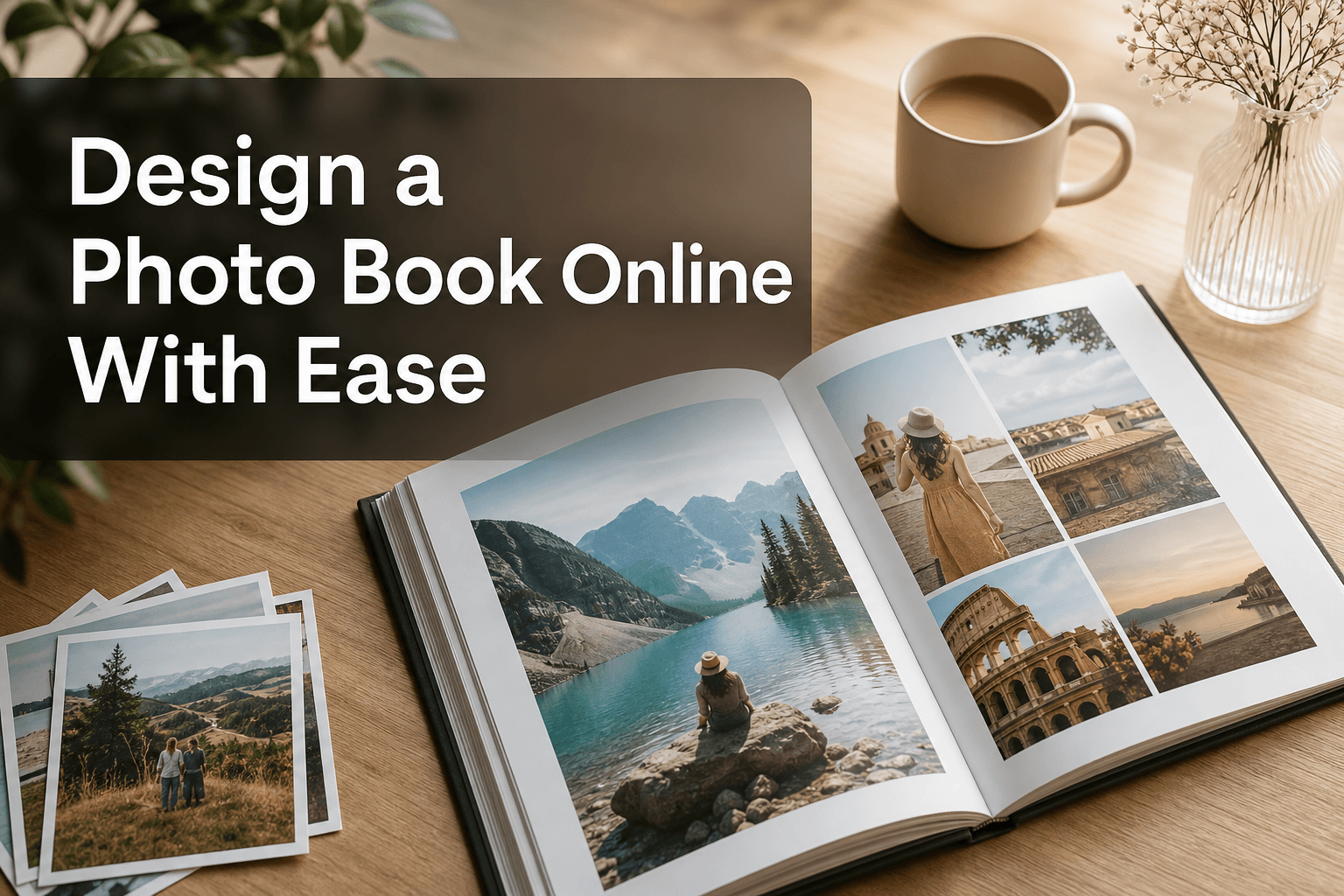
Photo 9
11 min read · May 21, 2026
Design a Photo Book Online With Ease
Designing a photo book online should feel exciting, not overwhelming. If you’ve ever opened a builder, stared at hundreds of photos, and thought “this will take all weekend,” you’re not alone. Most people want the same thing: a beautiful, personalized keepsake they can create quickly, without design skills, app downloads, or hours of rearranging every image by hand.
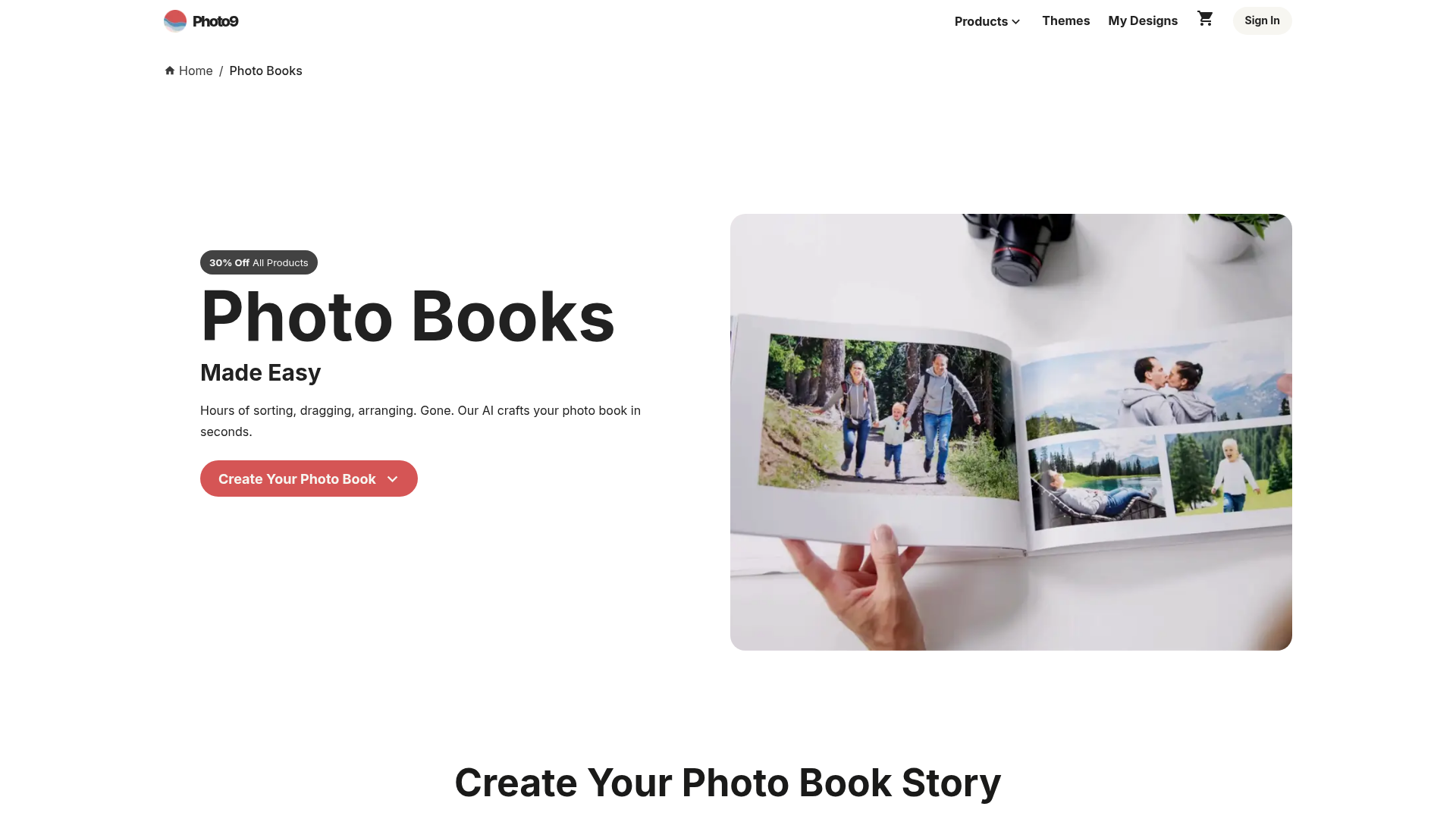
That’s exactly where Photo9 changes the experience. Instead of making you do all the heavy lifting, Photo9 uses AI to generate smart layouts in seconds, helping you design a photo book online with far less effort and far more confidence. Whether you’re preserving family memories, creating a travel album, making a wedding book, or shopping for a meaningful gift, you can start online, customize easily, preview in 3D, and order a premium-quality book with fast, reliable delivery.

Why more people want to design a photo book online
Printed memories still matter deeply, even in a world of cloud storage and camera rolls. A photo book turns scattered digital images into a story you can hold, gift, revisit, and display.
"65% of consumers prefer physical photo albums for long-term memory preservation over digital storage." - Source
Online creation also matches how modern families and gift buyers live today. People want flexibility, speed, and quality without complexity. They want to start on one device, continue on another, and finish when they have time.
That’s why web-based creation matters. With online photo books, you can upload, edit, personalize, and order from almost anywhere, without needing advanced software or design experience.
What top photo book brands get right - and what they still miss
After analyzing leading photo book brands, a few winning themes show up again and again:
Easy online creation
Multiple book sizes and cover formats
Gift-ready quality
Templates for travel, family, weddings, and baby books
Helpful editing tools
Mobile or cross-device access
But there are also clear content gaps in many competitor pages:
1. They talk about ease, but still rely on manual work
Many brands promise simplicity, yet still expect users to sort, drag, resize, and arrange dozens of pages themselves. That’s where people lose momentum.
2. They mention customization, but not smart automation
Users don’t just want templates. They want an intelligent starting point. AI-assisted design is often only lightly mentioned, even though it solves the biggest pain point: getting started.
3. They focus on product specs more than storytelling
Paper type and cover finish matter, but people are really buying a way to preserve emotions, relationships, milestones, and shared experiences.
4. They don’t fully explain how to make a better book
Competitor pages often skim over how to choose photos, sequence memories, balance text, or avoid design mistakes.
5. They underplay trust signals
For many buyers, secure payment, satisfaction guarantees, sustainable materials, local printing, and reliable delivery are deciding factors.
Photo9 is built around those missing pieces. It combines smart AI creation, fully customizable design, premium materials, 3D previews, sustainability-minded production, and an online-first workflow designed for busy real life.
How Photo9 makes it easier to design a photo book
Photo9 is designed for people who want impressive results without spending hours building pages from scratch.
AI-generated layouts in seconds
Upload your photos and Photo9 instantly suggests polished layouts based on the images themselves. Instead of a blank canvas, you begin with a strong first draft.
No app required
You can create directly in your browser. That means no extra download, no setup friction, and no learning curve tied to a separate app.
Professional design without design skills
Photo9 gives you a professional-looking result even if you’ve never designed a page before. Smart layout suggestions, balanced compositions, and intuitive tools do much of the work for you.
Full customization when you want it
You can still fine-tune every detail:
Add text and captions
Change backgrounds
Adjust image placements
Pick themes and formats
Personalize for weddings, birthdays, travel, year-in-review books, and more
3D preview before ordering
Seeing your book in a realistic preview helps you order with confidence. You can catch layout issues, review storytelling flow, and make final edits before checkout.
Cross-device access
Start on your laptop, revisit on your tablet, or finalize from another device. Photo9’s online workflow fits into your day instead of demanding a big block of time.
Simple steps to design a photo book online
The easiest way to approach photo book creation is to break it into a few clear steps.
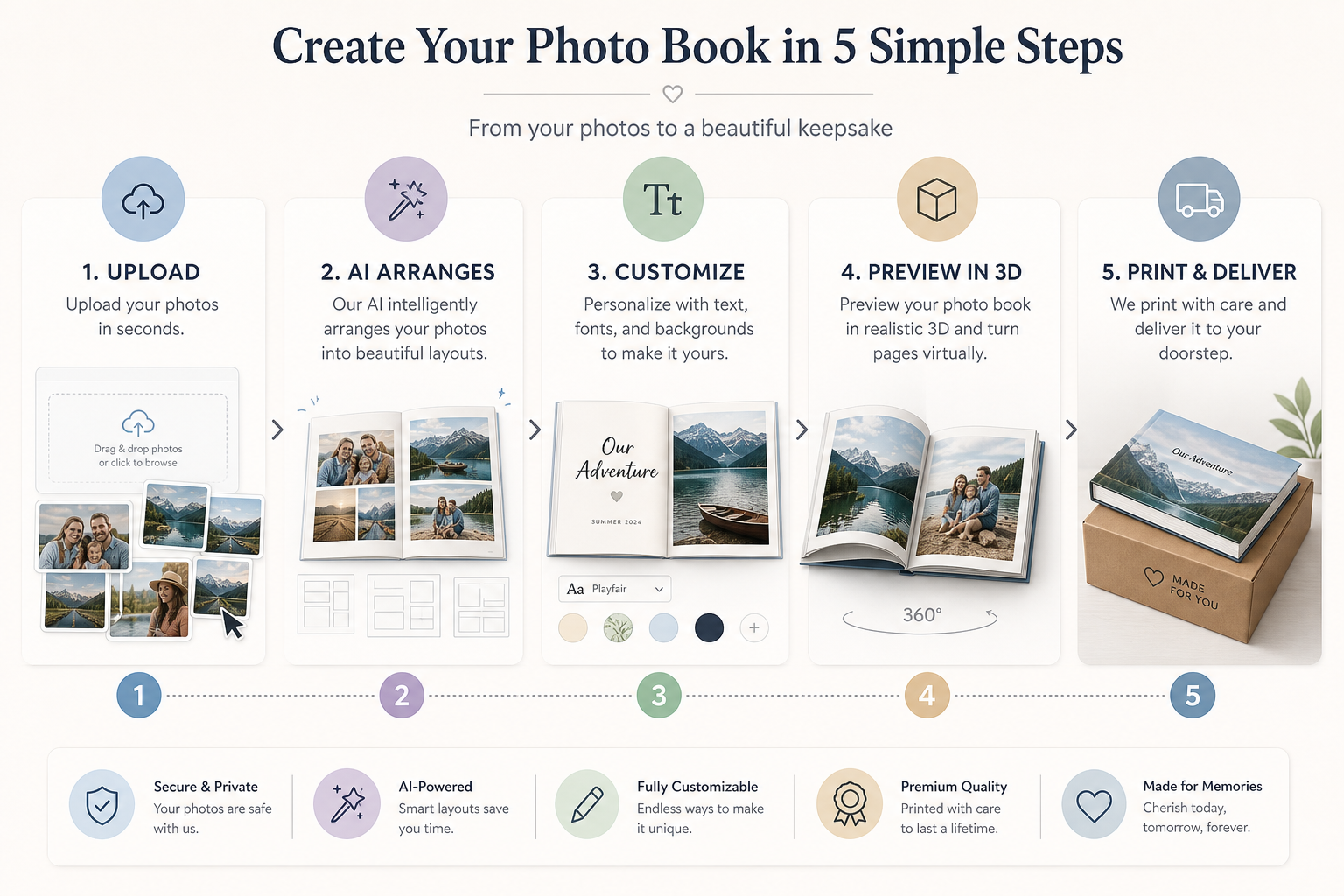
Step 1: Choose your story first
Before uploading everything, decide what your book is about. A focused story always looks better than a random collection.
Popular ideas include:
Family yearbook
Wedding album
New baby book
Birthday memory book
Graduation keepsake
Travel photo book
Anniversary gift
If you need inspiration, browse ideas for a personalized photo book gift before you begin.
Step 2: Select the right photos
You do not need to include every image. Choose photos that move the story forward:
Wide shots for context
Close-ups for emotion
Detail photos for texture and variety
A few candid shots for authenticity
A strong book usually mixes highlight moments with quieter in-between memories.
Step 3: Let AI build the first version
This is the step that saves the most time. Photo9 automatically creates a visual structure, so you don’t start from zero. That removes the hardest part for most users.
Step 4: Add your personal touch
AI gets you started fast, but your edits make it meaningful. Add names, dates, short stories, locations, or quotes. Even a few lines of text can make the book feel much more personal.
Step 5: Preview, refine, and order
Review page flow, check cropping, fix typos, and look for pacing. Once you’re happy, place your order and let Photo9 handle the printing and delivery.
How to choose the best format for your photo book
Not every photo book should look the same. The best format depends on the story you want to tell.
Use case | Best format | Why it works |
|---|---|---|
Everyday memories | Softcover | Lightweight, flexible, affordable |
Gifts and family keepsakes | Hardcover | Durable, premium feel, display-worthy |
Weddings and panoramic travel shots | Layflat-style presentation | Ideal for seamless spreads and impact |
Coffee table display | Large format hardcover | Strong visual presence |
Quick annual recap | Compact book | Easy to create and collect year after year |
If you want a more elevated, gift-ready finish, explore hard cover photo books. For lighter, more casual memory books, softcover can be a smart choice too.
Best occasions to design a photo book
A great photo book is more than a product. It’s a way to preserve moments that matter.
Family yearbooks
These are perfect for collecting birthdays, holidays, school milestones, weekend snapshots, and all the little moments that would otherwise disappear into your camera roll.
Weddings
A wedding deserves more than a folder of edited files. A printed album gives the day permanence, elegance, and emotional weight.
New baby and first-year books
Baby books work especially well because there’s already a natural timeline: first smile, first bath, first holiday, first steps, first birthday.
Travel and adventure
Travel albums shine when they include not just landmarks, but maps, captions, daily highlights, and small moments from the journey.
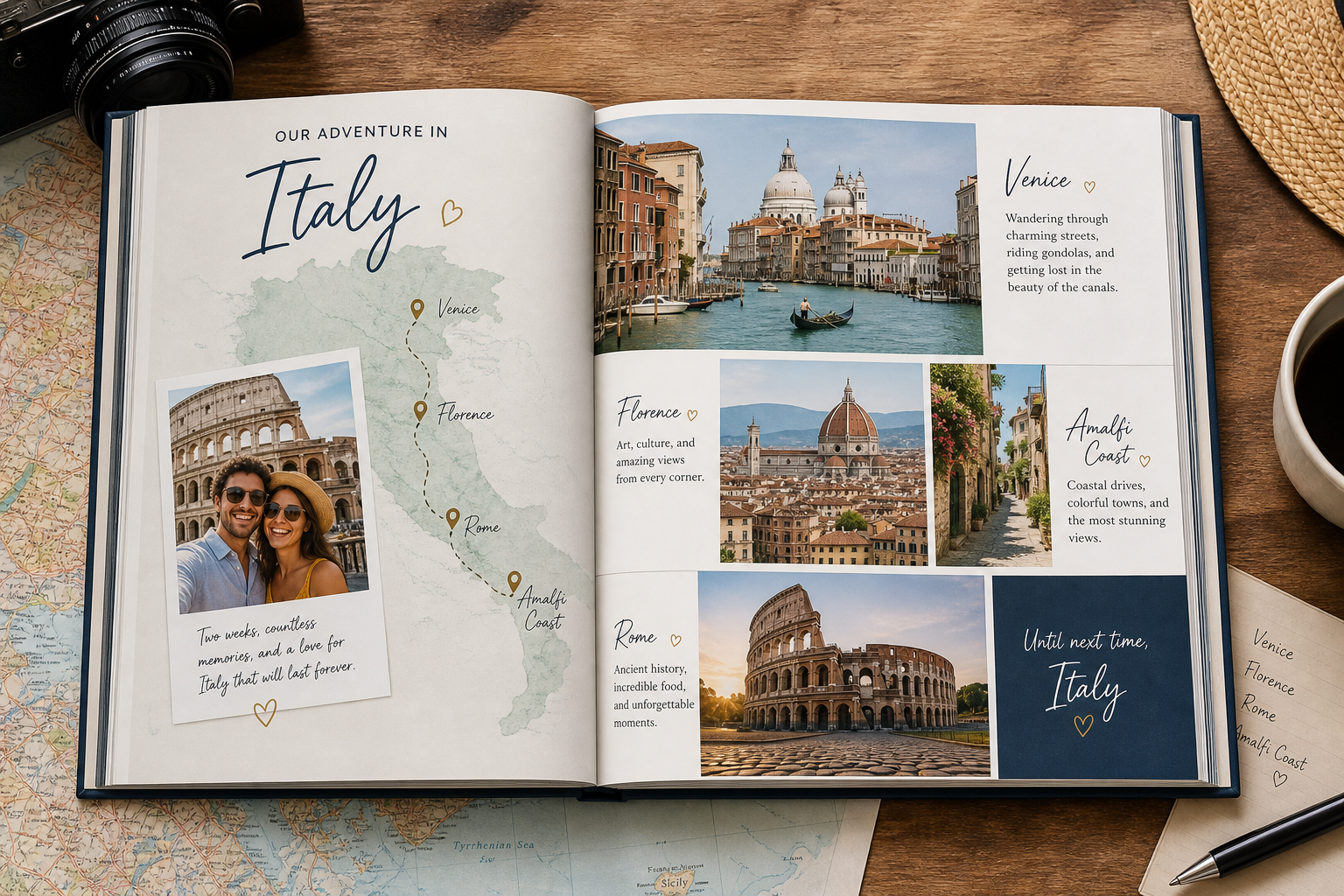
For more ideas on turning trips into keepsakes, see this guide to a travel photo book that tells your story.
Birthdays, anniversaries, and gifts
A personalized photo book often feels more meaningful than a standard gift because it reflects shared history. It shows care, memory, and intention.
"58% of Americans believe a personalized, handwritten note enhances a gift, making it more memorable." - Source
Tips to make your photo book look professionally designed
You don’t need to be a designer, but a few principles make a big difference.
Keep one visual style throughout
Choose a consistent mood:
Clean and minimal
Warm and nostalgic
Elegant and refined
Fun and colorful
Consistency helps the book feel intentional.
Don’t overcrowd every page
White space is not wasted space. Give strong photos room to breathe. A few standout images usually make more impact than cramming in too many.
Mix layouts for rhythm
Use a blend of:
Full-page hero images
Multi-photo collages
Text-led pages
Quiet transition spreads
This creates pacing and keeps the book engaging.
Write short, meaningful captions
You do not need paragraphs on every page. A date, place, or one-line memory is often enough.
Use chronological flow when possible
Chronological books feel easy to follow and emotionally satisfying. They help the story unfold naturally.
Check image quality before printing
Make sure your images are sharp enough, especially for full-page spreads. Photo9’s smart layout suggestions can help match images to suitable placements.
Common mistakes to avoid when you design a photo book online
Even easy tools can lead to weak results if you rush the storytelling.
Using too many similar photos
Five versions of the same pose usually weaken the impact. Pick the strongest one.
Ignoring the cover
The cover sets expectations. Choose an image and title that capture the heart of the story.
Adding too much text
Text should support the photos, not compete with them. Keep it concise and emotionally relevant.
Skipping the review step
Always preview before ordering. Check for:
Cropped faces
Blank spaces
Typos
Inconsistent alignment
Weak photo sequence
Making every page identical
A book with the same layout on every page can feel flat. Use variety to build momentum.
Why quality matters as much as convenience
Speed matters, but the final printed result matters more. If you’re making a keepsake or gift, materials and print quality should never feel like an afterthought.
Photo9 combines convenience with premium production:
High-quality print finishes
Durable formats
Carefully produced books and wall art
Fast, reliable delivery
Secure payment
100% satisfaction guarantee
And quality isn’t only about looks. It’s also about trust.
Sustainable choices matter too
Many shoppers now care about how products are made and shipped, especially for gifts and home décor.
"63% of consumers aim to buy products packaged with renewable materials like paper instead of plastic." - Source
Photo9 supports a more responsible way to print memories with:
Sustainable materials
FSC-certified paper options
Recyclable packaging
Local printing where possible to reduce emissions
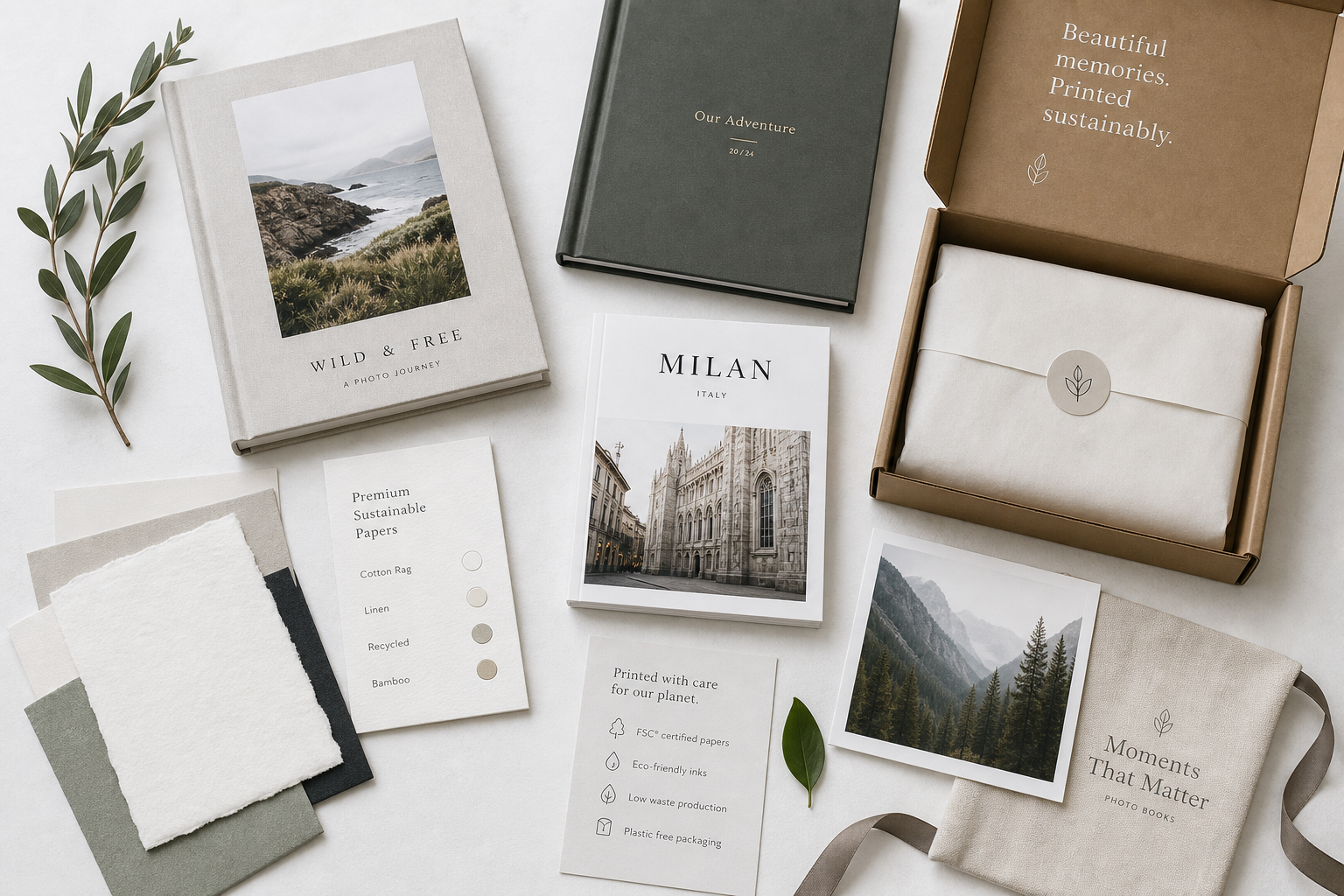
That means your finished book can feel more thoughtful in every sense: personal, premium, and more conscious.
Photo book ideas that go beyond the obvious
If you want your book to feel extra special, think beyond “just upload vacation photos.”
Try a themed concept
Ideas include:
First year as a family
Our favorite weekends
Grandparents memory gift
Baby’s first milestones
Best friends through the years
Love story timeline
A year in review
Add emotional anchors
Include:
Dates
Locations
Song lyrics or quotes
Small anecdotes
Milestone notes
Child sayings or family traditions
Pair it with matching wall art
Some of the best photo moments deserve more than a page. If a single image stands out, turn it into wall art as well. Photo9 also makes it easy to create canvas, forex, or poster pieces from the same memory collection.
Photo9 vs traditional DIY photo book creation
Here’s where the difference becomes obvious.
Feature | Traditional manual builder | Photo9 |
|---|---|---|
Start from blank pages | Usually yes | No, AI creates a strong first draft |
Need design experience | Often helpful | Not required |
Time to first version | Slow | Fast |
App required | Sometimes | No |
Cross-device access | Varies | Yes |
Smart layout suggestions | Limited | Yes |
3D preview | Not always | Yes |
Wall art from same ecosystem | Sometimes | Yes |
Sustainability focus | Varies | Yes |
Satisfaction guarantee | Varies | Yes |
The final verdict: the easiest way to design a photo book online
If your goal is to design a photo book online without stress, the winning formula is simple: let technology handle the repetitive work, and keep your time for the personal touches that matter.
That’s why Photo9 stands out. It helps you move from “I should do something with these photos” to a finished, premium-quality keepsake in minutes, not hours. AI-generated layouts, easy browser-based editing, full customization, 3D preview, secure checkout, sustainable production, and reliable delivery all make it a strong choice for modern memory keeping.
If you’ve been putting off your album because it felt like too much work, this is your sign to start. With Photo9, you can design a photo book that looks professionally made, feels deeply personal, and arrives ready to keep, display, or give.
FAQ
What is the easiest photobook to use?
The easiest option is a platform that gives you a smart starting point instead of making you build every page manually. Photo9 is especially simple because it uses AI-generated layouts, works directly in your browser, and lets you customize only as much as you want.
Which is the best online photo book company?
The best online photo book company combines easy creation, premium print quality, customization, and reliable delivery. Photo9 stands out by offering AI-assisted design, 3D preview, multiple formats, secure payment, and sustainable production in one streamlined experience.
What is the best free app for making photo books?
If convenience matters most, you may not need an app at all. Photo9 offers an easy online photo book creator without requiring an app, so you can start on any device, save your progress, and order when you're ready.