
create a photo book after a trip
Photo 9
13 min read · June 17, 2026
Create a Photo Book After a Trip: The Easiest Way to Turn Holiday Memories Into Something Real
You get home from a great trip with hundreds of photos, a full camera roll, and every intention to “do something with them later.” Then life gets busy. Weeks pass, the memories fade a little, and your best travel moments disappear into folders, cloud storage, or endless scrolling.
If you want to make a photo book after a holiday trip without spending hours sorting, dragging, and designing, there’s a better way. With Photo9, you can turn your pictures into a polished keepsake in minutes. The platform uses AI to generate layouts in seconds, works directly in your browser with no app required, and still gives you full creative control to add text, change backgrounds, refine layouts, and preview everything in 3D before ordering.
A travel book is not just about printing photos. It is about preserving the feeling of the trip: the sunlight on the first morning, the restaurant you found by accident, the train ride, the laughter, the tiny details you will forget first if they stay trapped on your phone.
If you are looking for an easy way to make a photo book after a trip, this guide walks you through exactly how to do it, what to include, how to make it look professional, and why AI-powered creation changes everything.
Why Creating a Photo Book After a Trip Is Worth It
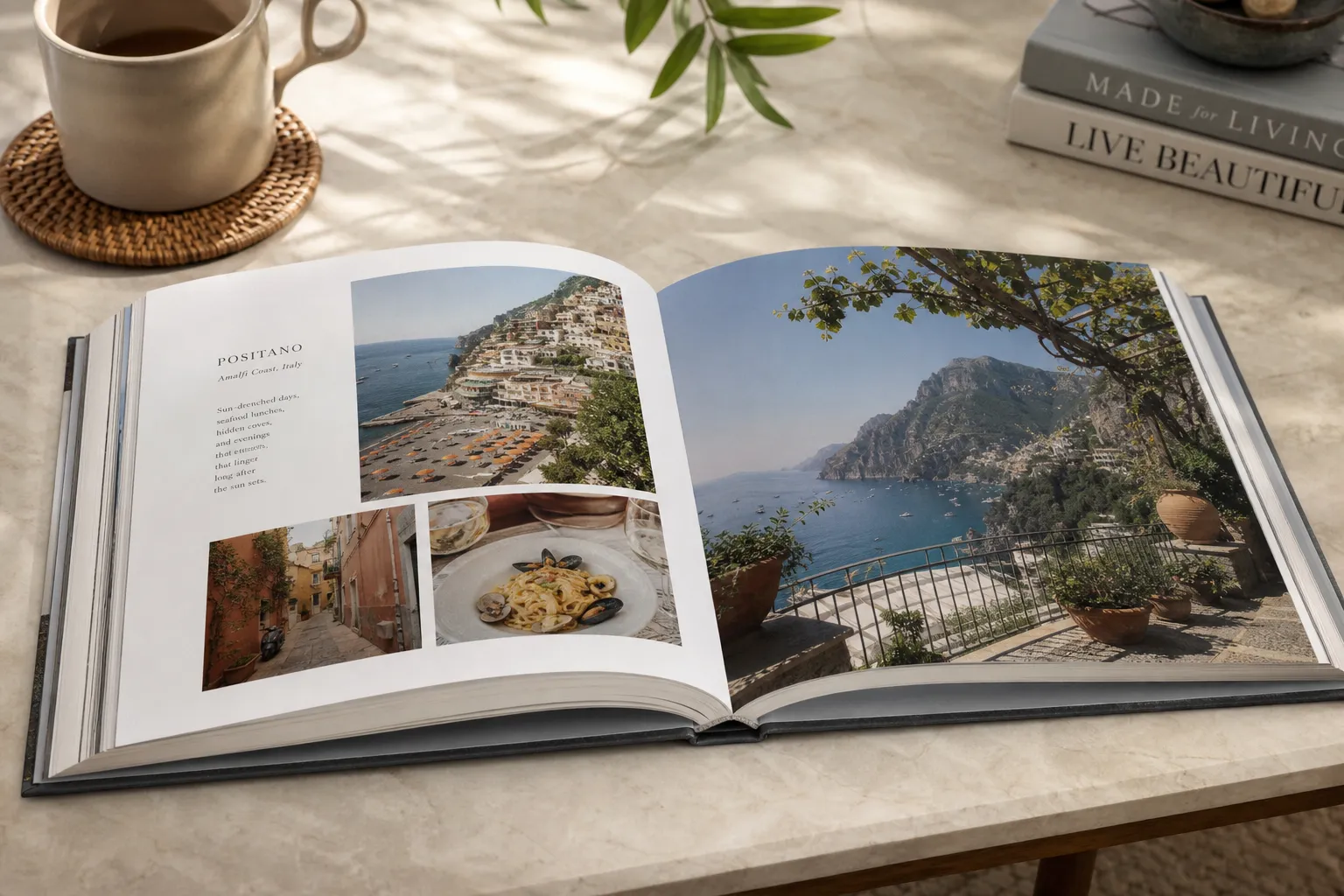
A great holiday moves fast. A printed photo book slows it down again.
Competitor articles consistently focus on three strong ideas: your photos get lost digitally, printed books feel more meaningful, and AI makes the process faster. All true. But many of them stop there. What they often miss is how to turn random travel photos into a story, how to avoid common design mistakes, and how to create something beautiful even if you have zero design experience.
That is where a smarter workflow matters.
"Approximately 70% of photos taken on smartphones are never viewed again." - Digital Camera World
That number explains why so many people mean to create a travel album and never do it. The issue is rarely motivation. It is friction. Too many photos, too many decisions, and too much manual work.
A physical book solves that. It gives your trip a beginning, middle, and end. It becomes something you can share with family, leave on a coffee table, gift to grandparents, or revisit years later.
If you want more ideas before you start, explore this guide to a custom travel photo album for inspiration on themes, pacing, and storytelling.
What the Best Competitor Articles Get Right - and What They Miss
The top-ranking articles around vacation and travel photo books usually agree on a few points:
What competitors cover well | Where they often fall short |
|---|---|
Printed books help preserve memories | They rarely explain how to curate photos effectively |
AI saves time | They often gloss over customization after the AI draft |
Travel albums make great keepsakes | They do not always discuss materials, sustainability, or print quality |
Chronological order works well | They miss deeper storytelling techniques and page flow |
Shared albums are useful | They often skip how to balance group photos, scenery, and details |
At Photo9, the goal is not just speed. It is helping you create a book that looks professionally designed without making the process feel complicated. That means combining AI-generated layouts with simple editing tools, cross-device access, premium print finishes, and smart suggestions that help you move from “I should make a book” to “It’s done.”
The Best Time to Start Your Travel Photo Book
Start sooner than you think.
The best time to make a photo book after a holiday trip is within the first few days after you return. Your memory is fresh, you still remember what happened between the photos, and it is much easier to add meaningful captions.
Even 10 minutes of early momentum can make a big difference:
Favorite your must-keep photos
Delete obvious duplicates
Save screenshots of maps, tickets, or notes you may want to include
Write down a few phrases, jokes, or moments before they blur together
You do not need to fully organize everything first. In fact, one of the biggest advantages of Photo9 is that you do not have to manually arrange every image from scratch. The AI can build a clean first version for you in seconds, then you personalize from there.
How to Create a Photo Book After a Trip in 7 Simple Steps
1. Gather All Your Photos in One Place
Start by pulling together the full story of the trip, not just the obvious highlight shots.
This can include:
Phone photos
Camera images
Photos from your partner or travel friends
Screenshots of bookings or routes
Pictures of menus, signs, tickets, and little details
The strongest travel books feel immersive because they mix big moments with small visual memories.
2. Remove the Noise Before You Design
You do not need 18 versions of the same beach sunset.
Do a quick first pass and remove:
Blurry photos
Near-duplicates
Accidental screenshots
Images with poor lighting that do not add anything
This keeps the story clean and makes the final book feel intentional instead of crowded.
3. Let AI Build the First Draft
This is where the process becomes dramatically easier.
Photo9 can automatically generate layouts in seconds, helping you skip the most time-consuming part of traditional photo book creation. Instead of manually dragging every image into place, you upload your photos and let the system suggest a polished structure.
That gives you:
A fast first draft
Smart layout suggestions based on your images
Better visual balance
Less decision fatigue
A professional-looking starting point even if you have no design background
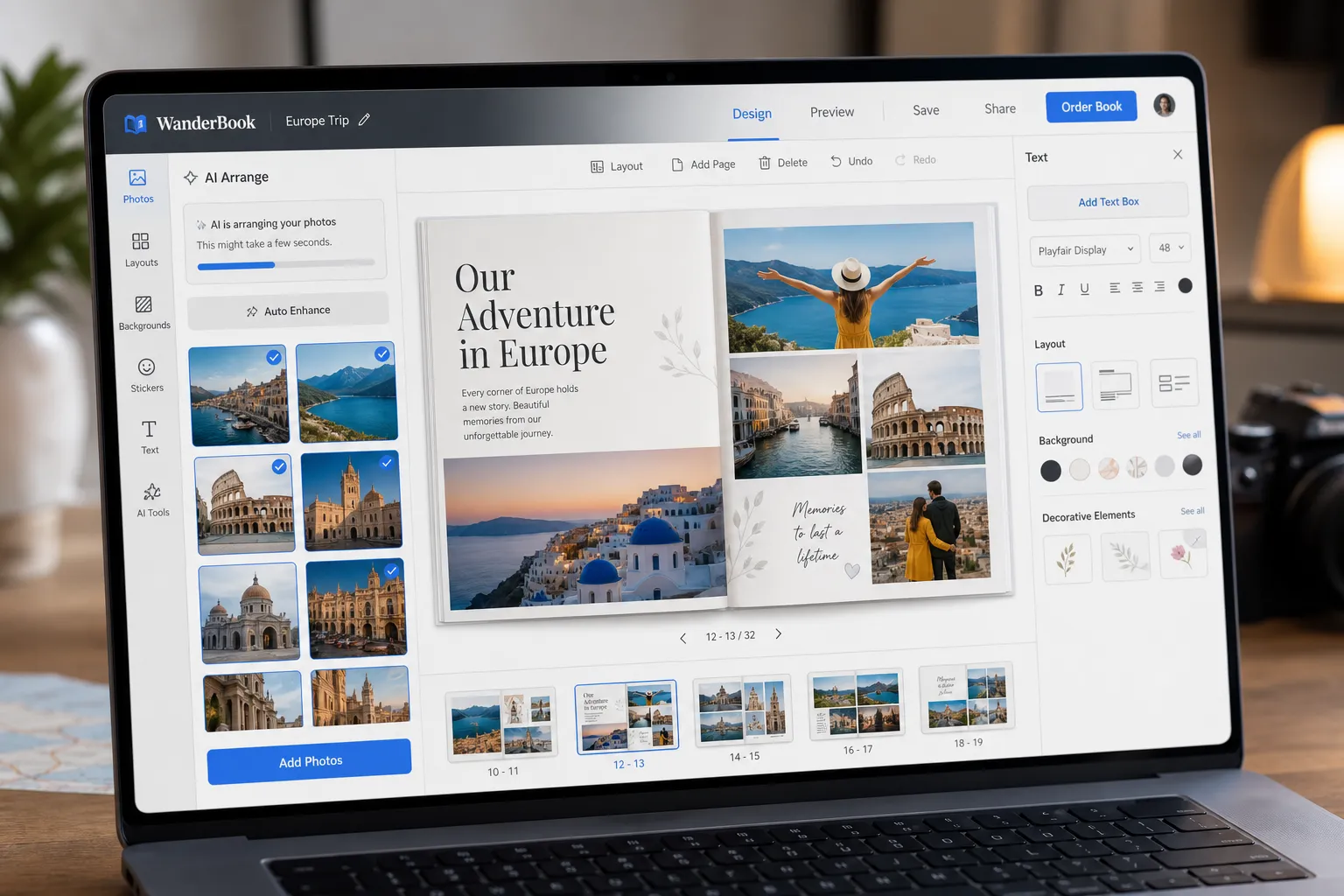
If you want to understand more about how this process works, this article on how to make photo books with AI is a useful next read.
4. Organize the Story, Not Just the Photos
A memorable photo book after a trip should feel like a journey, not a dump of images.
A simple and effective structure is:
Section | What to include |
|---|---|
Before the trip | Travel prep, airport, train station, road departure |
Arrival | First views, hotel, neighborhood, first meal |
Main experiences | Beaches, hikes, city walks, landmarks, family moments |
Small details | Food, textures, tickets, local signs, souvenirs |
Favorite day or highlight | The emotional center of the trip |
Final moments | Last sunset, departure, reflection |
Chronological order works well, but not always perfectly. If one day has too many photos and another has very few, group by theme instead. The point is to create rhythm.
5. Add Text That Makes the Book Feel Personal
This is one of the biggest missed opportunities in travel books.
Photos show what happened. Text helps you remember why it mattered.
Good additions include:
Dates and locations
Short daily captions
Funny travel mishaps
Quotes from your kids or partner
The name of a café, beach, or hidden street you loved
One sentence about how a moment felt
You do not need long paragraphs. In fact, short, specific text often feels more elegant and emotional.
If you want your book to feel richer without becoming cluttered, this guide to a photo book maker with text can help you add words with more intention.
6. Customize the Design to Match the Trip
This is where your travel book becomes truly yours.
With Photo9, you can fine-tune the AI draft by adjusting:
Layouts
Text placement
Backgrounds
Colors
Page pacing
Cover image
Format and finish
A beach holiday may suit airy pages and bright tones. A romantic city break might work better with elegant typography and stronger contrast. A family road trip often looks best with playful captions and varied image sizes.
The key is not to overdesign. Let the photos lead, and use customization to support the mood.
7. Preview, Print, and Enjoy the Result
Before you order, use a 3D preview to catch small issues:
Cropped faces
Misaligned text
Repetitive layouts
Low-impact cover choices
Overcrowded pages
Once everything looks right, order with confidence. Photo9 combines premium print quality, fast and reliable delivery, secure payment, and a 100% satisfaction guarantee. Local printing where possible helps reduce emissions, while FSC-certified materials and recyclable packaging make the final product a more sustainable choice too.
How Many Photos Should You Use?
One of the most common mistakes is trying to fit everything in.
A better rule is to aim for enough photos to tell the story clearly, without overwhelming the pages.
Here is a practical guide:
Book length | Recommended number of photos |
|---|---|
Small trip book | 40–80 photos |
Standard holiday book | 80–150 photos |
Long or multi-stop trip | 150–250 photos |
Quality always matters more than quantity. A well-edited 60-photo book usually feels more premium than a rushed 200-photo book packed with repetition.
What Photos Make a Travel Book Feel Complete?
Many people focus only on the “best” scenic shots. But a strong holiday album needs more variety than that.
Try to include a mix of:
Hero Images
These are your big, beautiful photos: landscapes, city skylines, portraits, and dramatic moments.
Context Photos
Hotel balconies, airport views, street corners, breakfast tables, walking paths.
Detail Shots
Tickets, maps, hands holding gelato, beach shells, market textures, coffee cups.
Human Moments
Candid smiles, sleepy kids, group laughs, quiet in-between moments.
Endings
The final dinner, packed bags, sunset on the last night, the way it felt to leave.
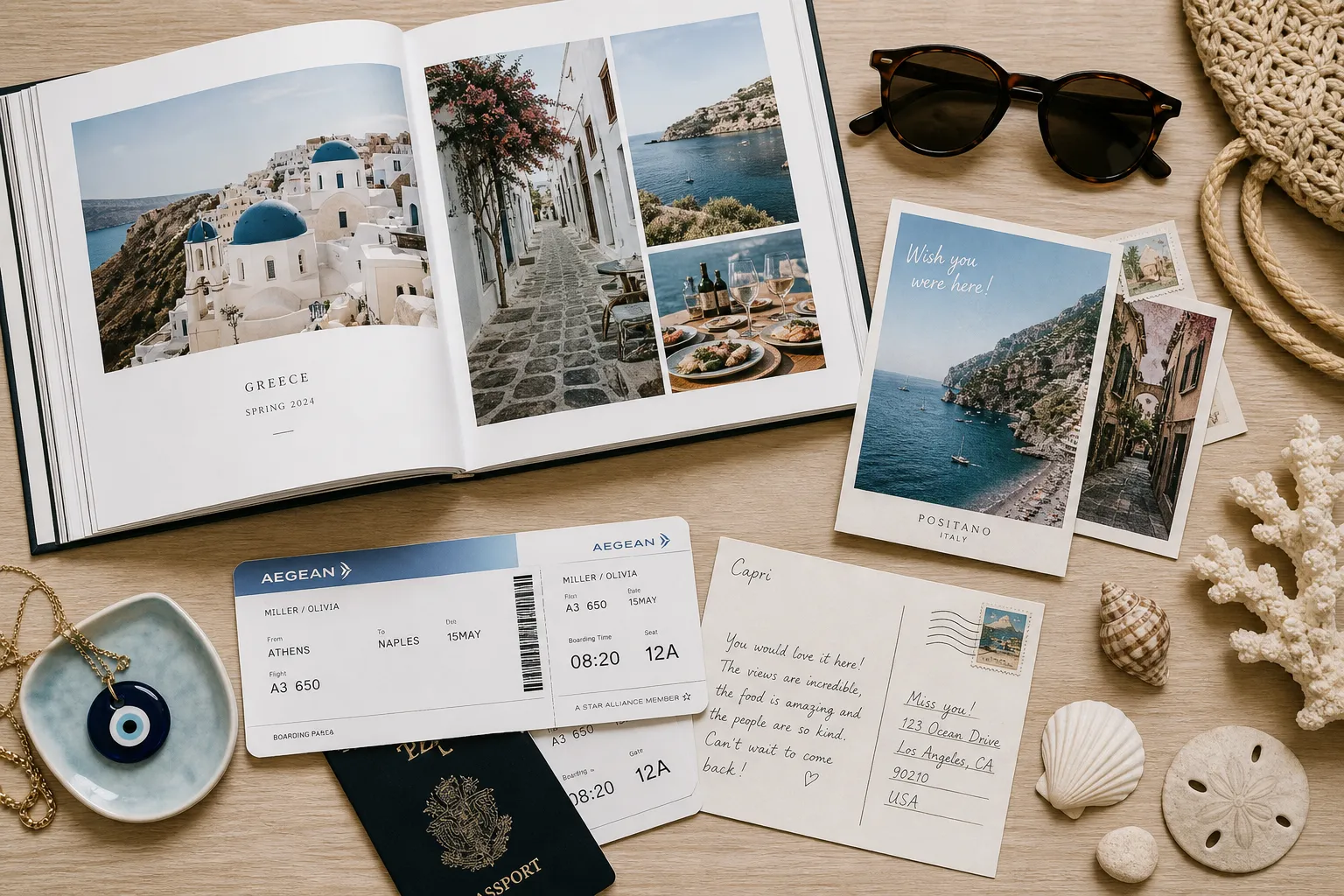
These are the photos that make you feel transported back, not just impressed.
Design Tips That Make Your Photo Book Look More Professional
You do not need a design degree to create something elegant. You just need a few smart principles.
Use White Space Generously
Not every page needs to be full. White space gives strong photos room to breathe and makes the book feel more premium.
Vary the Layout Rhythm
Mix full-page images with collage pages and quiet spreads. That creates movement and keeps the book visually interesting.
Keep Typography Consistent
Use one or two fonts at most. Consistency looks polished. Random font changes usually do not.
Let One Photo Be the Star
Every few pages, choose one image that deserves to stand alone. This adds emotional weight.
Avoid Overcrowding
If a page feels tight, remove something. The book will almost always look better.
Match the Cover to the Story
The best cover is not always the most obvious landmark shot. Sometimes a simpler image with stronger emotion creates a more timeless result.
Hardcover or Softcover? Choosing the Right Format
The right format depends on how you want to use the book.
Format | Best for | Feel |
|---|---|---|
Hardcover | Milestone trips, gifts, coffee table display | Premium, durable, timeless |
Softcover | Short breaks, casual travel journals, lighter projects | Relaxed, flexible, modern |
Photo9 offers multiple product formats and themes so you can match the book to the occasion. A honeymoon, once-in-a-lifetime journey, or family adventure may deserve a hard cover photo book, while a weekend city trip could look great in a slimmer softcover version.
Common Mistakes to Avoid When Making a Travel Photo Book
Competitor articles rarely dig deeply into this, but these mistakes are often what make a finished book feel generic.
Too Many Similar Photos
Editing matters. Repetition weakens impact.
No Story Flow
A random order makes the book feel less emotional.
Not Enough Text
Even a little context helps memories last longer.
Trying to Perfect Everything Manually
This slows the project down and often leads to quitting halfway through.
Ignoring the Small Details
Those are often the most powerful memory triggers.
"Printed photographs serve as powerful memory triggers, aiding in detailed autobiographical recall." - The Economic Times
That is exactly why a printed travel book matters. It turns moments into cues you can actually revisit.
Why Photo9 Is the Easiest Way to Make a Photo Book After a Trip
There are plenty of ways to create a travel album. But most of them fall into one of two camps: either they are fast but generic, or customizable but painfully time-consuming.
Photo9 is built to solve both problems.
What Makes Photo9 Different
AI-generated layouts in seconds
No app needed, fully browser-based
Cross-device access so you can work from phone or desktop
Smart layout suggestions based on your images
Easy text, backgrounds, and design refinements
3D preview before printing
Premium materials and high print quality
Fast, reliable delivery
Secure payment
100% satisfaction guarantee
Local printing where possible for lower emissions
Sustainable materials and recyclable packaging
This means you can create something that looks thoughtful and professionally designed without spending your entire weekend on it.
Beyond the Book: Turn Travel Memories Into Wall Art Too
Sometimes one or two trip photos deserve more than a page.
A panoramic beach scene, a mountain view, a favorite couple portrait, or a beautiful city shot can also become personalized wall art. Photo9 makes it easy to extend your memories beyond the book into canvas, forex, or poster formats, all designed to look cohesive with the rest of your travel story.
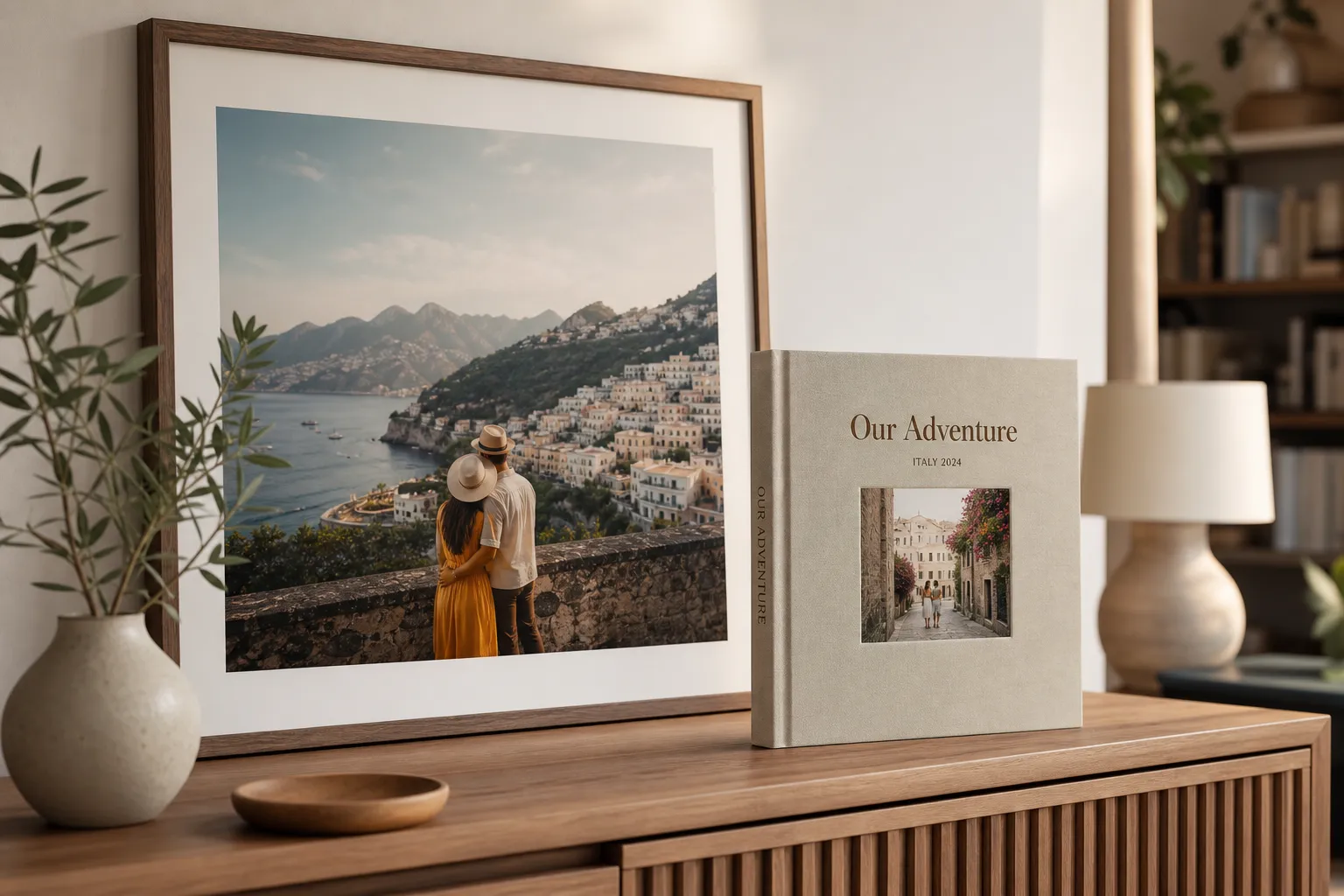
This is especially useful if you want to enjoy your trip in different ways: a book for the full story, and wall art for the one image you never want to stop seeing.
A Simple Formula for a Travel Book You Will Actually Love
If you want the short version, here it is:
Collect all your trip photos
Remove the obvious duplicates
Let AI create the first layout
Organize the pages like a story
Add a little text and personality
Customize the design without overcomplicating it
Preview, print, and keep it somewhere visible
That is the easy way to make a photo book after a trip, and it works whether your holiday was a long-haul adventure, a family beach week, a honeymoon, or a spontaneous weekend away.
Final Thoughts: Don’t Let the Best Moments Stay Buried in Your Camera Roll
The best trips deserve more than digital storage.
A photo book after a trip gives your memories shape, emotion, and permanence. It helps you relive not only what you saw, but what the experience felt like. And with Photo9, the process no longer has to be slow or overwhelming. AI handles the heavy lifting, while you stay in control of the details that make the book personal.
If you have been putting off your travel album because it felt like too much work, this is your sign to do it differently.
Start with your favorite photos, let Photo9 build the first version in seconds, and turn your holiday into something you can hold, share, display, and revisit for years.